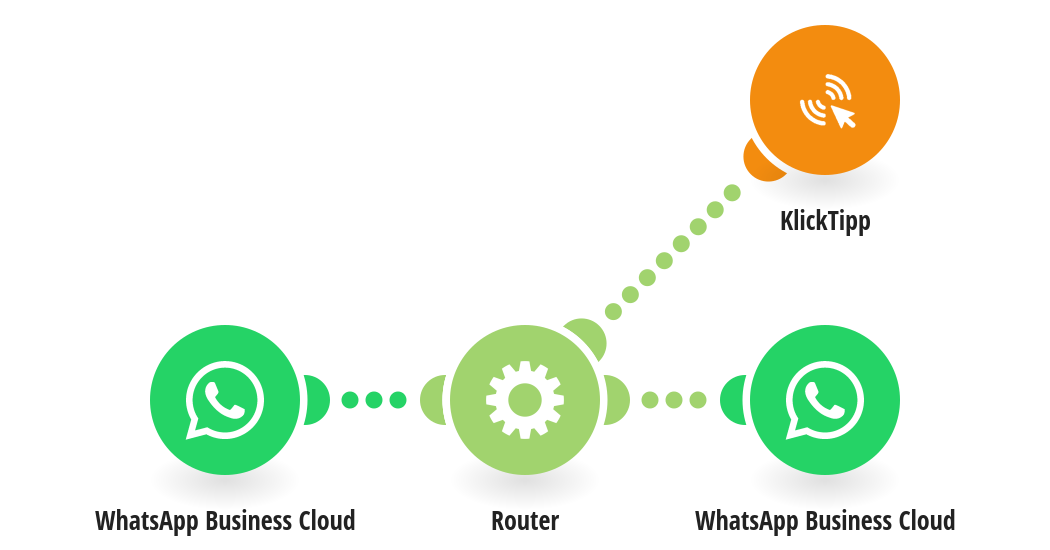
This scenario listens to messages sent to your WhatsApp Business Account and tags the contact in KlickTipp in case of an opt out by messaging "stop". In other cases an auto responder is sent via a message template. This scenario is the base for this automation - it sends out a message Template to which the contacts then might answer → www.make.com/en/integration/13981-klicktipp-outbound-triggers-template-message-via-whatsapp?templatePublicId=13981 Resources: https://www.klicktipp.com/support/knowledge-base/automate-send-whatsapp-templates-with-make/
This is a predefined template that will make the creation of your scenario much easier. Of course, you can always expand and customize the scenario to meet your own individual needs.
 WhatsApp Business Cloud
 Flow Control
 KlickTipp