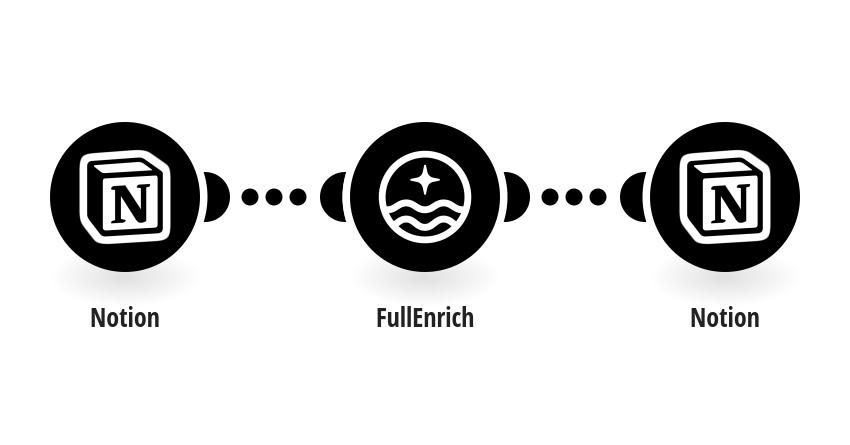
Every time a new item is added to your Notion database, this template automatically sends the contact data to FullEnrich to retrieve a verified work email and phone number, then writes the results back directly into the same Notion page. To set up this template, you will need: - A Notion account with a database containing at least First Name, Last Name, and Company Name fields - Your Notion database ID (find it in the URL of your database: notion.so/DATABASE-ID) - A FullEnrich account and API key (find it in your FullEnrich dashboard under Settings) In Notion, go to your database → Connect to Make to allow the webhook to receive new entries. Tip: Adding Company Domain and LinkedIn URL fields to your Notion database significantly improves FullEnrich match rates.
This is a predefined template that will make the creation of your scenario much easier. Of course, you can always expand and customize the scenario to meet your own individual needs.
 Notion
 FullEnrich