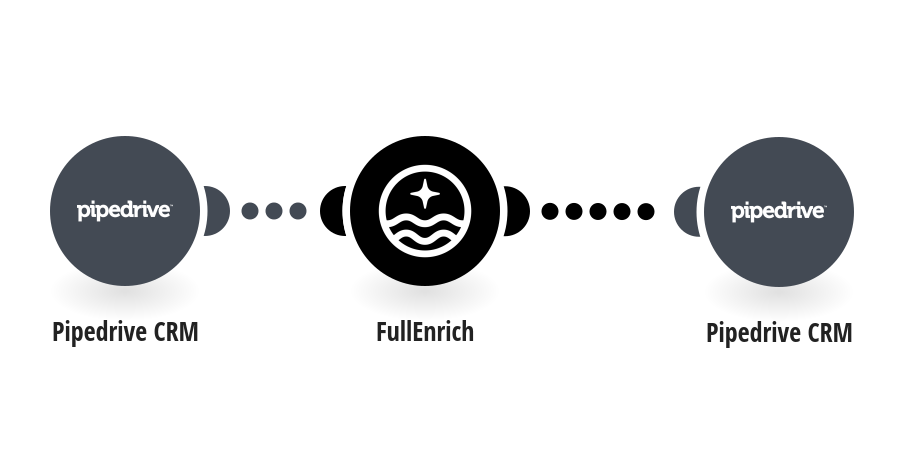
Every time a new person is created in Pipedrive, this template automatically sends their contact data to FullEnrich to retrieve a verified work email and phone number, then writes the results back directly into the Pipedrive person record. To set up this template, you will need: - A Pipedrive account - A FullEnrich account and API key (find it in your FullEnrich dashboard under Settings) Tip: Adding a Company Domain field to your Pipedrive persons significantly improves FullEnrich match rates. You can create a custom field in Pipedrive → Settings → Data fields → Person fields.
This is a predefined template that will make the creation of your scenario much easier. Of course, you can always expand and customize the scenario to meet your own individual needs.
 Pipedrive CRM
 FullEnrich