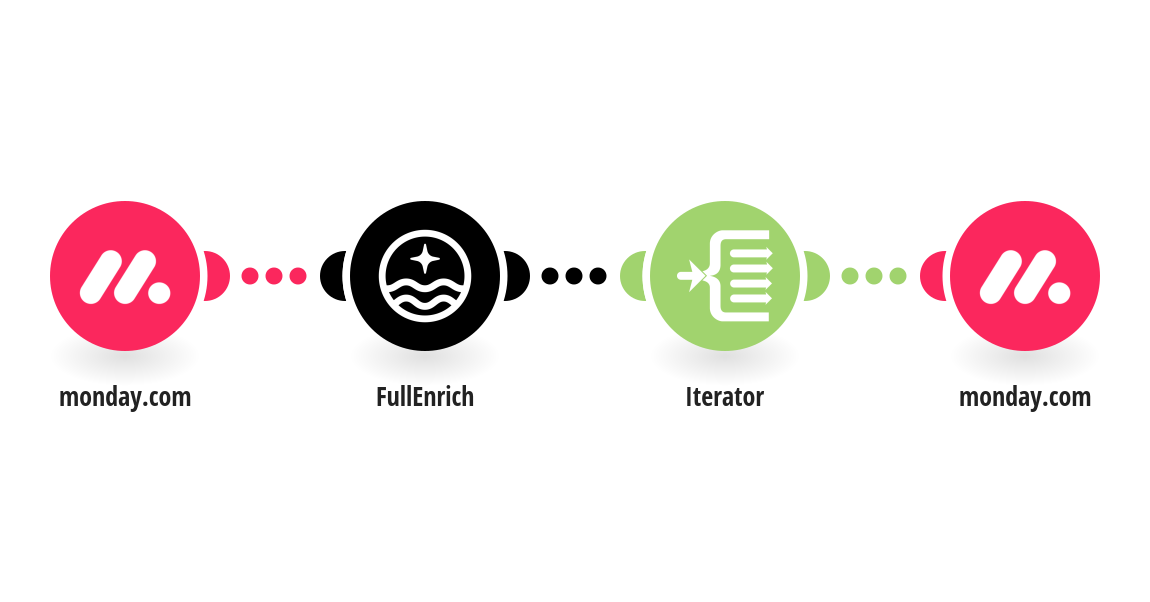
This template turns your Monday.com board into a lead generation engine. Add a row to your "Lead Search Criteria" board with filters like Job Title, Industry, Country, and Headcount Range — and FullEnrich automatically finds matching contacts and pushes them directly into your "Leads Found" board. To set up this template, you will need: - A Monday.com account with two boards: "Lead Search Criteria" and "Leads Found" - A FullEnrich account and API key (find it in your FullEnrich dashboard under Settings) "Lead Search Criteria" board must have these columns: Job Title (Text), Industry (Text), Country (Text), Headcount Range (Text), Limit (Number). "Leads Found" board must have these columns: First Name, Last Name, Job Title, Company, Company Domain, LinkedIn URL, Email, Phone, Location. Tip: The more filters you fill in, the more targeted your leads will be. Start with Job Title + Industry + Country for best results.
This is a predefined template that will make the creation of your scenario much easier. Of course, you can always expand and customize the scenario to meet your own individual needs.
 monday.com
 FullEnrich
 Flow Control