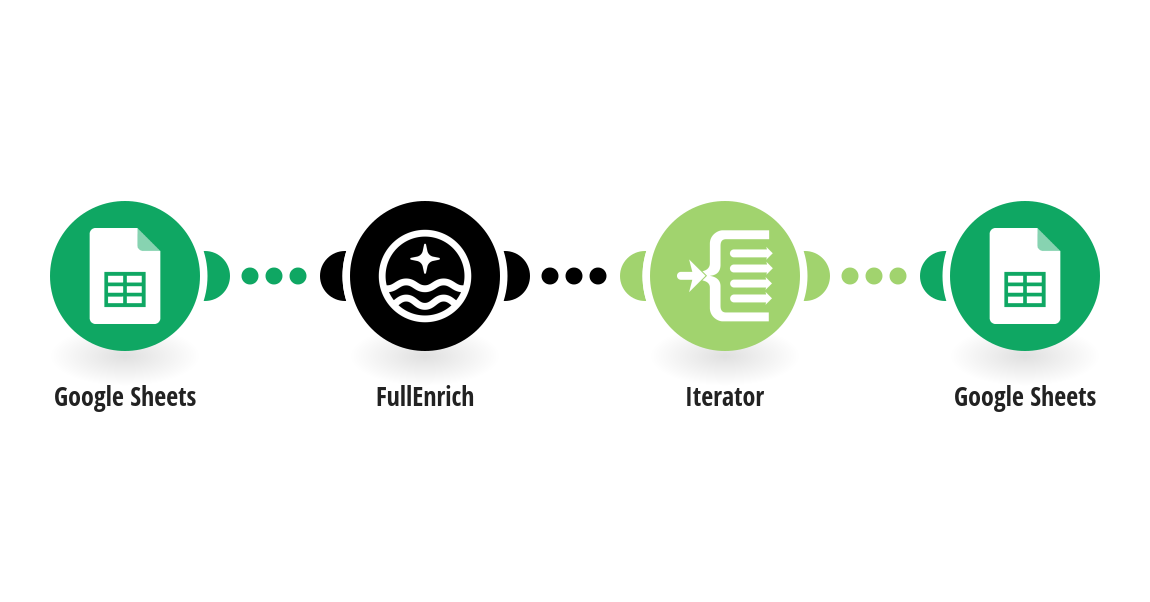
Automatically find leads from Google Sheets using FullEnrich People Search. Add your search criteria (Job Title, Company, Industry, Country, Limit) in the "Search Criteria" tab — the automation instantly searches FullEnrich and writes matching leads (First Name, Last Name, Job Title, Company, Domain, LinkedIn, Location) into your "Leads Found" tab. Requirements: - A Google Sheets account - A FullEnrich account 💡 Tip: Make sure all columns are filled in your "Search Criteria" tab before running the scenario. Empty filters may return no results.
This is a predefined template that will make the creation of your scenario much easier. Of course, you can always expand and customize the scenario to meet your own individual needs.
 Google Sheets
 FullEnrich
 Flow Control