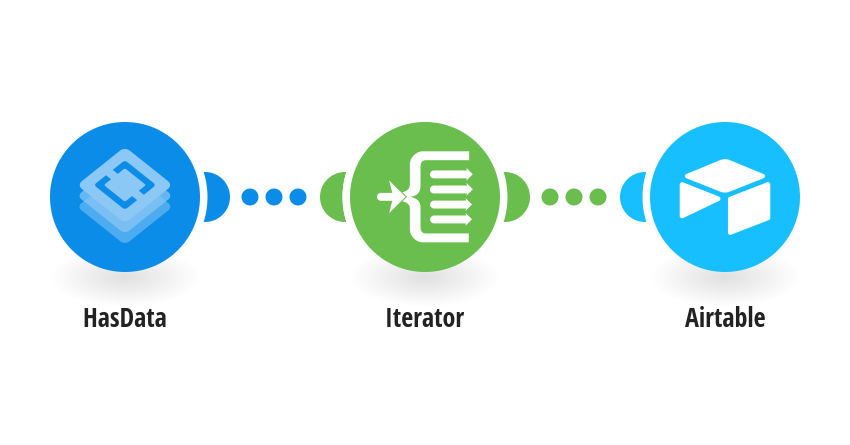
Collect a Zillow search page and create or update up to two distinct listings in Airtable. Bulk Upsert Records matches on Property ID, so repeated listings update their fields without a separate lookup. Create Airtable fields Property ID, Price, Currency, Beds, Baths, Address, ZIP, Broker and Listing URL. Use single line text for Property ID and ZIP, numbers for Price, Beds and Baths, and URL for Listing URL. Property ID must be unique. Connect HasData and enter the search location. Connect Airtable with read and write access to your base. Keep Enter manually and enter your base ID (app...) and table ID (tbl...). Keep Property ID as Fields to Merge on, the supplied column mappings, and both Smart links and Use Column ID set to No. Missing numeric fields clear previous values. This is a current listing table, not price history. Run once before choosing a schedule. Created by [HasData](https://hasdata.com). Contact [email protected] for help.
This is a predefined template that will make the creation of your scenario much easier. Of course, you can always expand and customize the scenario to meet your own individual needs.
 HasData
 Flow Control
 Airtable