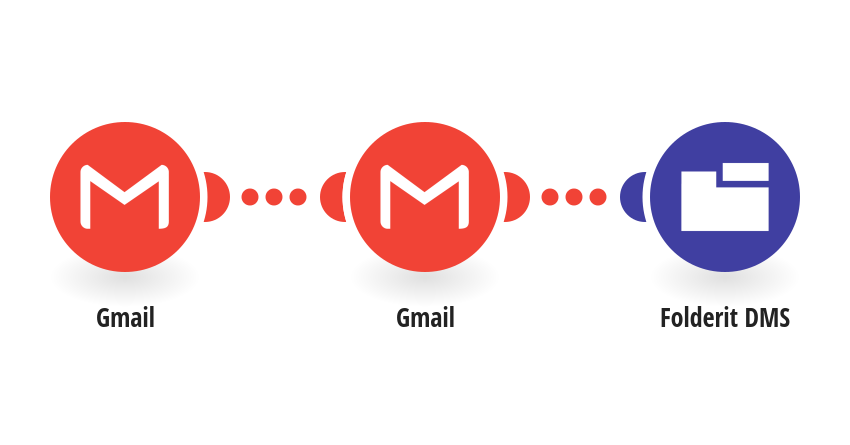
Reduce manual filing by copying attachments from selected Gmail messages into a Folderit DMS folder. Inline media is excluded. Source messages stay in Gmail and are not marked as read by this workflow. Connect a Google account with Gmail enabled, using the same Gmail connection in both Gmail steps. Use a narrow search such as has:attachment label:Folderit, replacing Folderit with your chosen Gmail label, to avoid copying unrelated attachments. Connect Folderit DMS and replace YOUR_FOLDER_UID with the UID of a writable destination folder. The primary Folderit user generates API credentials at https://my.folderit.com/user/api/. Each attachment creates a separate file using its original filename. Files must fit your Make plan and Folderit account limits. Choose From now on at the first run. Send a test message matching your search, click Run once, and verify the files before enabling the schedule. Replays, resetting the starting point, or retries after an ambiguous upload failure can create duplicates. Review Folderit and failed or incomplete executions before retrying. Read the [setup guide](https://www.folderit.com/knowledge-base/connect-folderit-to-make/). Created by Folderit. For questions or feedback, [contact Folderit](https://www.folderit.com/contact/).
This is a predefined template that will make the creation of your scenario much easier. Of course, you can always expand and customize the scenario to meet your own individual needs.
 Gmail
Gmail Folderit DMS