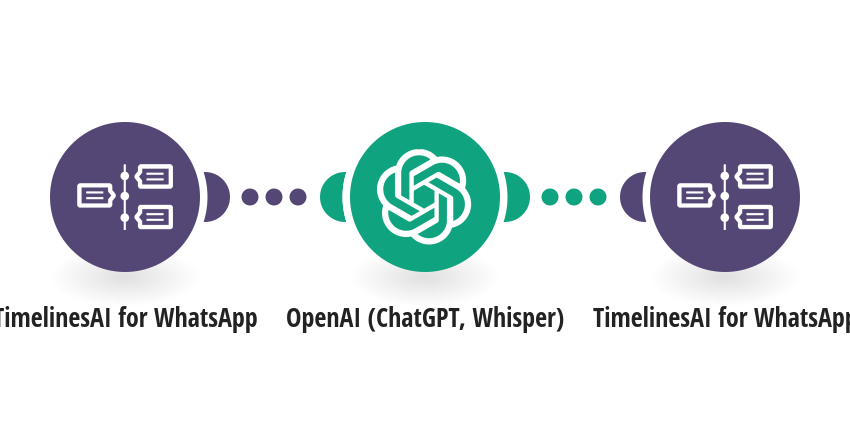
Reply to incoming WhatsApp messages automatically with ChatGPT, using your own instructions and business details. **How it works** Step 1: TimelinesAI watches your connected WhatsApp number for new text messages. Step 2: OpenAI (ChatGPT) writes a reply from the message and your prompt. Step 3: TimelinesAI sends the reply back in the same WhatsApp chat. **What you need** • A TimelinesAI account with a WhatsApp number connected • An OpenAI account with an API key **Before you turn it on** Edit the prompt in the OpenAI step: replace [YOUR BUSINESS NAME] and the "About us" placeholders with your business details, and say when the assistant should hand over to a person. To reply only to first messages or only outside business hours, add a filter before the OpenAI step. [New to TimelinesAI? Connect your WhatsApp number and start your free trial →](https://timelines.ai/whatsapp-make-integration?utm_source=make&utm_medium=template&utm_campaign=chatgpt-auto-reply)
This is a predefined template that will make the creation of your scenario much easier. Of course, you can always expand and customize the scenario to meet your own individual needs.
 TimelinesAI for WhatsApp
 OpenAI (ChatGPT, Whisper)