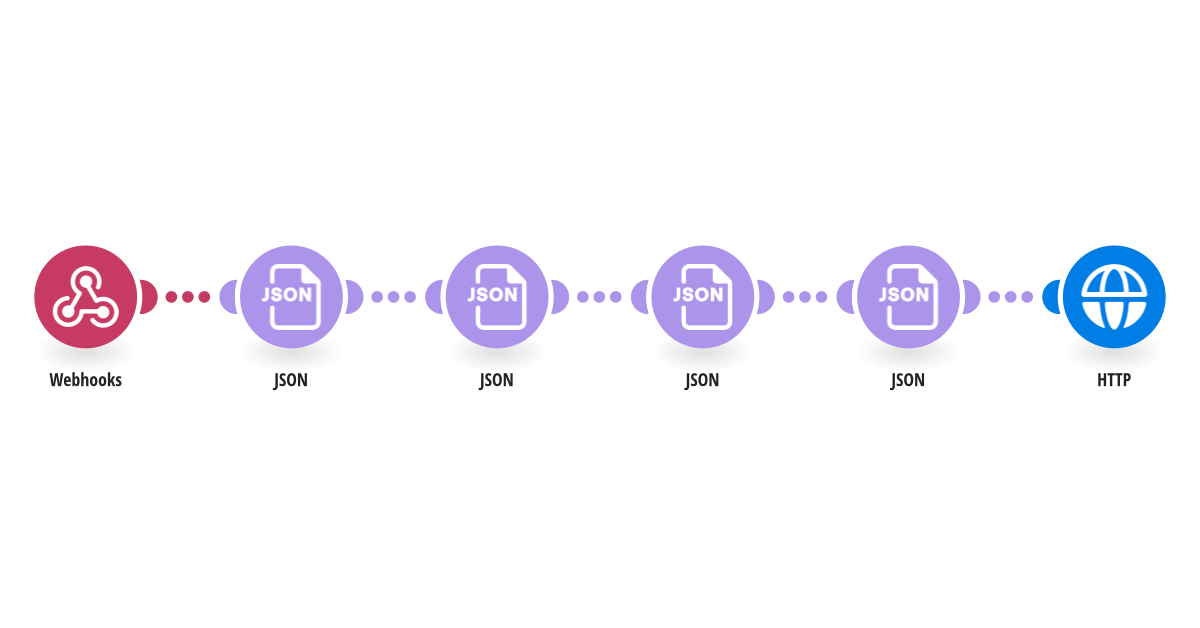
Ask for reviews once customers have had time to use what they bought, without keeping a scenario waiting for two weeks. When your store sends a fulfilled order to the Webhooks module, this template formats the data with JSON and uses the HTTP module to ask Webhook Scheduler to call your review request scenario 14 days later. Pair it with "Cancel a scheduled review request when an order is refunded with Webhook Scheduler" so unhappy customers aren't asked for a review. What you need: - A Webhook Scheduler API key at webhookscheduler.com/dashboard/api-keys. 14 days needs a paid plan; the Free plan schedules up to 7 days ahead, so change addDays(now; 14) to 7 to try it for free. - A second scenario that sends the review request, starting with a Webhooks module. Its webhook URL goes in the HTTP module. - Your store sends orderId, email and productName. Sending the same order twice creates one request, not two. This template was created by Webhook Scheduler. Questions: [email protected] · Setup guide: webhookscheduler.com/guides/make-delayed-webhooks.
This is a predefined template that will make the creation of your scenario much easier. Of course, you can always expand and customize the scenario to meet your own individual needs.
 Webhooks
 JSON
 HTTP