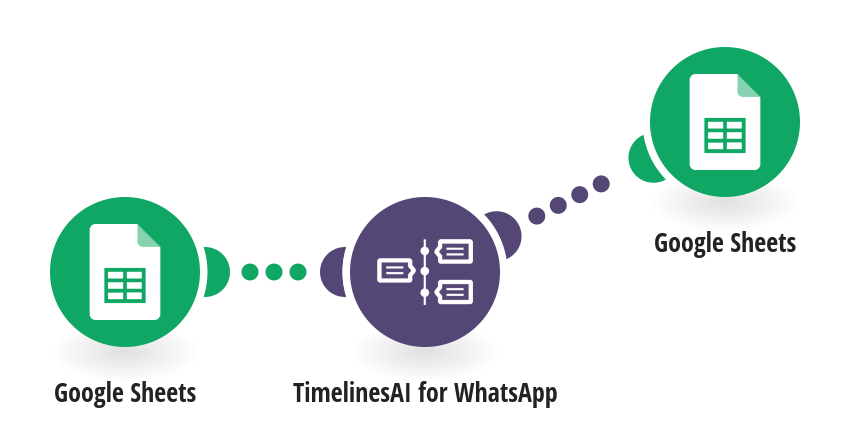
Send a WhatsApp message to every new lead you add to a Google Sheet, so you reach people while they are still interested. **How it works** Step 1: Google Sheets watches your spreadsheet for new rows that have a phone number and have not been messaged yet. Step 2: TimelinesAI sends a WhatsApp message from your number, using the name in the row. Step 3: The row is marked Sent. If a message fails, the row is marked Failed with the reason, and the scenario moves on to the next row. **What you need** • A TimelinesAI account with a WhatsApp number connected • A Google account and a spreadsheet with names in column A and WhatsApp numbers in column B, in international format **Before you turn it on** Replace [YOUR NAME] and [YOUR BUSINESS] in the message text. Leave column D empty: the scenario fills it in. [New to TimelinesAI? Connect your WhatsApp number and start your free trial →](https://timelines.ai/whatsapp-make-integration?utm_source=make&utm_medium=template&utm_campaign=sheets-whatsapp-followup)
This is a predefined template that will make the creation of your scenario much easier. Of course, you can always expand and customize the scenario to meet your own individual needs.
 Google Sheets
 TimelinesAI for WhatsApp