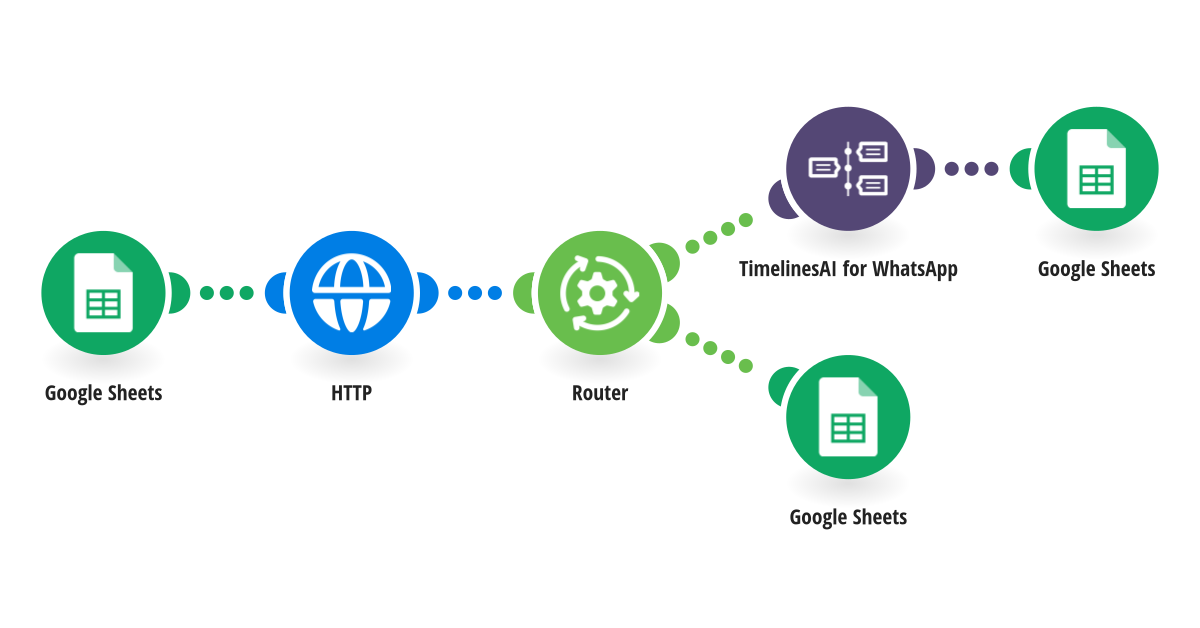
Follow up on WhatsApp when a lead from your Google Sheet has not replied, and mark the ones who did. **How it works** Step 1: Google Sheets reads your leads sheet and picks the rows that were messaged a while ago. Step 2: TimelinesAI checks the chat for a reply. Step 3: If there is no reply yet, TimelinesAI sends a follow-up in the same WhatsApp chat and the row is updated. If the contact replied, the row is marked as replied. **What you need** • A TimelinesAI account with a WhatsApp number connected • A Google account and a sheet with your leads • A TimelinesAI API token for the HTTP step (create it in your TimelinesAI account settings) [New to TimelinesAI? Connect your WhatsApp number and start your free trial →](https://timelines.ai/whatsapp-make-integration?utm_source=make&utm_medium=template&utm_campaign=sheets-follow-up)
This is a predefined template that will make the creation of your scenario much easier. Of course, you can always expand and customize the scenario to meet your own individual needs.
 Google Sheets
 HTTP
 Flow Control
 TimelinesAI for WhatsApp