Send a WhatsApp template message (official API) to new Facebook & Instagram Lead Ads leads (TimelinesAI WABA)
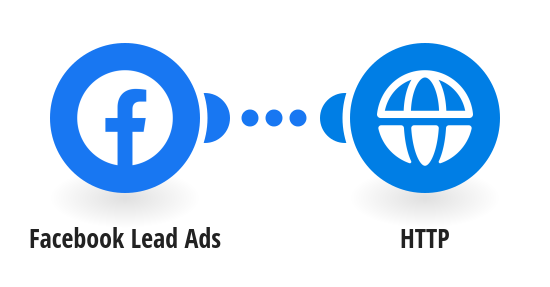
Send an approved WhatsApp template message to every new Facebook or Instagram lead as soon as they submit your Lead Ads form, using the official WhatsApp Business API through TimelinesAI. **How it works** Step 1: Facebook Lead Ads detects a new lead that left a phone number. Step 2: TimelinesAI sends your approved WhatsApp template to that number, greeting the lead by name. **What you need** • A TimelinesAI account with a WhatsApp Business API (WABA) number and an approved message template • A Facebook Lead Ads form that collects a phone number • A TimelinesAI API token for the HTTP step **Before you turn it on** In the HTTP step, set your waba_account_id, your approved template name and its language. [New to TimelinesAI? Connect your WhatsApp number and start your free trial →](https://timelines.ai/whatsapp-make-integration?utm_source=make&utm_medium=template&utm_campaign=lead-ads-waba-template)
This is a predefined template that will make the creation of your scenario much easier. Of course, you can always expand and customize the scenario to meet your own individual needs.
 Facebook Lead Ads
 HTTP