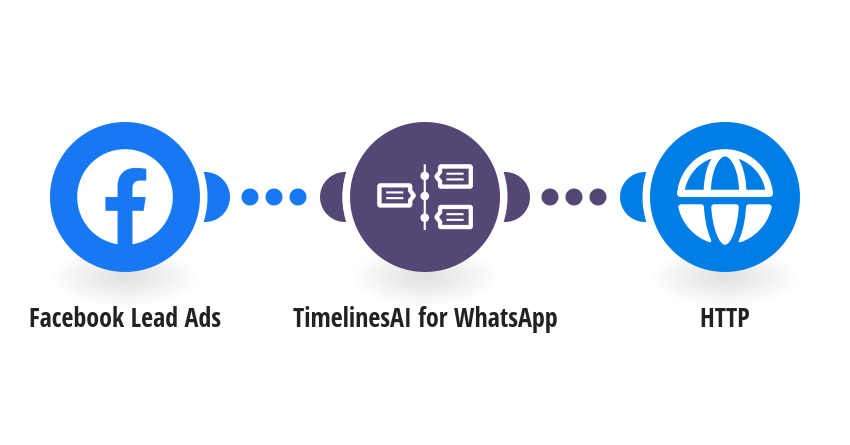
Ask every new Facebook or Instagram lead a qualifying question on WhatsApp the moment they submit your Lead Ads form, and tag the chat so the answer can be sorted automatically. **How it works** Step 1: Facebook Lead Ads detects a new lead with a phone number. Step 2: TimelinesAI sends your question to the lead on WhatsApp. Step 3: The chat is tagged lead-qualification, so the reply can be picked up by step 2 of 2 (ChatGPT sorts the lead into qualified or not qualified). **What you need** • A TimelinesAI account with a WhatsApp number connected and an API token • A Facebook Lead Ads form that collects a phone number **Before you turn it on** In the TimelinesAI step, choose your connection and WhatsApp number. In the HTTP step, add your TimelinesAI API token. You can edit the question in the message text. [New to TimelinesAI? Connect your WhatsApp number and start your free trial →](https://timelines.ai/whatsapp-make-integration?utm_source=make&utm_medium=template&utm_campaign=lead-qualification-step-1)
This is a predefined template that will make the creation of your scenario much easier. Of course, you can always expand and customize the scenario to meet your own individual needs.
 Facebook Lead Ads
 TimelinesAI for WhatsApp
 HTTP