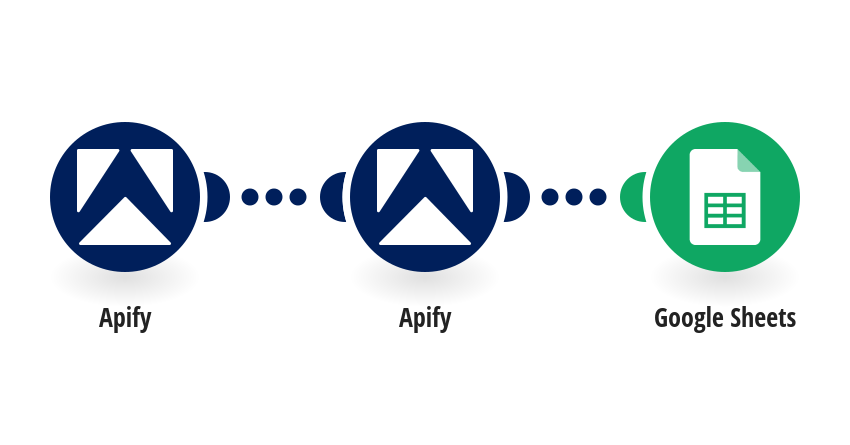
Track your competitors' Shopify stores without checking them by hand. On each run this scenario uses the Shopify Products Scraper (by Pagecraft Tools, on Apify) to read the public product catalogue of every store you list, then adds one Google Sheets row per new product, price change or stock change since the last run. What you need: a free Apify account, a Google account, and a spreadsheet with this header row: Date, Store, Change, Product, Price, Compare at price, On sale, In stock, URL. Setup: 1) Connect Apify. 2) In Input JSON, list the store domains to watch (for example yourcompetitor.com). 3) Connect Google Sheets and pick your spreadsheet and sheet. 4) Schedule it daily. Cost: Apify bills per store checked and per product returned, and the Maximum cost per run field caps every run. Author: Pagecraft Tools, apify.com/pagecraft. Questions or problems: open an issue on the Actor page at apify.com/pagecraft/shopify-products-scraper.
This is a predefined template that will make the creation of your scenario much easier. Of course, you can always expand and customize the scenario to meet your own individual needs.
 Apify
 Google Sheets