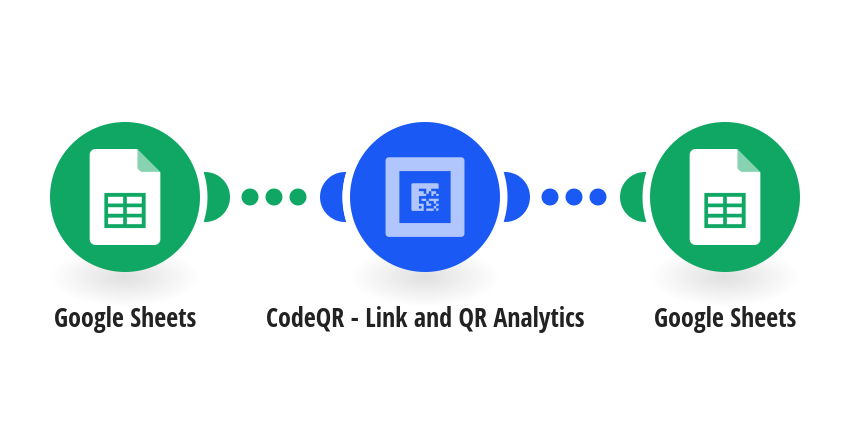
Generate QR codes in bulk from a list in Google Sheets: one QR code per row, without creating and downloading each one by hand. Every time a row is added, this template: - creates a static QR code in CodeQR that opens the row's URL - names it with the row's Title, so you can find it in your CodeQR dashboard - writes the QR code's ID and a link to its PNG image back into the same row Set up the sheet with four headers in row 1: URL, Title, QR Code ID, QR Code Image. Fill in URL and Title and leave the other two empty. Static QR codes are unlimited on CodeQR Pro and above. On Free and Starter they count toward your monthly QR code limit. When you turn the scenario on, choose "All" to process the rows already in the sheet, or "From now on" for new rows only. Apps used: Google Sheets, CodeQR This template was created by CodeQR. Learn more at https://codeqr.io
This is a predefined template that will make the creation of your scenario much easier. Of course, you can always expand and customize the scenario to meet your own individual needs.
 Google Sheets
 CodeQR - Link and QR Analytics