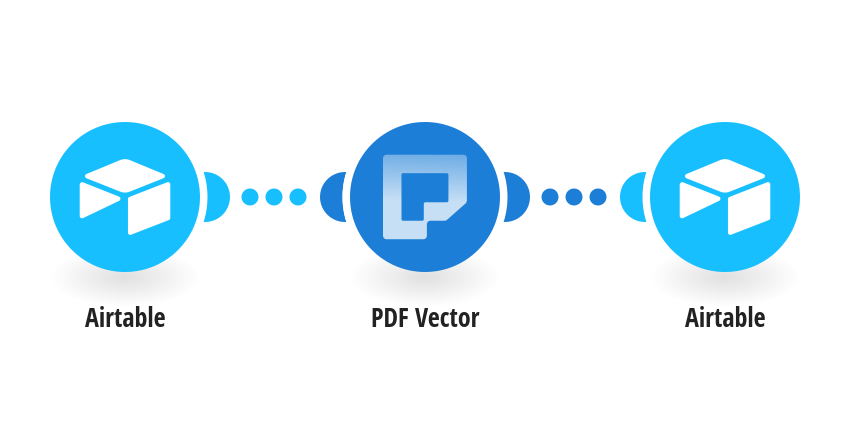
For bookkeepers and small finance teams who collect client bank statements in Airtable. When a PDF is added to the Statement field of a record, PDF Vector reads the statement and writes the bank, account holder, last four digits, statement period, opening and closing balance, total money in, total money out and the number of transactions back to the same record. It then checks that opening balance plus credits minus debits equals the closing balance. Statements that pass are marked Processed; statements that do not, or files PDF Vector cannot read, are marked Needs review with the reason in Notes. Setup: connect PDF Vector (API key from app.pdfvector.com) and Airtable. Your table needs these fields: Name, Statement (attachment), Status (single select with Processed and Needs review), Bank, Account holder, Account ending, Period start and Period end (date), Opening balance, Closing balance, Total credits, Total debits, Transactions (number), Notes (long text), and a Last modified time field named Statement added that watches only the Statement field. The scenario watches that field and only takes records with a statement and an empty Status, so replacing the PDF on a record whose Status you cleared runs it again. After you pick your base and table, check the field mapping in the two Airtable update modules. Each statement uses PDF Vector credits based on its page count. Scanned statements work, but very long statements with hundreds of lines can take a minute.
This is a predefined template that will make the creation of your scenario much easier. Of course, you can always expand and customize the scenario to meet your own individual needs.
 Airtable
 PDF Vector