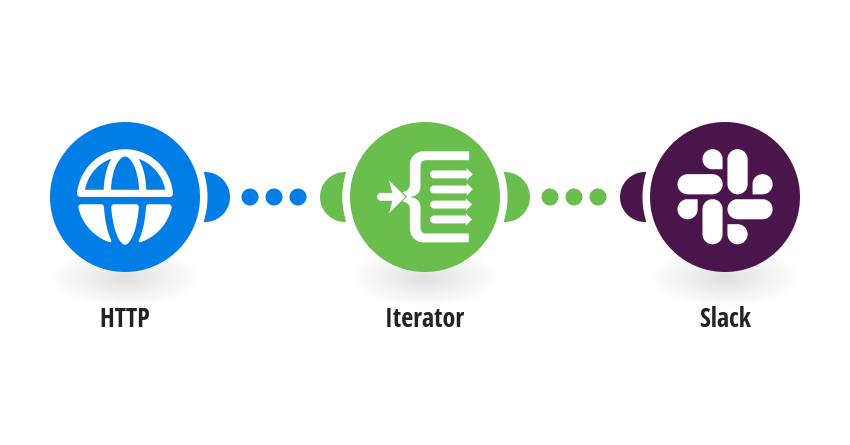
Get a Slack alert when a customer's WhatsApp message has sat unread in TimelinesAI for 24 hours, so no lead is forgotten. How it works: 1) Every hour, TimelinesAI lists your unread chats (group chats and closed chats are skipped). 2) For each chat where the customer wrote last and the chat has been unread for 24 hours, Slack posts an alert with the contact, who the chat is assigned to, the last message and a link that opens the chat in TimelinesAI. Each chat is reported once. What you need: a TimelinesAI account with a WhatsApp number connected; your TimelinesAI API token; a Slack workspace and a channel for the alerts, with the Make app invited (/invite @Make). Good to know: Opening a chat marks it as read, so chats someone opened but never answered are not reported. The scenario runs every hour; change the 24 hours in the filter if you want a shorter wait. New to TimelinesAI? Connect your WhatsApp number and start your free trial: https://timelines.ai/whatsapp-make-integration?utm_source=make&utm_medium=template&utm_campaign=unread-24h-slack-alert
This is a predefined template that will make the creation of your scenario much easier. Of course, you can always expand and customize the scenario to meet your own individual needs.
 HTTP
 Flow Control
 Slack