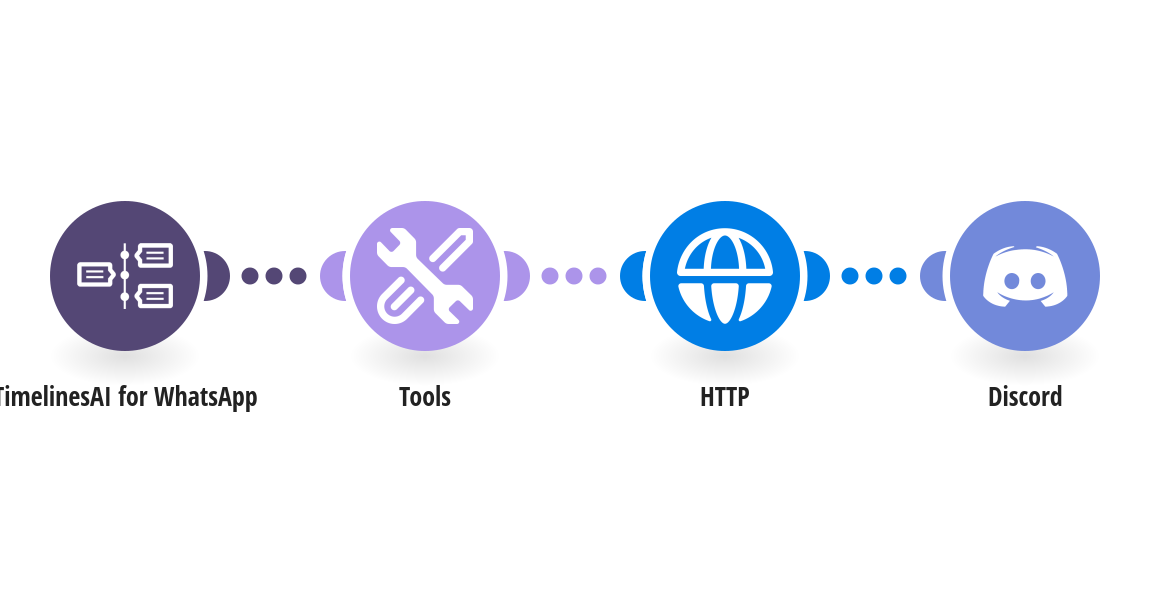
Get a Discord alert the moment a new WhatsApp chat starts in TimelinesAI, so your team can pick it up quickly instead of watching the inbox. How it works: 1) TimelinesAI watches your connected WhatsApp number for new chats. 2) After a few seconds, TimelinesAI reads the contact's first message. 3) Discord posts an alert to the channel you choose, with the contact's name (or phone number when no name is saved), their first message, the WhatsApp number that received the chat and a link that opens it in TimelinesAI. What you need: a TimelinesAI account with a WhatsApp number connected; your TimelinesAI API token; a Discord server where you can add apps, and a channel for the alerts. New to TimelinesAI? Connect your WhatsApp number and start your free trial: https://timelines.ai/whatsapp-make-integration?utm_source=make&utm_medium=template&utm_campaign=discord-new-chat-alert
This is a predefined template that will make the creation of your scenario much easier. Of course, you can always expand and customize the scenario to meet your own individual needs.
 TimelinesAI for WhatsApp
 Tools
 HTTP
 Discord