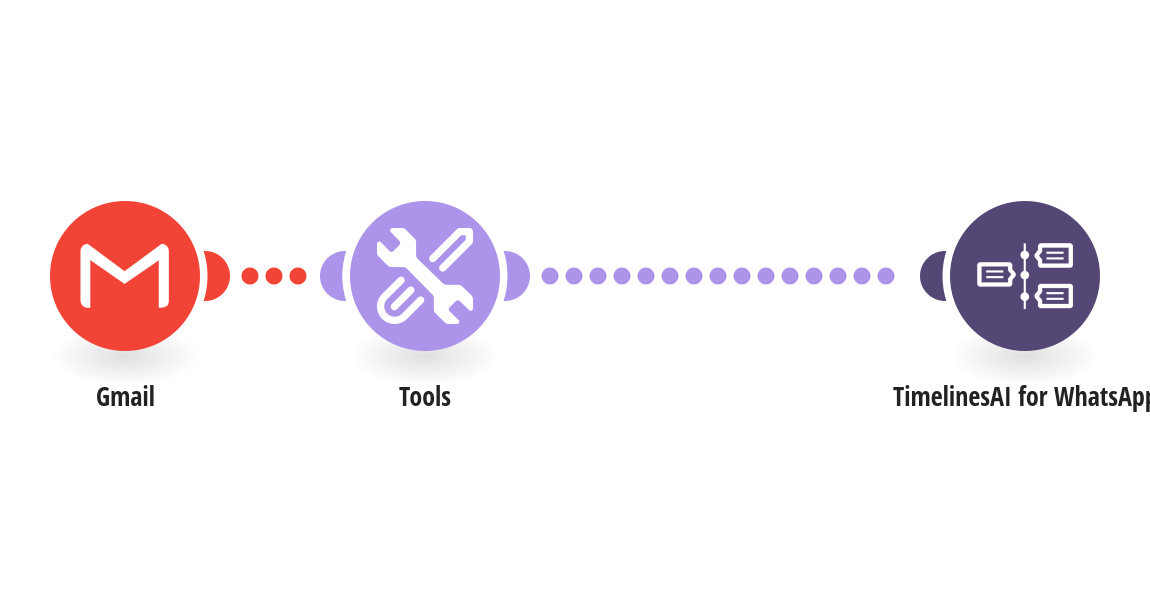
Answer leads on WhatsApp the moment they email you, so they get a reply within minutes instead of waiting for an email back. How it works: 1) Gmail is checked for new emails with your lead label (for example your website form notifications). 2) The phone number is found in the email text. Emails without one are skipped. 3) TimelinesAI sends the lead your WhatsApp message, with their name and the email subject. What you need: a TimelinesAI account with a WhatsApp number connected; a Gmail or Google Workspace account. Before you turn it on: In Gmail, create the label whatsapp-leads and a filter that applies it to lead emails. Set your country code and edit the message. New to TimelinesAI? Connect your WhatsApp number and start your free trial: https://timelines.ai/whatsapp-make-integration?utm_source=make&utm_medium=template&utm_campaign=gmail-lead-follow-up
This is a predefined template that will make the creation of your scenario much easier. Of course, you can always expand and customize the scenario to meet your own individual needs.
 Gmail
 Tools
 TimelinesAI for WhatsApp