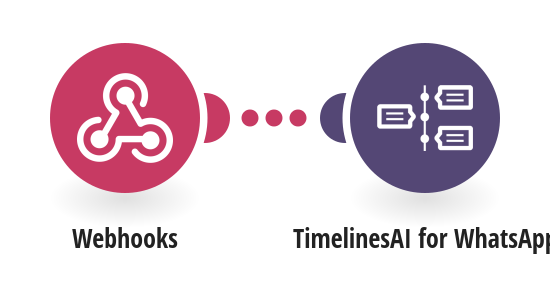
Send a WhatsApp message the moment a page is added to your Notion database, for example a new lead from a form, so they hear from you within seconds. How it works: 1) A Notion database automation sends the new page to this scenario's webhook. 2) TimelinesAI sends a WhatsApp message to the phone number on the page, greeting the person by name. Pages without a phone number are skipped. What you need: a TimelinesAI account with a WhatsApp number connected; a paid Notion plan (database automations with Send webhook); a Notion database with a title column called Name and a Phone column, numbers in international format. Before you turn it on: Turn this scenario on first, then copy the webhook address from the first step. In Notion, open the database → ⚡ Automations → New automation → When: Page added → Do: Send webhook, paste the address, tick Select all existing properties, and click Enable. If the scenario is off when Notion sends, Notion pauses the automation and you have to re-enable it. Good to know: Notion sends the page the moment it is created. Pages from forms or integrations arrive complete; pages typed by hand may still have no phone. For those, use the Notion template that checks on a schedule. New to TimelinesAI? Connect your WhatsApp number and start your free trial: https://timelines.ai/whatsapp-make-integration?utm_source=make&utm_medium=template&utm_campaign=notion-webhook-whatsapp
This is a predefined template that will make the creation of your scenario much easier. Of course, you can always expand and customize the scenario to meet your own individual needs.
 Webhooks
 TimelinesAI for WhatsApp