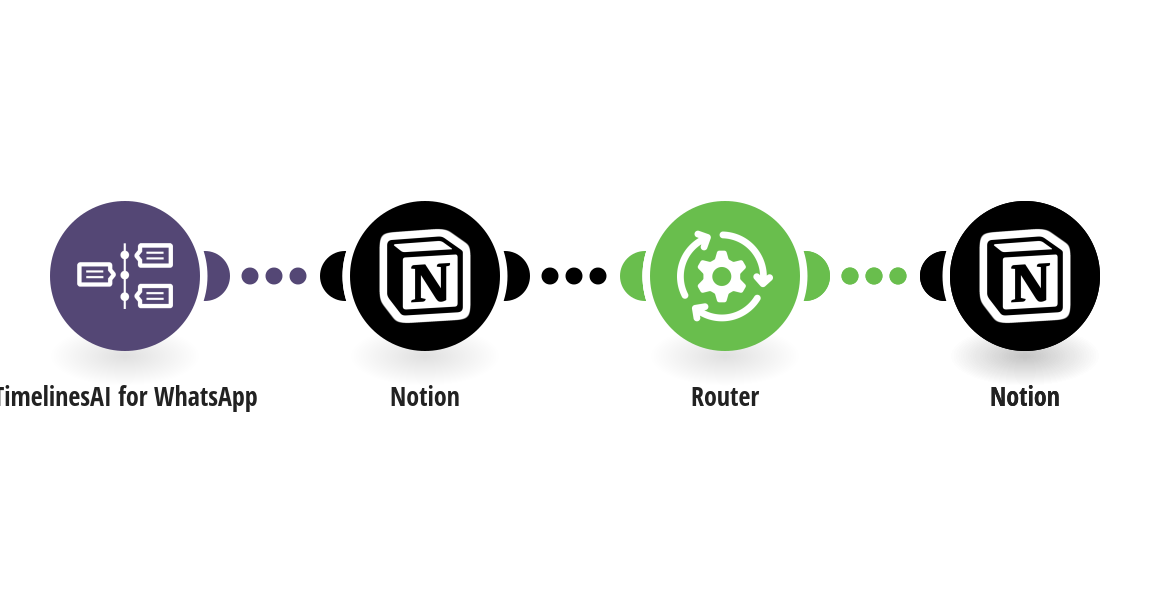
Keep one Notion page per WhatsApp contact instead of one row per message: each incoming message updates that contact's page, and a new contact gets a new page. How it works: 1) TimelinesAI watches your connected WhatsApp number for new incoming messages. 2) Notion looks up the contact's page by phone number. 3) If the page exists, its Last message and Last contact are updated. If not, a new page is created with the name, phone, message, time and a link to the chat in TimelinesAI. What you need: a TimelinesAI account with a WhatsApp number connected; a Notion database with these columns: Name (title), Phone (phone), Last message (text), Last contact (date), Chat link (URL). Other columns are left alone. Before you turn it on: In the three Notion steps, replace YOUR_DATA_SOURCE_ID with your database's data source ID (Notion: ••• → Manage data sources → Copy data source ID). If your columns have other names, change them in the request body. New to TimelinesAI? Connect your WhatsApp number and start your free trial: https://timelines.ai/whatsapp-make-integration?utm_source=make&utm_medium=template&utm_campaign=notion-contact-page
This is a predefined template that will make the creation of your scenario much easier. Of course, you can always expand and customize the scenario to meet your own individual needs.
 TimelinesAI for WhatsApp
 Notion
 Flow Control