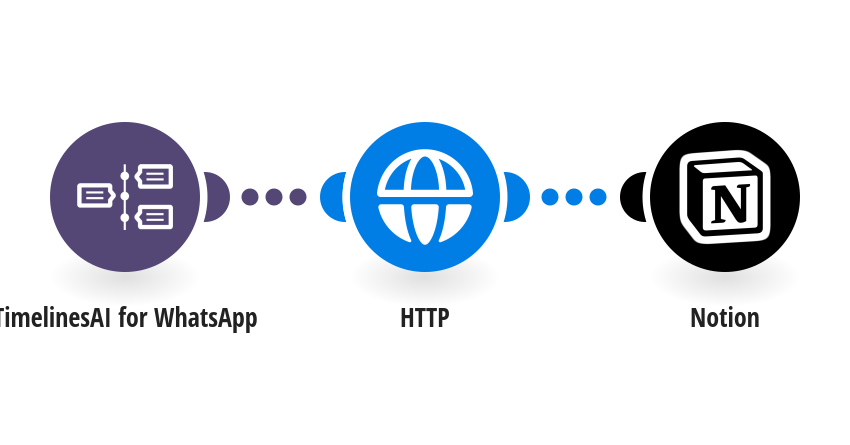
Turn customer requests into Notion tasks: when a WhatsApp message arrives in a chat you labeled task in TimelinesAI, Notion gets a new task with the message, the contact and a link to the chat. How it works: 1) TimelinesAI watches your connected WhatsApp number for new incoming messages. 2) It checks the chat's labels. Only chats with the label task go on. 3) Notion gets a new task: the message as the name, plus the phone, who it's from and a link to the chat. What you need: a TimelinesAI account with a WhatsApp number connected, and your API token; a Notion tasks database with the columns Name (title), Phone (phone), Details (text), Chat link (URL). Before you turn it on: In TimelinesAI, add the label task to the chats whose messages should become tasks (or change task in the filter to your own label). Replace YOUR_TASKS_DATA_SOURCE_ID in the Notion step. New to TimelinesAI? Connect your WhatsApp number and start your free trial: https://timelines.ai/whatsapp-make-integration?utm_source=make&utm_medium=template&utm_campaign=notion-whatsapp-tasks
This is a predefined template that will make the creation of your scenario much easier. Of course, you can always expand and customize the scenario to meet your own individual needs.
 TimelinesAI for WhatsApp
 HTTP
 Notion