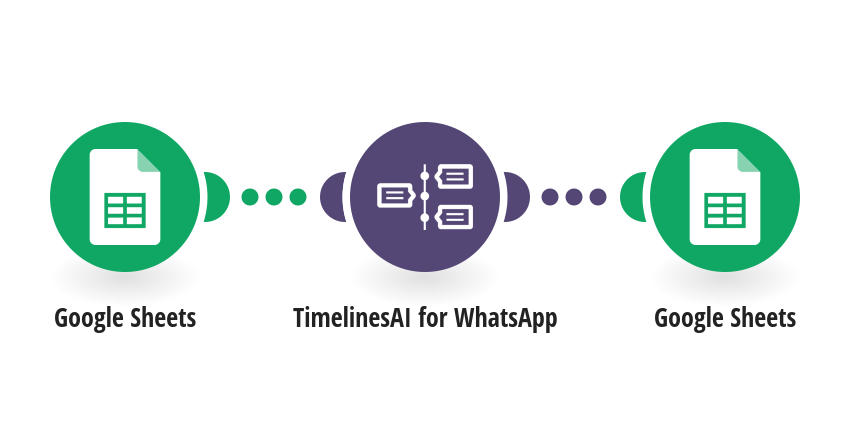
Cut no-shows: every morning, send a WhatsApp reminder to everyone with an appointment tomorrow in your Google Sheet, and mark each row as reminded. How it works: 1) Every day at 10:00, Make finds the rows whose appointment (column C) is tomorrow. 2) TimelinesAI sends each person a WhatsApp reminder with their name and appointment time. 3) Column D is filled with Sent and the time, so nobody gets the reminder twice. What you need: a TimelinesAI account with a WhatsApp number connected; a Google Sheet with A Name, B Phone (international format), C Appointment (YYYY-MM-DD HH:mm), D Reminder sent (empty). Before you turn it on: Pick your spreadsheet in both Google Sheets steps and edit the reminder text. Change 10:00 in the scenario schedule if you prefer another time. New to TimelinesAI? Connect your WhatsApp number and start your free trial: https://timelines.ai/whatsapp-make-integration?utm_source=make&utm_medium=template&utm_campaign=sheets-appointment-reminder
This is a predefined template that will make the creation of your scenario much easier. Of course, you can always expand and customize the scenario to meet your own individual needs.
 Google Sheets
 TimelinesAI for WhatsApp