Track how fast your team replies on WhatsApp in Google Sheets (TimelinesAI) - step 1 of 2: customer waiting
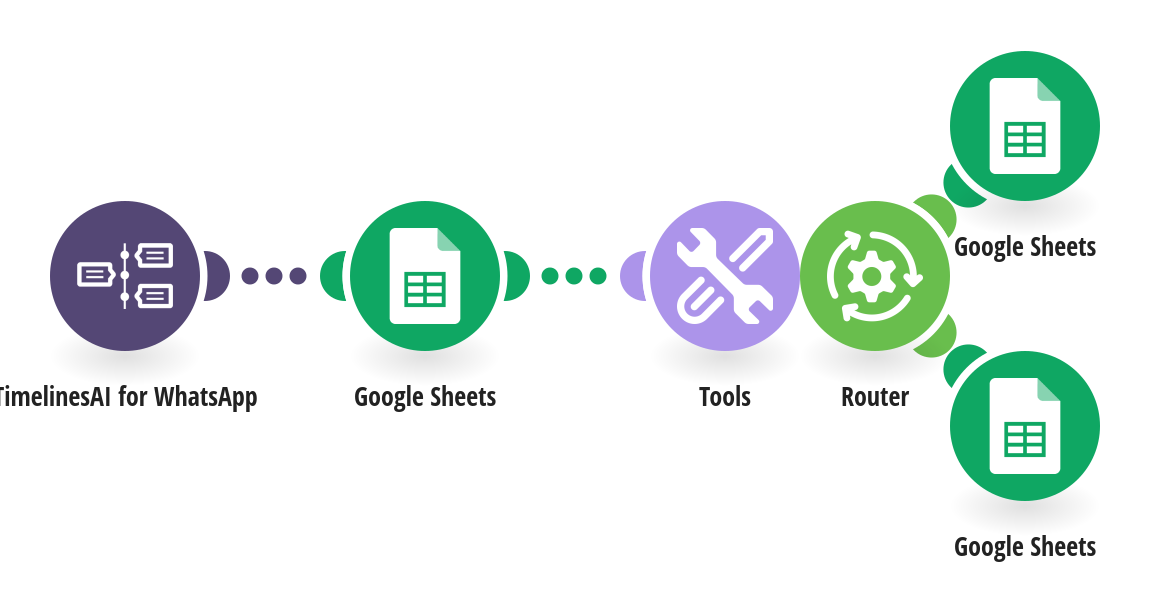
See how long customers wait for a reply on WhatsApp. Step 1 of 2: when a customer writes and isn't already waiting, the sheet records the time they started waiting. How it works: 1) TimelinesAI watches your WhatsApp number for incoming messages. 2) Google Sheets looks up the contact by phone. New contacts get a row; known contacts start a new wait if their last one was answered. 3) Step 2 of 2 (a separate template) fills in when someone replied and the reply time in minutes. What you need: a TimelinesAI account with a WhatsApp number connected; a Google Sheet with A Name, B Phone, C Waiting since, D Replied at, E Reply time (min), F Chat link, G Chat ID. Before you turn it on: Pick the same spreadsheet and tab in all three Google Sheets steps, and set up step 2 of 2 on the same sheet. New to TimelinesAI? Connect your WhatsApp number and start your free trial: https://timelines.ai/whatsapp-make-integration?utm_source=make&utm_medium=template&utm_campaign=sheets-reply-times
This is a predefined template that will make the creation of your scenario much easier. Of course, you can always expand and customize the scenario to meet your own individual needs.
 TimelinesAI for WhatsApp
 Google Sheets
 Tools
 Flow Control