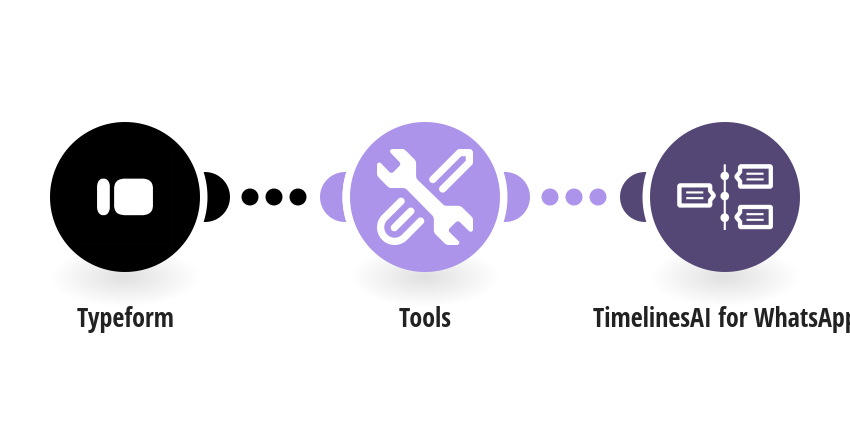
Reply on WhatsApp the moment someone submits your Typeform, so leads, applicants or customers hear from you within seconds. How it works: 1) Typeform sends each new response to this scenario. 2) The phone number from your Phone number question is checked and gets your default country code if needed. 3) TimelinesAI sends the person your WhatsApp message, greeting them by the first short text answer (their name). What you need: a TimelinesAI account with a WhatsApp number connected; a Typeform with a Phone number question, and a short text question for the name asked first. Before you turn it on: Pick your form in the Typeform step, set your default country code and edit the message. New to TimelinesAI? Connect your WhatsApp number and start your free trial: https://timelines.ai/whatsapp-make-integration?utm_source=make&utm_medium=template&utm_campaign=typeform-whatsapp
This is a predefined template that will make the creation of your scenario much easier. Of course, you can always expand and customize the scenario to meet your own individual needs.
 Typeform
 Tools
 TimelinesAI for WhatsApp