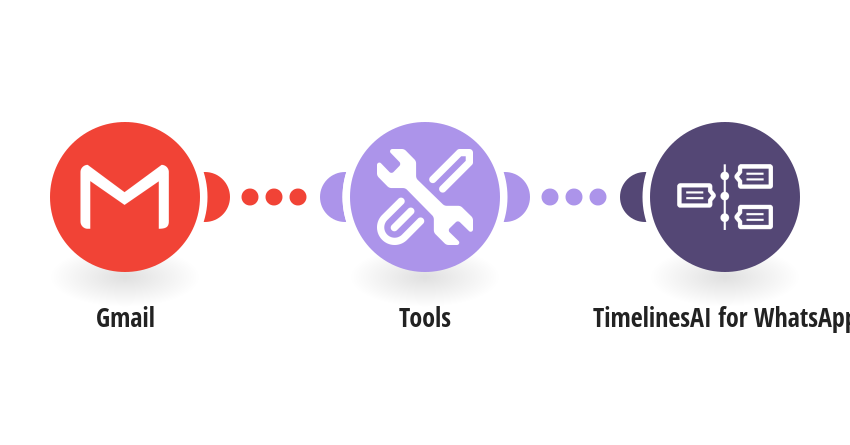
Never miss an important email: get it on WhatsApp the moment it arrives, with the sender, the subject and the first lines. How it works: 1) Gmail is checked for new emails that match your search (a label, chosen senders, or Gmail's important marker). 2) TimelinesAI sends a WhatsApp alert to your number or your team's, with the start of the email and a link to open it in Gmail. What you need: a TimelinesAI account with a WhatsApp number connected; a Gmail or Google Workspace account. Before you turn it on: Set the Gmail search for the emails you care about and enter the WhatsApp number that should get the alerts. New to TimelinesAI? Connect your WhatsApp number and start your free trial: https://timelines.ai/whatsapp-make-integration?utm_source=make&utm_medium=template&utm_campaign=gmail-important-email-alert
This is a predefined template that will make the creation of your scenario much easier. Of course, you can always expand and customize the scenario to meet your own individual needs.
 Gmail
 Tools
 TimelinesAI for WhatsApp