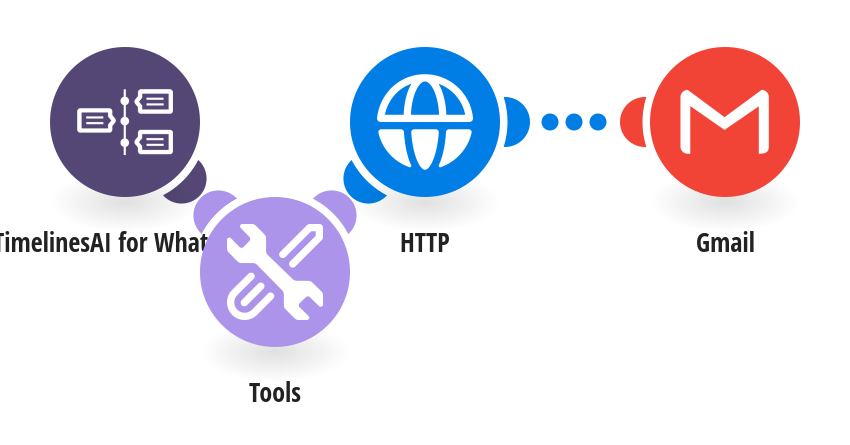
Keep your team in the loop by email: every new WhatsApp message in a chat you labeled email is sent to your team's inbox from Gmail. How it works: 1) TimelinesAI watches your connected WhatsApp number for new incoming messages. 2) It checks the chat's labels. Only chats labeled email continue. 3) Gmail sends the message to your team, with the contact's name, number and a link to the chat in TimelinesAI. What you need: a TimelinesAI account with a WhatsApp number connected and its API token; a Gmail or Google Workspace account. Before you turn it on: Add your API token, set the recipient address, and label the chats you want forwarded in TimelinesAI (email by default, or set your own label in the first step). New to TimelinesAI? Connect your WhatsApp number and start your free trial: https://timelines.ai/whatsapp-make-integration?utm_source=make&utm_medium=template&utm_campaign=gmail-whatsapp-to-email
This is a predefined template that will make the creation of your scenario much easier. Of course, you can always expand and customize the scenario to meet your own individual needs.
 TimelinesAI for WhatsApp
 Tools
 HTTP
 Gmail