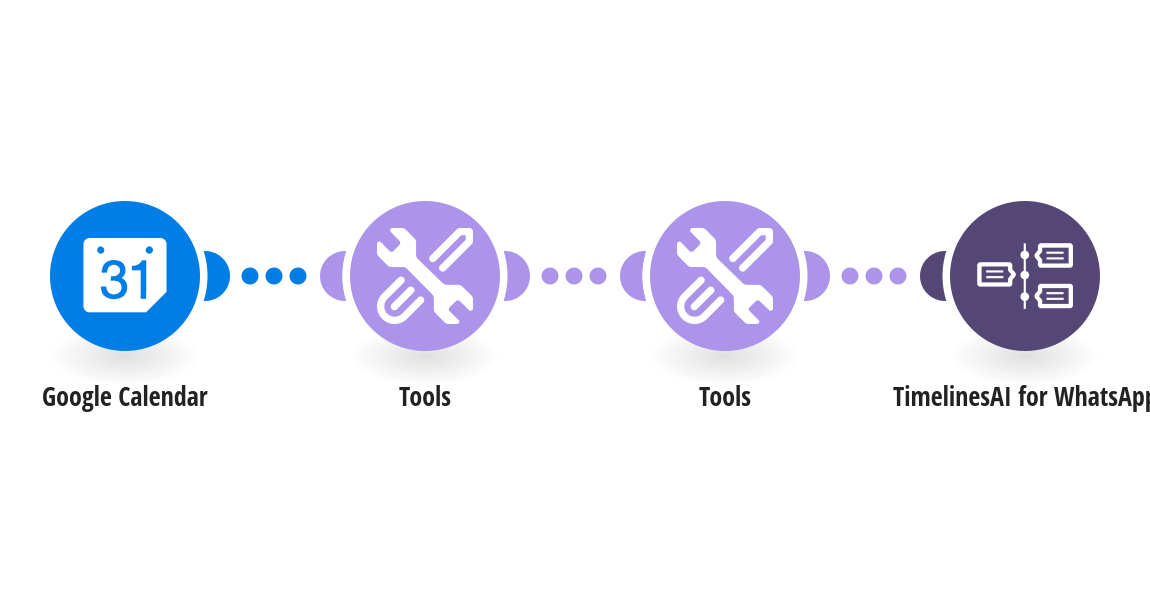
Confirm every new booking on WhatsApp: as soon as an appointment lands in Google Calendar, the client gets the date, time and Google Meet or Zoom link. How it works: 1) Google Calendar is checked for newly created events. 2) The client's phone number is read from the event description or location. Events without one are skipped. 3) TimelinesAI sends the client a WhatsApp confirmation with the date, time and meeting link, so the conversation continues in a chat your team already sees. Works with booking tools that write to Google Calendar, such as Calendly or Google appointment schedules, when the booking form asks for a phone number. What you need: a TimelinesAI account with a WhatsApp number connected; a Google Calendar account. Before you turn it on: Make sure your booking tool (or your team) puts the client's phone number in the event description or location, for example Phone: +14155550123. Set your country code and edit the message. New to TimelinesAI? Connect your WhatsApp number and start your free trial: https://timelines.ai/whatsapp-make-integration?utm_source=make&utm_medium=template&utm_campaign=google-calendar-whatsapp-confirmation
This is a predefined template that will make the creation of your scenario much easier. Of course, you can always expand and customize the scenario to meet your own individual needs.
 Google Calendar
 Tools
 TimelinesAI for WhatsApp