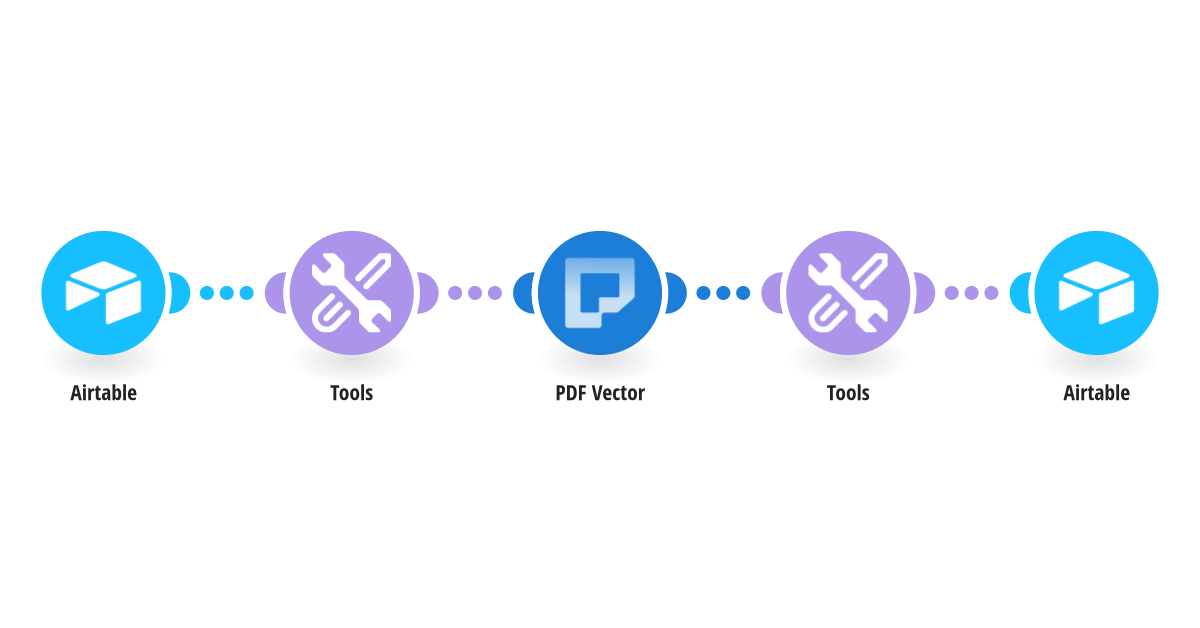
For landlords who collect rental applications in Airtable. When an application has a pay stub attached, a monthly rent and an empty Income check, PDF Vector reads the stub and writes the employer, the name on the stub, pay date, pay frequency and gross pay back to the record. The scenario turns gross pay into a monthly figure (weekly x 52, biweekly x 26, semimonthly x 24, monthly x 12, divided by 12) and compares it with the rent times your multiple, set to 3 in the Set your income rule module. Income check becomes Meets requirement or Below requirement. It becomes Check by hand, with the reason in Notes, when the file is not a pay stub, the pay frequency is unclear, the name on the stub does not contain the applicant's last name, or the file cannot be read. Setup: connect PDF Vector (API key from app.pdfvector.com) and Airtable, pick your base and table in the trigger and the three update modules. Fields: Applicant, Monthly rent, Pay stub (attachment), Income check (single select with Meets requirement, Below requirement and Check by hand), Employer, Name on pay stub, Pay frequency, Pay date (date), Gross pay, Monthly gross income, Income needed (currency), Notes, and a Last modified time field named Pay stub added that watches Pay stub, Monthly rent and Income check. Clear Income check to run a record again. Only the first attachment is read, about 4 credits per page. It uses one stub, so bonuses or overtime in that period count fully. Check the pay date yourself.
This is a predefined template that will make the creation of your scenario much easier. Of course, you can always expand and customize the scenario to meet your own individual needs.
 Airtable
 Tools
 PDF Vector