The execution layer for agents: How to get reliable work from your agentic automation
Code it can run, systems it can reach, knowledge it can use, and lines it can't cross.
%20(1).png)

Ask a capable agent to summarize your customer feedback, and it will give you a thoughtful answer. Ask it to do the same thing every Monday, using the right data, in the right tools, without touching anything it shouldn't, and the conversation changes. Suddenly the question is not how smart the agent is. It is what resources the agent has available.
Getting an agent to do something once in a chat is easy, but getting it to do the same work reliably inside a company is much harder. At work, the results have to be consistent every time, the task usually involves several different tools, the information the agent needs is scattered across places, and someone is responsible if it goes wrong. A smarter model doesn’t solve any of that. It takes the right setup around the agent, which is what we mean by the execution layer.
This does not replace how teams build in Make today. We continue to improve the scenarios people design, run, and trust every day, while unlocking the next stage of agentic automation alongside them.
The execution layer is what makes that second path dependable.
Why agents need more than a model
A model on its own can reason, write, and plan. What it cannot do alone is carry out work in the systems a company depends on.
Most teams meet this gap in the same way. An agent works well in a demo, then becomes hard to rely on in practice. It handles a task differently each time. It lacks access to the right tools, or has access to too many. It answers from whatever context it was handed that day. Each of these is a different symptom of the same missing piece.
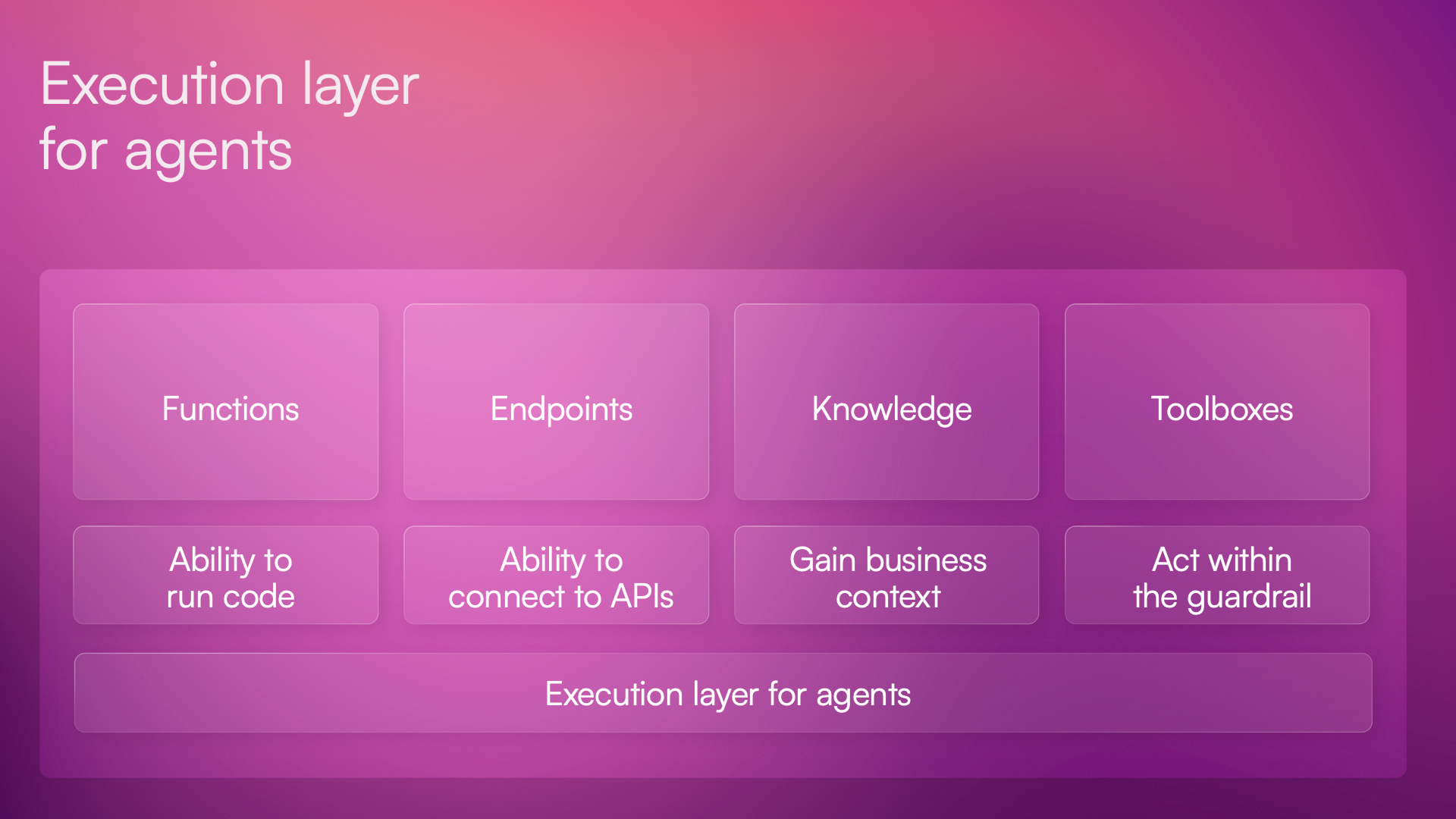
An execution layer closes that gap. It is the part of the stack where an agent's decisions become actions, and where those actions stay dependable and under control. We’ll describe it in four steps: code it can run, systems it can reach, knowledge it can use, and lines it can't cross.
Step 1: Provide code your agents can run
Flexibility is what makes agents useful, but it is not what you want from every step. When the same task needs to produce the same result tomorrow as it did today, you want logic that does not change its mind.
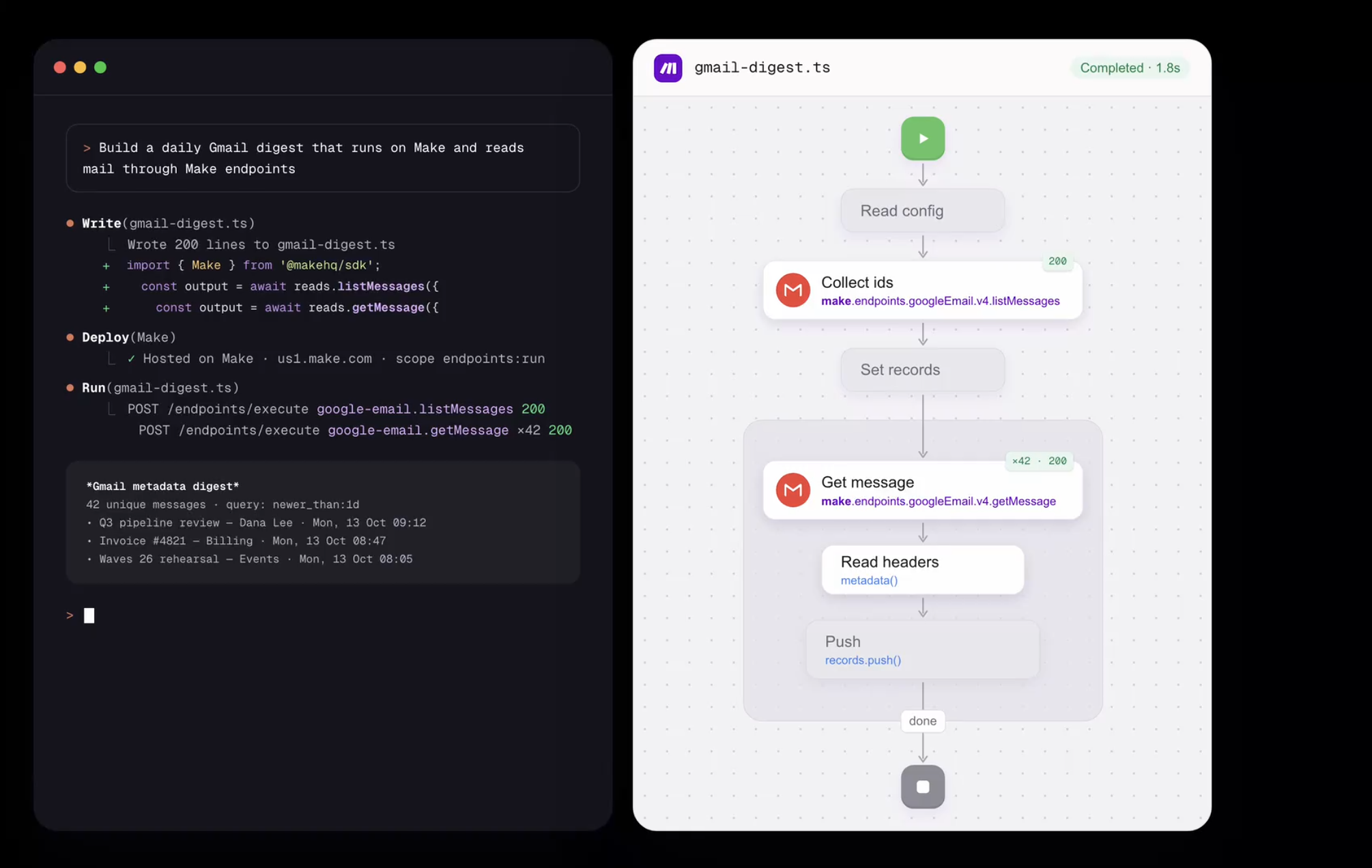
A function is a small piece of code that does one job, written once and saved. When an agent needs that job done, it runs the function instead of working out how to do it again. The agent still decides when to use it. The function makes sure the job is done the same way each time, in a way people can read and trust.
That is the difference between an assistant that is impressive once and one a team can depend on. In Make, this is what Functions are for.
Step 2: Give your agents systems they can reach
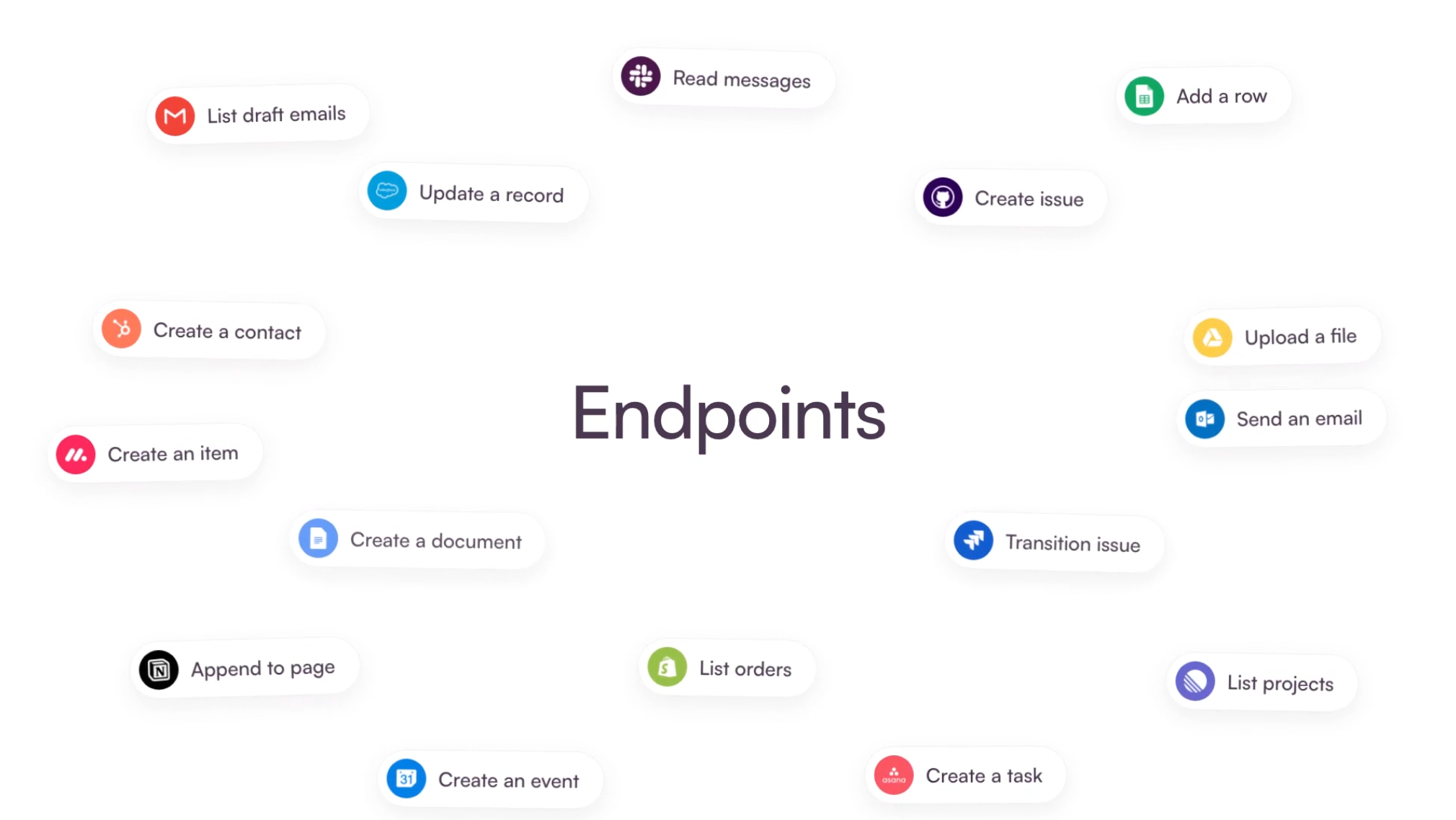
Work happens in business systems: where you manage customers, send messages, keep records, and open tickets. In Make, Endpoints are how an agent reaches them. Without that reach, an agent can talk about work but cannot do it.
Reach is what turns an agent’s answer into an outcome, and how it is granted matters as much as whether it is granted. Business systems hold sensitive data and critical processes, so access should come through connections a team already manages, not through credentials handed around case by case. That keeps the reach broad where it helps and accountable where it matters.
Make already manages connections for the teams that automate with it. Endpoints bring that foundation to agents, so the same connections a team trusts for its automation can support the work agents do.
Step 3: Add context your agents can work with
Even an agent with code and access to systems can get things wrong if it doesn’t know your business. How you describe a product, what a policy says, which guidance is the latest: this is context, and agents can’t guess it.
In many teams, that context ends up copied into prompts and configurations, one agent at a time. Copies drift. Two agents give two different answers because each learned from a different version of the same material. The result is an agent that sounds sure and is out of date.
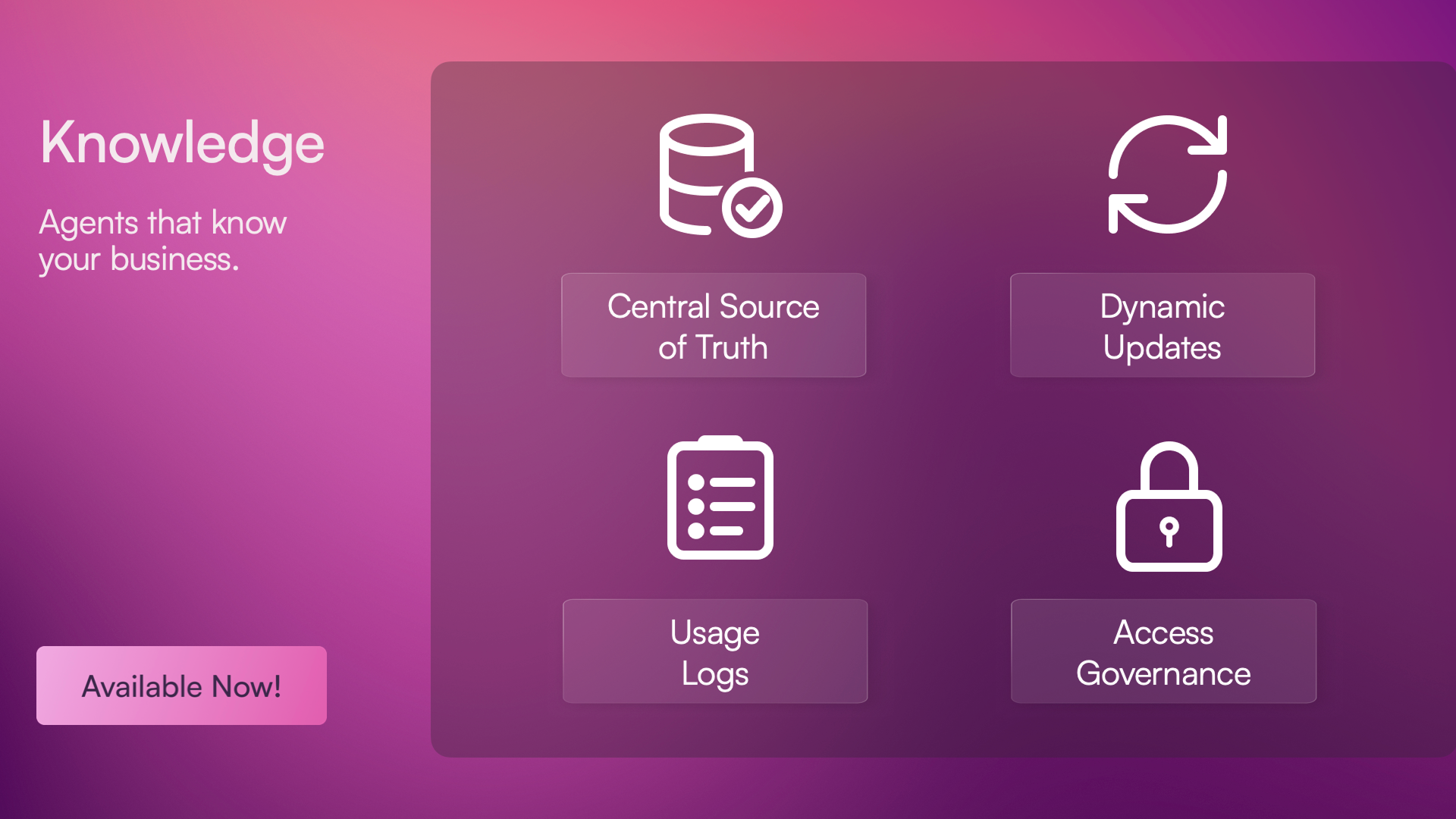
In Make, you can solve this with Agentic Knowledge. It’s a shared place in Make where a team keeps what its agents need to know, such as product details, policies and guides, organized in folders and documents. Agents can look things up there, and people can read and edit the same material. When something changes, it changes once, so every agent works from the current version and a team can check what its agents rely on.
Step 4: Set up governance that defines what agents can do
Capability without governance isn’t something most businesses can accept. The more an agent can do, the more it matters what it’s allowed to do, and who decides.
Governance is the part that makes the other three usable. A team decides in advance what a given agent may use: which systems it can reach, which scenarios it can call, which knowledge it can read, and which functions it can run. The agent works inside those lines. An agent built for one job doesn’t need, and shouldn’t have, access to everything. Narrow, deliberate access is what lets a team say yes to agents acting in company systems.
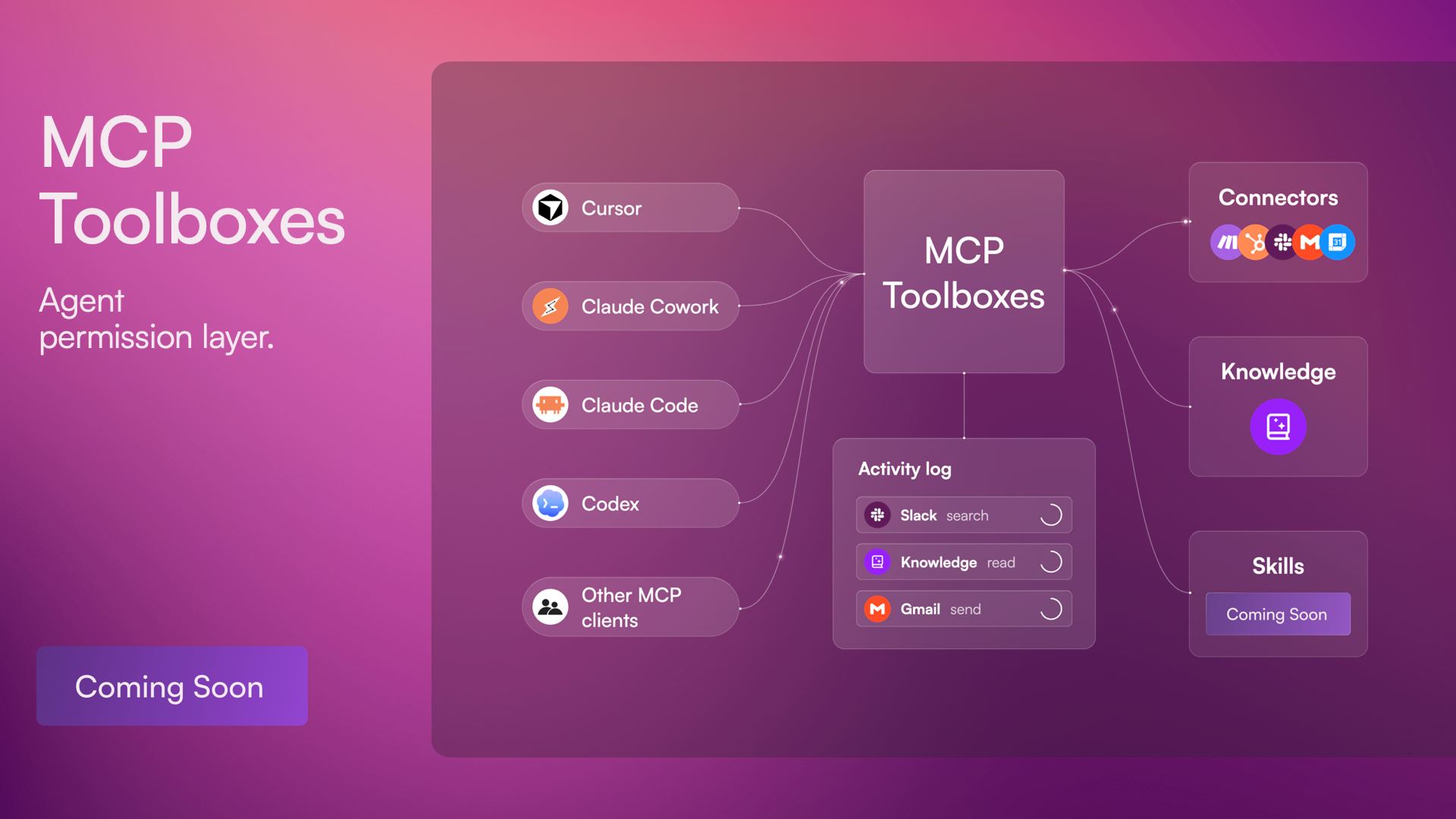
An MCP toolbox is how that decision gets made in practice. It’s a defined set of what one agent can use: some functions, some systems, some knowledge, some scenarios, and nothing outside that set. MCP is the standard way agents connect to tools, so a toolbox works with the agents teams already use, such as Claude, ChatGPT, Cursor, and Microsoft Copilot, or any other agent that speaks MCP.
Say an agent’s job is to read support tickets and draft replies. It doesn’t need to issue refunds, edit customer records, or see other teams’ documents. With a toolbox, it gets exactly what that job needs, and nothing more.
Governance also changes how fast a team can move. When boundaries are clear, people stop debating whether an agent can be trusted at all and start deciding which jobs to give it. Control isn’t what slows agents down. It’s what makes it reasonable to let them start, and to let them take on more over time.
Deterministic and agentic automation, side by side
The execution layer does not replace scenarios, and it does not slow down how people build them. Deterministic automation keeps getting better, and it remains the right tool for processes that need to run the same way every time. The execution layer adds the agentic side: agents that can act on their own, and call a scenario when a task needs deterministic automation.
Work often starts as a single request to an agent. If it keeps coming back, it deserves a repeatable form. If it influences critical business processes, it deserves a governed one. Scenarios are where a task becomes a process you can rely on.
Each agentic task needs all four execution steps
Let’s return to the Monday automation example we talked about at the beginning: summarizing customer feedback, every week, without surprises. It sounds like one job, but it asks for all four execution steps at once.
The agent needs logic to run on so the summary is built the same way each week, instead of being reinvented. It needs to reach the systems where feedback lives, and the place where the summary should end up. It needs knowledge: what the team counts as a priority, how it names its products, which themes matter this quarter. And it needs limits, because reading feedback is a different level of trust than changing a customer record or sending a message in the company's name.
Consider what happens if one of these is missing. Without the code, the summary shifts from week to week and nobody can say why. Without reach, the agent produces a draft that a person has to carry to the right place. Without knowledge, the summary is inaccurate and beside the point. Without limits, the first time something goes wrong, the teams start to question whether they should use agents at all instead of searching for ways to fix the problem.
This is a small example, and it is meant to be. Most of the work that teams expect from agents is ordinary, repeated and tied to several systems at once. The value of an execution layer shows up in exactly these tasks, because they are where a little unreliability becomes a real cost.
Why the four execution steps belong together
Each step helps on its own. But together they do something none of them can do alone: results that you can see, trust, and rely on.
Code without access changes nothing, access without limits is a risk, and knowledge without a way to act on it is only a correct but useless answer.
That is also why this matters to different people in different ways. A buyer wants the benefits of agents without giving up control over access, cost, and results. An admin wants to decide what each agent can run, reach, and read, and to know what happened. A builder wants working material that comes with the guardrails already in place, so that control is part of how agents are built.
Whichever of these people you are, what you are searching for stays the same: not only an agent that can execute tasks, but an agent that can do so dependably, with the right context, within limits you set.
What to do next
Agents will keep getting better at making decisions. The teams that give them a place to act dependably will be the ones that benefit the most. Functions, Endpoints, Agentic Knowledge, and MCP toolboxes are how Make provides that place, with scenarios available when a process needs to become a governed automation.
Start with a small task. Pick one that keeps coming back, and ask what an agent would need in each of the four areas to do it reliably. The gaps you find are where an execution layer helps.
See everything we announced at Waves '26. Build a more transparent future for AI agents in business.
Be the first to try!
FAQ
Q.1 What is an execution layer for agents?
It is what lets an agent act in real systems in a repeatable and controlled way: code it can run, systems it can reach, knowledge it can use, and lines it can't cross. In Make, these are Functions, Endpoints, Agentic Knowledge, and MCP toolboxes.
Q.2 How is it different from giving an agent access to an API?
Access to an API lets an agent make a call. An execution layer adds what it needs in order to reach reliable results: logic that behaves the same way each time, context a team can maintain, and limits that decide what the agent can do.
Q.3 Do I need to build scenarios to use it?
No. Scenarios remain part of the picture, and agents can call them when deterministic execution and automation are valuable, but the other parts of the agentic execution layer do not depend on them.
Q.4 How do I control what an agent can do?
With MCP toolboxes. You decide in advance what an agent can use, and it works within those limits.
Q.5 Does this replace building scenarios?
Deterministic automation keeps improving, and scenarios remain the right tool for processes a team designs and runs on purpose. The execution layer adds agentic automation alongside it, and agents can call scenarios when deterministic execution and automation are valuable. You don’t need to rebuild anything to use the other parts of the agentic execution layer.
Related blogs
Tool and strategies modern teams need to help their companies grow.
Customer experience
Introducing Maia by Make: Build AI & automation through conversation, transparently
Patrik Simek, CTO and co-founder at Make, introduces Maia, Make's new feature for building automations and AI using natural language clarity, transparency, and confidence.

Patrik Simek
October 16, 2025
AI
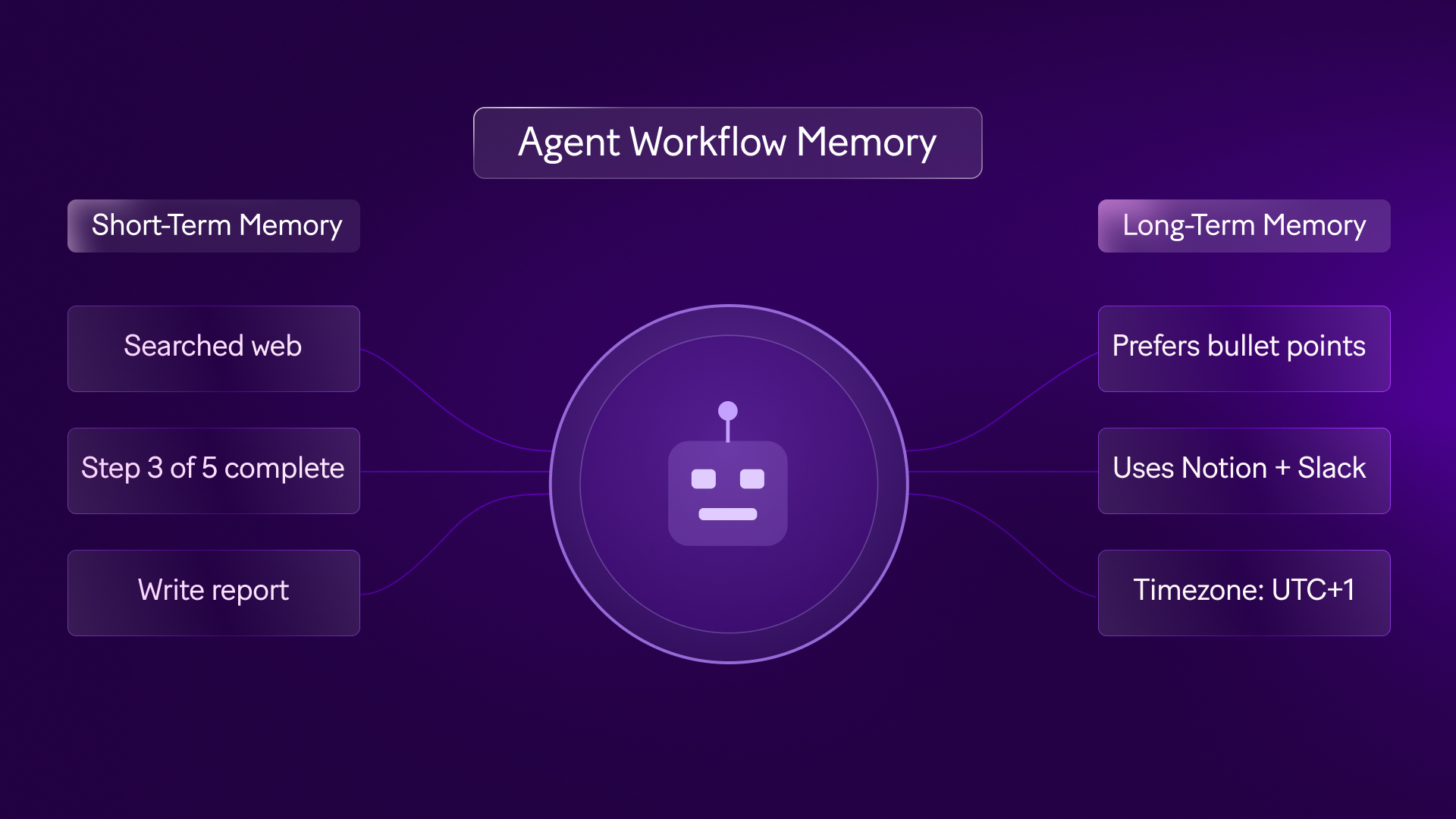
Agent workflow memory: 2026 guide to AI agents that remember
Discover how agent workflow memory enables AI agents to retain context across sessions. Learn architecture patterns and implementation strategies for 2026.

Raife Dowley
May 5, 2026
AI
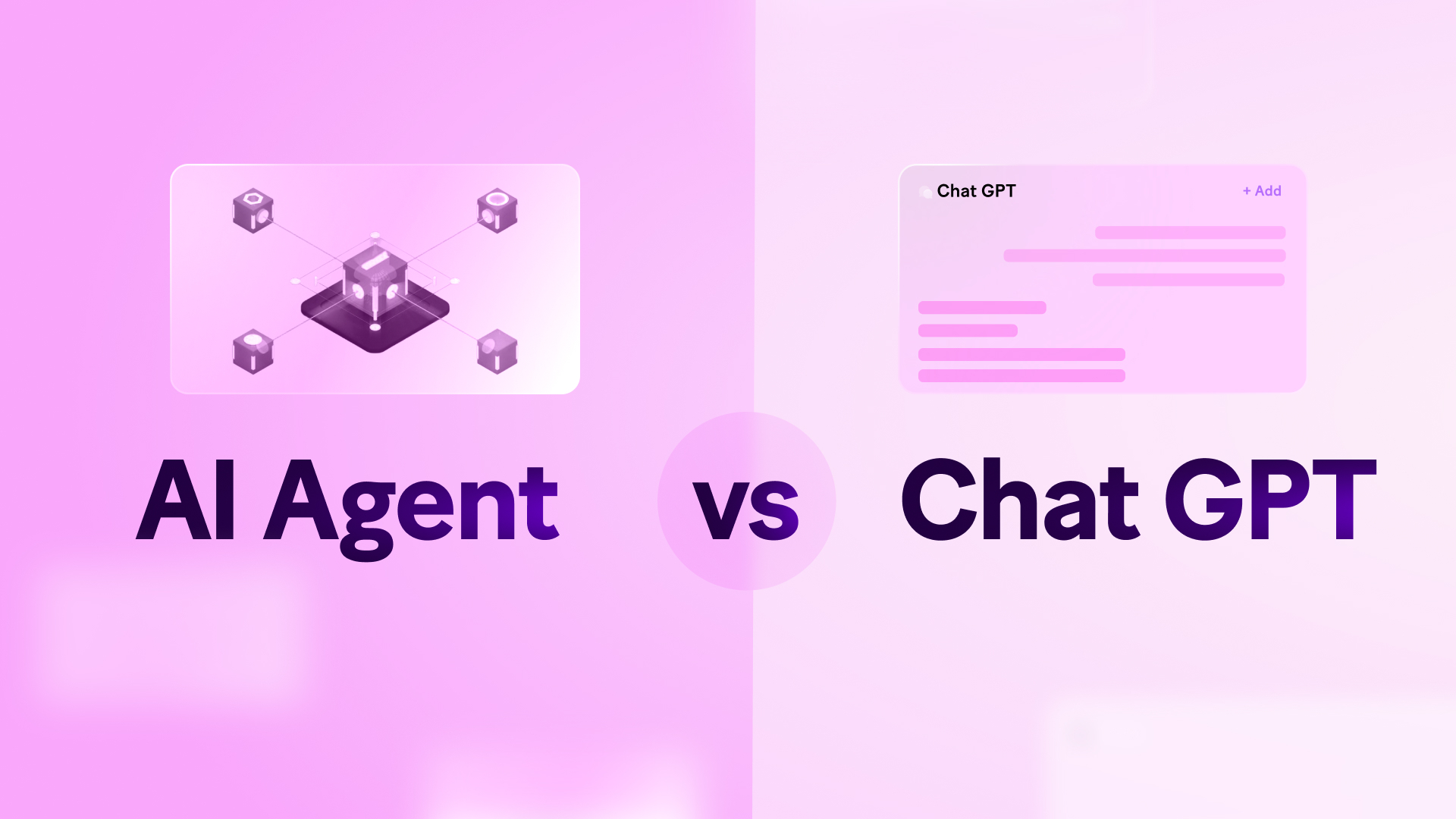
AI agents vs ChatGPT: what's the difference in 2026?
Most teams use ChatGPT. Few use AI agents. Here is the difference and how to start automating with Make.
Raife Dowley
May 19, 2026