
Library of Agents
Start with a proven foundation by using one of our pre-made AI Agent scenarios. Build AI Agents you can trust in Make.
Build your first AI Agent
Learn about Make AI Agents and how to put them to work in our free hands-on Academy course.
Not sure where to start with AI?
Use the Make AI Playbook to map your goals, current setup, and next steps for a clear recommendation for applying AI in your business.
Who it’s for:
- Teams exploring AI adoption
- Organisations scaling automation
- Enterprise and complex use cases
Frequently asked questions
No. You build AI Agents using Make’s visual builder. If you already create scenarios in Make, you can create Agents without writing code.
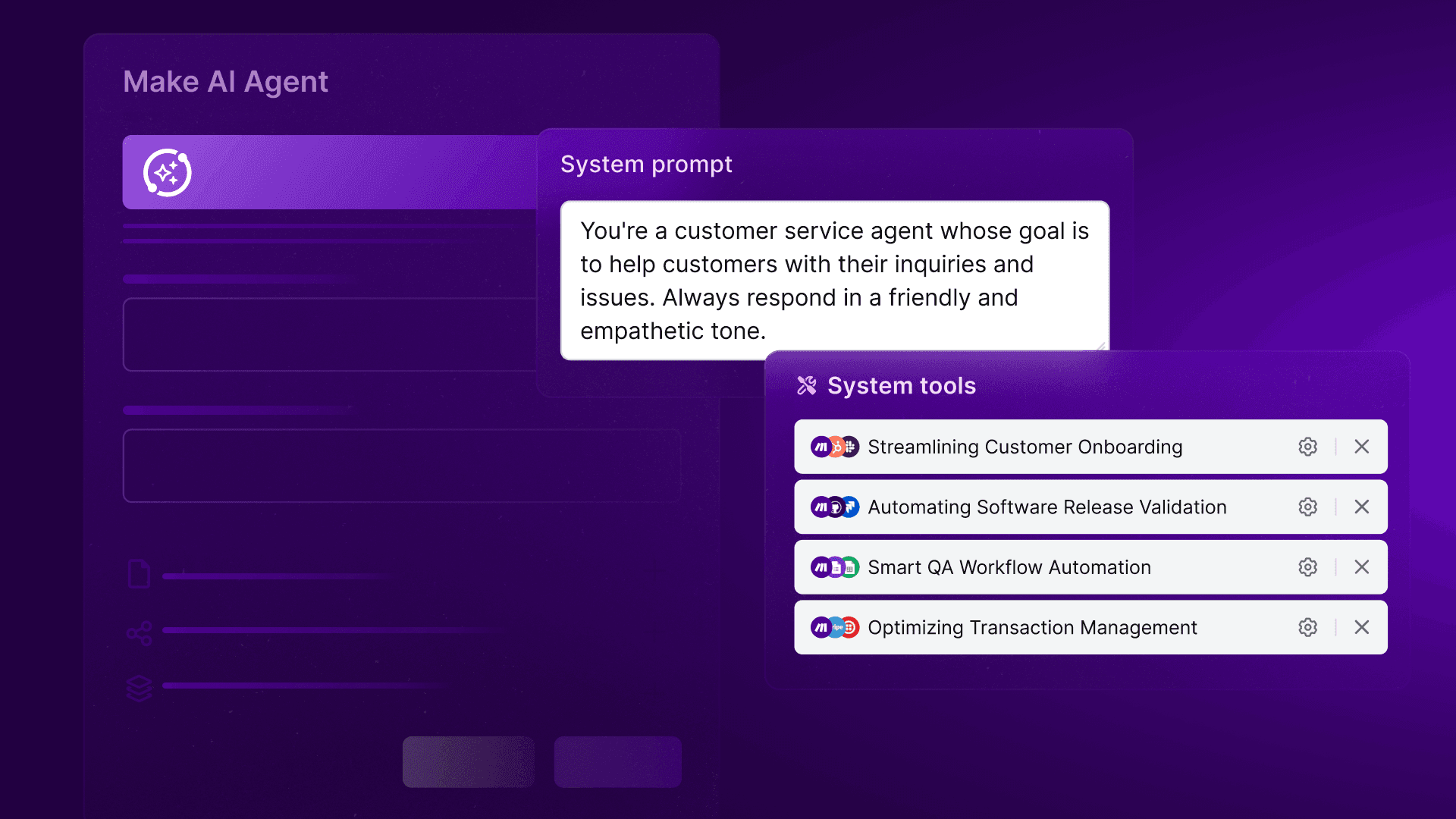
ChatGPT can respond. Make AI Agents take action. Make AI Agents can reason, choose what to do next, and trigger real workflows with access to over 3000+ integrations. Unlike standard scenarios, they complement fixed logic with AI decision-making in one flow, informed by your specific business context.
Make AI Agents are transparent by design. You can see every decision an Agent makes, step by step, in the Reasoning panel, directly on the canvas. Nothing runs as a hidden “black box.”
You stay in control. You can set clear rules, add manual approvals, or stop the Agent at specific points. Agents work alongside deterministic logic, not instead of it.
No, they usually reduce maintenance. Agents are reusable building blocks. You can build once and use the same Agent across multiple workflows instead of duplicating logic.
No. Agents are built, run, and debugged directly inside the same Make canvas you already use.
Make provides visibility into how Agents run and use credits. This helps you estimate usage more accurately. Advanced users can also control models and usage via their own keys.
Use an AI Agent when the workflow needs judgment or reasoning especially with unstructured input like text, messages, or documents. If it just needs doing, use automation. If it needs thinking, use Make AI Agents.