5 best LinkedIn automation tools in 2026 (tested & compared)
A tested comparison of the top LinkedIn automation tools for 2026, including Make's compliant option and four dedicated outreach platforms.
The best LinkedIn automation tools in 2026 are:
- Make (the only compliant option, running on LinkedIn's official API),
- Expandi (best for agency-scale cloud outreach),
- Waalaxy (best for founders testing outreach),
- Dux-Soup (best for granular campaign control),
- Octopus CRM (best for testing outreach on a budget).
Growing on LinkedIn has become measurably harder with only 7% of LinkedIn company pages growing enough to move into a higher follower tier, according to Metricool's 2026 LinkedIn Study of 673,658 posts published in April 2026.
That's why LinkedIn automation tools keep selling.
They split into two camps:
- official API tools that carry no account risk
- browser-driven outreach tools that breach LinkedIn's User Agreement.
This list covers both, with verified pricing throughout.
How did we choose these tools?
Every tool here is a real product with a distinct position in the market, checked against its own live pricing page in August 2026.
No placeholder names, no duplicate entries dressed up as alternatives.
We picked for spread rather than ranking one winner. That means an agency-grade cloud platform, a founder-friendly sequencer, a long-running veteran, the cheapest credible entry point, and the compliant API-based option.
Three criteria decided the shortlist:
- What it actually automates: Posting and analytics, outreach sequences, or both. Our guide to sales automation covers where each category fits a wider process.
- Account risk: LinkedIn's User Agreement bans bots and unauthorized automated methods that add contacts, send messages, or otherwise drive inauthentic engagement, so browser-driven tools carry real restriction risk.
- Verified cost: Published prices confirmed on each vendor's page, including what sits behind higher tiers.
We've flagged the trade-offs plainly, including where Make itself falls short.
1. Make
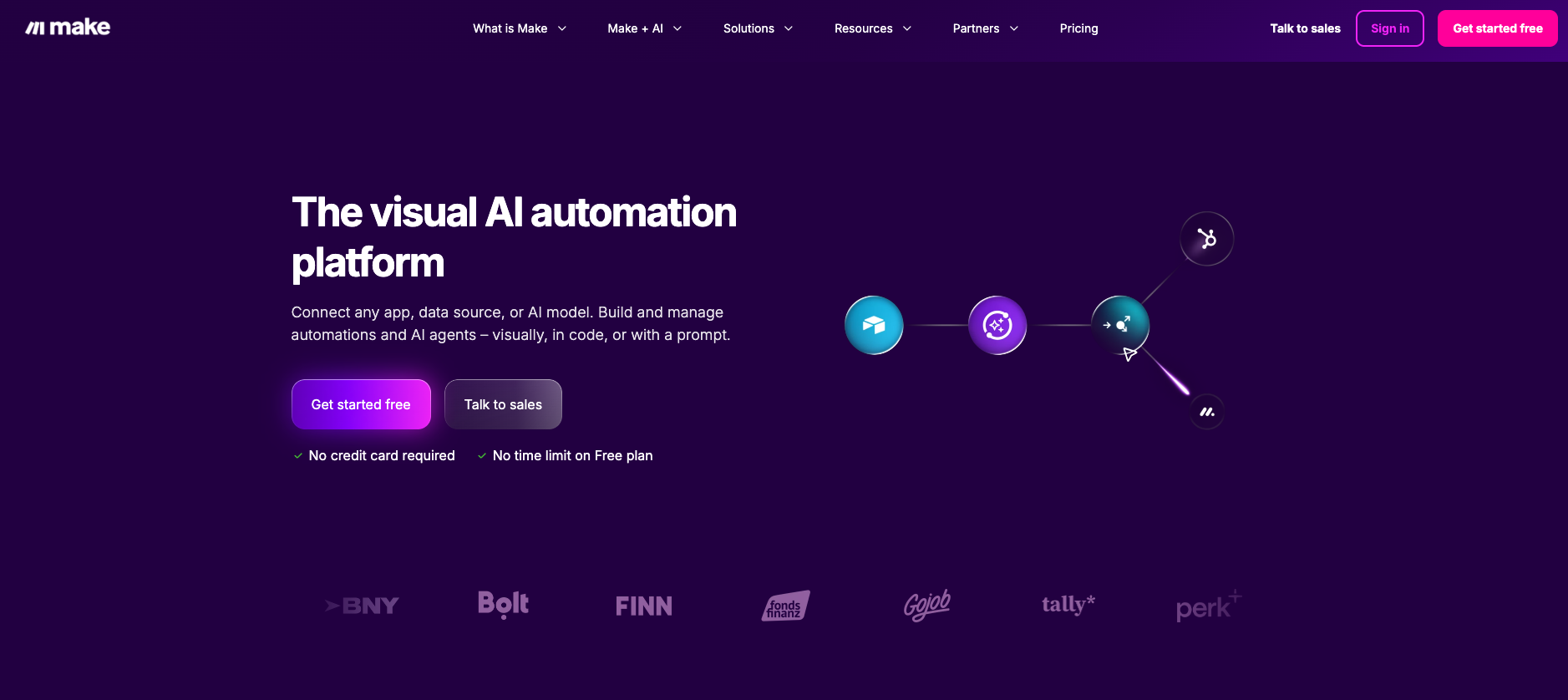
Make is one of the leading AI visual automation platforms that connects LinkedIn to more than 3,500 other apps through LinkedIn's official API.
It sits in a different category from the four tools below, so it's worth being direct about the boundary up front.
Key features
The LinkedIn app in Make offers 19 modules covering posts, analytics, and API access.
- Create a User Text Post, Create a User Image Post, and Create a User Video Post publish to a personal profile.
- Create a Company Text Post and its image and video counterparts publish to a company page.
- Watch Company Posts is the app's only trigger, firing a scenario when a new company post appears.
- Follower statistics and company share statistics modules pull performance data into a scenario.
- Make an API Call reaches any other endpoint LinkedIn's official API exposes.
A separate LinkedIn Lead Forms app routes ad form submissions straight into your CRM. On the content side, guides exist for turning blog posts into social media posts and product updates into published posts using AI.
Pros and cons
The clear advantage is that everything runs on LinkedIn's sanctioned API, so there's no restriction risk to manage.
The same scenario can also write to your CRM, post to Slack, and log results in a spreadsheet.
The limitation matters just as much. Make cannot send connection requests, visit profiles, or send direct messages, because LinkedIn's API doesn't expose those actions to anyone.
If outreach sequences are what you need, pair Make with one of the tools below rather than treating it as a replacement.
Pricing
Make has a free plan with no time limit, and the LinkedIn app carries no plan restriction. Paid tiers scale on operations, so cost tracks how much you run rather than how many LinkedIn seats you hold.
2. Expandi
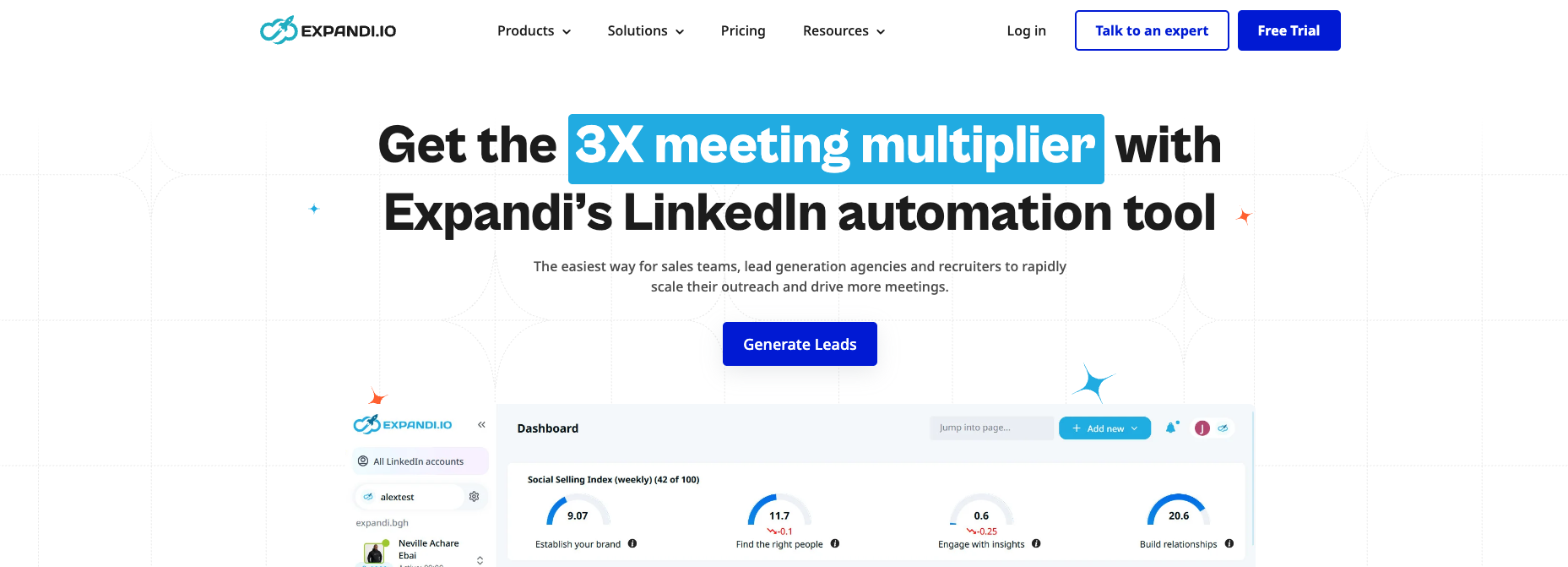
Expandi is a cloud-based outreach platform aimed at agencies, sales teams, and recruiters running volume.
Key features
Because campaigns run in Expandi's cloud rather than your browser, your machine doesn't need to stay open.
- Dedicated country-based IP address per account.
- Profile auto warm-up that ramps volume gradually instead of starting at full speed.
- Smart limit ranges that cap daily connections, messages, InMails, and event invites.
- Multichannel sequences combining connection requests, messages, and email follow-ups.
- Unlimited campaigns, campaign prioritization, and step-by-step statistics.
Pros and cons
Expandi has the strongest safety reputation of the four outreach tools here, and the account-warm-up controls are the reason. Agency features like white labeling and client reporting are genuinely built in rather than bolted on.
The catch is that there's no cheaper tier to test with. Image, GIF, and video personalization also need paid third-party add-ons such as Hyperise and Sendspark, so the headline price understates a fully loaded setup.
Pricing
The Business plan runs $99 per month, dropping to $79 per month on annual billing, a 20% discount that Expandi frames as two months free. Agency pricing is custom for 10 or more seats, and a 7-day free trial covers all features.
3. Waalaxy
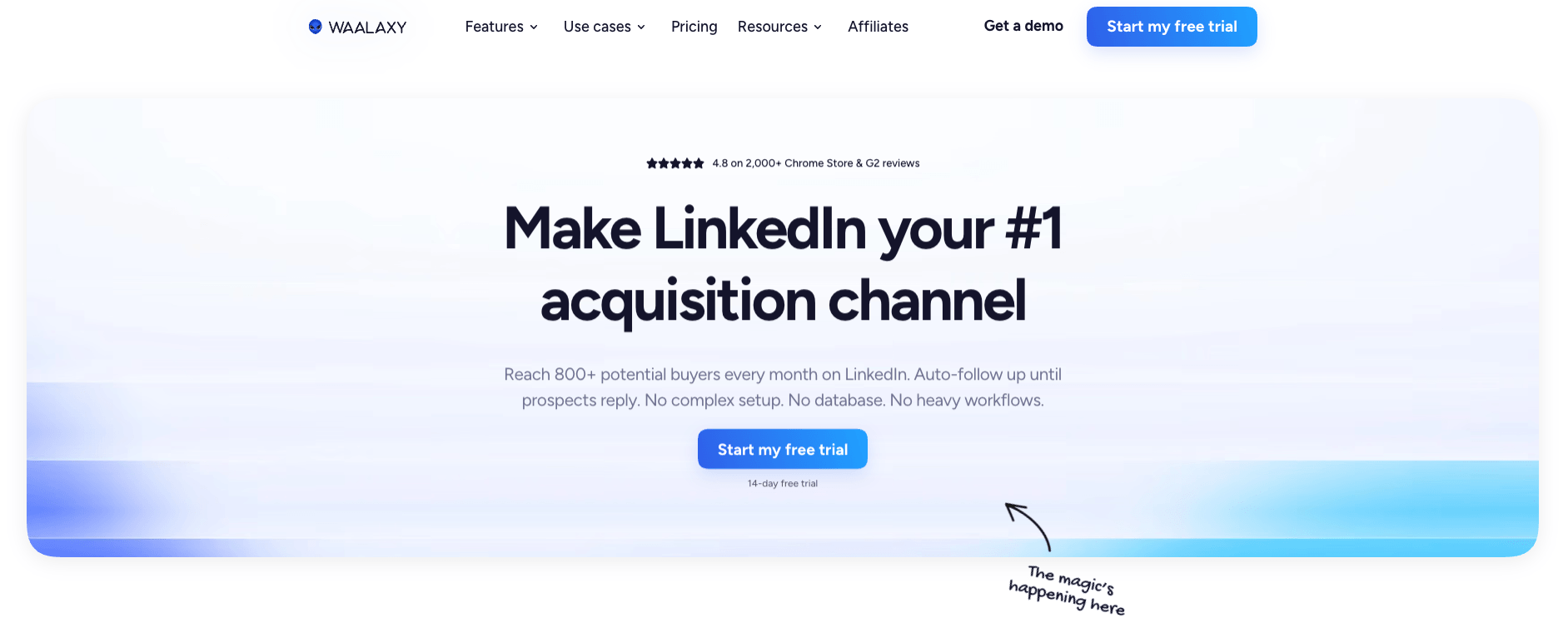
Waalaxy is a Chrome extension built around pre-made prospecting sequences, aimed at founders and small sales teams.
Key features
The draw is that you pick a sequence template rather than designing campaign logic from scratch.
- Pre-built sequence templates covering connection requests, follow-ups, and reply detection.
- Imports from LinkedIn Basic, Sales Navigator, and Recruiter Lite.
- CRM sync across a wide integration library, including a Make module on the Advanced tier and above.
- Cold email sequences and multichannel LinkedIn plus email campaigns on the Business tier.
- A paid LinkedIn Inbox add-on for managing conversations, templates, and tags.
Pros and cons
Waalaxy is the most approachable option here for someone who has never run outreach before, and the 14-day trial gives real room to test. API access and a Make module on higher tiers mean it can feed into wider automation.
Volume is the constraint. The entry plan caps you at 300 invitations a month, email finder credits stay at 25 a month until the top tier, and inbox management costs extra on every plan.
Pricing
Three tiers, all per user per month: Pro at €19 for 300 invitations, Advanced at €49 for 800 invitations plus API access, and Business at €69 adding cold email and 500 email finder credits. Quarterly billing saves 20% and yearly saves 50%.
4. Dux-Soup
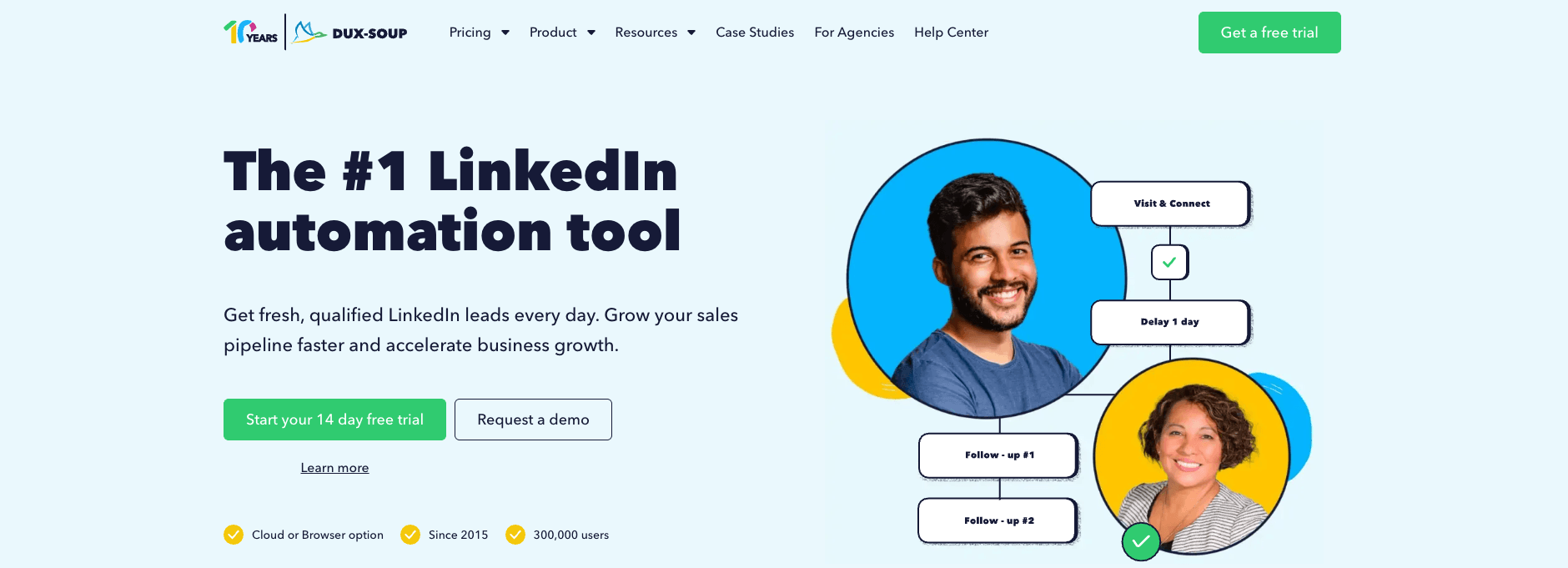
Dux-Soup is one of the longest-running LinkedIn automation tools, with 300,000 users and a deep feature set built up over years.
Key features
Campaign control is where Dux-Soup separates itself, with up to 12 distinct action types available in a sequence.
- Personalized connection requests, messages, InMails, endorsements, post likes, and profile visits.
- Unlimited concurrent drip campaigns with drag-and-drop steps and customizable delays.
- Response detection that pauses a campaign automatically when a prospect replies.
- Lead management dashboard, central inbox, and funnel-stage export.
- Native integrations with Slack, Salesforce, Pipedrive, HubSpot, and Freshsales, plus Zapier and Make libraries.
Pros and cons
The entry price is the lowest of any full outreach tool here, and the feature depth at the middle tier is hard to match. Compatibility with Sales Navigator and Recruiter covers most professional setups.
Cost climbs steeply once you want it off your own machine. The Pro and Turbo tiers run on your infrastructure, meaning your browser stays involved, and moving to managed cloud infrastructure costs the same as Expandi's entire plan.
Pricing
Pro Dux is $14.99 per month, Turbo Dux is $55, and Cloud Dux is $99, with annual billing bringing those to $11.25, $41.25, and $74.17 respectively. A 14-day free trial is available, and team and agency plans are priced separately.
5. Octopus CRM
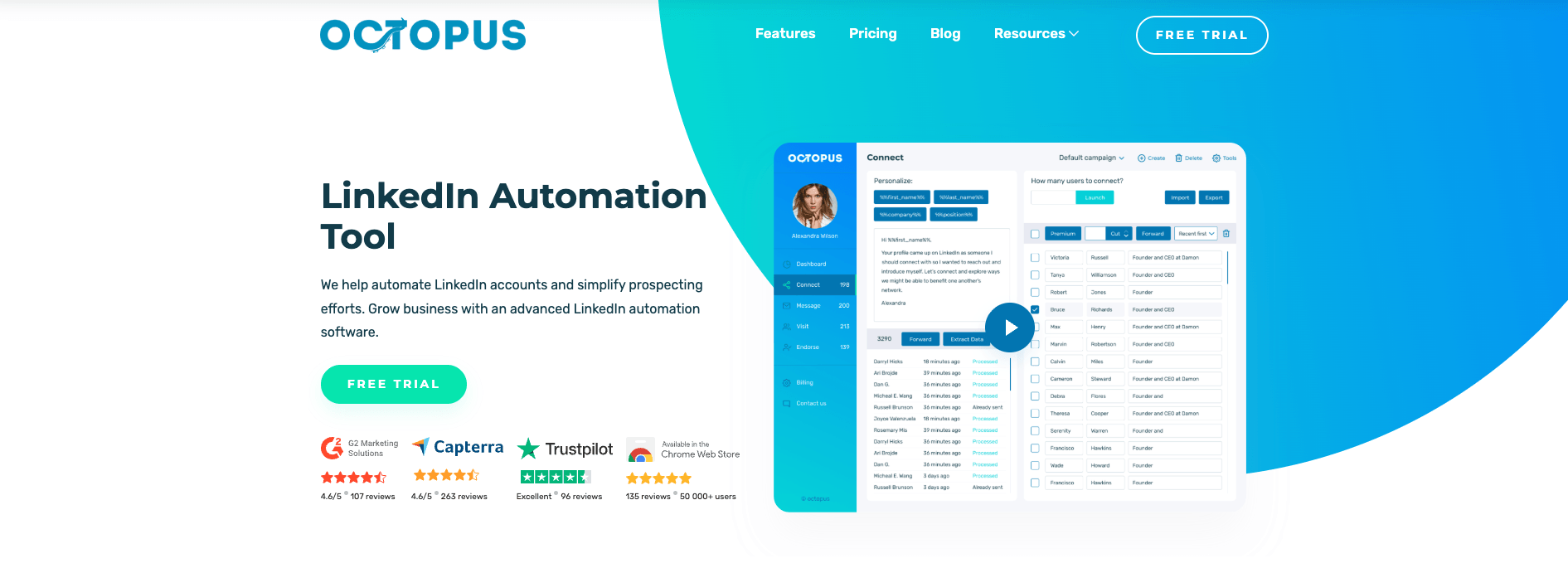
Octopus CRM is the cheapest credible entry point in this comparison, built for individuals testing LinkedIn outreach for the first time.
Key features
The feature set is deliberately narrow, with capabilities unlocking as you move up tiers.
- Automated connection requests and bulk messaging to first-degree connections.
- Skill endorsements and automated profile visits on higher tiers.
- A lead generation funnel builder for mapping campaign stages.
- Activity tracking and campaign analytics on the Advanced tier.
- Data import and export plus integrations including Zapier and HubSpot from the Pro tier up.
Pros and cons
At under $10 a month, Octopus CRM costs less than a fifth of Expandi and still covers the core outreach actions. Setup is quick enough that a first campaign can run the same day.
The trade-off is that useful features sit behind upgrades. Profile visits, funnel building, and analytics only arrive on the Advanced tier, and outreach volume stays capped until the Unlimited plan.
Pricing
Four tiers run from Starter at $9.99 per month through Pro at $14.99 and Advanced at $21.99 to Unlimited at $39.99.
How do the best LinkedIn automation tools compare?
The honest split here is between one compliant tool and four that trade risk for reach. Pricing spans a tenfold range across the outreach options alone.
Tool | Automation type | Starting price | Account risk | Best for |
Make | Official API: posts, analytics, data | Free plan | None | Compliant publishing and data workflows |
Expandi | Cloud-based outreach | $99/month | Lower, with warm-up controls | Agencies, sales teams, recruiters |
Waalaxy | Browser extension outreach | €19/month | Moderate | Founders and small teams |
Dux-Soup | Extension or cloud outreach | $14.99/month | Moderate, lower on Cloud tier | Deep campaign control |
Octopus CRM | Browser extension outreach | $9.99/month | Moderate | First-time outreach on a budget |
Two patterns stand out. Cloud-based execution costs more but reduces detectability, and the cheapest tools recover margin by holding features back until you upgrade.
Notably, both Dux-Soup and Waalaxy ship Make integrations, so the compliant and outreach layers can feed each other.
Make's social media automation page covers how that publishing side works, and there's a separate walkthrough on integrating AI into your CRM once replies start landing.
How do you choose the right LinkedIn automation tool?
Start with what you actually need automated, since that decides the category before price does.
If you need | Use |
Publishing, analytics, and lead data with zero account risk | Make |
High-volume agency or recruiter outreach with safety controls | Expandi |
A first outreach system with ready-made sequences | Waalaxy |
Granular multi-action campaigns from an established platform | Dux-Soup |
The lowest-cost way to test whether outreach works for you | Octopus CRM |
Then weigh the risk honestly. LinkedIn's User Agreement bans bots and unauthorized automated methods for adding contacts, sending messages, and driving inauthentic engagement, and enforcement is tiered, moving from temporary feature locks to account locks requiring ID verification to permanent bans.
Browser-based tools are the most detectable, since they leave traces in click timing and page interaction patterns.
Cloud tools with warm-up limits reduce that exposure without removing it.
Two pieces worth reading alongside this: Make's take on automation versus authenticity in social media, which covers where automating outreach starts working against you, and a rundown of 10 sales processes you can automate without touching LinkedIn's terms at all.
Which LinkedIn automation tool should you start with?
If your goal is publishing, analytics, or connecting LinkedIn data to the rest of your stack, start with Make and keep your account entirely out of scope for restrictions.
If you need outreach, match the tool to your volume and your risk appetite.
Expandi for agency scale with safety controls, Waalaxy or Octopus CRM for testing the waters cheaply, and Dux-Soup when campaign depth matters most.
Whichever outreach tool you choose, connecting it to the rest of your marketing automation is what turns replies into pipeline.
Make's templates library is a reasonable starting point.
Frequently asked questions
Q1: Is LinkedIn automation against LinkedIn's terms of service?
LinkedIn's User Agreement bans bots and unauthorized automated methods that add contacts, send messages, or drive inauthentic engagement. Tools using LinkedIn's official API, including Make, operate within the rules. Browser-driven outreach tools do not.
Q2: Can Make send LinkedIn connection requests or messages automatically?
No. LinkedIn's official API doesn't expose connection requests, profile visits, or direct messages, so no compliant tool can automate them. Make handles posting, analytics, and moving LinkedIn data between apps.
Q3: What's the safest way to automate LinkedIn?
Use official API tools for anything they cover. If you need outreach, pick cloud-based software with warm-up controls and daily limits, and stay well under LinkedIn's connection request thresholds.
Q4: How much do LinkedIn automation tools cost?
Outreach tools here range from $9.99 to $99 per month per seat, with annual billing discounts of 20% to 50%. Make offers a free plan and prices paid tiers by operations rather than seats.
Q5: What's the difference between browser extension and cloud-based tools?
Extensions run on your machine and need your browser open, which makes them cheaper and more detectable. Cloud tools run on the vendor's infrastructure with dedicated IPs, costing more and drawing less attention.
Q6: Can I use Make alongside an outreach tool?
Yes. Dux-Soup and Waalaxy both ship Make integrations, so outreach replies can flow into your CRM, trigger notifications, or feed reporting automatically.
Related blogs
Tool and strategies modern teams need to help their companies grow.
AI
5 Best AI Automation Tools for Teams in 2026: Full breakdown
A hands-on comparison of five leading AI automation platforms, covering features, pricing, and the best fit for your team's workflows.

Raife Dowley
August 4, 2026

AI
Best AI agent platforms of 2026: ranked & reviewed
The best AI agent platforms ranked by production-grade criteria so mid-market teams can move from comparison to deployment this week.
Raife Dowley
June 17, 2026