5 Best AI Automation Tools for Teams in 2026: Full breakdown
A hands-on comparison of five leading AI automation platforms, covering features, pricing, and the best fit for your team's workflows.

If you're comparing the best AI automation tools for your team, manual work across disconnected apps still eats hours every week.
Generic tools force a trade-off: quick to start, but too rigid once real AI enters the picture.
Enterprises aren't waiting, per Deloitte's State of AI report: worker access to AI rose 50% in 2025, and adoption keeps accelerating.
Here are the 5 best AI automation tools for 2026, and which team each one fits.
How did we choose these AI automation tools?
We tested each platform hands-on and weighed five factors that matter most for teams adopting AI automation.
- Depth of native AI features, including agents, prompt steps, and model choice
- Breadth and reliability of app integrations
- Learning curve for non-technical builders
- Pricing model and free-plan availability
- Error handling, observability, and governance for teams that plan to scale
No single factor decided the ranking on its own. A tool that scores well on AI depth but poorly on governance still lost points overall.
1. Make
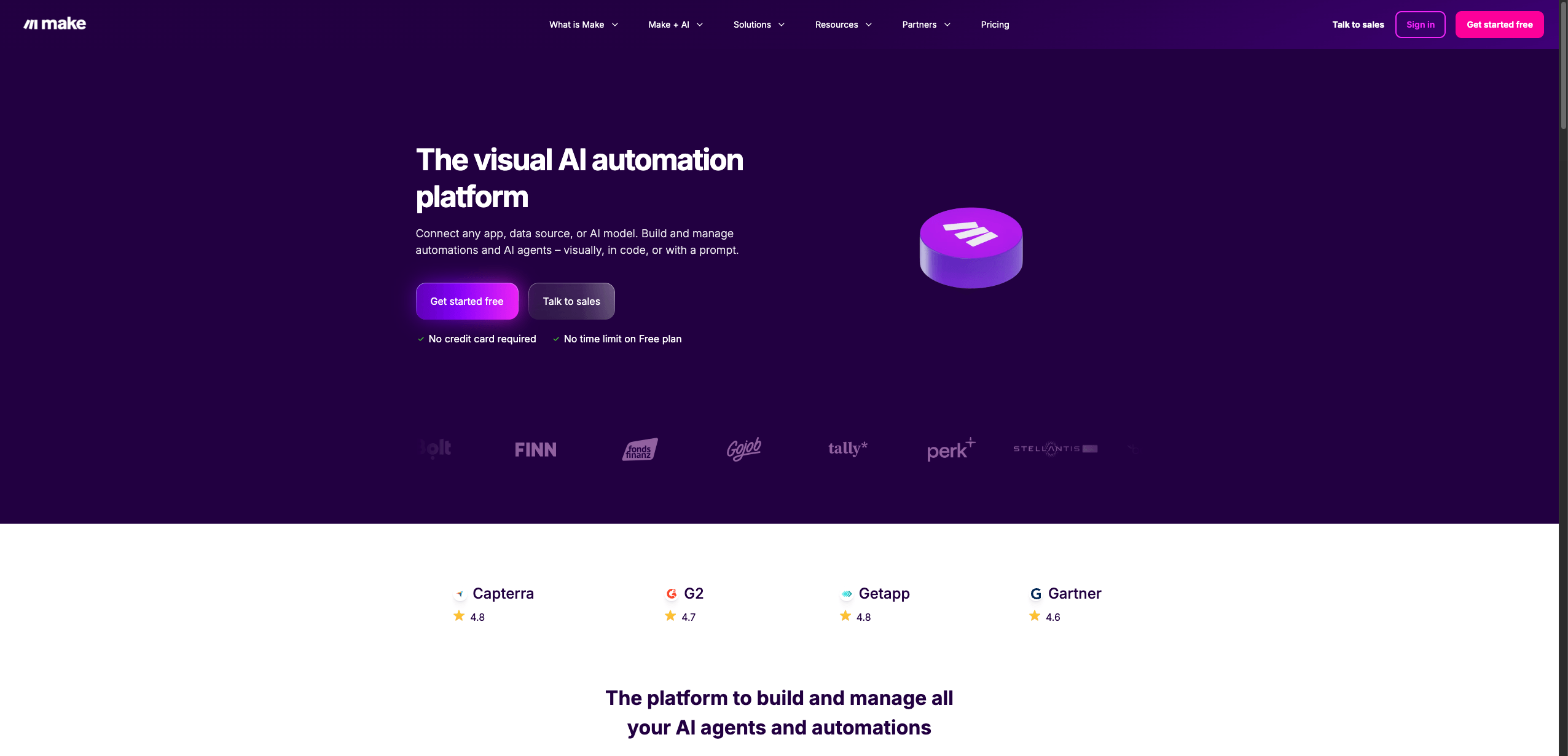
Make takes a glass box approach: every scenario is visible on a canvas, so nothing runs as a hidden black box.
That visibility does not come at a cost. Make connects over 3,500 pre-built apps and is trusted by more than 400,000 organizations across 200+ countries.
Key features
- The Scenario Builder gives you a visual canvas for building multi-branch scenarios
- Native AI Agents and AI Tools add reasoning steps directly inside a scenario, without a separate chat window
- Router and Filter modules handle conditional, multi-path logic
- Make Grid gives IT and operations teams one visual landscape for every automation and agent running across the business
- Full run history and built-in error handling make troubleshooting fast
Pros and cons
Pros | Cons |
Visual control over complex, branching workflows, with automation and AI agents managed in one place instead of split across separate tools. | A steeper learning curve than single-click tools for brand-new users, and operations-based billing takes some getting used to. |
Pricing
Make offers a Free plan with no credit card and no time limit, covering up to 1,000 credits a month. Paid plans price by monthly credit volume, starting from $12 a month for Core, $21 for Pro, and $38 for Teams at the 10,000-credit tier, with custom Enterprise pricing above that.
2. Zapier
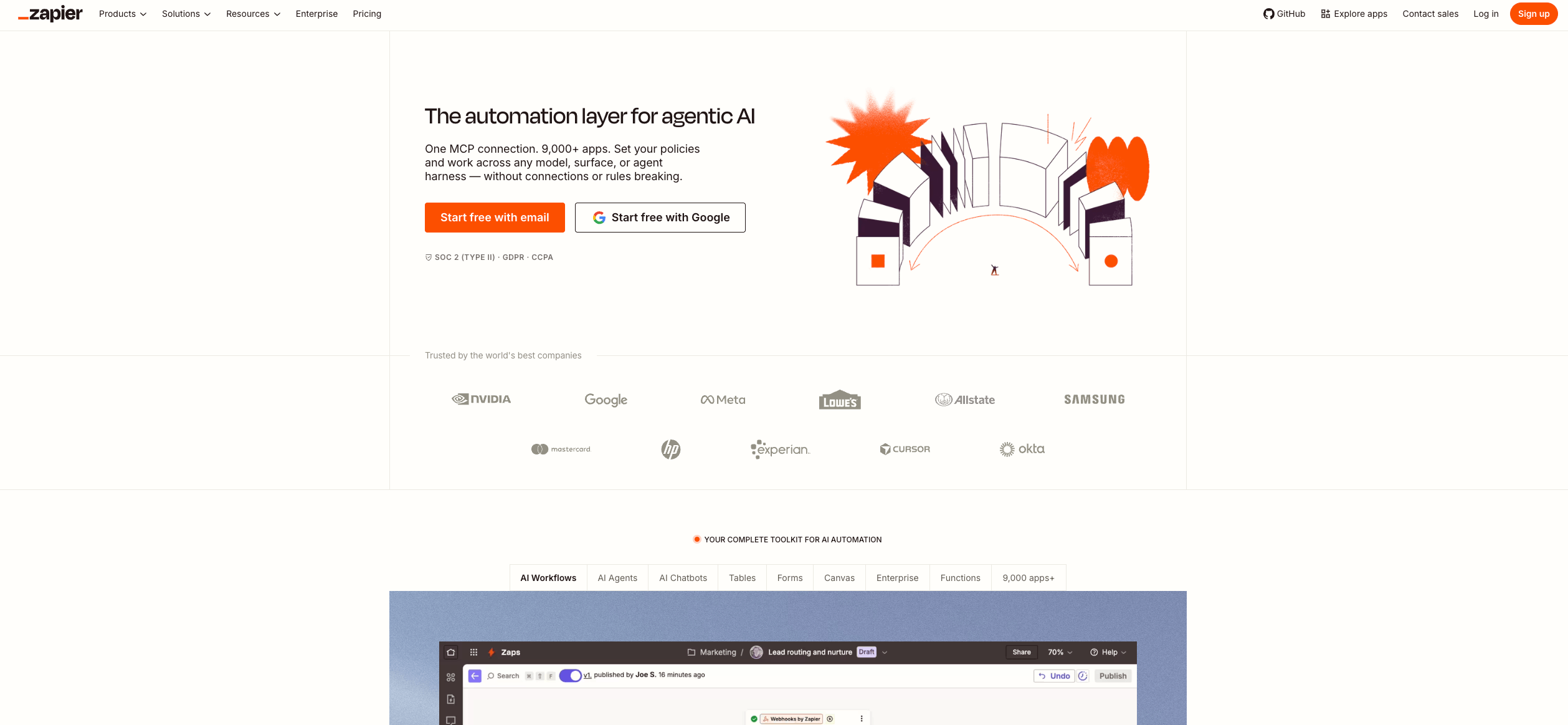
Zapier is built for speed: connect two apps like Salesforce and Slack, and launch your first Zap in minutes, no technical background required.
Key features
- Zapier connects to 9,000+ apps, more than any other platform on this list
- Zapier Agents let you build conversational AI assistants that take action across your stack, from CRM lookups to email replies
- Built-in AI fields and Zapier Copilot bring AI directly into standard Zap workflows
- Marketing and RevOps teams often start here because setup rarely needs IT involvement
Pros and cons
Pros | Cons |
The fastest platform here to set up for single-path automations, with the largest app library of the five. | Less visual control over complex, branching logic than Make or n8n, and task-based pricing can climb fast at high volume. |
Pricing
Zapier's Free plan includes 100 tasks a month at no cost. Paid Professional plans start from $19.99 a month billed annually, with Team and Enterprise tiers above that.
3. n8n
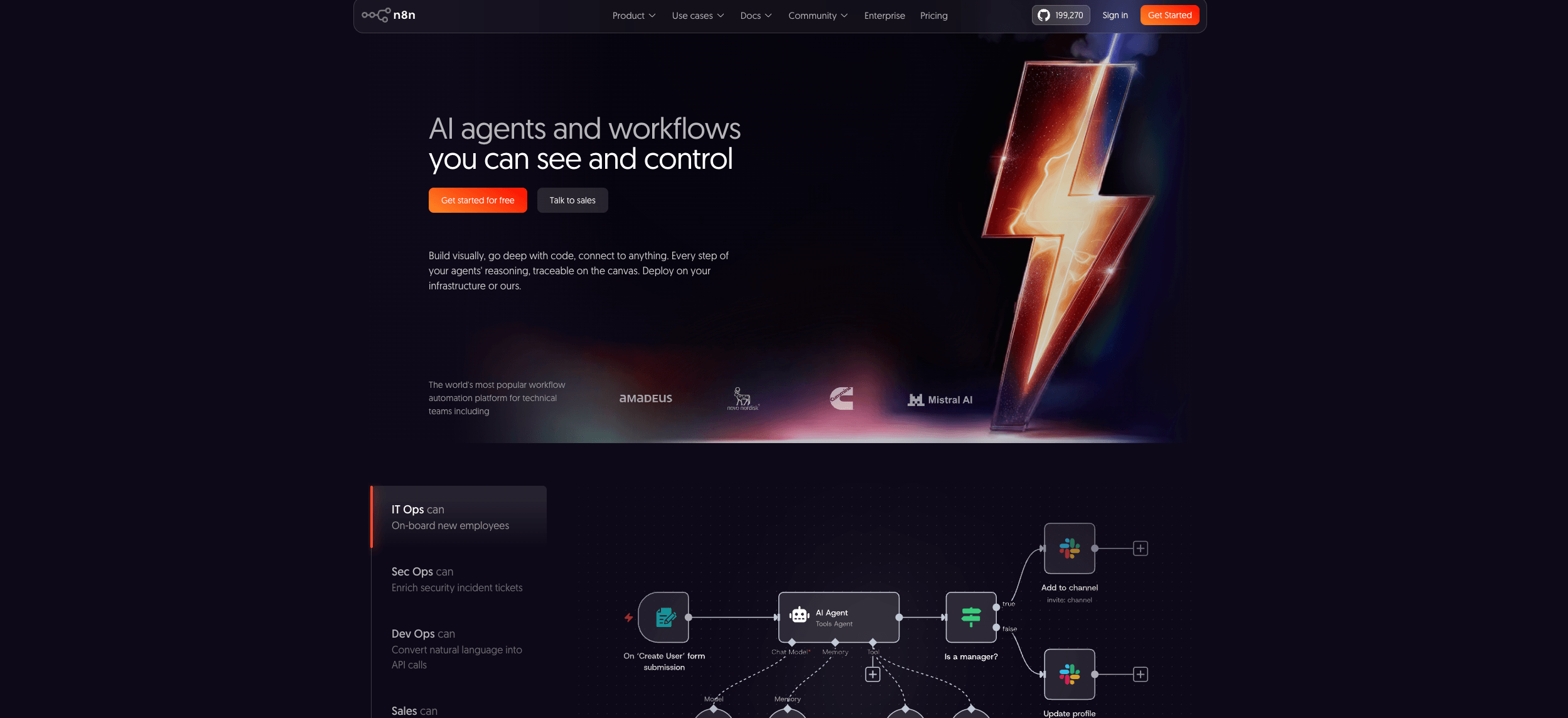
n8n is the self-hosted option: an open-source core that keeps your workflows and data on infrastructure you control.
Key features
- A node-based canvas supports LangChain-compatible AI agents with multi-agent orchestration and retrieval-augmented generation pipelines
- Deep integration with self-hosted large language models, including Ollama, keeps sensitive data in-house
- Technical teams at companies including Microsoft, NVIDIA, and Mercedes-Benz run production workflows on n8n
- Every plan includes unlimited users and workflows, with pricing based on executions instead of individual steps
Pros and cons
Pros | Cons |
Full data control through self-hosting, with execution-based pricing that treats one complex workflow as a single run. | A node-based canvas that favors developers over fully no-code teams, plus some infrastructure upkeep if self-hosted. |
Pricing
The Community Edition is free and open-source for self-hosting. Cloud plans start at 20 euros a month for 2,500 executions, scaling to a custom Enterprise tier.
4. Microsoft Power Automate
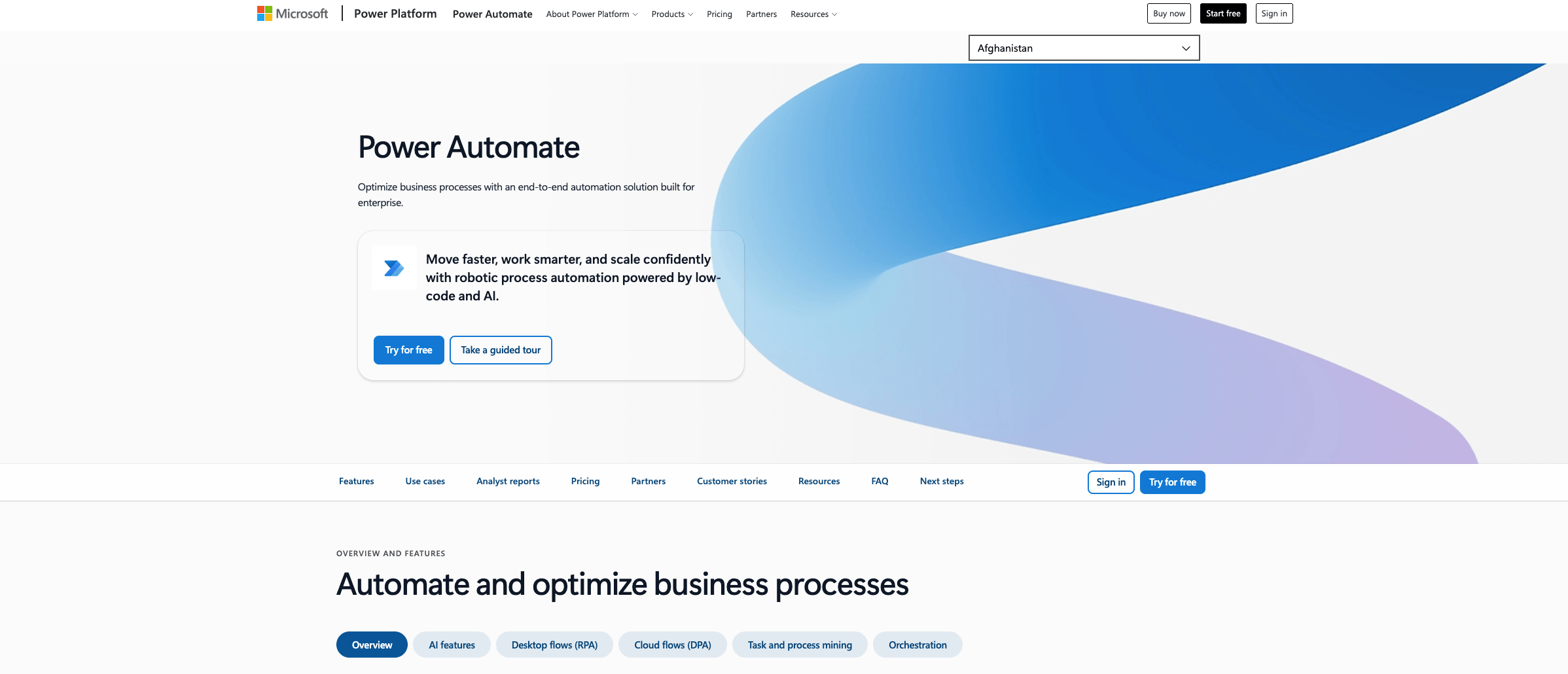
Power Automate is the natural fit for teams already living inside Microsoft 365, with Copilot built into the flow-building experience.
Key features
- Copilot-assisted flow building speeds up creating cloud flows from a plain-language description
- Deep native integration connects directly to Microsoft 365 apps and the Dataverse data platform
- Attended desktop flows automate a single user's machine, while unattended bots run RPA jobs on their own
- Process mining helps operations teams spot bottlenecks before automating around them
Pros and cons
Pros | Cons |
A strong native fit for Microsoft-centric enterprises, with solid governance and approval features built in. | Premium connectors and unattended bots sit behind paid tiers, and it is a less natural fit outside the Microsoft ecosystem. |
Pricing
There is no standalone free plan beyond a 30-day trial. Premium pricing starts at $15 per user, per month, paid yearly, and unattended bots start at $150 per bot, per month.
5. Gumloop
Gumloop was built AI-native from day one, treating large language model steps as first-class blocks rather than an add-on.
Key features
- An AI-first canvas is designed specifically around LLM steps and agent behavior
- Pre-built agents cover use cases like competitor analysis, lead qualification, and SEO automation
- Unlimited seats and teams come standard, even on the entry paid plan
- MCP server hosting connects Gumloop workflows directly to external AI tools
Pros and cons
Pros | Cons |
Purpose-built for AI-first workflows, with unlimited seats included from the entry plan, and a recent $50 million Series B led by Benchmark. | A smaller integration library than Make, Zapier, or n8n, and no free plan for testing before you commit. |
Pricing
There is no free plan. The Pro plan starts at $37 a month for 20,000 or more credits, scaling to custom Enterprise pricing.
How do these AI automation tools compare?
Here is how the 5 best AI automation tools stack up on the factors that matter most before you commit to one.
Tool | Best for | AI capabilities | Pricing model |
Make | Visual, multi-app AI workflows | Native AI Agents, AI Tools, model connections | Free through Enterprise, billed on operations |
Zapier | Fast setup, broad app coverage | Zapier Agents, built-in AI fields | Free (100 tasks/mo), then task-based from $19.99/mo |
n8n | Self-hosted, developer-controlled AI agents | LangChain-compatible agent builder | Free self-hosted; cloud from €20/mo |
Microsoft Power Automate | Microsoft 365-centric enterprises | Copilot-assisted flow building | No free plan; from $15/user/mo |
Gumloop | AI-first workflow design | AI-native canvas built around LLM steps | No free plan; Pro from $37/mo |
How do you choose the right AI automation tool for your team?
Matching the tool to your team's skill level and governance needs matters more than counting features.
- Does your team need self-hosting or strict data residency?
- How much branching or conditional logic will your workflows need?
- Is pricing structured to scale predictably as usage grows?
- Does the platform give enough error visibility to troubleshoot a failed run?
- Are the integrations you rely on daily available without an add-on tier?
Answer these honestly before you commit, since switching platforms later costs more than choosing carefully now.
What's your next step in choosing an AI automation tool?
The best AI automation tool is the one that matches your team's technical skill, governance needs, and budget, not the one with the longest feature list.
For teams that want visual control over complex workflows without sacrificing AI depth, Make is worth starting with first. Get started free, connect your AI agents to real systems, and scale without losing the full picture.
Frequently asked questions
Q1: What is the best AI automation tool overall?
There is no single universal winner. It depends on your team's technical skill, budget, and how much branching logic your workflows need.
Q2: Is Make better than Zapier for AI automation?
Make gives you more visual control over complex, branching workflows. Zapier is faster to set up for single-path automations.
Q3: Can I use AI automation tools for free?
Make, Zapier, and n8n all offer free plans, though n8n's free option requires self-hosting. Power Automate and Gumloop require a paid plan after their trial periods.
Q4: Do AI automation tools require coding knowledge?
Make, Zapier, and Power Automate are built for non-technical builders. n8n and Gumloop are more approachable with some technical background.
Q5: Which AI automation tool is best for enterprise teams?
Make and Power Automate both offer strong governance and approval features for enterprise-scale rollouts.
Q6: How much do AI automation tools cost?
Costs range from free to hundreds of dollars a month, depending on usage. Check each vendor's current pricing page before committing, since tiers change often.