5 best automated workflow tools for scaling manual processes
See how Make, Zapier, n8n, Power Automate, and Gumloop compare on features, pricing, and fit, so you can choose fast.

TL;DR
- Manual, repetitive processes get more expensive as volume grows, not less. Forrester modeled a global enterprise that automated its accounts payable process and found a 111% return on investment, with payback in under six months.
- The best automated workflow tools for scaling manual processes are Make (strongest all-round fit, with AI Agents and unlimited scenario complexity), Zapier (fastest simple setup), n8n (self-hosted, technical control), Microsoft Power Automate (enterprise RPA and governance), and Gumloop (AI-native handling of messy documents and emails).
- Pricing models vary widely: Make's Core plan starts at $9/month for 10,000 operations, while Zapier's paid plans start at $19.99/month for 750 tasks, a real cost gap once a process scales past a handful of steps.
- The tool that scales best is rarely the one that's easiest to start with. Match the tool to how complex the process will get in 12 months, not how it looks on day one.
Introduction
The best automated workflow tools for scaling manual processes are: Make, for AI-powered orchestration with no ceiling on scenario complexity; Zapier, for the fastest, simplest setup; n8n, for self-hosted technical control; Microsoft Power Automate, for enterprise RPA and governance; and Gumloop, for AI-native handling of messy documents and inboxes.
Manual work does not get cheaper at higher volume, which is why this workflow automation guide compares all five by capability, pricing, and fit.
How did we choose these automated workflow tools?
We picked these five by testing how each handles the bottlenecks that stall growing teams: data entry, approvals, reporting, and follow-ups.
Four criteria mattered most, explained further in our guide to what AI automation is.
- Scale without headcount: can the tool handle ten times the current volume without a matching increase in staff or spend.
- Structured and unstructured work: does it handle clean CRM and spreadsheet data as well as messy documents, emails, and web research.
- Reliability at volume: retries, error handling, and audit trails, not just a working demo.
- Transparent pricing: a cost model that stays predictable once a process scales past its first version.
1. Make
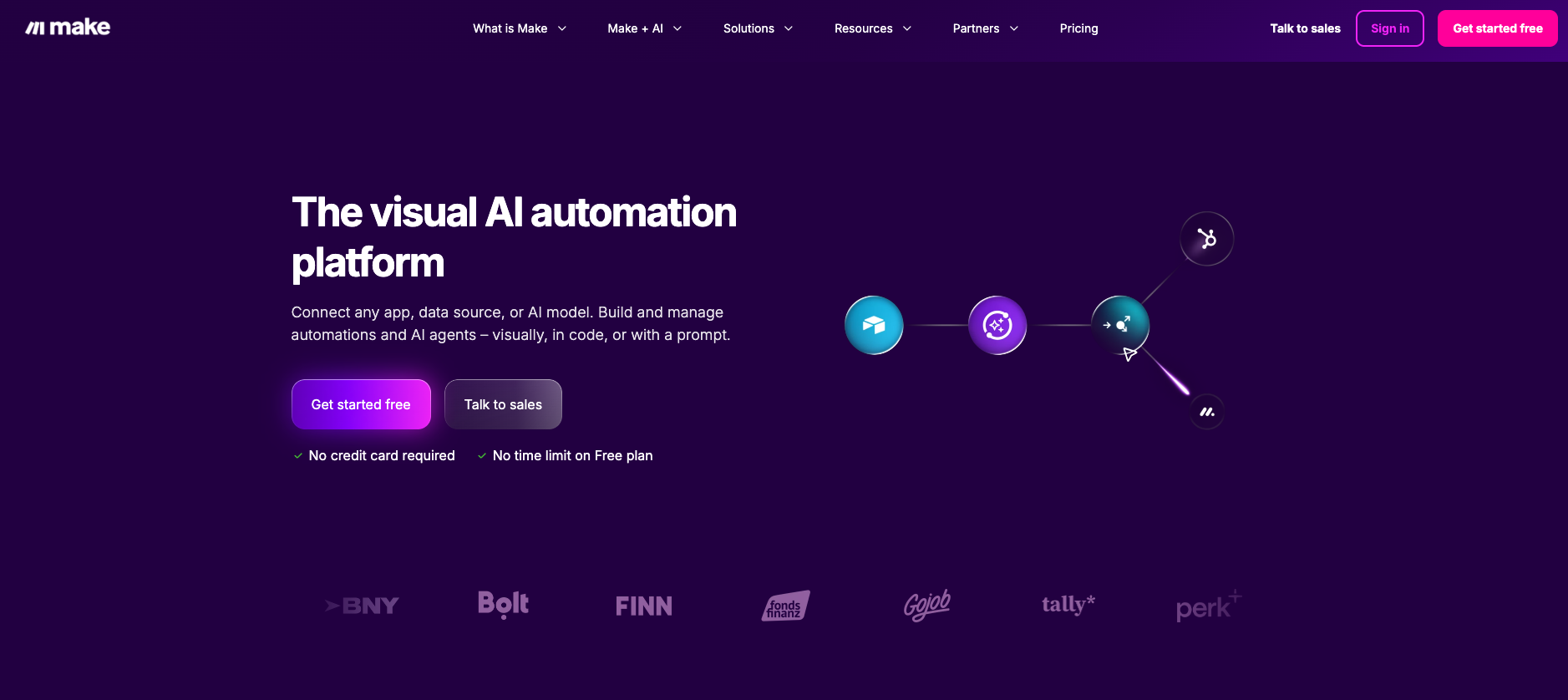
Make is the strongest all-round fit for teams scaling a manual process past the point where simple trigger-action tools run out of road.
It connects to 3,500+ apps and runs on a visual Scenario Builder, where every module, route, and connection stays visible on a canvas instead of hidden inside a linear step list.
Where this matters for scaling: a Make scenario can hold an unlimited number of modules and routes, so a process that starts as three steps and grows into thirty does not need rebuilding on another platform. Router, Iterator, and Aggregator modules handle branching and merging logic that trigger-action tools handle poorly at volume
Key features:
- Native AI modules for OpenAI - Create a Chat Completion, Anthropic Claude - Send a Message, and Google Gemini, plus Make AI Agents for judgment-heavy steps like triaging a messy inbox or qualifying a lead, with a reasoning panel that shows each decision the agent makes.
- Maia by Make, a conversational AI co-worker that builds automations and AI agents directly inside the Scenario Builder: describe what you want in plain language and Maia configures the modules visually, step by step, rather than generating a hidden result. Included free for 30 days on every plan, then unlimited on paid plans using Make credits.
- Make Grid, a real-time map of how scenarios, agents, and data flows connect, included on all paid plans.
- Error handlers and Data Stores for retrying failed steps and holding state across long-running scenarios.
- Make MCP Server for turning scenarios into tools that ChatGPT, Claude, or Cursor can call directly.
Pros | Cons |
Handles growing complexity without a hard limit on modules or routes | More setup decisions upfront than a pure trigger-action tool |
AI Agents and Make Grid included on every paid plan | Credit-based pricing takes a billing cycle to get a feel for |
SOC 2 Type II, SOC 3, ISO 27001, and GDPR compliant out of the box | Not built for pure batch data-engineering pipelines |
Pricing
The free plan includes 1,000 operations a month with no time limit.
The Core plan starts at $9/month (billed annually) for 10,000 operations, with AI Agents and Make Grid included at every paid tier.
2. Zapier
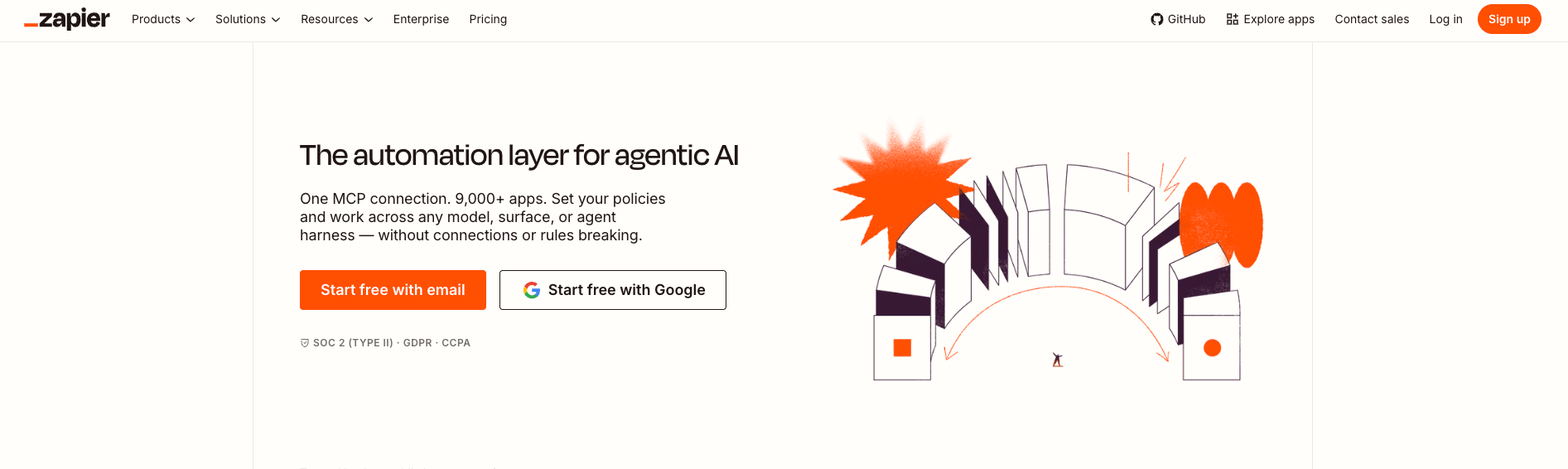
Zapier remains the fastest way to get a first automation running, and its library of 8,000+ app integrations is the largest of any tool in this list.
For a single, well-defined process, its linear Zap editor takes minutes to set up.
The scaling limits show up once a process grows: Zaps cap out at 100 steps and 10 branches per Path, and the free plan restricts users to two-step Zaps capped at 100 tasks a month.
Paid plans start at $19.99/month (billed annually) for 750 tasks, and AI agent features are sold as a separate add-on rather than bundled in.
See the full Make vs Zapier comparison for a deeper breakdown.
Key features:
- Zapier Tables and Interfaces for lightweight data storage and simple front ends tied to a Zap.
- Zapier Copilot for drafting Zaps from a plain-language description.
- Zapier Agents for autonomous multi-step tasks, available as an added package.
- Built-in error handling, replay, and task history.
Pros | Cons |
Largest integration library, gentle learning curve | Hard caps on steps and branches limit growth |
Fast to get a first automation running | AI agent features cost extra on top of a base plan |
Pricing:
Free tier, 100 tasks/month, two-step Zaps only. Paid plans from $19.99/month (annual billing) for 750 tasks.
3. n8n
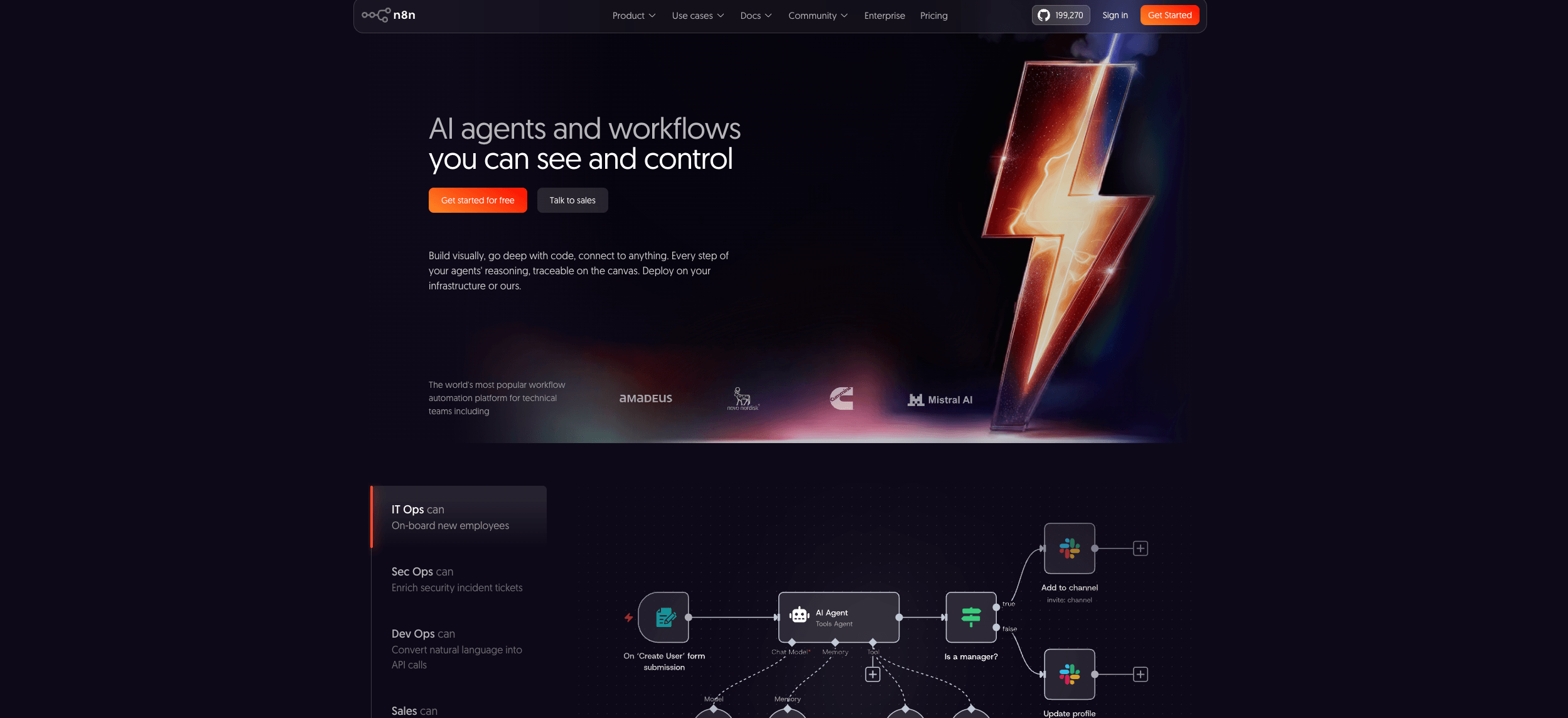
n8n suits technical teams that want to self-host and keep full control of data and cost as a process scales.
It runs under n8n's Sustainable Use License, a source-available model: free to self-host and modify, but restricted from being resold as a hosted service without authorization.
Key features:
- Node-based visual editor with JavaScript and Python code nodes for custom logic.
- Self-hosting on Docker or Kubernetes, keeping sensitive data inside your own infrastructure.
- Webhooks and queue mode for handling high-volume, concurrent executions.
- Native AI and LangChain nodes for agentic workflows and vector store retrieval.
Pros | Cons |
Self-hosted Community Edition is free with unlimited executions | Self-hosting requires DevOps capacity for upgrades and scaling |
Full code access for complex, custom logic | Steeper learning curve than no-code tools |
Predictable per-execution cloud pricing | Smaller native integration catalog than Zapier or Make |
Pricing
Free, self-hosted Community Edition with every integration included. n8n Cloud starts around €24/month for 2,500 executions (Starter), with Pro around €60/month for 10,000 executions and Business around €800/month; Enterprise is quoted directly.
See how it stacks up in the Make vs n8n comparison.
4. Microsoft Power Automate
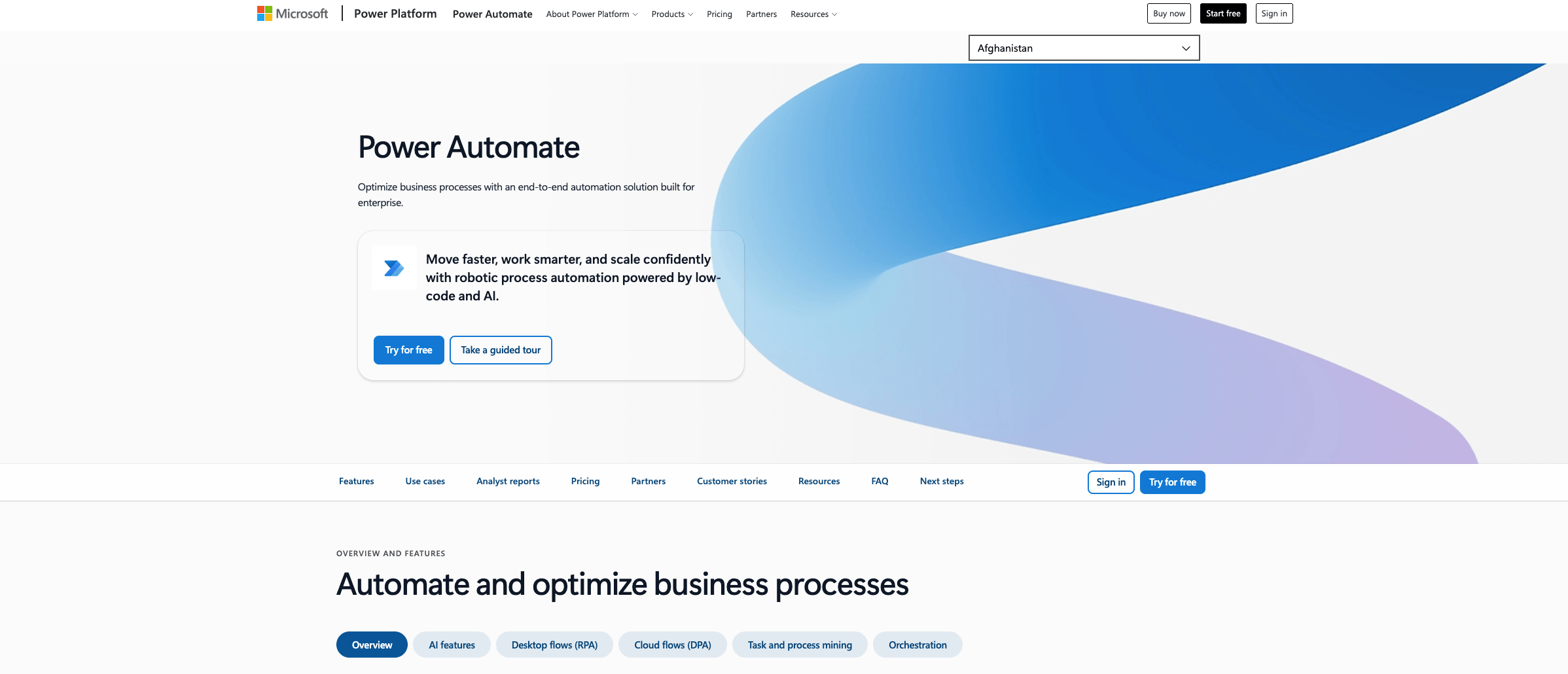
Microsoft Power Automate fits teams whose manual processes still run through legacy desktop systems or sit deep inside Microsoft 365 and Dynamics 365.
It combines cloud flows for modern apps with desktop robotic process automation (RPA) for tasks that only exist inside an old interface, such as pulling data out of a legacy internal tool.
Key features:
- Attended and unattended desktop RPA for automating manual work in applications without an API.
- AI Builder for extracting data from documents and forms.
- 600+ premium connectors on the Premium plan, plus native integration with SharePoint, Teams, and Outlook.
- Process Mining for identifying which manual processes are worth automating first.
Pros | Cons |
Deep, native Microsoft 365 and Dynamics 365 integration | Licensing structure is complex, with several separate plans |
Combines cloud flows with desktop RPA in one platform | Premium features and RPA add significant cost |
Strong governance for regulated, enterprise environments | Steeper learning curve outside the Microsoft ecosystem |
Pricing
Premium plan is $15/user/month (annual billing) for 600+ connectors and attended RPA. Unattended RPA (Process plan) is $150/bot/month, and the Per Flow plan is $100/month for five flows shared across an organization.
See how Make handles operations automation for a cloud-first comparison point.
5. Gumloop
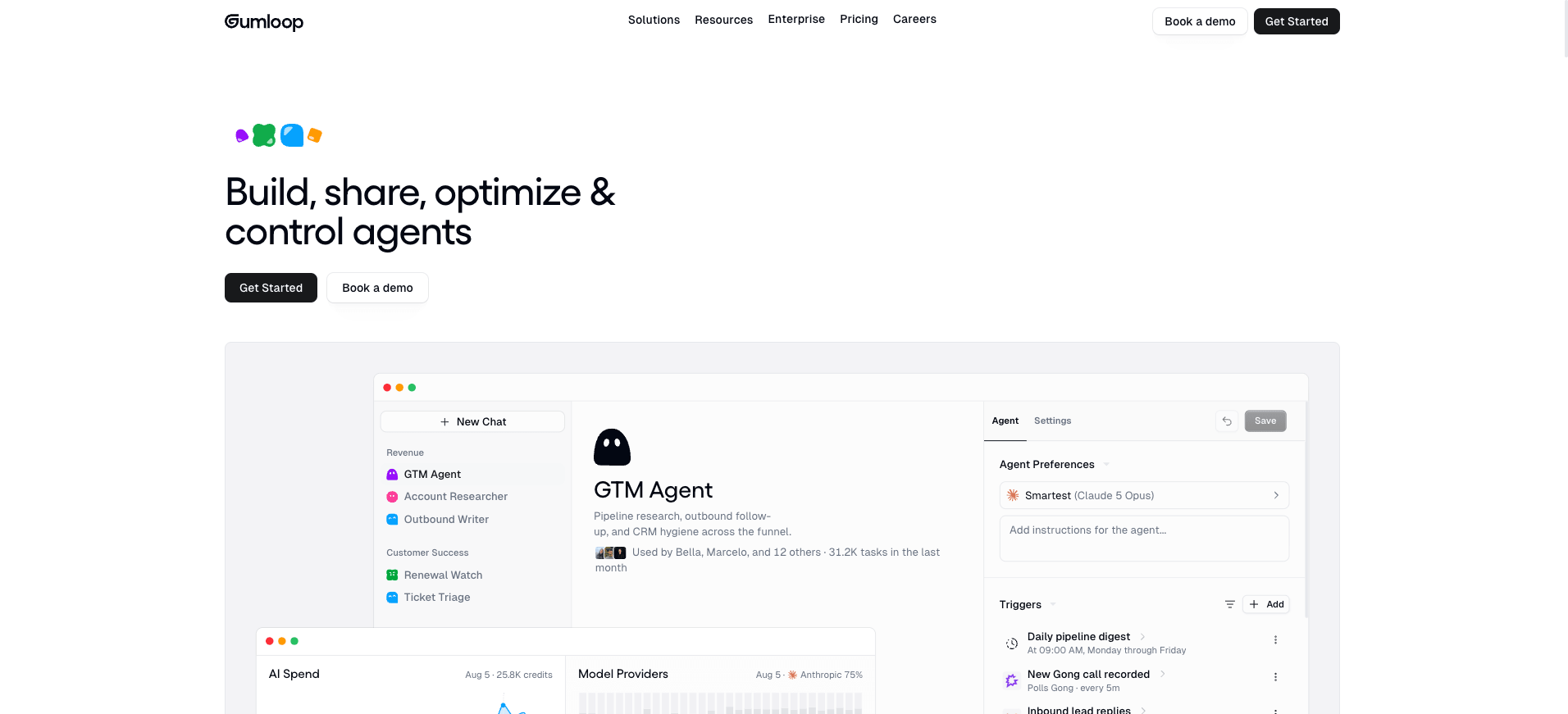
Gumloop covers ground the other four tools handle less well: messy, unstructured manual work like parsing PDFs, triaging inboxes, or turning scattered web research into a usable list.
It pairs a drag-and-drop workflow builder with AI nodes, complementing structured automation tools rather than replacing them.
Key features
- 200+ integrations and a visual builder for chaining AI steps together.
- Sub-agents for running parallel AI tasks inside one pipeline.
- Node types for web scraping, document parsing, image analysis, and multi-model chaining.
- Credit-based usage that scales with AI model calls rather than simple task counts.
Pros | Cons |
Purpose-built for unstructured document and research work | Smaller integration catalog than Zapier, Make, or n8n |
Free tier available for testing before committing | Credit consumption varies a lot by AI model used |
Pricing
The free plan includes 2,000 credits and two concurrent flow runs. Solo is $37/month for 10,000 credits and full AI node access; Pro is $97/month.
See Make's approach to AI automation for a structured-plus-AI alternative.
How do the top 5 automated workflow tools compare?
This comparison maps all five tools by best fit, core strength, and pricing model, so teams scaling a manual process can shortlist quickly without testing all five.
Tool | Best for | Core strength | Starting price |
Make | Teams scaling past simple trigger-action logic | Unlimited scenario complexity, AI Agents on every plan, 3,500+ apps | $9/month (10,000 operations) |
Zapier | Fast, simple first automations | Largest integration library | $19.99/month (750 tasks) |
n8n | Technical teams needing self-hosted control | Full code access, predictable execution pricing | Free self-hosted; Cloud from ~€24/month |
Microsoft Power Automate | Legacy desktop processes, Microsoft-heavy stacks | Combines cloud flows with desktop RPA | $15/user/month |
Gumloop | Messy, unstructured document and research work | AI-native node types, sub-agents | Free; Solo $37/month |
Make leads on scaling headroom since scenario complexity has no hard ceiling, while the other four each solve a narrower slice of the same problem.
How do you choose the right tool to scale a manual process?
Start with the shape of the manual process, not a tool's marketing page.
A process that stays simple needs a different tool than one that will pick up branches, exceptions, and new systems over the next year.
- If the process is simple and stable: a fast, linear tool is enough, and Zapier's setup speed wins.
- If the process will grow branches, exceptions, or AI-driven decisions: Make's unlimited scenario complexity and built-in AI Agents avoid a rebuild later.
- If a technical team wants to self-host and control cost precisely: n8n fits.
- If the bottleneck sits inside legacy desktop software or the Microsoft stack: Power Automate's RPA layer is the direct fit.
- If the work is mostly unstructured, documents, inboxes, and research: Gumloop's AI-native nodes handle it better than a structured trigger-action tool.
Map the process first: trigger, connected systems, decision points, and failure risks.
Then pick the lightest tool that can still handle the process at ten times its current volume, since that is where trigger-action tools tend to break down.
See how Make Grid keeps that mapping visible as the number of processes grows.
Which tool should you choose to scale a manual process?
Zapier gets a first automation running fastest. n8n suits technical teams that want self-hosted control.
Power Automate fits legacy, Microsoft-heavy processes. Gumloop handles messy documents and research well.
For teams that expect the process to keep growing, in branches, in AI-driven decisions, or in the number of systems involved, Make is built for what comes next: unlimited scenario complexity, AI Agents included on every paid plan, and a visual canvas where nothing runs as a hidden black box.
Map the manual process costing the most time this month, then pilot the tool that fits it. Get started with Make for free to build the first scenario.
Frequently asked questions
Q1: What are automated workflow tools for scaling manual processes?
They are platforms that connect apps, move data, and trigger actions without a person repeating each step by hand. As volume grows, they let a process run more times without a matching increase in headcount.
Q2: What manual process should I automate first?
Start with the most repetitive, clearly defined process that already costs measurable time each week, such as data entry, invoice follow-ups, or weekly reporting.
Q3: Is Make or Zapier better for scaling?
Zapier is faster to set up for a simple, stable process. Make handles growth better once a process picks up branches, exceptions, or AI-driven decisions, since scenarios have no hard limit on modules or routes.
Q4: Do I need to code to automate a manual process?
No. Make, Zapier, and Gumloop are built for no-code use. n8n and Power Automate's RPA layer are more technical but do not require full software development skills.
Q5: How much do these tools cost at scale?
It varies by pricing model. Make's Core plan starts at $9/month for 10,000 operations; Zapier starts at $19.99/month for 750 tasks. Compare at projected volume, not list price, since costs compound differently as a process adds steps.
Q6: Can AI handle a manual process without human review?
AI can draft, classify, and extract data reliably, but processes involving approvals, compliance, or customer-facing decisions should keep a human review step rather than removing it entirely.
Q7: What's the difference between Make and Microsoft Power Automate?
Make is a cloud-first visual platform built for cross-app orchestration and AI agents. Power Automate adds desktop RPA for legacy systems without an API, built around the Microsoft 365 and Dynamics 365 ecosystem specifically.
Related blogs
Tool and strategies modern teams need to help their companies grow.
AI
5 best LinkedIn automation tools in 2026 (tested & compared)
A tested comparison of the top LinkedIn automation tools for 2026, including Make's compliant option and four dedicated outreach platforms.

Raife Dowley
August 19, 2026
AI
The next generation of Make AI Agents: Visual, transparent, reusable
Sebastian Mertens, Head of Applied AI at Make, shares how the next generation of Make AI Agents will be as visual and intuitive as every other part of Make.

Sebastian Mertens
October 16, 2025
AI
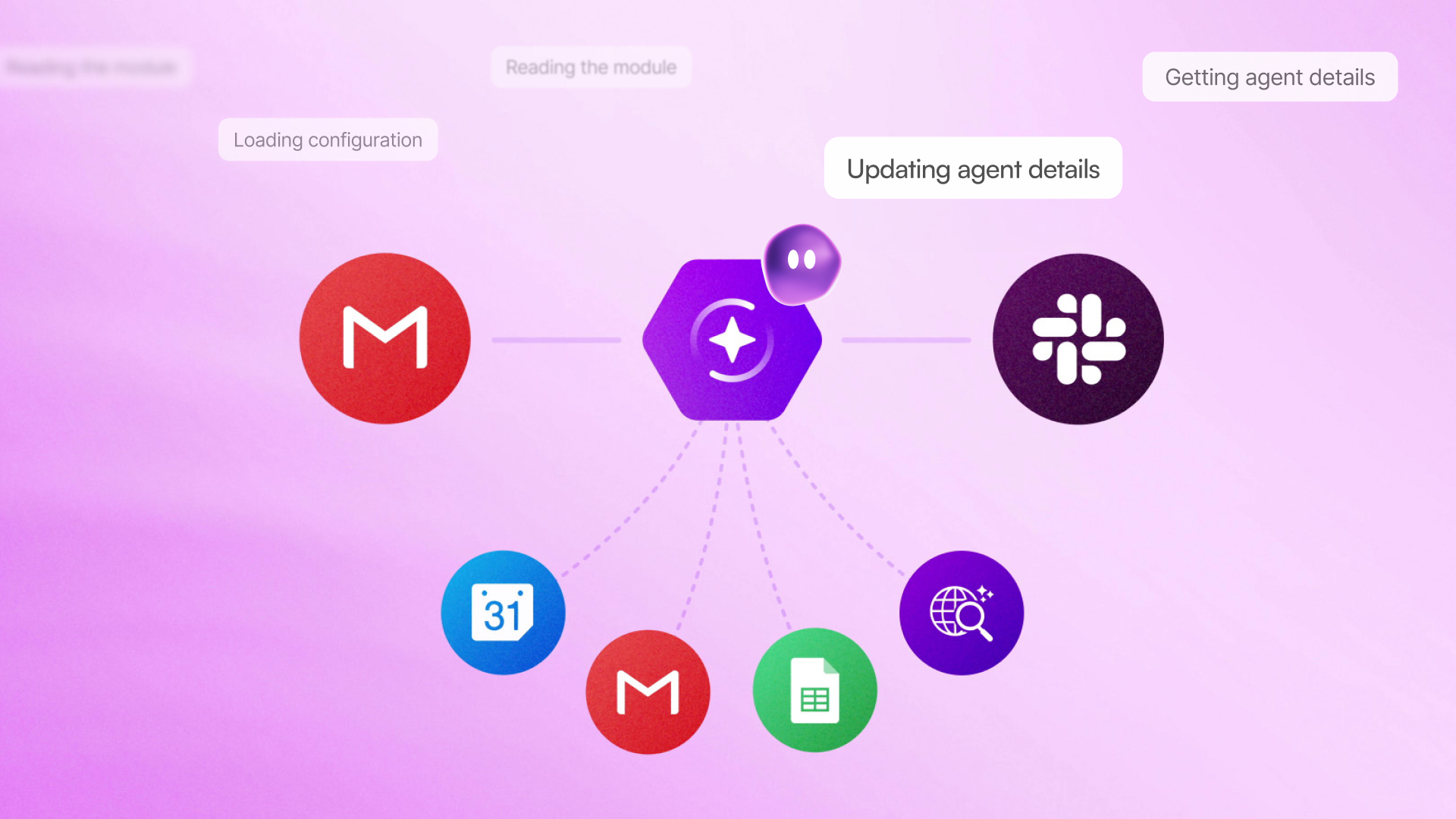
Maia by Make: A conversational co-worker that empowers teams to build automations and AI agents from day one
Meet Maia, your conversational AI co-worker who builds automation steps visually in front of you, translating plain language into working solutions. Maia helps beginners learn, seasoned builders iterate, and team leads enable automation across the company.

Irina Vasilkova
August 12, 2026