Maia by Make: A conversational co-worker that empowers teams to build automations and AI agents from day one
Meet Maia, your conversational AI co-worker who builds automation steps visually in front of you, translating plain language into working solutions. Maia helps beginners learn, seasoned builders iterate, and team leads enable automation across the company.
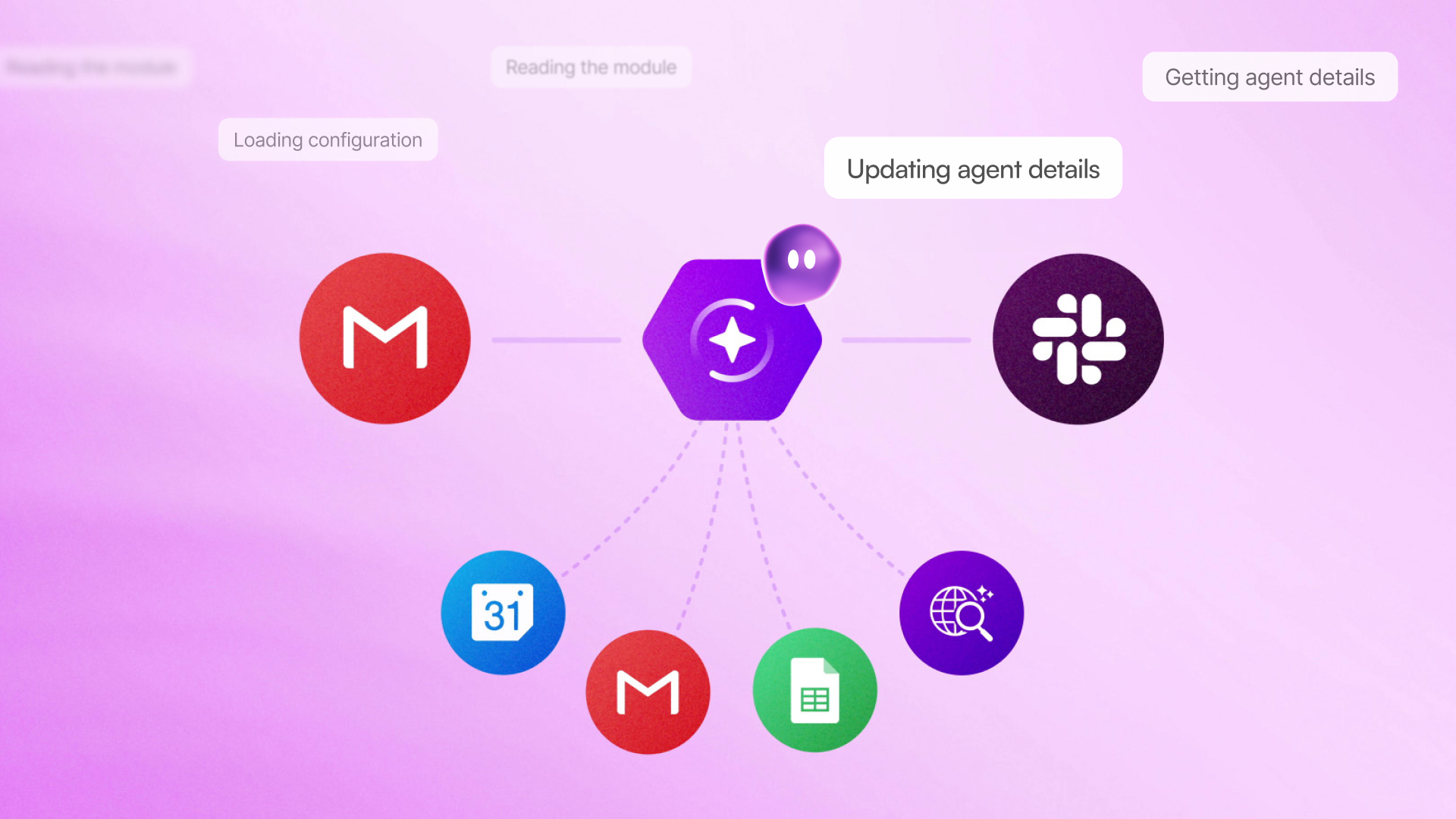

Businesses know what they want to automate. They know the systems they need to connect and what the outcome should look like. But between that idea and a working automation stands a technical learning curve, documentation, module logic, and connection mapping. For growing organizations, that gap slows the entire team.
Today, we're introducing Maia by Make. A co-worker for AI and automation right inside the Make visual Scenario Builder. Maia shows your team the logic behind the solution, so they can build confidence as they build workflows.
Not a chatbot. Not a black box. A trusted co-worker.
Maia is different from the AI building tools you've seen before.
Most conversational AI and automation builders work like this: you describe what you want, a result is generated in the background, and it appears once finished. It looks right. It runs. But how it was built, why certain decisions were made, or where to start if something needs to change isn’t clear. At scale, that's a liability.
Maia works differently. She reasons out loud and builds visually.
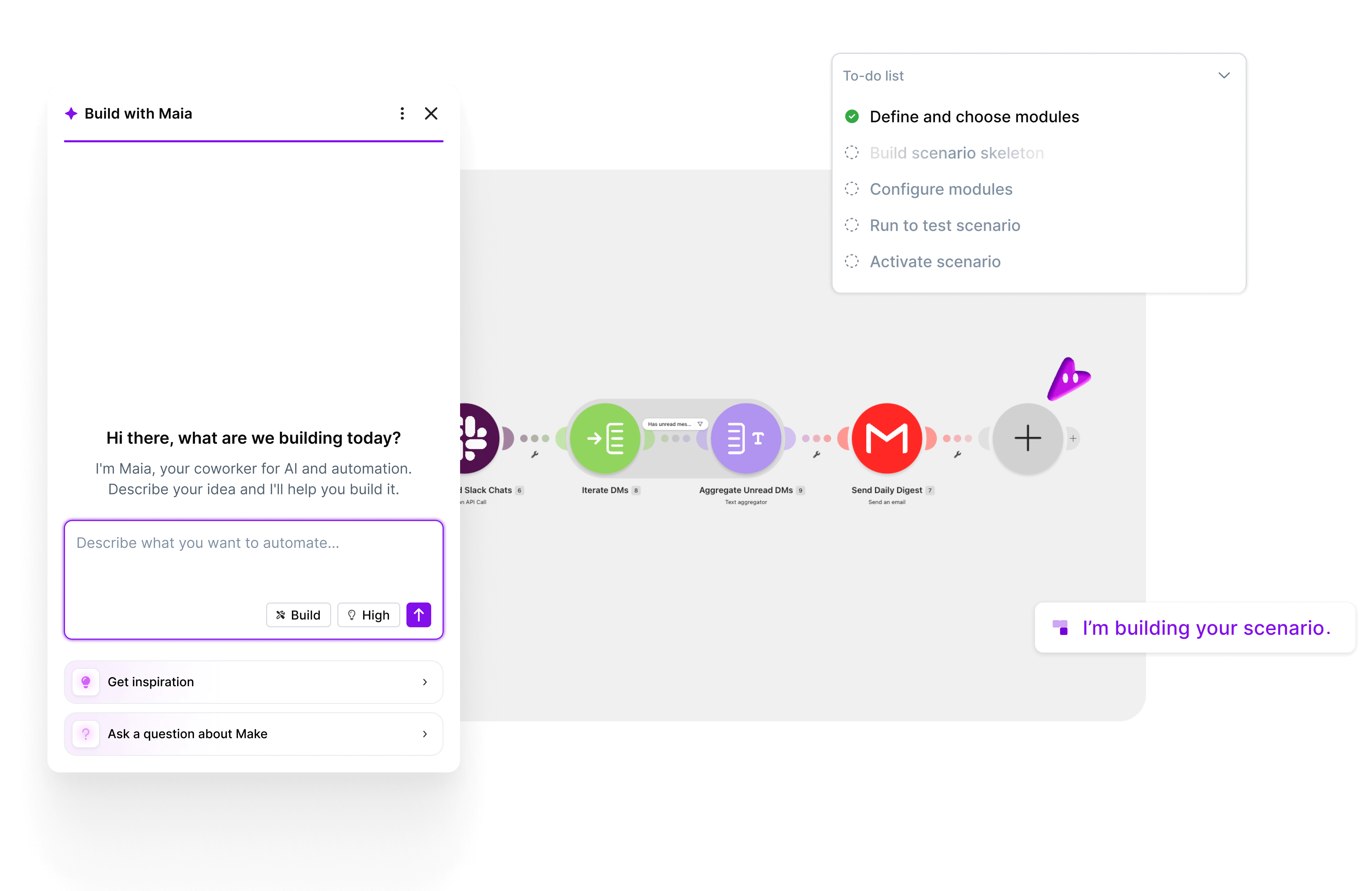
Unlike other AI assistants, as Maia builds, you observe and collaborate. She maps the flow, selects the right application modules, configures them, and visually indicates exactly what she's working on. She also asks clarifying questions to ensure every build reflects your intent, not an approximation of it.
Gradually, you co-create your vision directly in Make's visual Scenario Builder. There's no black box, guesswork, or ready-made output you're afraid to touch. You get a solution you can trust – and so can everyone who relies on it.
And because you can see every decision being made, your team learns while it builds. That means the next automation gets built faster, with more confidence, and with more knowledge than the last.
Maia also has the character to make the whole experience feel like a conversation with a knowledgeable colleague, not a chatbot.

What your team can achieve by chatting with Maia
If your team is getting started with Make
- Build a fully functional automation or AI agent faster: Describe what you want in plain language – for example, "When a new lead is added to Salesforce, send a summary to our Slack channel" – and Maia translates that intent into a fully configured, working automation in Make's Scenario Builder. You get a complete, operational solution.
- If you want to start from a template instead, you can take any template from the Make library and ask Maia to customize it to fit your exact needs.
- Support knowledge across the organization while building: Because everything happens visually, every team member gets a front-row seat to how automation is built. Ask Maia to explain the logic, walk you through a module, or answer questions about Make, and she will.
- Every session with Maia is a lesson: No more switching to a generic LLM for advice and hoping it understands the context. Maia already knows Make. She's aware of best practices, module structures, and how well-built automation should be configured.
If you have experienced Make builders on your team
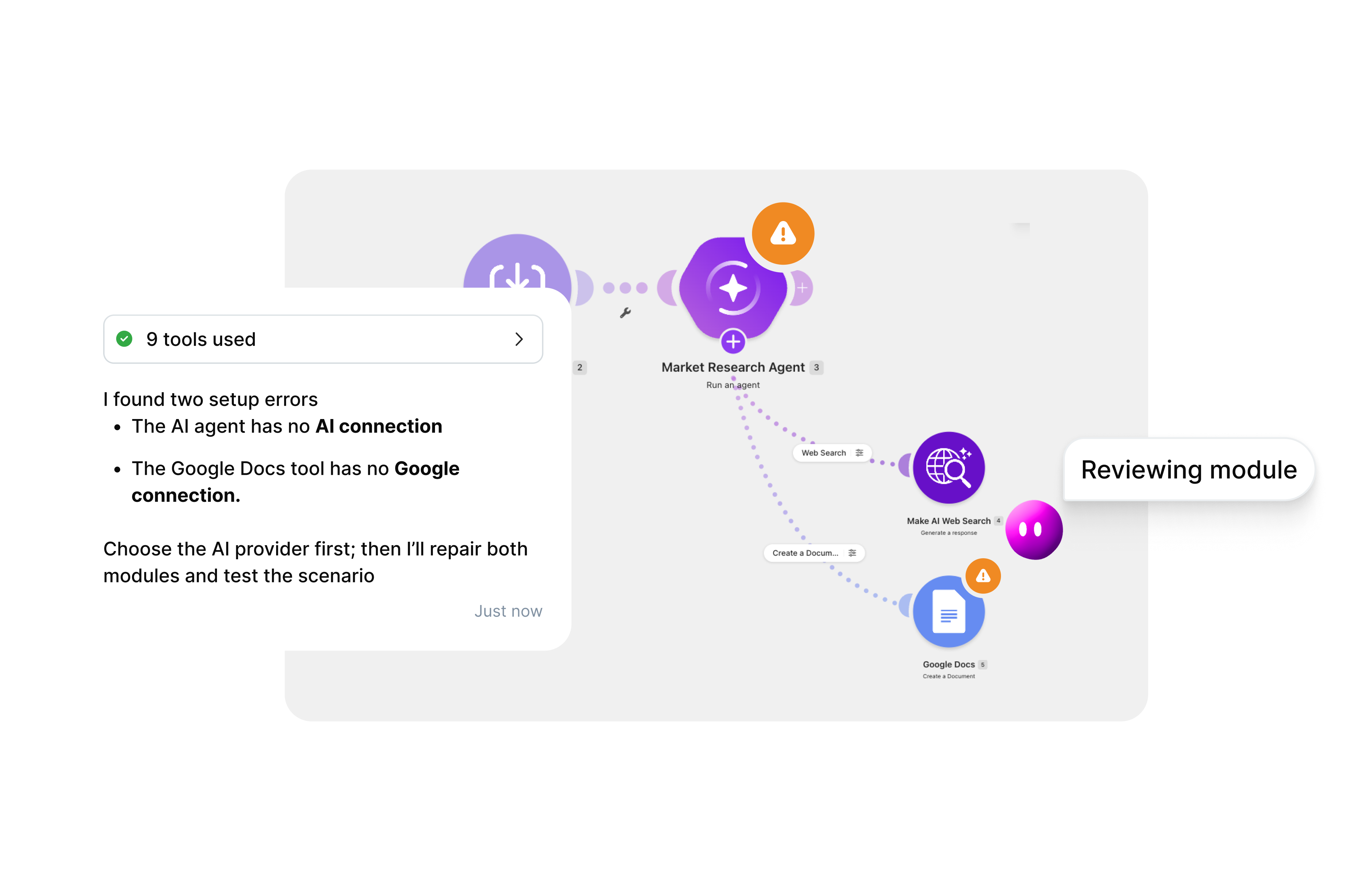
- Faster maintenance and debugging: Maia can handle tasks that slow even experienced builders down – modifying an existing automation, debugging a failing module, or getting up to speed on an automation someone else built.
- If you spot something that needs fixing or inherit a complex automation, Maia can explain or fix it before you start working on it.
And more capabilities for expert users are coming soon.
If you want to scale AI and automation across your organization
The biggest bottleneck to automation at scale is the learning curve – the gap between the people who deeply understand the platform and the broader team that needs to use it but doesn't know where to start.
Maia shortens that gap.
With Maia, any technically-minded team member can start building real automation from day one. Automation and AI become capabilities your whole organization can deploy. And because everything built with Maia lives on the robust, secure Make platform, every automation is reliable, auditable, and scalable.
Your technical team retains full visibility, supported by the Make Grid visual map that lets them see the whole automation landscape. Your operations teams don't need to wait on them.
Just the beginning
Maia is live today for all Make users.
And her capabilities will keep expanding. We're working toward a version of Maia that's present everywhere you go in Make, has a holistic knowledge of your entire automation and AI landscape, and proactively surfaces improvements before you even think of asking.
The ideal co-worker: transparent, conversational, and always on your side.
Ready to start?
Open the Scenario Builder, and tell Maia what you want to build.
Start building with Maia by Make
Take Maia for a test ride in Make's visual scenario builder
FAQ
How is Maia different from vibe coding, and can it be trusted for business use?
Vibe coding tools let you describe what you want and generate a result, but the build process is often hidden. You can't see how it was constructed, audit the logic, or easily fix it when something breaks. That makes it hard to depend on at scale. Maia works differently. Every automation is built visibly, step by step, inside Make's visual Scenario Builder, so you can validate exactly what was created before you deploy it. Colleagues can see, understand, and maintain what was built. That transparency is what makes Maia reliable enough for real business use – not just quick experiments.
Can Maia work with existing automations, not just new ones?
Yes. Maia can take any template from the Make library and customize it to fit your exact needs. She can also help you debug a failing module, modify an existing automation, or get up to speed on an automation someone else built. That makes her useful for experienced builders and teams managing complex workflows at scale – not just people starting from scratch.
How does Maia help teams scale automation across a business?
The biggest bottleneck to automation at scale is the learning curve – the gap between people who know the platform deeply and the broader team that needs to use it. Maia fills that gap by enabling any team member to start building real automation from day one, without relying on a technical specialist. Because everything built with Maia runs on the Make platform, every automation is reliable, auditable, and ready to scale.
How does Maia's usage work on my plan?
All paid plans have unlimited access to Maia, drawing from your Make credits– plus free messages for the first 30 days of usage. The Free plan includes a 30-day trial of Maia after signup. Learn more.
Related blogs
Tool and strategies modern teams need to help their companies grow.
Inside Make
Introducing Make Grid: See, scale, and build with confidence

Patrik Simek
November 14, 2024
AI
Introducing Make AI Agents: The next step in automation
Sebastian Mertens, Head of Applied AI at Make, explains how Make AI Agents bring the power of agentic automation directly into Make’s flexible, no-code environment - enabling smarter automation that adapts in real time.

Sebastian Mertens
April 14, 2025
Inside Make
Announcing the next generation of Make AI Agents
Find out about the next generation of Make AI Agents, designed to help you automate complex work with clarity and trust.

Vitek Linhart
February 11, 2026