Mar 24, 2026 | 4 minutes
Make Grid: Now easier to organize, edit objects, collaborate, and navigate
We’re excited to unveil four new updates to Make Grid that turn your automation landscape from a view into a workspace. Available now for all paid plan customers.
Visibility is only the beginning.
When we launched Make Grid, the goal was to give every team a single, always-accurate visual map of their AI and automation landscape — so they could see the full picture instead of having to piece it together. As a reminder, Make Grid enables you to:
Make the complex simple: Manage complexity and optimize your AI and automation landscape with a visualization of connections and dependencies between the objects in your ecosystem.
Build with confidence: Identify dependencies and get a clear picture of the tools that power multiple parts of your automation landscape.
Collaborate and share knowledge: Collaborate better and share knowledge across your organization with an automatically generated view of your automation landscape.
Troubleshoot and debug faster: Stay in control, maintain, and debug faster with visual troubleshooting, observability, and monitoring capabilities.
Tens of thousands of teams have embraced these benefits. And what they told us shaped what we're releasing today: seeing your landscape clearly is very powerful, but being able to shape it, collaborate on it, and edit objects from it is what makes it truly yours.
Make Grid ensures that only the right workflows are adjusted, so nothing breaks. It lets us roll out backend changes far more often, knowing employees won’t be saddled with extra manual work. That transparency cuts anxiety and restores trust in every update. Leon Rainalter, Operational Excellence Specialist at Wemolo
How Make Grid helps Wemolo scale faster
So, what’s new? Here’s some more detail.
A landscape that represents the way your team thinks
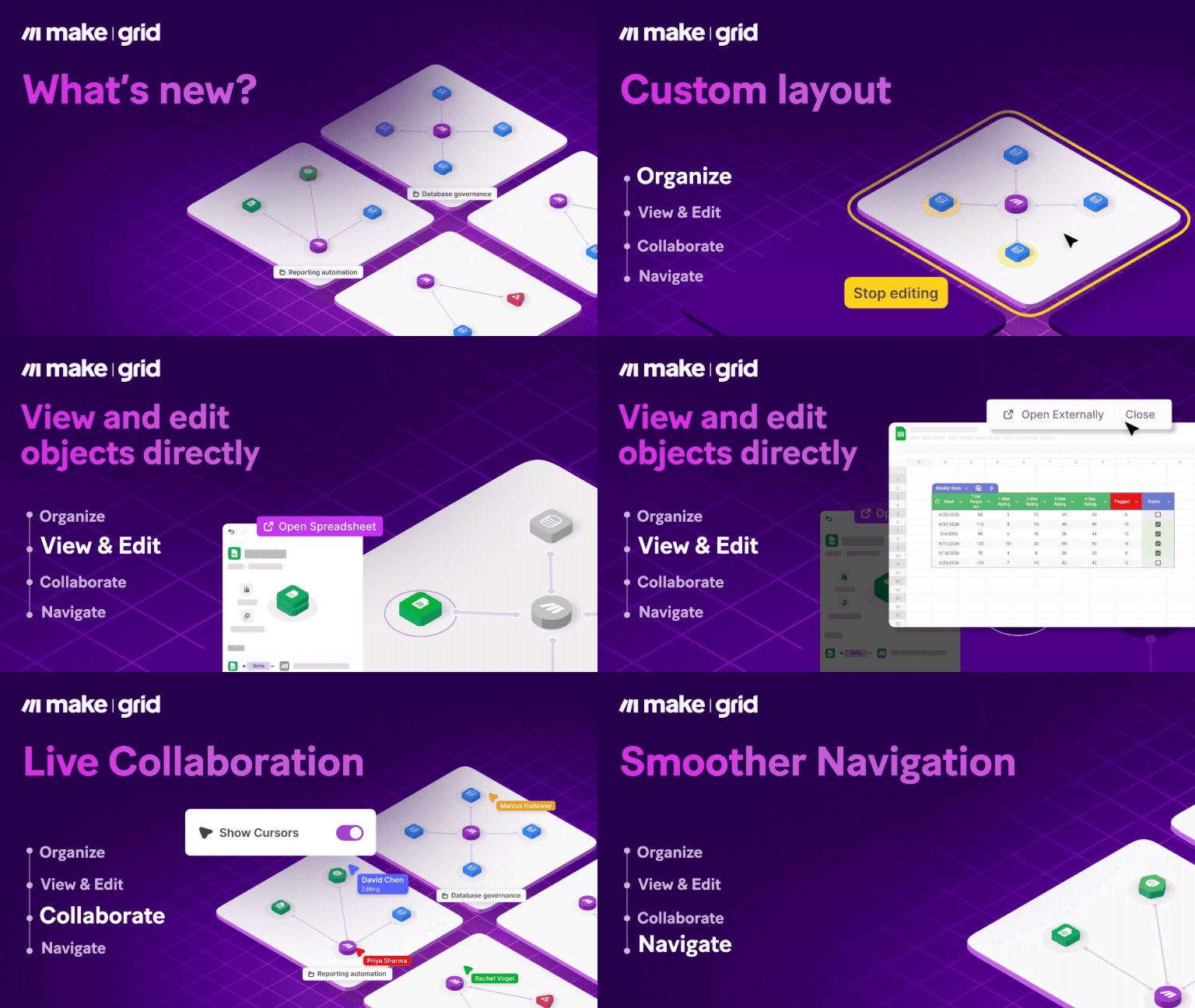
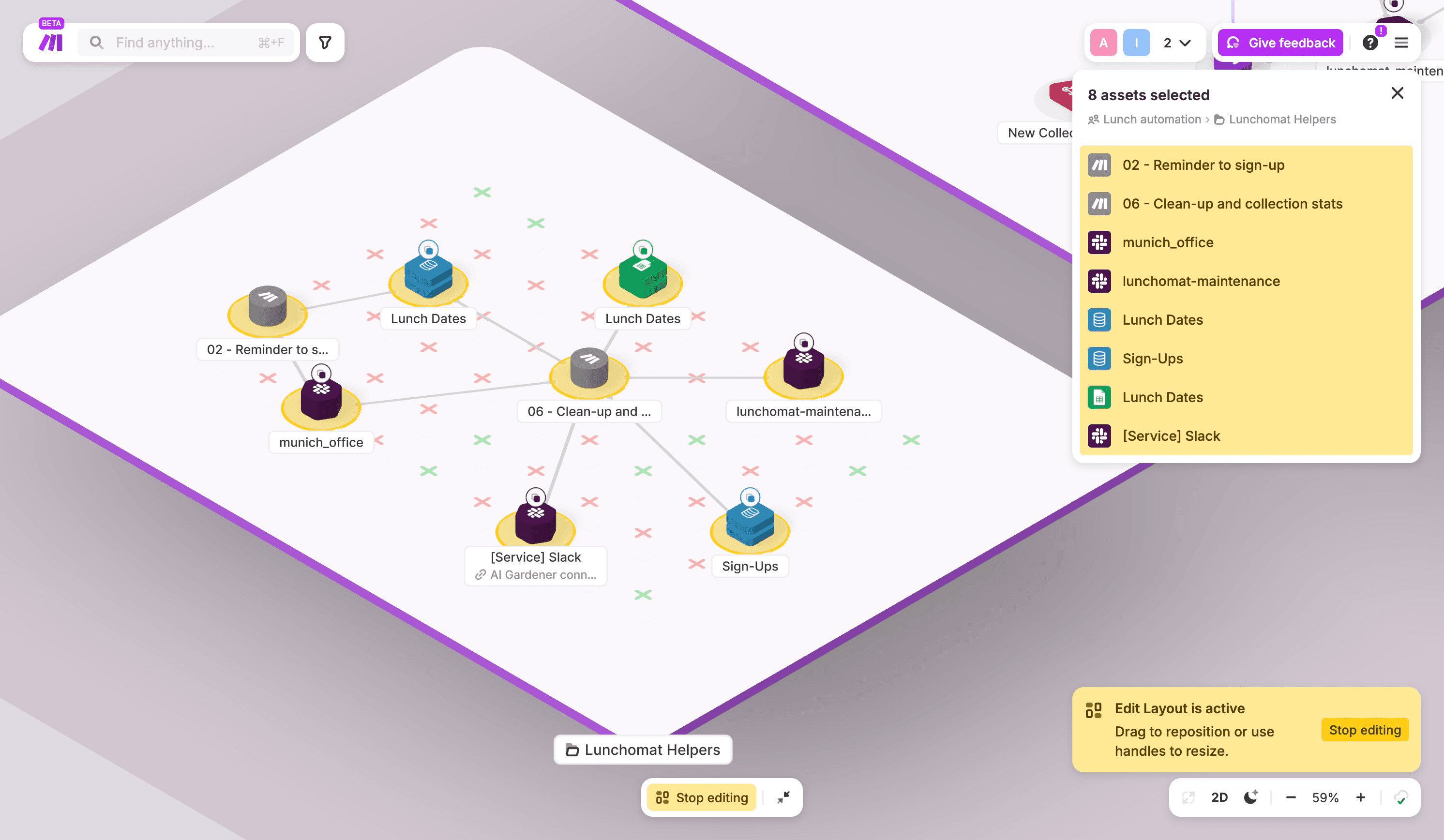
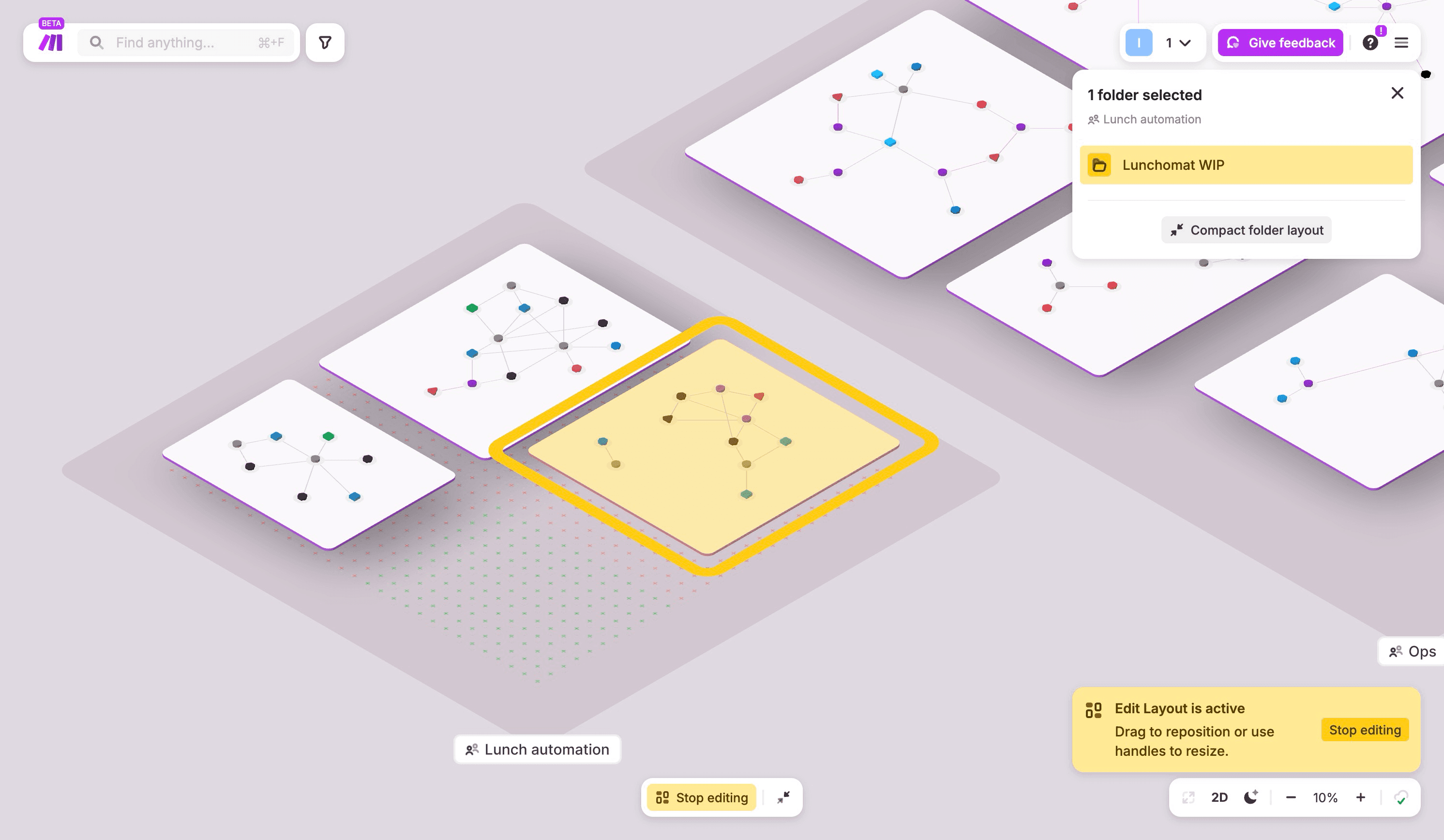
No two automation landscapes are the same — and they shouldn't look the same either. With our new feature, Edit layout, you can move, resize, and rearrange folders and objects on your Grid so the structure reflects your team's actual logic: by business unit, workflow stage, ownership, or whatever makes most sense to the people who use it daily.
The result? When a new teammate opens Make Grid, it's self-explanatory. When a stakeholder needs a walkthrough, the map does the talking. Clarity that scales with your team, not against it.
Collaboration in real - time
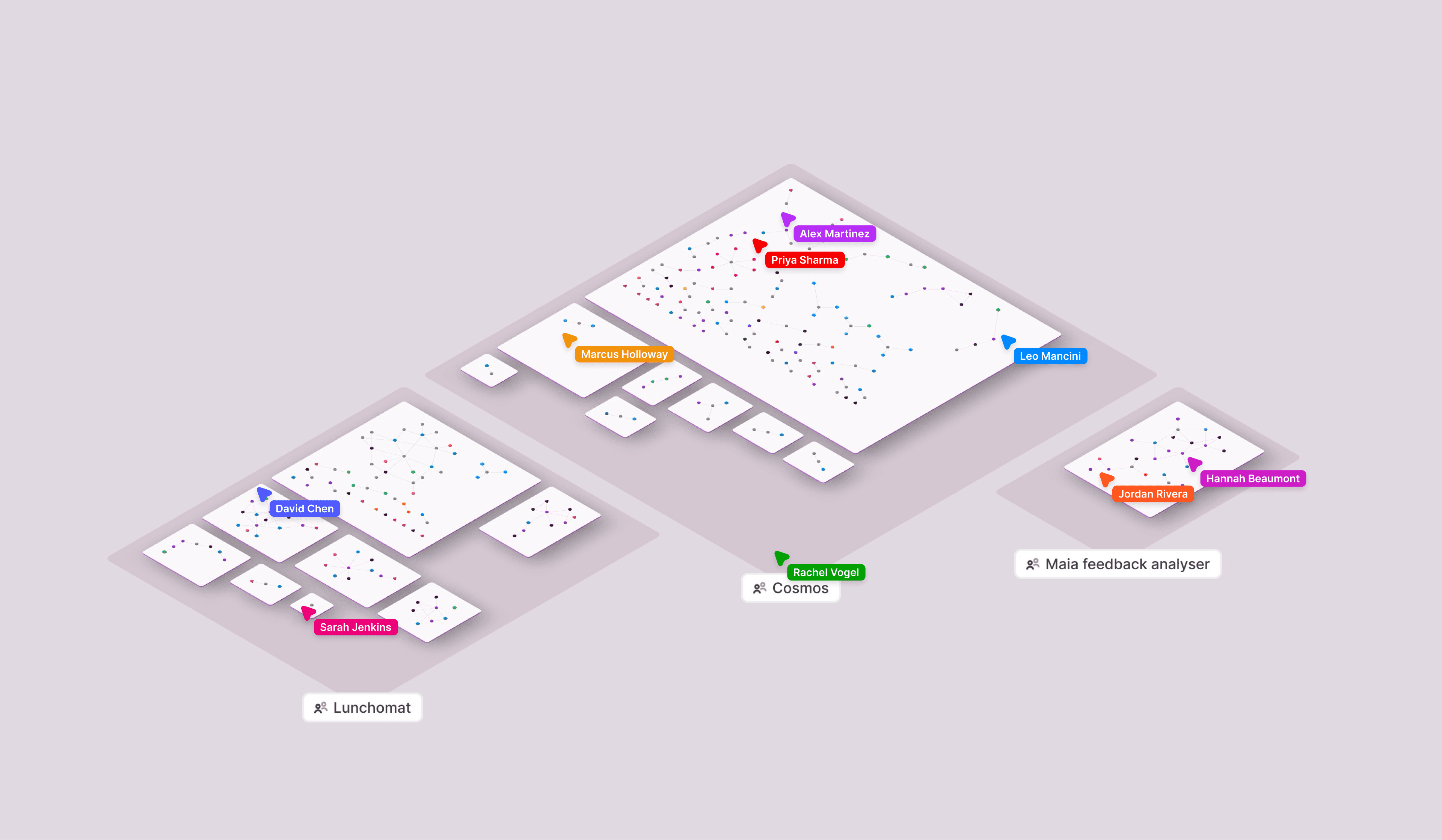
Building and managing an automation landscape is rarely a solo job. With live collaboration, you can see teammates within Make Grid in real time — and follow their cursor as they navigate and build. Whether you're doing a live review, troubleshooting a broken flow together, or walking a stakeholder through an upcoming change, everyone can stay oriented without stopping to explain where they are.
Your map is now a workspace
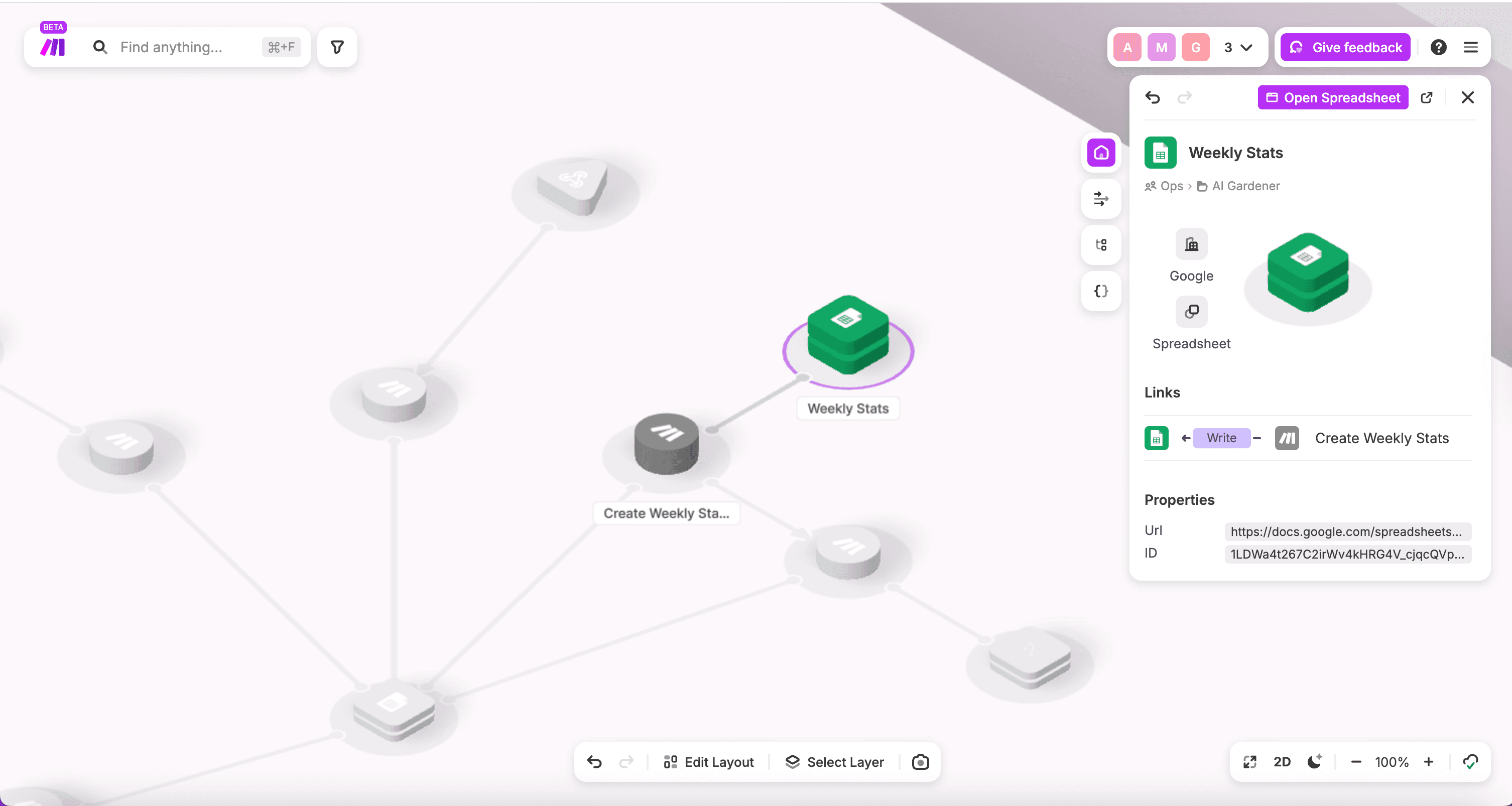
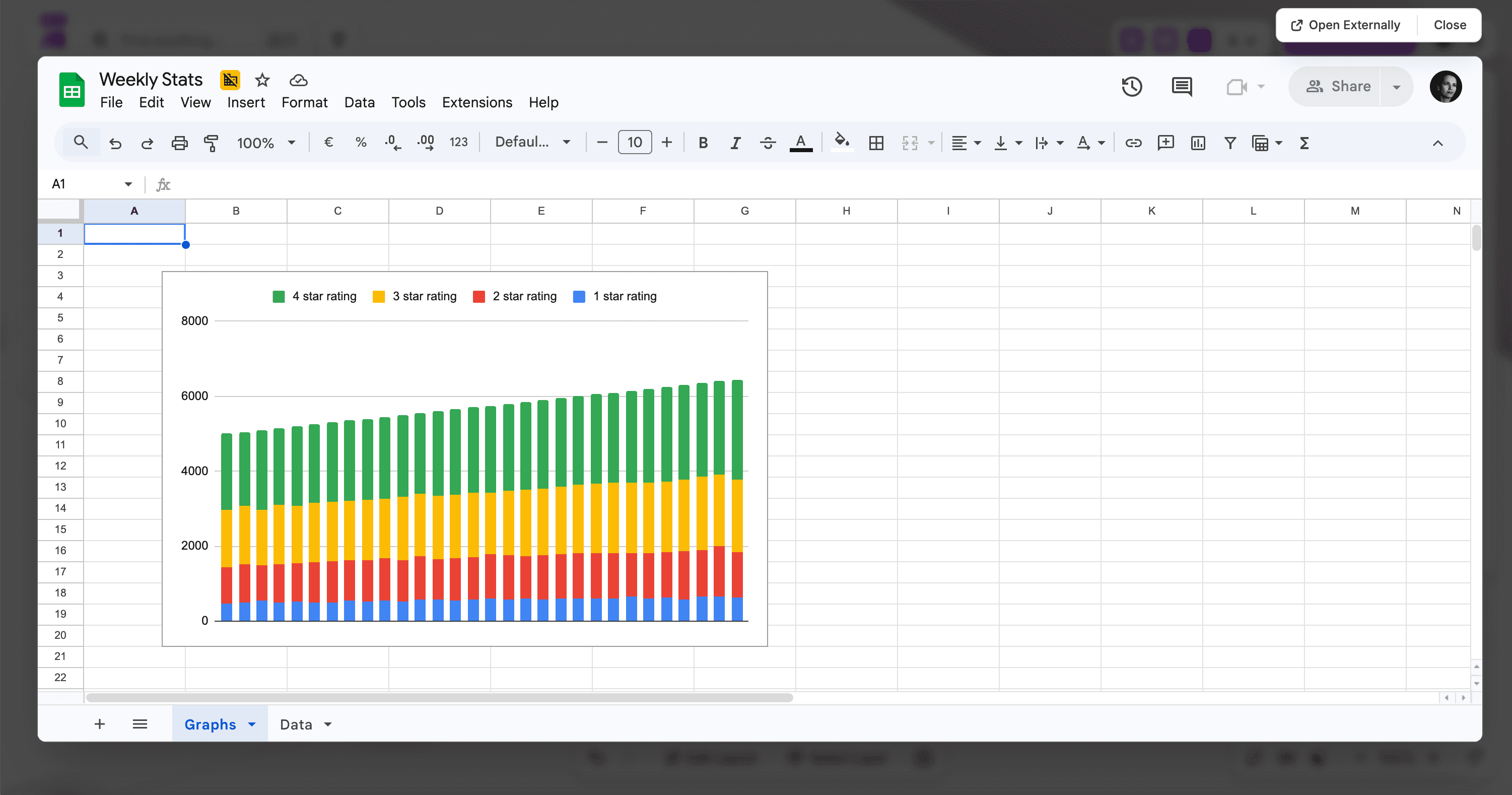
This is the update that changes your day-to-day the most. You can now open, review, and edit connected objects directly from Make Grid — without breaking focus to jump between tabs.
View & Edit: Google Sheets, Google Docs, Google Slides, Google Calendar, JotForm
View only: Google Forms, Tally, Typeform
Spot a Google Sheet that needs updating? Open it from the canvas. Want to check a form before a campaign goes live? Preview it without leaving Make Grid. Your automation landscape is no longer just something you look at — it's something you work from. More objects you can view and edit from Make Grid will be added soon.
Navigate without losing the big picture
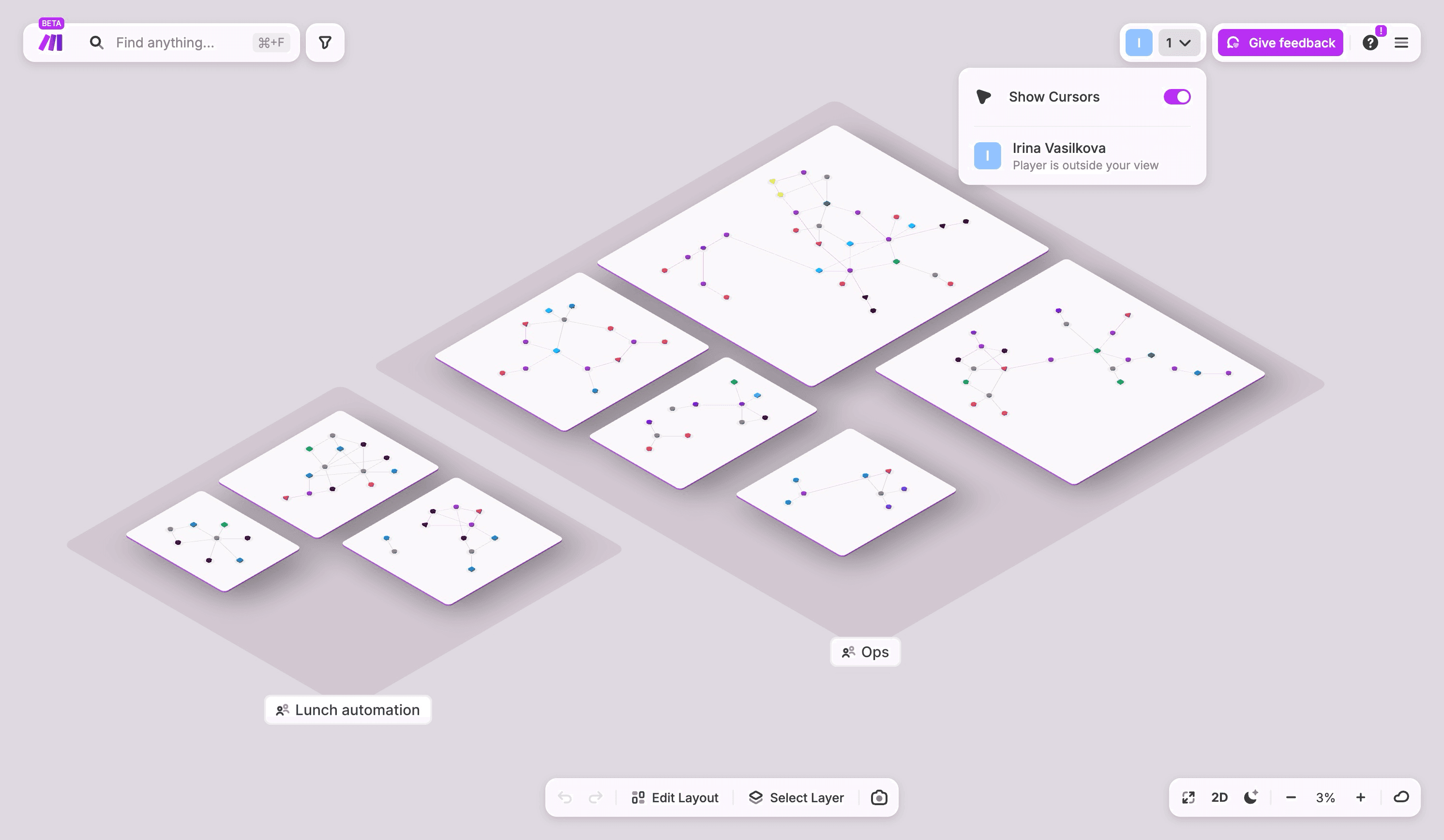
As your automation landscape scales, navigating it should get easier, not harder. Pan, select, and zoom controls are more intuitive now for both mice and trackpads, following the same conventions as other tools you already use. Use right-click to pan or pinch-to-zoom for smoother navigation. With all these updates, you’ll notice that the loading time of Make Grid has also improved, and you don’t need to refresh it to see the new objects being added - they will appear automatically in your landscape.
Already live
Every update in this release is available to all customers on paid plans, right now. No setup, no configuration, no feature flag to request. Open Make Grid, and it's already there.
And we're not stopping here. We're continuously evolving Make Grid with a clear destination in mind: making it the central place for all your AI and automation work. Stay tuned.
Keep telling us what's working and what can be improved — in the community, through in-product feedback, or via your account team.
For a quick walkthrough, watch the video below:
Ready to make the automation revolution happen?