The observability map for your AI automation landscape
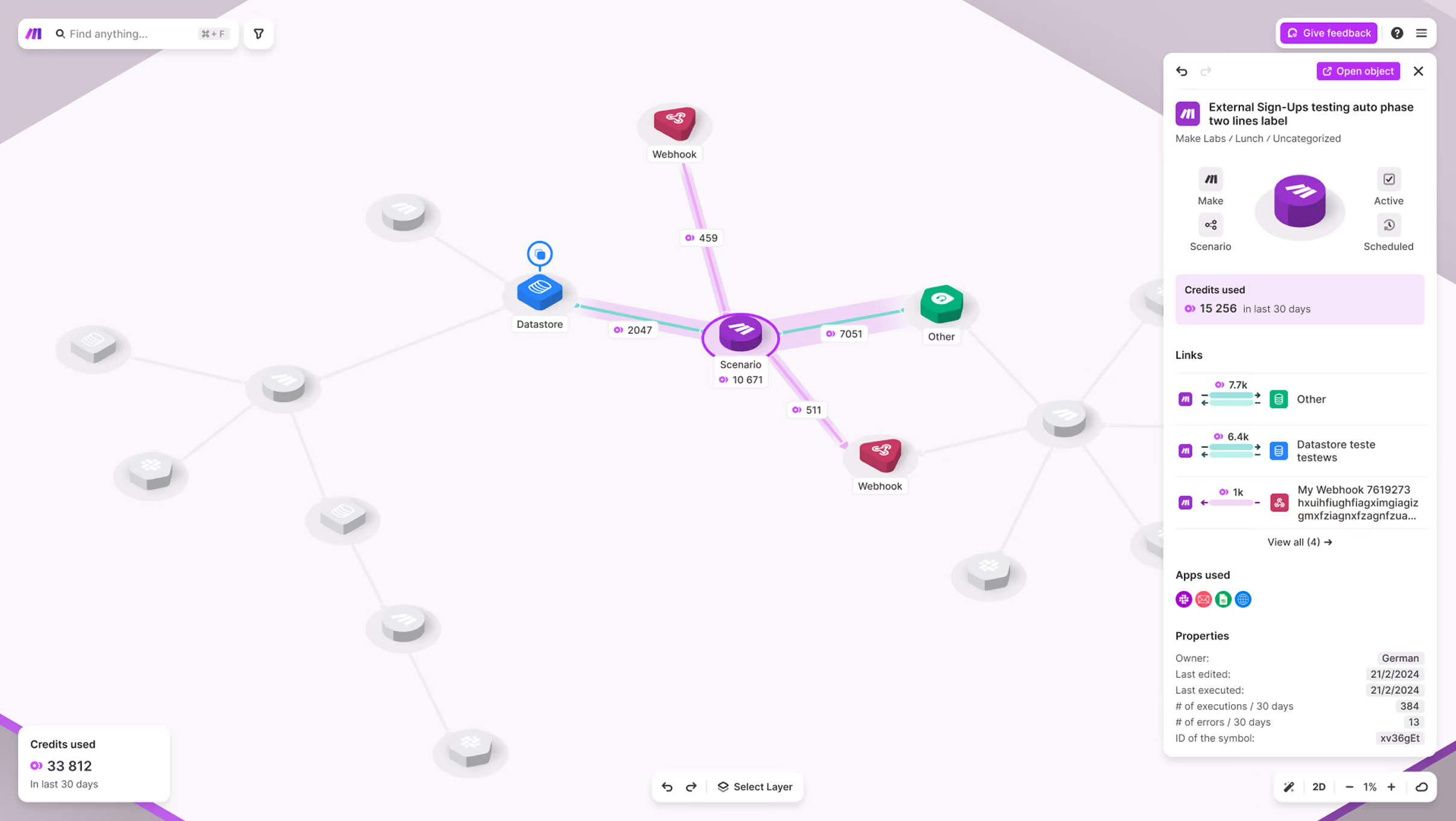
Make Grid is a first-of-its-kind, fully observable, dependency map that helps businesses visually manage and optimize their entire automation and AI ecosystem. Grid gives teams the clarity and confidence to innovate faster.
500,000+ companies have saved millions of hours with Make






Features
Why leaders power up with Make Grid

Drive business alignment
Access a holistic view of your AI and automation landscape to better understand your processes.

Scale at speed
Scale your business at speed with visual clarity, observability and governance, enabling actionable insights.

Improve performance
Boost the efficiency of your automation landscape with enhanced analytical capabilities.

AI transparency
Gain a clear view of all of your AI automations, AI agents implementations and data flows.
Why teams build better with Make Grid
Here’s why the world’s leading organizations rely on Make Grid.
Make the complex simple
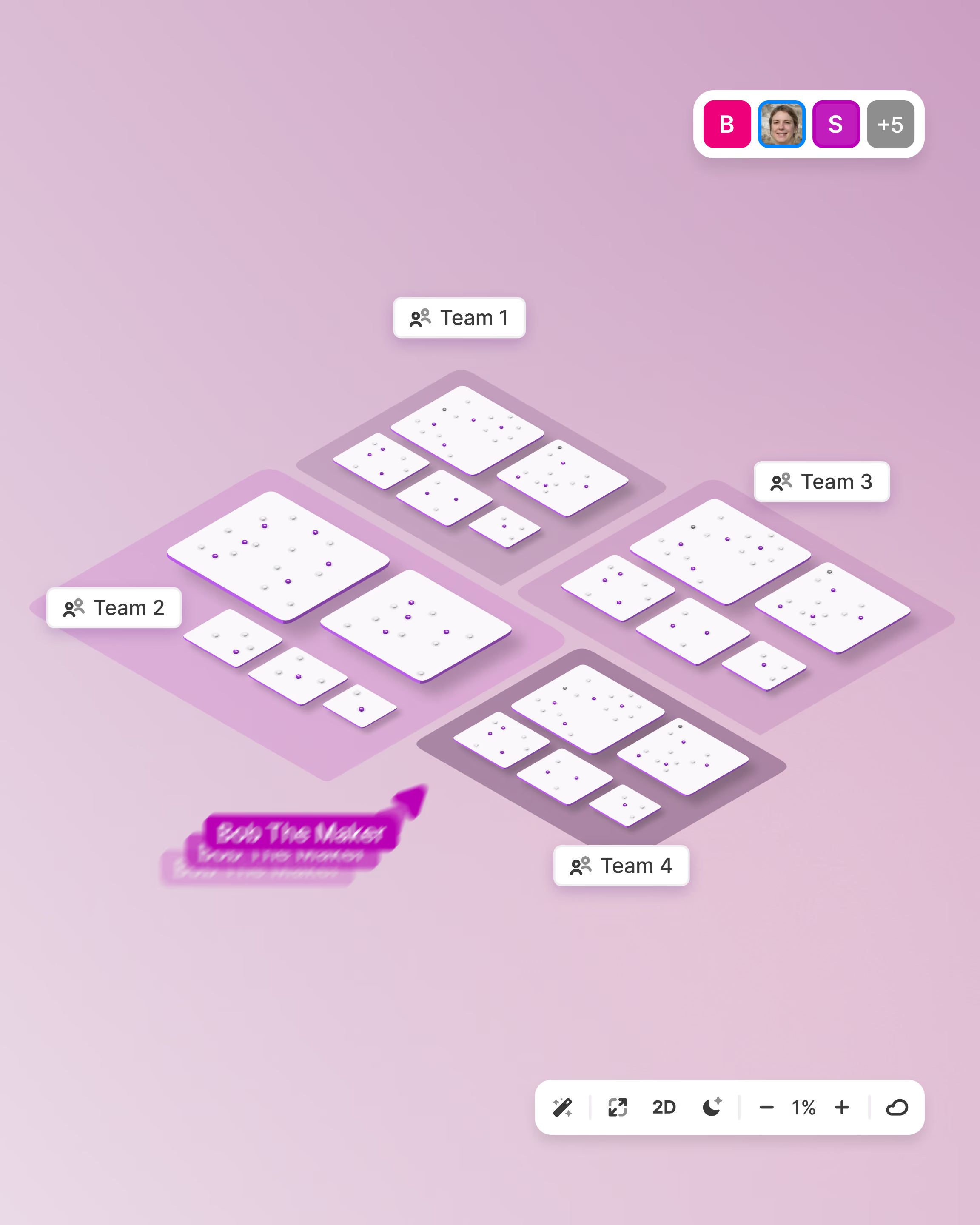
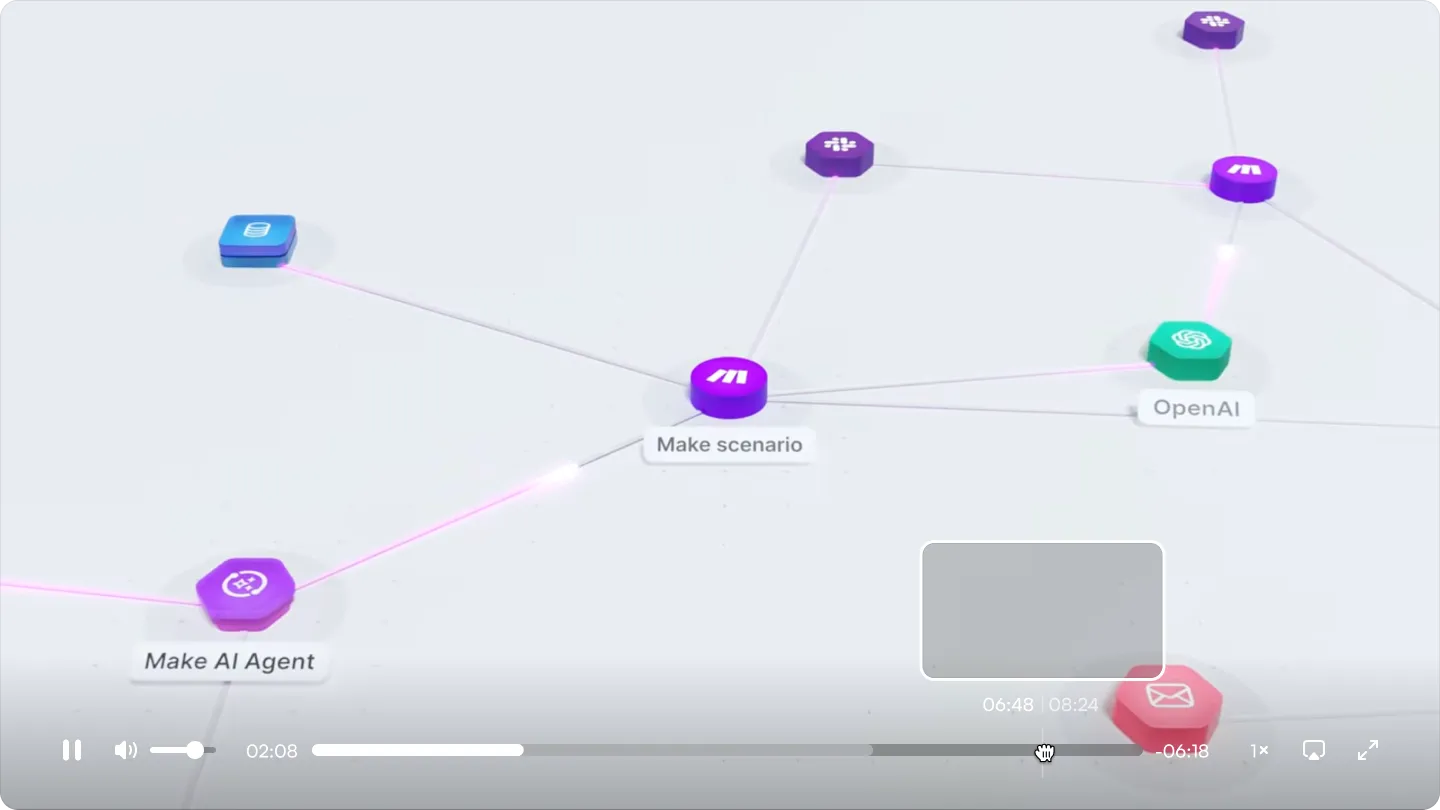
Automation landscapes get messy fast with scenarios, apps, and agents connected in ways no one can track from memory. Make Grid turns your entire landscape into a single visual map, so you can see how everything fits together at a glance instead of piecing it together yourself.
Build with confidence
Whatever you want to build, Make gets you moving. Connect 3,500+ pre-built integrations and automate in one visual-first, no-code platform. Just iterate, collaborate, and launch faster with AI assistance.

Collaborate and share knowledge
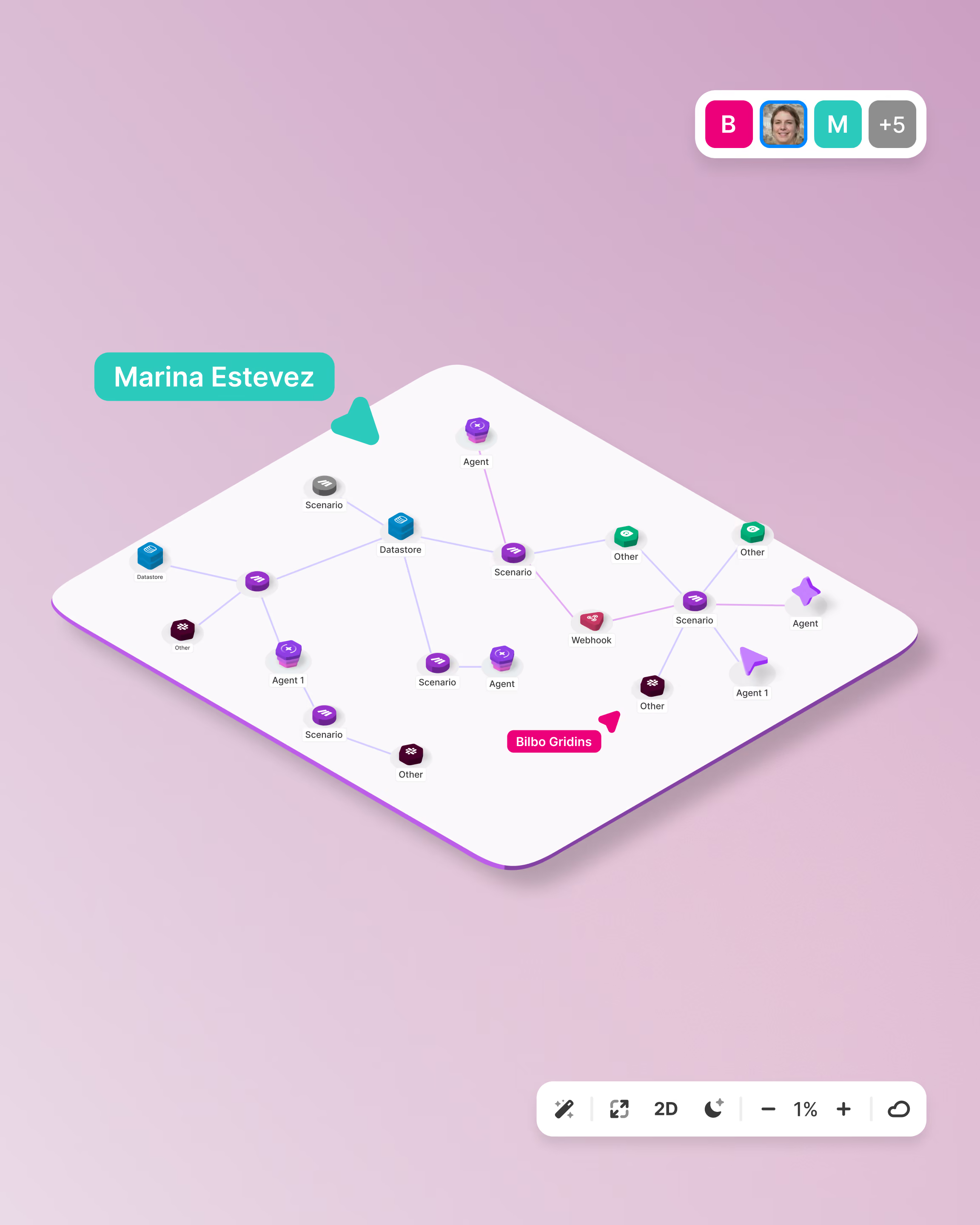
Great automations shouldn't live with one person. Make Grid gives your whole team visibility into every scenario, connection, and agent already built, so nothing stays locked in one person's head. New hires ramp faster, and best practices spread across teams instead of staying siloed.
Troubleshoot and debug faster
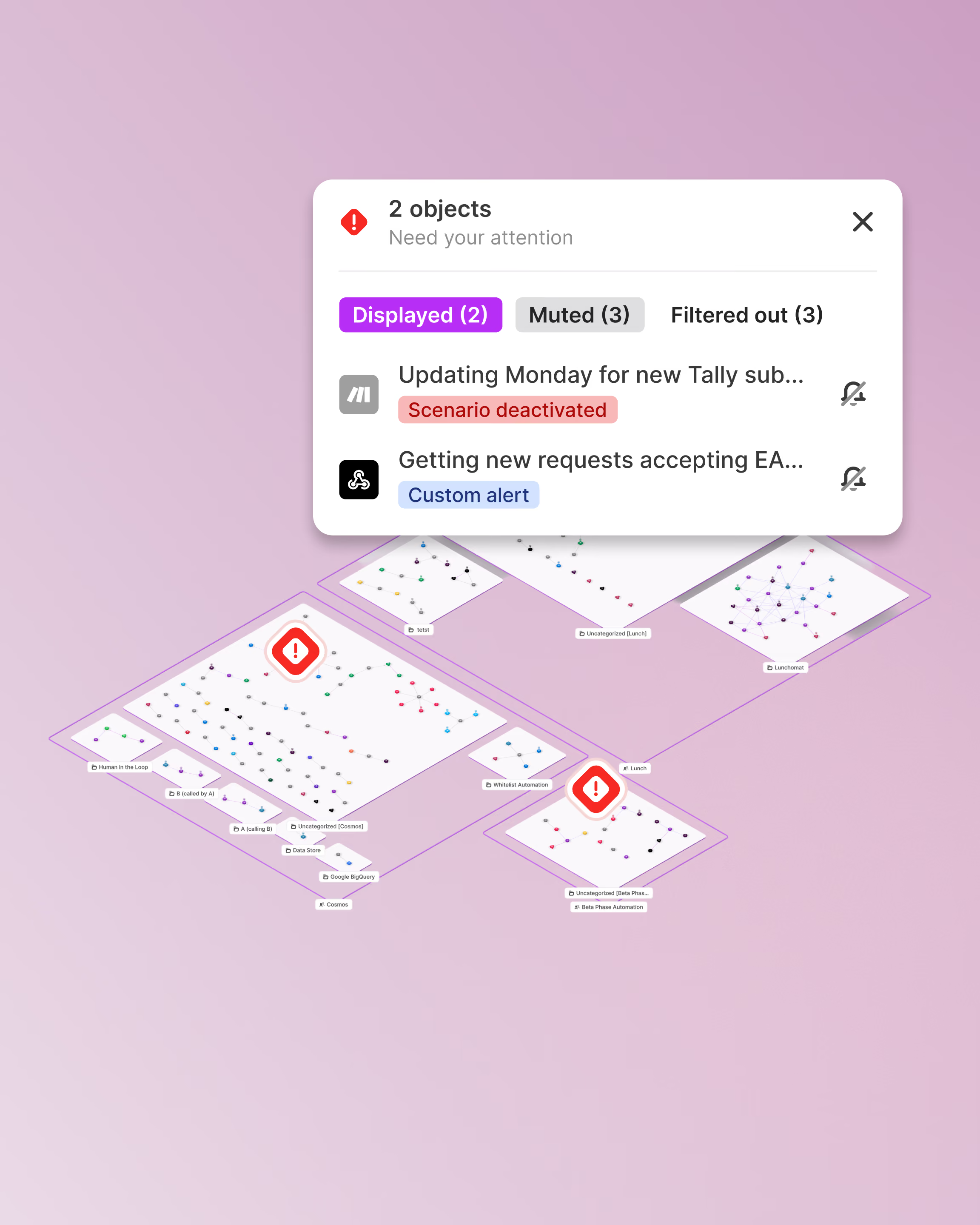
When something breaks, don't go scenario by scenario. Make Grid maps your entire automation landscape in one visual view, flagging errors and bottlenecks as they happen, so you can trace a problem back to its source in seconds, not hours.
Power AI transformation in your business
Put AI agents and workflows in the hands of every team – stay in control of everything they build.


"We literally refer to Make as the glue of our organization - anything that our dealerships interact with goes in and back out of Make to our own infrastructure."
.avif)
Solutions
A holistic view of your solution landscape
Make Grid gives you the power to observe and manage your entire AI and automation landscape.
Real-time updates
Access Make Grid’s automatically generated visual map to see changes to your automation landscape in real time.
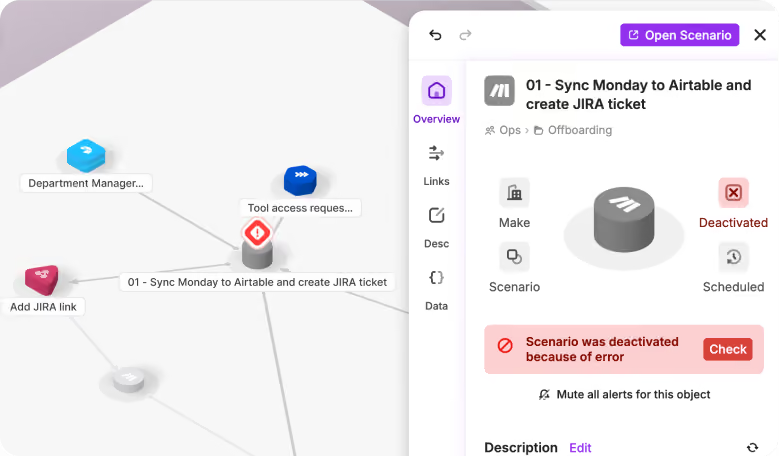
Visual troubleshooting
Quickly spot and troubleshoot issues within your automation landscape.
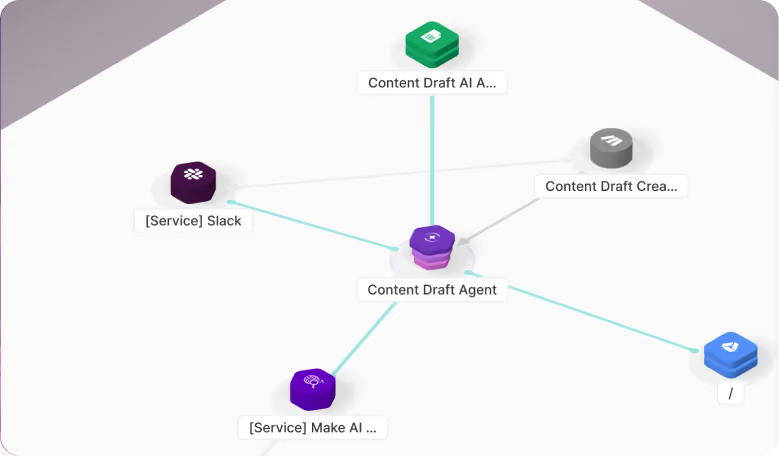
Data flow visibility
Improve transparency by observing how data flows between your applications, databases and AI agents.
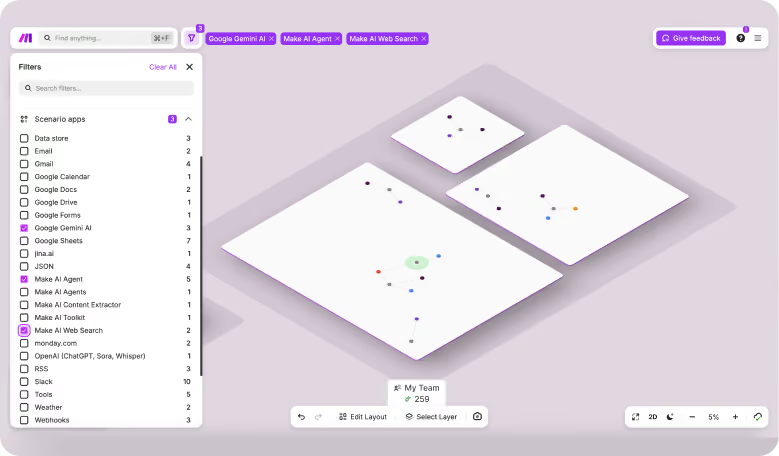
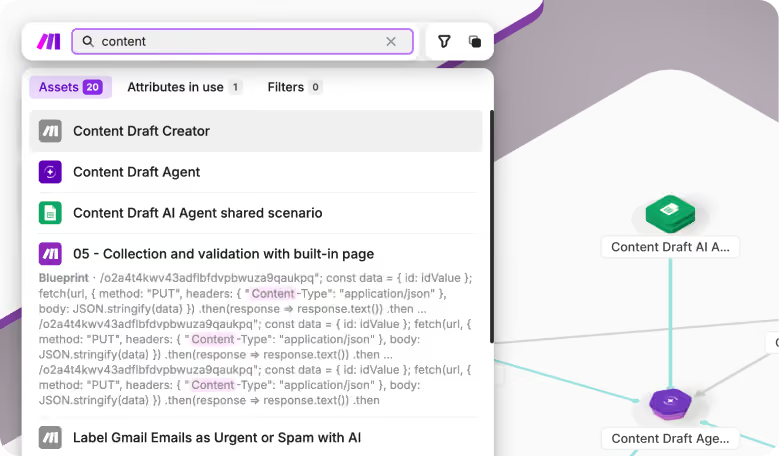
Search and filtering
Identify critical objects with multiple dependencies to implement change with confidence.
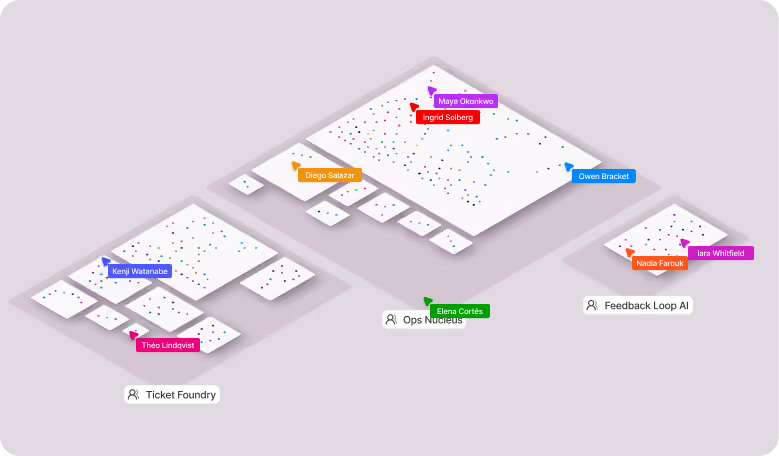
Team collaboration
Comment, tag teammates, and share context directly on the map without leaving your automation landscape.
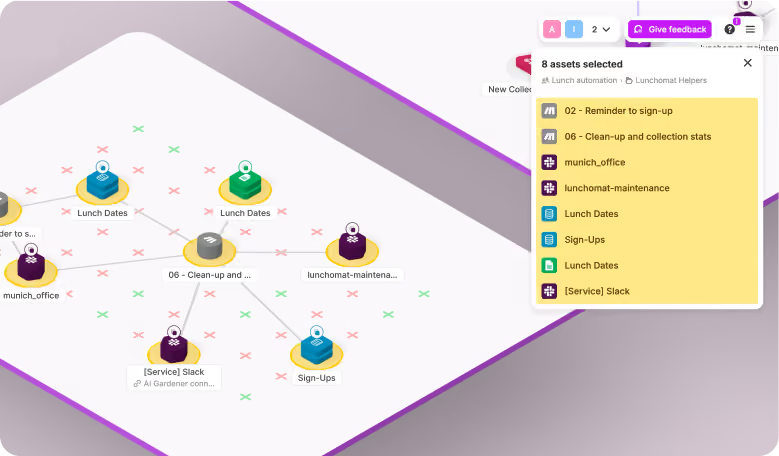
Flexible organization
Rearrange objects and folders to organize your map the way your team thinks about the landscape.

Landscape extension
Add new apps, scenarios, and agents to your map as your automation landscape grows.
Spend monitoring
Track usage and operation costs across your automation landscape to keep spend under control.
Meet Make Grid
Take control of your whole automation landscape.
Success stories
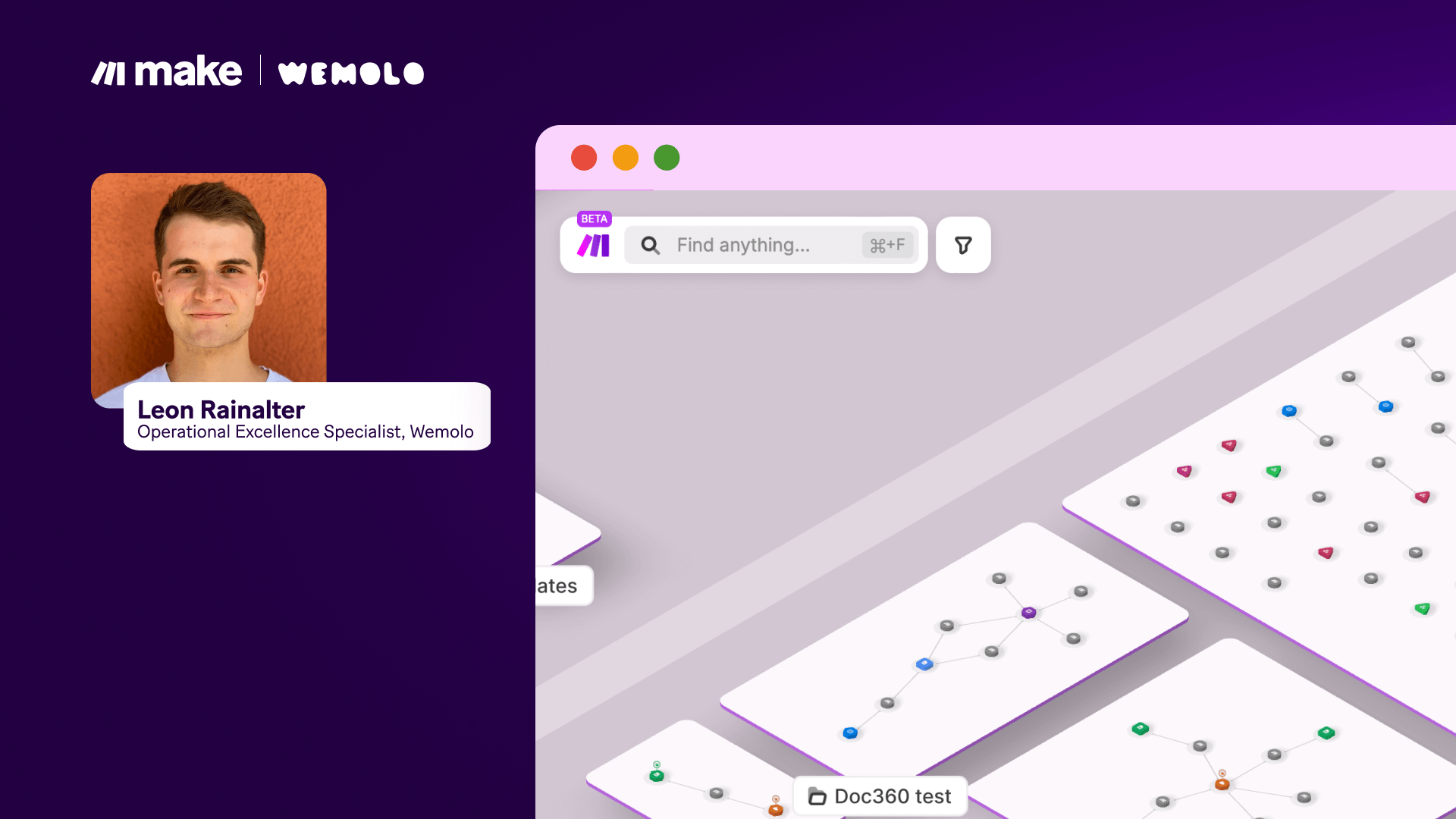
Learn from businesses scaling at speed with Make and Make Grid


Support
FAQs
Everything you need to know about the Make Grid. Can’t find the answer you’re looking for? Please chat to our team.
What is Make Grid?
Make Grid is an automatically generated, real-time visual map of your Make scenarios, apps, data stores, and Make AI Agents. It shows how everything connects so you can spot dependencies, troubleshoot faster, and make changes with confidence throughout your team.
Which plans include Make Grid?
Make Grid is available on all paid Make plans. Compare plans.
What can I do in Make Grid?
Beyond viewing your automation landscape, you can:
- Rearrange the Grid with custom layouts;
- Collaborate with teammates in real time;
- Open and edit connected objects and modules such as Google Sheets and Google Docs without leaving Grid;
- Search module configurations and AI agent prompts in seconds.
Who within my organization can access Make Grid?
Every user can access Make Grid. However, in Make Grid, each user can only see scenarios that they have permission to view in Make. In other words, permissions in Make Grid are the same as elsewhere on the platform.
I need support with Make Grid. What should I do?
Make Grid is supported by the Make customer care team. You can also find helpful threads, lively discussions, and help from fellow Makers in the Make community