
Join the new Make AI Agent builder closed beta
This new AI Agent builder is inside the Make canvas, giving you clearer visibility, easier setup, and more adaptable automation. You see every decision as it happens, adjust logic instantly, and reuse Agents across any workflow.
- Customers can join the closed beta now.
- New customers can get a free trial to test Make AI Agents.
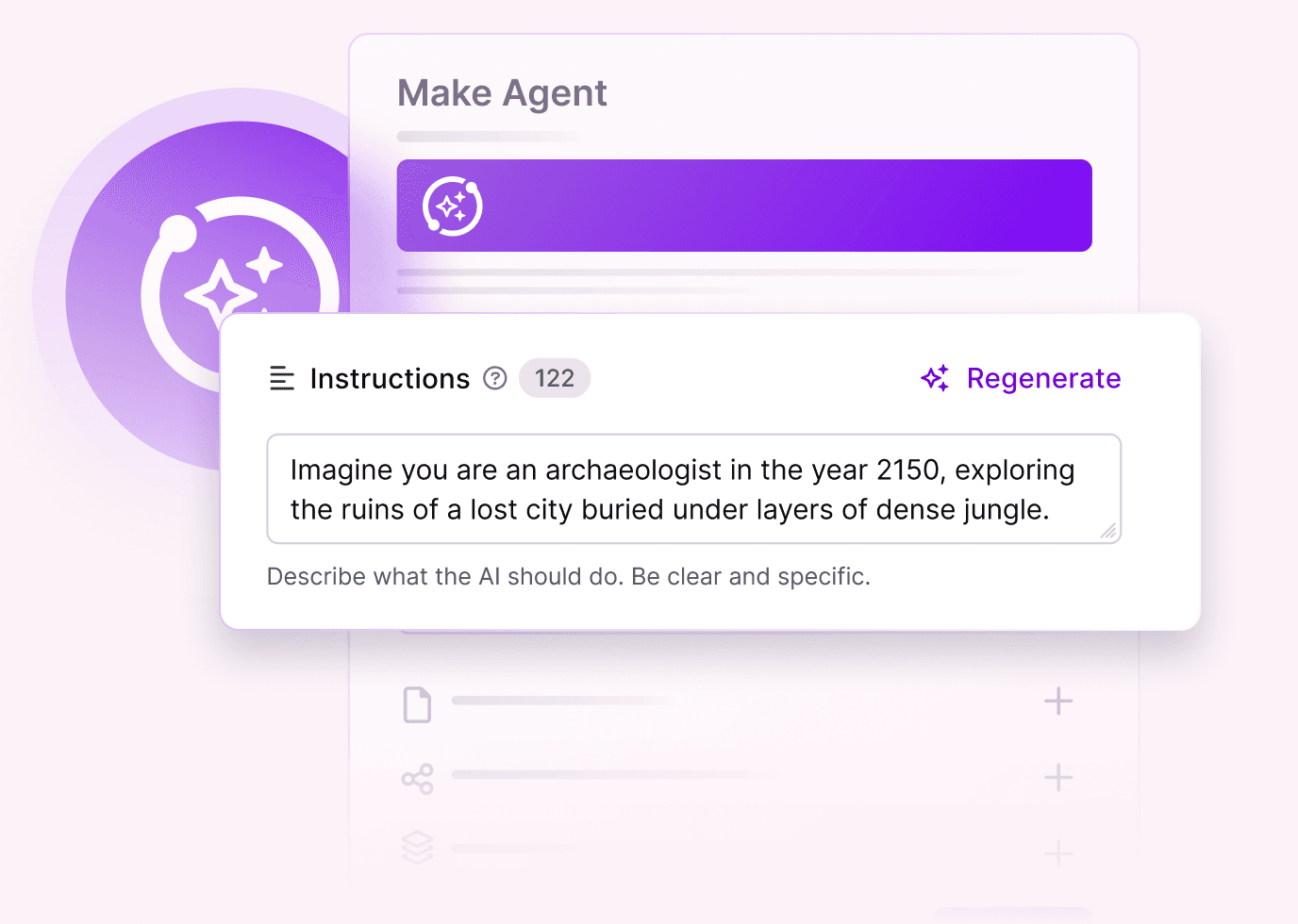
Why the New Agent builder?
Note: Context and Chat features are coming soon; the beta focuses on testing the new visual execution model.
- Built inside the canvas — no separate UI or tabs
- Visual setup — add tools the same way you build scenarios
- Real-time transparency — watch decisions step by step
- Faster iteration — test and refine without switching screens
- Reusable across workflows — build once, drop anywhere
What You Can Build in the Beta
Most successful AI Agents follow a small set of proven patterns. These are the 5 types of problems where Agents work best, and where to start during the beta.
What it does: Responds to questions using knowledge sources and formats clear replies.
Example: An employee asks a question in Slack. The Agent searches internal documents, finds the answer, and replies directly in the thread with a well-formatted message.
What it does: Collects information from multiple sources and turns it into a concise summary.
Example: Before a call, the Agent gathers CRM data, past meetings, emails, and support tickets, then sends a short briefing with key points to the team.
What it does: Coordinates multiple follow-up actions based on analysis.
Example: After a meeting transcript is generated, the Agent spots key topics, suggests updates, creates a team channel if needed, drafts a follow-up email, and triggers internal reminders.
What it does: Evaluates an input against criteria and makes a decision.
Example: A startup program application is reviewed. The Agent checks requirements, decides whether to approve or reject, and notifies the relevant people automatically.
What it does: Analyses unstructured input and sends it to the right process.
Example: Incoming emails are classified (VIP, Leads, Support, Spam), moved to the correct folder, flagged if urgent, and logged - without manual rules.
Shape the next version of Make AI Agents
Get Access & Give Feedback
Join the closed beta to try the new visual Agent builder early, experiment with templates, and help us refine the final release.