What is hyperautomation? A complete guide
Fragmented tools, manual handoffs, and siloed data — hyperautomation is how you fix all three at once.
Most businesses already automate — but their tools don't always talk to each other. Data stalls at handoff points, exceptions pile up in inboxes, and the efficiency gains stay just out of reach.
These are some of the problems hyperautomation solves.
By coordinating AI, RPA (Robotic Process Automation), and integration platforms into a connected system, hyperautomation turns fragmented automation into something that scales across your entire organisation.
Gartner — who coined the term — now identifies hyperautomation as a staple discipline for 90% of large enterprises.
This guide explains what hyperautomation means in practice, what tools you’ll need to get it up and running, and how best to implement it in your workflow.
What is hyperautomation?
Hyperautomation describes a shift already underway in forward-thinking businesses: moving beyond automating individual tasks to automating entire processes — and connecting those processes across the organisation.
Here's a simple way to think about it.
Basic automation handles one job: a script that moves data from a form into a spreadsheet, or a rule that routes an email to the right inbox.
Hyperautomation asks a bigger question: what if every repetitive, rule-based, or data-heavy process in your business could be automated, and what if all those automations worked together?
That's what makes it a strategy rather than a tool. You're not buying one piece of software.
You're combining AI, robotic process automation (RPA), integration platforms, and analytics into a system that covers entire workflows end to end.
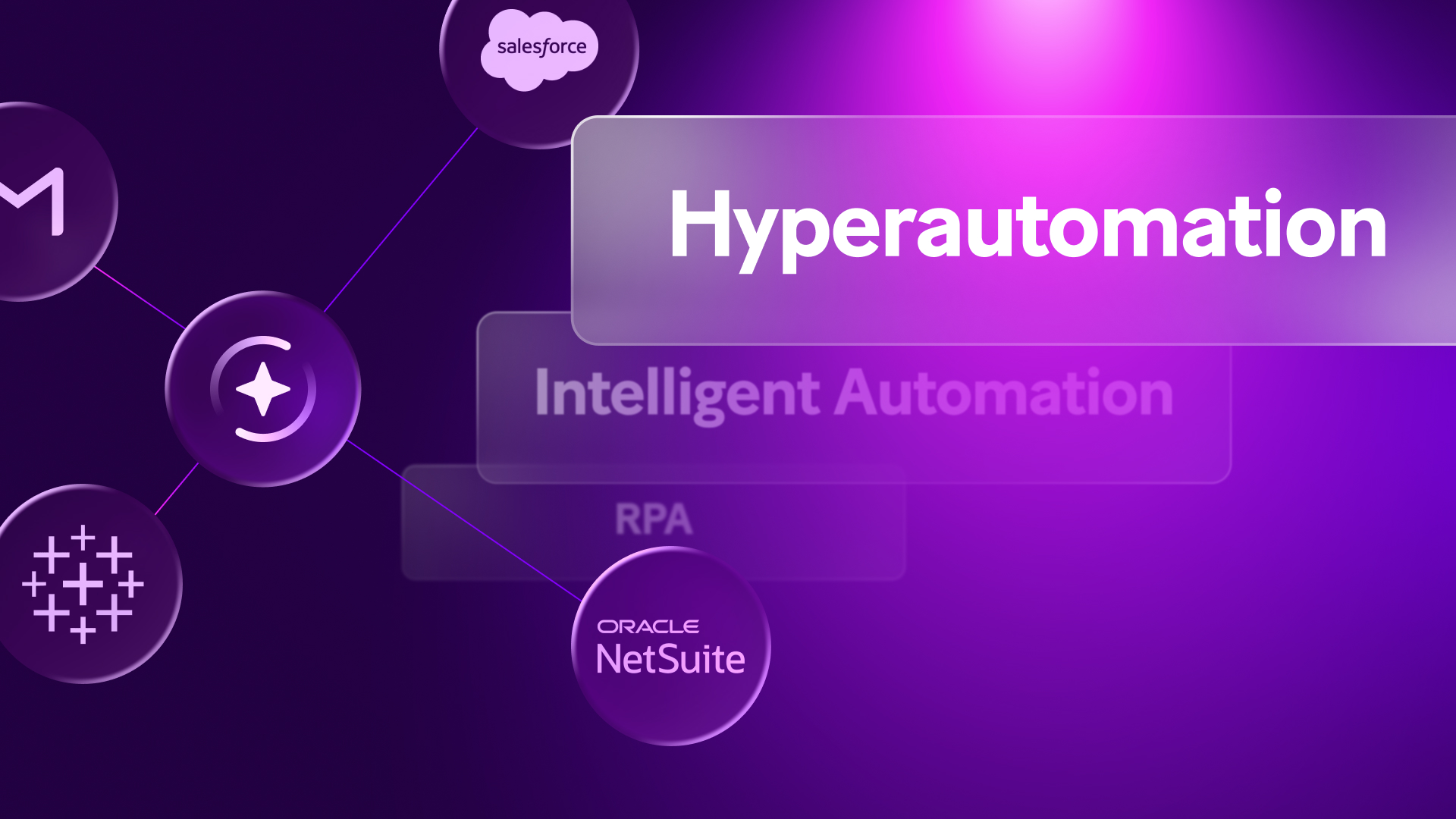
It's also worth clarifying how it differs from a term you'll often see used interchangeably — intelligent automation.
Intelligent automation typically means AI added on top of RPA to handle more complex tasks.
Hyperautomation goes further: it's about connecting and scaling automation across the whole organisation, not just making individual automations smarter.
In short:
- Intelligent automation — AI-enhanced RPA applied to specific processes
- Hyperautomation — an organisation-wide strategy that orchestrates a full stack of automation technologies working in concert
The technology behind hyperautomation
No single tool delivers hyperautomation. It's built from several technologies, each handling a different part of the problem.
Here's what each layer does and why it matters.
RPA (Robotic Process Automation)
RPA is the execution layer. It uses software bots to carry out repetitive, rule-based tasks at speed and volume — think data entry, copy-pasting between systems, processing structured forms.
RPA is fast and reliable for well-defined tasks, but it doesn't handle ambiguity well. That's where the next layer comes in:
- Automates high-volume, rule-based tasks without human intervention
- Works best with structured data and predictable process steps
AI and machine learning
AI adds judgment to the mix. Where RPA needs clear rules, AI can classify, predict, and detect anomalies — and crucially, it can work with unstructured data.
That means automating processes that involve scanned documents, inconsistent inputs, or decisions that aren't purely binary. Key capabilities include:
- Classifying and routing data based on content, not just format
- Detecting anomalies and improving accuracy over time through pattern recognition
iPaaS (Integration Platform as a Service)
Most businesses run on a mix of systems that weren't designed to talk to each other.
iPaaS is what connects them — routing data between your CRM, ERP, support tools, and everything else without manual handoffs.
Without this layer, your automations stay siloed. This is where platforms like Make operate. In practice, iPaaS:
- Connects disparate tools and systems so data moves automatically between them
- Acts as the orchestration layer that ties the rest of the stack together
Process mining
Before you automate anything, you need to understand how your processes actually work.
Process mining analyses event logs from your existing systems to map real workflows, surface inefficiencies, and identify where automation will have the most impact.
It gives you:
- A data-driven map of your actual processes, not your assumed ones
- A prioritised list of automation opportunities ranked by potential impact
NLP (Natural Language Processing)
A lot of business data arrives as language: emails, support tickets, contracts, forms.
NLP lets your automation stack read, interpret, and act on that input — without a human having to translate it first.
That unlocks automation across processes that would otherwise require constant manual review, including:
- Extracting key information from unstructured documents and communications
- Routing, classifying, and responding to language-based inputs automatically
Analytics and monitoring
Automation isn't set-and-forget.
Analytics and monitoring close the loop — tracking whether your scenarios are running correctly, flagging when something degrades, and generating the data you need to keep improving.
Without this layer, problems accumulate silently. What it gives you in practice:
- Real-time visibility into scenario performance and failure points
- The operational data needed to optimise and scale automation over time
Hyperautomation vs. automation vs. RPA: What's the difference?
Automation, RPA, intelligent automation, hyperautomation — these terms get used interchangeably, but they're not the same thing.
Think of them as a maturity spectrum, where each step builds on the last rather than replacing it.
Most organisations already have elements of this stack in place — a few RPA bots here, some basic workflow automation there.
Hyperautomation isn't about starting from scratch.
It's about connecting what you already have, filling the gaps, and managing it as a coherent system rather than a collection of one-off fixes.
The benefits of hyperautomation
The business case for hyperautomation goes beyond cutting costs.
The bigger prize is operational agility — the ability to move faster, respond to change, and scale without adding headcount every time you grow.
Efficiency and throughput
When processes are connected end to end, work doesn't wait for humans to pass it along. Automated handoffs mean a task that once sat in someone's inbox overnight can move to the next step in seconds.
That compounds quickly across high-volume processes.
Cost reduction
Fewer manual touchpoints means fewer errors — and fewer errors means less time and money spent fixing them.
Over time, hyperautomation also frees your team from low-value, repetitive work, giving them capacity for tasks that actually require human judgement.
Customer experience
Customers notice when processes are slow or inconsistent.
Hyperautomation tightens response times and standardises service delivery — whether that's faster support resolution, quicker onboarding, or more reliable order fulfilment.
Competitive agility
This is the benefit that gets overlooked.
When your automation stack is connected and visible, spinning up a new workflow to handle a new product, market, or process change takes days rather than months.
That kind of flexibility is hard to put a number on — but it's increasingly what separates fast-moving businesses from slow ones. In practice, that means:
- Adapting processes quickly when market conditions shift
- Launching new workflows without starting from scratch each time
- Scaling operations without a proportional increase in headcount
That said, none of these benefits are automatic.
ROI depends on choosing the right processes to automate first, managing integration complexity carefully, and bringing your team along through the change.
Hyperautomation done poorly is just faster chaos.
Hyperautomation in practice: use cases and examples
Hyperautomation delivers results across every core business function. Common starting points include:
- Finance: Auto-routing invoices from email through approval workflows into your ERP (Enterprise Resource Planning) — no manual handoffs
- HR (Human Resources): Triggering onboarding sequences across Slack, Jira, and Workday the moment an offer is signed
- Customer service: Classifying and routing support tickets from multiple channels into a single queue automatically
- Operations: Syncing order data across your CRM (Customer Relationship Management), warehouse, and logistics tools in real time
The pattern is consistent — high volume, clear rules, costly errors when things go wrong.
How to get started with hyperautomation
Hyperautomation doesn't have to start big.
The most successful implementations begin with a focused first step, then expand deliberately.
Here's a four-stage framework to follow.
1. Discover
Before you automate anything, understand what you're actually working with.
Most businesses have more manual handoffs than they realise — and not all of them are worth automating first.
- Use process mining tools to analyse event logs and map real workflows
- Run structured workshops with the teams closest to the work to surface friction points
- Prioritise processes that are high-volume, rule-based, and currently error-prone
- Document the as-is state before designing any automation
2. Automate
Pick your highest-ROI, lowest-complexity process and build it properly before moving on.
Resist the urge to automate everything at once.
- Choose a process with clear inputs, outputs, and rules
- Build and test in a controlled environment before going live
- Define what success looks like upfront — time saved, errors reduced, handoffs eliminated
- Validate with the team that owns the process, not just IT
3. Orchestrate
Individual automations only deliver full value when they're connected.
This is where your integration platform becomes the critical layer.
- Connect your automation tools, business apps, and data sources into a unified system
- Ensure data flows automatically between steps without manual intervention
- Build in conditional logic and exception handling from the start — not as an afterthought
- Use a visual canvas to make workflows transparent and easier to hand off across teams
4. Optimise
Automation degrades silently if you're not watching it.
Build monitoring from day one and treat optimisation as ongoing work, not a post-launch task.
- Track scenario performance against the success metrics defined at stage two
- Set up alerts for failures, anomalies, or drops in throughput
- Review workflows regularly as underlying systems and processes change
- Use operational data to identify the next highest-value automation opportunity
How Make fits into your hyperautomation stack
Most businesses don't lack automation — they lack connection. Isolated tools doing useful things in isolation, with manual handoffs filling the gaps.
Make sits at the orchestration layer of your hyperautomation stack, acting as the connective tissue that links your RPA (Robotic Process Automation) tools, AI services, and business apps into a system that actually works together.
With 3,000+ apps available on Make's platform, you can build scenarios that route data intelligently across your entire stack — without writing code.
The visual canvas makes complex, multi-step workflows easier to build, debug, and hand off across teams.
And because every scenario is visible, you can spot where something breaks before it becomes a problem.
That's the difference between automation that scales and automation that stalls.
The orchestration layer
Make connects with 3,000+ apps — from CRMs and ERPs to AI services and specialist tools — through a single visual canvas.
Rather than building point-to-point integrations that become fragile over time, you build scenarios that route data intelligently across your entire stack.
Key features in context
A practical starting point
You don't need a six-month implementation plan to get started.
Identify the highest-friction manual handoff in a process your team already owns, build a scenario around it, validate it, then expand from there.
There's no enterprise contract required — you can start on a free plan and scale as your automation program grows.
See how Make connects your automation stack — explore the platform for free.
Where hyperautomation is heading: Future trends
The next frontier is agentic AI — automation that doesn't just execute instructions but interprets goals, makes decisions, and initiates actions autonomously within defined guardrails.
Rather than building a rule for every scenario, you define the outcome and let the agent work out how to get there.
LLMs are also raising the ceiling on what's automatable.
Emails, contracts, support tickets — unstructured inputs that previously required human interpretation are now being processed at scale with a level of accuracy that simply wasn't viable two years ago.
And as businesses look beyond cost savings, process efficiency is emerging as a sustainability lever too — fewer manual steps means less operational waste, energy consumption, and resource duplication across complex workflows.
The bottom line
Hyperautomation isn't about automating more — it's about automating better.
Connected, observable, and built to scale as your business does.
That's a meaningful distinction, and it's what separates a coherent automation strategy from a collection of disconnected quick fixes.
Getting there takes real investment: process clarity before you build, the right stack to connect everything, and ongoing attention to keep it running well.
None of that is out of reach — but it does require a plan.
Ready to connect your automation stack?Explore Make's platform — no enterprise contract required.
FAQs
1. How do I get started with hyperautomation?
Start with process discovery, not technology. Map your workflows, find your highest-friction manual handoff, and build one well-scoped automation around it. Validate it, measure the impact, then expand. Tools like Make let you start without an enterprise contract.
2. How does Make fit into a hyperautomation stack?
Make operates at the orchestration layer — connecting your RPA (Robotic Process Automation) tools, AI services, and business apps through a visual canvas. Rather than replacing your existing tools, it acts as the connective tissue that makes them work together as a single, coherent system.
3. What's the difference between hyperautomation and RPA?
RPA is one component of hyperautomation — it handles repetitive, rule-based tasks at volume. Hyperautomation is broader: combining RPA with AI, integration platforms, and analytics to automate complex, cross-system workflows end to end.
4. Can Make support hyperautomation without a large IT team?
Yes. Make's no-code Scenario Builder lets technically minded team members build and manage complex, multi-step workflows without writing code. With 3,000+ apps available on Make's platform, you can connect your existing tools and start automating high-friction processes without a dedicated development resource.
5. How do I identify which processes to automate first?
Look for processes that are high-volume, rule-based, and error-prone — especially where manual handoffs cause delays. Process mining tools can surface these objectively from your existing system data.
6. How does agentic AI change hyperautomation?
Agentic AI shifts automation from executing fixed rules to pursuing goals. You define the outcome — the agent works out how to get there. This unlocks automation for judgment-heavy tasks that rule-based systems couldn't handle.
Related blogs
Tool and strategies modern teams need to help their companies grow.
AI
What is agentic process automation? A complete guide
A complete guide to automation that thinks — what it is, how it works, and where to deploy it for maximum impact.

Raife Dowley
March 19, 2026
AI
Low-code automation: How it works
Learn what low-code automation is, how it works, and how to put it to work across your most important workflows.