Mar 19, 2026 | 6 minutes
What is agentic process automation? A complete guide
A complete guide to automation that thinks — what it is, how it works, and where to deploy it for maximum impact.
Your automation is working — until it isn't.
A ticket arrives with missing context. A lead needs routing across three product lines.
An invoice flags an unfamiliar line item. Your automation does exactly what you told it to do, and still gets it wrong.
Agentic process automation fills that gap with the next generation of smart AI agents that add judgment precisely where rules run out, without touching what already works.
This guide shows you how to build it and where to start.
What is agentic process automation?
Agentic process automation (APA) uses AI judgment and structured automation together — so your workflows can make decisions, not just follow rules or return chatbot-style responses.
Where a rule says "if X, do Y," APA reads the situation and decides what Y should be.
It works across the specific processes where context matters most — support triage, lead routing, invoice classification, contract review.
The result isn't just faster execution. It's function-specific intelligence that improves how your team operates at the points where rules have always broken down.
Your existing workflows handle the predictable steps.
APA handles the rest — the messy, context-dependent decisions your rules were never built for.
How it differs from traditional automation and RPA
Traditional automation follows a script.
Every input, output, and branch is defined in advance, which makes it fast, reliable, but brittle the moment something unexpected appears.
Traditional/RPA | Agentic |
Follows fixed rules | Thinks independently and reasons against a goal |
Breaks on edge cases | Adapts to context |
You define every path | Agent decides the path |
Best for structured data | Best for unstructured inputs |
The good news: you don't have to choose — agentic automation works alongside your existing workflows, stepping in only where rules run out.
If you want to go deeper on how deterministic and nondeterministic automation differ, this guide to the rise of nondeterministic automation is a good next read.
How agentic process automation works
Every AI agent works in fundamentally the same way.
It perceives an input, reasons against a goal you've defined, then acts — returning a structured output you can use.
That's the loop.
Perceive: reads the input — a ticket, email, or document
Reason: weighs context against your defined goal and policy
Act: Classifies, routes, drafts, or flags — then triggers the right action across your connected tools, from updating a CRM record to notifying a Slack channel or escalating in your help desk
A decision made consistently, at scale, without the need for constant human checks.
For a fuller explanation of , start there before building your first one.
When to use agentic process automation — and when not to
Agentic automation is a powerful tool. Use it strategically for the steps where it delivers the most unique value.
If you're newer to the space, it helps to first understand and where agentic approaches sit within it.
Use agentic automation when:
Inputs are unstructured — Think of the daily flood of customer service emails, support tickets, scanned PDFs, or chat messages. These don't fit neatly into a spreadsheet or a fixed form. An agent can read, understand, and extract meaning from these varying, unpredictable inputs, which is critical for scaling businesses.
Routing depends on context — The correct next step isn't static; it changes based on the nuanced situation. For example, a sales lead from a Fortune 500 company might need immediate routing to a Senior Account Executive, while a simple "how-to" question goes to a junior support agent. The agent doesn't just read data fields; it interprets the situation to make the optimal routing decision. This dynamic capability is essential for fast-growing, complex operations.
Judgment calls are consistent but hard to write as rules — These are tasks that human employees handle routinely but are impossible to capture in simple IF/THEN logic. Examples include: consistent prioritisation of bug reports based on severity and customer size, nuanced classification of a document (e.g., "Is this proposal truly complete?"), or QA checks that require subjective assessment of quality. The agent learns from human examples to apply this consistent, 'soft' judgment at scale.
Avoid it when:
The output is fully predictable given the input — If you can write a simple, fixed rule (e.g., "If Status is 'Approved,' update Database Field to 'Final'"), a traditional, non-agentic workflow is faster, cheaper, and easier to maintain.
Steps require sub-second latency — Agentic processes involve more processing and model inference time than simple rules. If your process requires instantaneous execution (e.g., real-time validation during a payment transaction), the added processing time will introduce unacceptable delays.
Decisions carry significant legal, compliance, or financial risk not fully captured in your data — For decisions where an error could result in a major financial loss or a compliance violation (e.g., final approval on high-value bank transfers, or regulatory reporting sign-offs), human review or a fully deterministic, auditable rule-based system is required. The 'black box' nature of agentic judgment is a risk in these scenarios.
The threshold isn't "is this task complex?" It's "would a new team member need to read the situation before deciding?"
If yes, that's where an agent earns its place.
Real workflows where agentic automation makes a difference
Every use case below shares the same recipe: deterministic scaffolding, an agent for judgment, and deterministic follow-through.
To understand how automation has evolved to this point, puts it in context.
Team / function | Where agentic automation helps |
Sales | Lead scoring from free-text notes, intent detection, routing to the right rep by product line |
Support | Ticket prioritisation, sentiment detection, macro suggestion with tone controls |
Finance | Invoice classification, anomaly detection on line items, PO matching with low-confidence flagging |
HR | Resume screening against defined criteria, structured extraction from CVs, interview summary generation |
Product & engineering | Ticket deduplication, error log summarisation, release note generation from merged PRs |
The pattern transfers across every team.
Change the inputs, policy, and output schema — the orchestration stays the same.
A practical example: support ticket triage
Start with a case you probably recognise: inbound support triage across priority, product, and channel.
What the workflow does:
Trigger: A new ticket arrives from your help desk. Rules normalise the fields — requester, subject, body, plan tier — and validate required data.
Agent step: The agent classifies priority (P0–P3), detects sentiment, and extracts blocking details. It returns a structured output for the next step.
Follow-up: Rules route the ticket, set SLA timers, notify the right Slack channel, and log the agent's reasoning for audit.
The pattern that generalises:
Lead qualification: Rules verify region and account status. The agent scores intent from free-text notes. Deterministic routing sends the lead to the right rep.
Invoice classification: Rules validate metadata. The agent reads the PDF, flags anomalies, and categorises unusual line items. The ERP is updated automatically.
Contract review: Rules check contract type. The agent summarises changes and flags clauses that need legal review. The right approver list is notified.
The recipe doesn't change — only the inputs do. Here's how to build it.
How to build your first agentic workflow — step by step
Seven steps to go from a blank canvas to a running agentic workflow — without rebuilding what you already have.
Step 1 — Get clear on your inputs, outputs, and guardrails
Before you build anything, define the contract.
What data goes in, what structured output comes out, and what happens when the agent isn't sure.
Inputs: subject, body, customer tier, product, channel
Outputs: priority, topic, sentiment, confidence score
Guardrails: if confidence is below 0.7, route to a human with the agent's summary attached
Step 2 — Set up deterministic scaffolding
Rules handle everything before and after the agent. Trigger on a new event, normalise your data, validate required fields, and enrich where needed.
Trigger on new tickets, leads, or documents
Normalise text — strip signatures, collapse whitespace
Enrich with CRM data: plan tier, region, account status
If required fields are missing, request enrichment before proceeding
Step 3 — Write the agent prompt
Scope the agent narrowly.
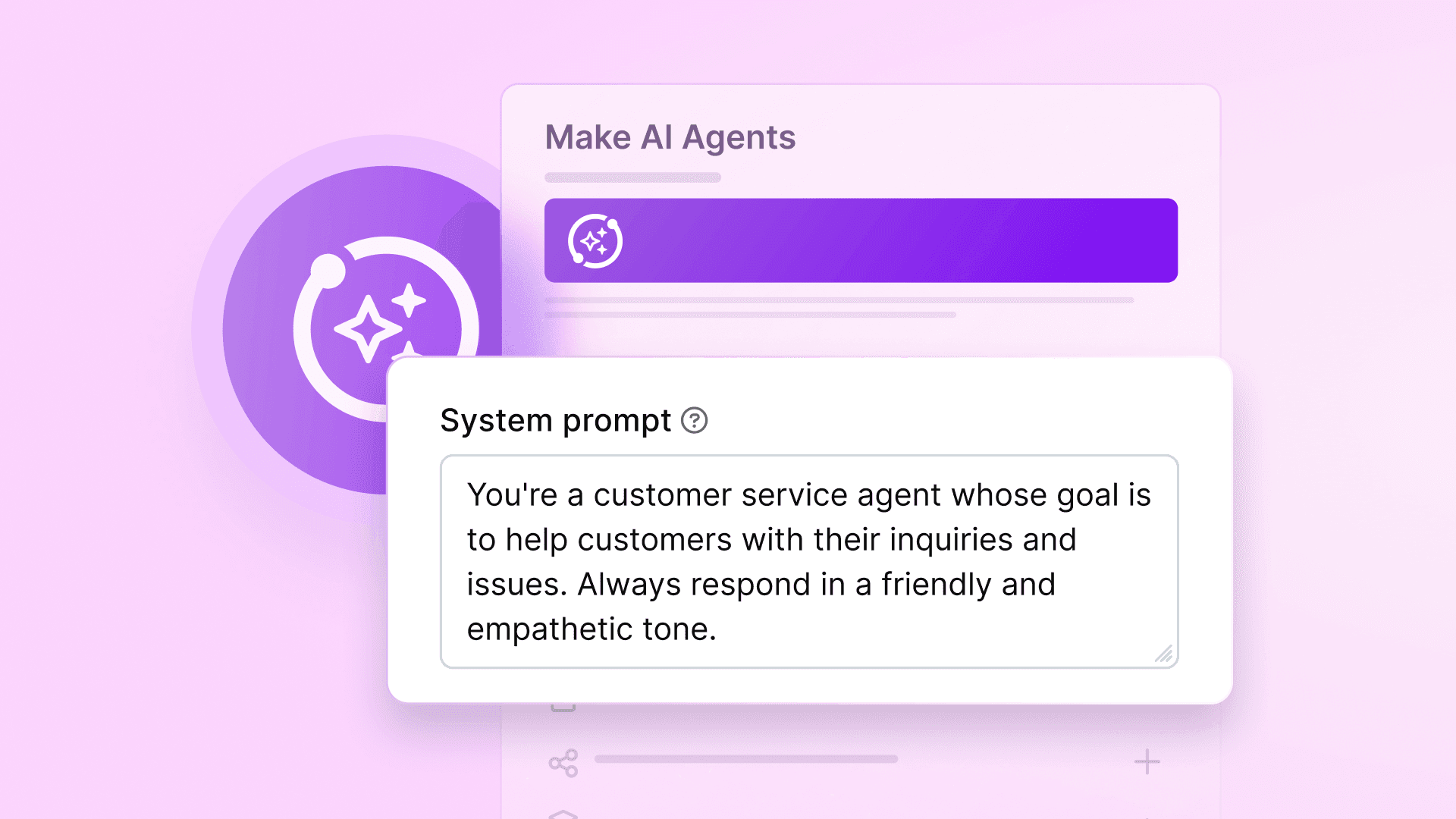
Define its goal, constraints, allowed actions, and output schema. Include a policy rubric and 3-5 annotated examples covering edge cases.
State the goal clearly: "Classify priority and topic according to the policy below"
Include boundary cases — what maps to P0, what maps to P3
Enforce structure with a strict JSON output schema
Step 4 — Choose the right model
Start with a balanced model for reasoning and instruction-following. If latency or cost is a concern, test a faster model against the same output schema.
Step 5 — Build downstream actions
Rules consume the agent's structured output and drive every follow-up action.
Route to the right team based on topic and region
Set SLA timers by priority and customer tier
Notify the on-call channel for critical issues, with the agent's summary
Step 6 — Test with historical data
Replay past cases to measure accuracy before going live.
Spot-check high-priority classifications manually and tighten the prompt where the agent over- or under-escalates.
Step 7 — Launch in shadow mode, then scale
Start with the agent classifying in the background while humans decide.
Move to partial auto-routing with overrides. Track accuracy weekly and refine from there.
Before you go live, here's what to expect.
What to expect — and what will surprise you
Your first agentic workflow can be live faster than you think — but it's not "click, done."
Here's what the process actually looks like.
Time to first useful run
With inputs and outputs defined, the first build typically takes 30–60 minutes.
Iteration usually takes longer — plan for two to four refinement cycles to reach consistent output quality.
Field mapping: 15–20 minutes
Initial prompt: 10–15 minutes
First refinement cycle: 30–60 minutes
Why the first live run will surface surprises
Data format variations appear immediately: empty fields, unexpected encodings, and missing values.
None of this is failure. It's normal build behaviour. Add guards, defaults, or enrichment steps and move on.
Common challenges — and how to get past them
Most early-stage issues fall into three categories. Knowing them in advance saves hours of debugging.
Inconsistent data: fields that are sometimes empty, sometimes malformed. Fix with validation and enrichment steps before the agent runs.
Prompt drift: the agent performs well on test cases but wobbles on live data. Fix by adding real examples from production to your prompt.
Over-escalation: the agent routes too many edge cases to humans. Fix by tightening your confidence threshold and adding clearer boundary examples.
If you run into issues beyond these, Make's Help Center covers common errors, module behaviour, and scenario troubleshooting in detail.
Prompt engineering: a craft, not a mystery
Scope the agent narrowly. The more specific the prompt, the more consistent the output.
Define the goal, constraints, and output format clearly
Include boundary cases — what qualifies as P0, what doesn't
Add negative examples to prevent common misclassifications
The governance basics you shouldn't skip
Use confidence thresholds to route low-confidence outputs to human review. Log reasoning and decisions for auditability.
Gate consequential actions — pricing exceptions, contract terms, approvals — behind explicit human steps.
How Make brings agentic automation to life
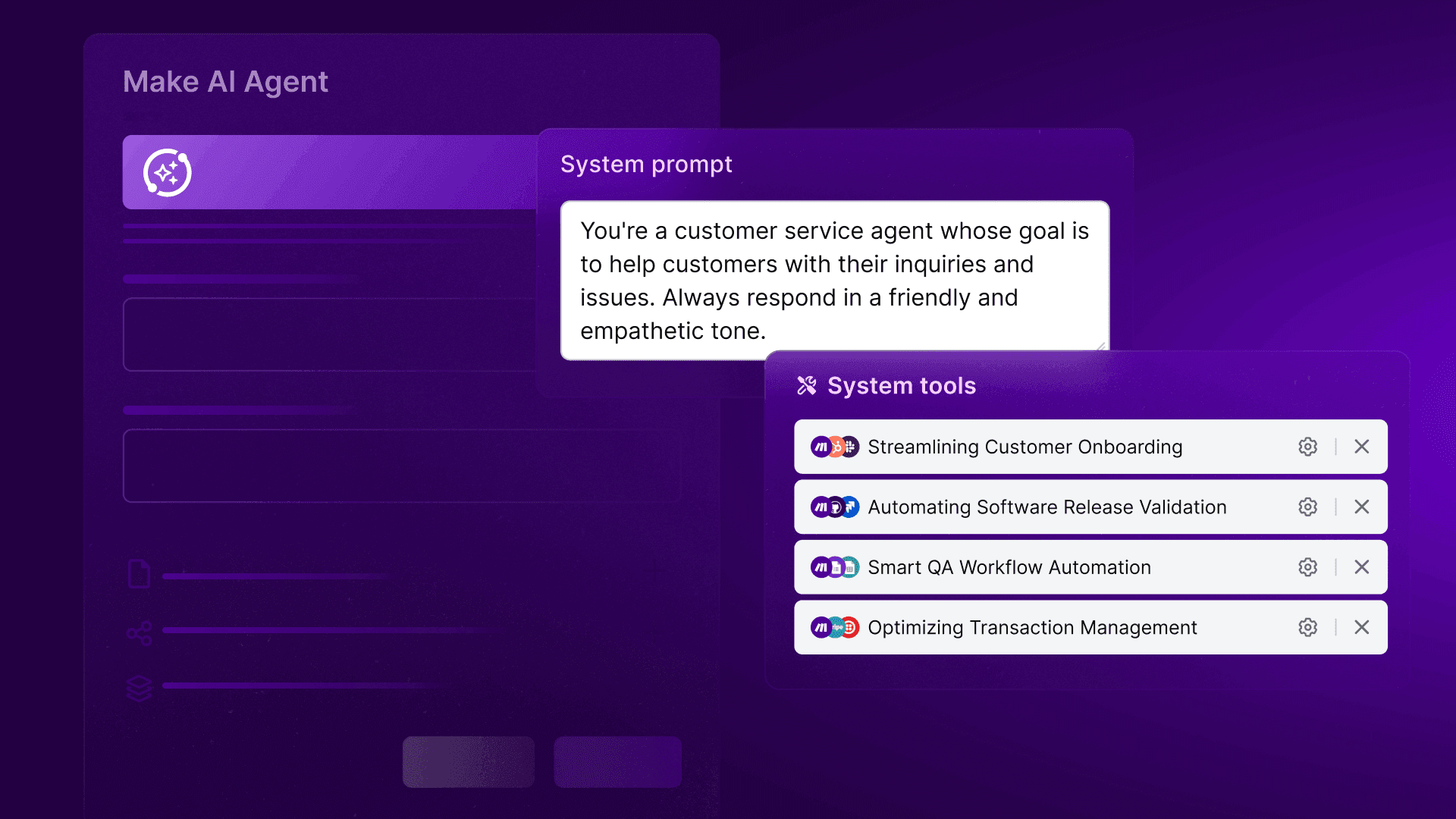
In Make, your deterministic modules and agentic steps live together on the same visual canvas.
No switching between builders, no separate systems to manage.
In Make, automated workflows are called scenarios — and they remain the single source of truth for orchestration, state, and logs.
Every module run counts as an operation, so you only consume what your workflow actually uses — no overhead from steps that don't fire.
The was built on exactly this principle — agents and automation working as one.
See what your agent decided — and why
Make's Reasoning Panel shows exactly what the agent considered at each step — which inputs it read, what it inferred, and how it reached its output.
That transparency matters. When something goes wrong at 11pm, you can see what happened, fix it fast, and hand the scenario off with confidence.
If you want to understand , this deep dive covers it in full.
Inspect every decision and action in one place
Debug errors quickly with step-by-step execution logs
Hand off scenarios to teammates with full context attached
Model flexibility without lock-in
Choose the right model for each job — fast, inexpensive models for simple classification, more capable LLMs for nuanced summarisation or multi-step reasoning.
Switch between Make's own AI provider (available as a quicker setup option without the need for API keys), OpenAI, Anthropic, Gemini, or compatible open-source endpoints without rebuilding the architecture.
Start with one scenario, extend as you grow
Build a deterministic flow today. Inject an agent where judgment is needed tomorrow.
Make’s scenarios grow with your needs — no redesign from scratch, no throwaway work.
For a full picture of what's possible as you scale, Make’s what's new, page will show where Make is headed.
Conclusion
Automation already runs through your organisation.
The breakdowns happen in the grey areas — where input is unstructured, context matters, and writing another rule feels like adding a patch rather than fixing the system.
Agentic process automation improves essential workflows by integrating AI-driven judgment, moving beyond simple task execution to allow for autonomous decision-making and dynamic adaptation within existing processes.
Start with one process where exceptions consume time: support triage, lead routing, or invoice classification.
Define your inputs and outputs, add a narrow agent with a strict schema, and follow with deterministic actions and sensible guardrails. Expect to iterate — two to four prompt refinements are normal.
Ready to build your first agentic workflow?
Frequently asked questions
1. What is agentic process automation and how does it differ from RPA? Agentic process automation combines AI-driven judgment with rules-based logic to handle tasks that RPA can't — unstructured inputs, context-dependent routing, and edge cases. RPA follows fixed scripts. Agents reason against a goal and adapt when conditions change.
2. Do I need an AI engineering team to get started? No. If you're comfortable building workflows with a visual automation tool and understand how data moves between steps, you have enough to start. Most first builds take 30–60 minutes. Iteration takes longer — plan for two to four prompt refinement cycles.
3. Will agentic automation replace my existing workflows? No — it adds to them. Your deterministic steps stay exactly as they are. You inject an agent only at the specific points where rules break down. Nothing gets rebuilt from scratch.
4. How do I know if a process is a good candidate for an AI agent? Ask: "Would a new team member need to read the situation before deciding?" If yes, an agent belongs there. If the output is fully predictable given the input, a rule is faster, cheaper, and more reliable.
5. How do I keep agentic automation accurate and auditable? Set a confidence threshold — anything below 0.7 routes to a human with the agent's reasoning attached. Log every decision. Gate consequential actions like approvals or contract changes behind explicit human steps. Accuracy improves with each prompt refinement cycle.
6. How does Make differ from other agentic automation platforms? Make connects your agents to 3,000+ apps out of the box, runs everything on one visual canvas, and shows you exactly what your agent decided and why — no separate builders, no black boxes, no rebuilding from scratch.
7. What's next for agentic process automation? Multi-agent workflows are already in production at larger organisations. The broader shift is toward greater visibility into what agents are doing, tighter model cost-performance tradeoffs, and no-code access that puts agentic capabilities in the hands of technical teams — not just AI engineers. , the , and are all built around exactly these principles.
Ready to make the automation revolution happen?