AI agent orchestration – a critical business imperative
As more and more businesses implement AI-powered automation, having visibility and control over your AI landscape is more important than ever. This article outlines how AI agent orchestration is becoming a vital ingredient for successful businesses.
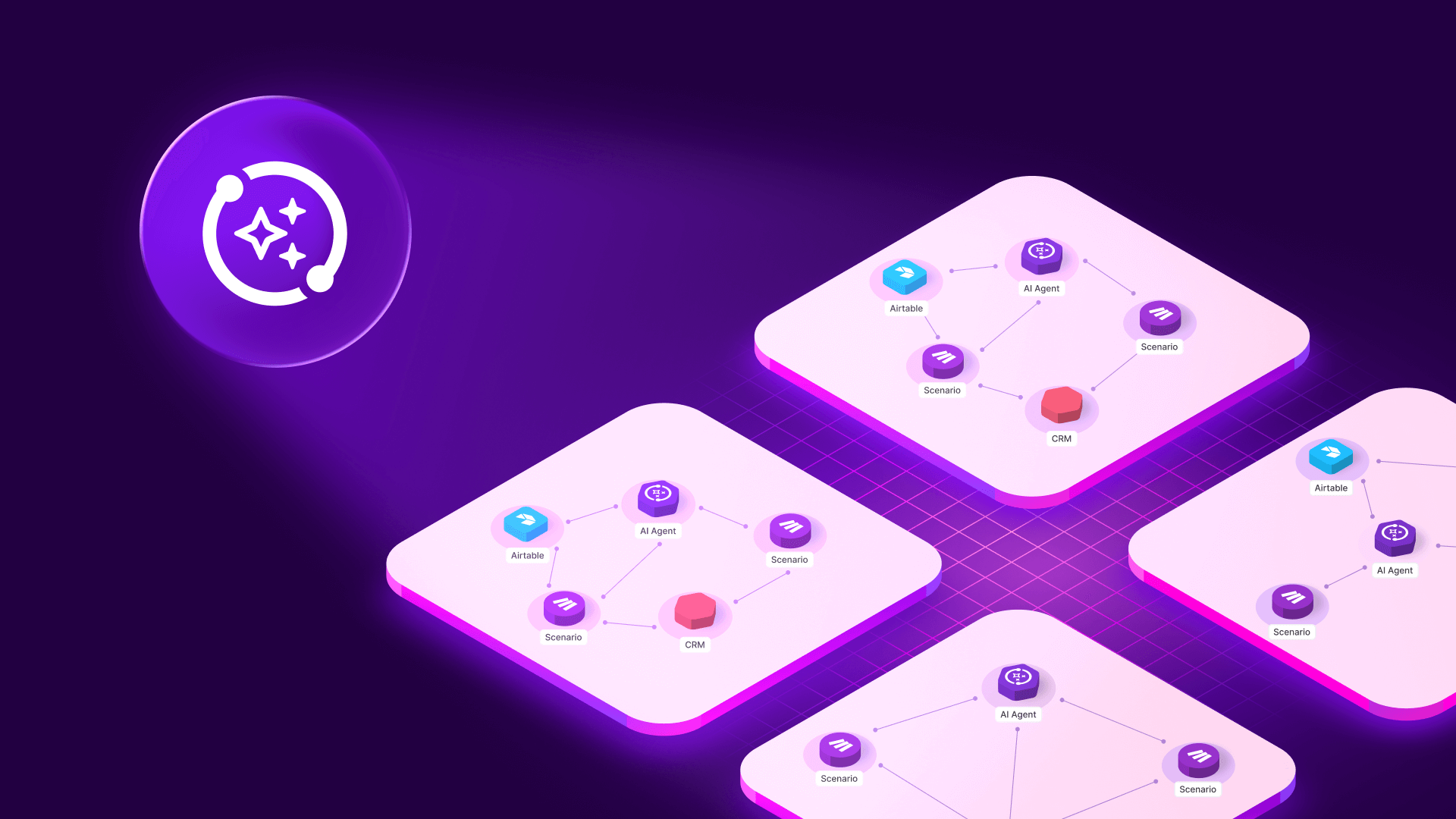
AI agent orchestration has evolved from an experimental concept to an operational necessity. Nowadays, organizations coordinate multiple specialized agents across content generation, data analysis, customer support, and lead enrichment - not as isolated tools, but as interconnected systems where one agent's output becomes another's input.
In this article, we explain what AI agent orchestration means today, why visibility determines success at scale, and how visual-first platforms help teams maintain control as complexity grows.
What is AI agent orchestration?
AI agent orchestration is the practice of coordinating multiple AI agents, models, and business systems so they work together toward shared business goals. It covers how agents obtain context, access tools, exchange data, and hand off tasks across automated workflows.
Unlike single-model automation - where one AI completes a task end-to-end - orchestration involves multiple specialized agents working in sequence or parallel. A content pipeline might use Perplexity for research, Claude for drafting, and GPT-4 for structured analysis, with each output feeding the next step. A customer support system might route inquiries through classification models, retrieval systems, and response generators before updating your CRM and notifying your team via Slack.
Modern AI agent orchestration includes:
- Workflow design: How automated processes connect steps into end-to-end flows
- Data exchange: How information moves between agents, APIs, and business systems like Airtable, HubSpot, Notion, or Stripe
- Model routing: Which AI models handle which tasks, and how routing rules affect downstream logic
- Error handling: What happens when an API fails, a token limit hits, or an output format changes
- Observability: How teams monitor, debug, and improve these systems as requirements evolve
Orchestration transforms AI from a collection of clever automations into a coherent system that remains understandable, adaptable, and resilient.
Why AI agent orchestration matters: The orchestration cliff
Early AI automation wins came easily. A single workflow generates content, another enriches leads, and a third routes support tickets. Each delivered value independently.
The challenge emerged when these workflows started sharing data and decisions. Your lead enrichment workflow updates HubSpot, triggering Slack notifications and downstream scoring. Your content pipeline reads from Airtable, processes through Claude, updates Notion, and feeds analytics - while three other workflows consume that same content for different purposes.
This creates what we call the orchestration cliff: the moment when interconnected AI systems become too complex to understand without deliberate visibility.
The 9pm failure scenario
Consider this familiar situation: It's 9 PM, a Slack alert fails, and your HubSpot data looks wrong. You open your automation platform and start clicking through seven interconnected workflows to diagnose the problem.
Was it the Claude output format? A GPT-4 token limit? A Perplexity response structure change? A field mapping that drifted when Stripe added a new property?
You built workflow A three months ago, then workflow B that consumes A's data, and this week, workflow C needs output from both. Your naming conventions and documentation helped initially, but fell behind after quick fixes. At the current complexity, you can still cope. Add multi-model routing, seasonal variants, or more AI-driven transformations, and the system risks crossing a threshold where only a developer can untangle it.
That's the orchestration cliff - and it arrives faster than most teams expect.
The benefits of effective AI agent orchestration
When orchestration is done right, teams unlock several critical capabilities:
1. System-wide visibility
See every workflow, integration point, and connection without manual diagramming. Understand how your AI agents interact with business systems across your entire stack.
2. Faster debugging
Trace data flows step by step across workflows to verify assumptions. When something breaks, identify the exact failing component, view its inputs and outputs, and understand downstream impact in minutes rather than hours.
3. Change impact analysis
Identify dependency chains before making changes to prompts, field mappings, or routing rules. Preview which workflows will be affected by a modification before you deploy it.
4. Reduced downtime
Locate root causes quickly and quantify blast radius. Decide whether to roll back, patch, or refactor with confidence rather than guesswork.
5. Easier collaboration
Onboard new team members quickly by showing how content generation connects to CRM updates, billing systems, and communications - without requiring them to reverse-engineer individual workflows.
6. Sustainable scaling
Add new AI capabilities and workflows without fear of breaking existing systems. Maintain control as complexity grows rather than reaching for a complete developer-led rebuild.
How AI agent orchestration works
Effective orchestration requires attention to several key elements:
Architecture foundations
Balance agent autonomy with central control. Keep time-sensitive decisions local to individual agents, but centralize schema definitions, routing rules, and guardrails. Use integration layers to standardize data exchanges with CRMs, databases, and communication tools.
Data lineage tracking
Understand where information originates, what each step adds or transforms, and which workflows depend on the result. When a data field changes upstream, know immediately what downstream impacts to expect.
Model routing strategy
Document which AI models handle which tasks and why. Route complex drafting to Claude, lightweight classification to GPT-3.5, and research to Perplexity based on cost, speed, and quality requirements. Make routing logic explicit and reviewable.
Error handling patterns
Define what happens when APIs fail, rate limits are hit, or outputs don't match expected formats. Implement fallback logic, retry mechanisms, and alerting that surfaces problems before they cascade.
Schema governance
Standardize field names, data types, and structures across workflows. When AI providers return different formats, normalize outputs early so downstream workflows receive predictable inputs.
Common orchestration challenges
Challenge 1: API response driftAI providers add, rename, or restructure fields without notice. A downstream field mapping that worked last week silently breaks, causing failures in multiple dependent workflows.
Solution: Implement lightweight schema validation at integration points. When structure shifts, fail fast with clear error messages rather than propagating bad data downstream.
Challenge 2: Token and rate limits
Peak usage periods create throttling or truncation, changing expected output shapes or timing. Workflows designed for unlimited access suddenly hit constraints.
Solution: Build rate limit awareness into workflows. Implement exponential backoff, queue management, and degraded-mode logic that maintains functionality under constraints.
Challenge 3: Prompt evolution
You refine a prompt to improve quality, inadvertently renaming fields or altering output structure. Three downstream workflows that consume this data break unexpectedly.
Solution: Treat prompts like API contracts. Version them, document expected outputs, and check dependencies before deploying changes.
Challenge 4: Tribal knowledge
The person who built your orchestration leaves. Their successor inherits a system with opaque interdependencies and no clear map of how everything connects.
Solution: Maintain living documentation that updates automatically as your system evolves, not static documents that become stale within weeks.
Challenge 5: Hidden dependencies
Workflows share data through indirect paths - workflow A writes to Airtable, workflow B reads from it, workflow C monitors Slack notifications B sends. The chain isn't obvious until something breaks.
Solution: Implement dependency mapping that surfaces both direct and indirect connections across your entire system.
Visibility: The limiting factor
When workflows interlock, visibility becomes your most valuable capability. You don't need another framework to learn or a black-box platform. You need to see the system you already built - clearly, accurately, and in one place.
AI agent orchestration succeeds when users can:
- See every workflow and connection without manual diagramming
- Trace data flows across workflows to verify assumptions
- Identify dependency chains before making changes
- Locate exact failure points and understand downstream impact
- Onboard colleagues quickly with a clear system map
Traditional documentation and naming conventions help - until complexity accelerates. The moment workflows share components, any manually maintained "source of truth" becomes stale. AI systems evolve quickly: prompts are refined, models are swapped, fields are added or deprecated weekly. Dependencies are non-linear, and runtime variance is normal. Documentation supports understanding but doesn't provide real-time dependency awareness.
Visual orchestration platforms
The orchestration tool landscape falls into two categories:
Code-heavy frameworks like LangChain, LangGraph, or AutoGen offer power and flexibility for developers building agent behaviors, memory, and tool use in code. They excel when teams work primarily in repositories and manage versioned pipelines.
Enterprise platforms like UiPath or Moveworks focus on compliance, scale, and centralized governance for IT-owned environments where auditability supersedes operator autonomy.
What's new is visual orchestration that lets technically capable users - who already built their automations - maintain control as complexity grows. This audience understands APIs, field mappings, and model chaining, but doesn't want to translate systems into codebases or black boxes.
Make Grid: Auto-generated orchestration visibility
Make Grid addresses this gap with an auto-generated, real-time map of your organization's automation and AI landscape. Make Grid reads actual workflows and displays how they connect - no manual diagramming required, no extra setup for existing Make users. You can quickly learn more about Make Grid in this video.
When you add a new workflow or modify a component, Make Grid updates automatically, keeping the map accurate by design. This matters for AI-heavy systems where failures are rarely obvious: Claude returns unexpected JSON structure, GPT-4 hits token limits, or a provider changes a field name without notice.
Module-level transparency: Every component appears in the map with its function visible. If an AI API call fails or a field mapping mismatches, see which component broke, which operation failed, and which downstream workflows depend on that output.
Dependency preview: Before changing a prompt or field mapping, see every workflow that will be affected. If you edit lead-scoring logic, Make Grid reveals the three workflows consuming the "score" field. This pre-change awareness reduces accidental breakage.
Faster debugging: The 9pm Slack failure becomes manageable. Open the visual map, spot the failed component, see the dependency chain, trace backward to identify that a recent prompt update renamed "score" to "priority," and a downstream mapping wasn't updated. Two clicks forward, one click backward: root cause, scope of impact, and fix plan identified.
Collaboration without rework: New team members see how AI content generation connects to CRM updates and Slack notifications without deciphering individual workflows. Because Make Grid reflects the current state, it avoids the documentation drift that makes static docs obsolete.
For teams searching for the best AI orchestration platforms, Make Grid functions as a visual-first solution for no-code and low-code layers of your stack. You can learn more about the rationale behind Make Grid in this article.
What stays manual: Judgment and expertise
Orchestration isn't autopilot. Your expertise remains central:
- Choosing models: Balance cost, speed, and quality for different use cases
- Designing prompts: Refine instructions to match brand voice, accuracy requirements, and edge cases
- Setting guardrails: Determine when to escalate for manual review or fall back to deterministic logic
- Evaluating output: Verify AI-generated results align with business context
Strong orchestration frees time for these decisions. It doesn't replace them.
Getting started: Practical next steps
For existing Make users, Make Grid requires no setup. It auto-generates from current workflows.
Initial focus areas:
- Rename workflows for clarity now that you see everything in one place
- Consolidate redundant automations that become obvious when visualized
- Identify orphaned components that no longer serve active workflows
- Document critical dependencies that weren't previously visible
After initial cleanup, Make Grid becomes a reference tool:
- 30 seconds to check dependencies before editing a prompt
- 2–3 minutes to trace a failure to root cause
- 5 minutes to orient a teammate to a subsystem
Operating practices that scale
- Check dependencies before changes: Treat prompt edits like schema changes
- Use deterministic anchors: Add schema assertions so structure shifts fail early
- Test in small windows: Run subsets through modified workflows before full rollout
- Standardize outputs: Normalize model-specific formats early so downstream components receive predictable inputs
Conclusion: Visibility is leverage
AI agent orchestration in 2026 is the discipline of turning interconnected automations into understandable, adaptable systems. As isolated wins evolve into multi-agent workflows, real dependency chains emerge where a single prompt change can cascade across your entire stack.
You don't need more abstraction. You need visibility that matches the reality of your system - a visual, auto-generated map that turns orchestration from late-night hunting into deliberate practice. Trace failures in minutes, understand data lineage across workflows, and preview change impact before deploying.
This isn't about outsourcing judgment. It's about making the invisible visible so you can apply expertise where it matters: model selection, prompt design, business logic, and governance. The outcome is agility at scale, with confidence to evolve.
For teams ready to replace fragile mental maps with a living view of their automations, explore Make Grid.
Related blogs
Tool and strategies modern teams need to help their companies grow.
Information Technology
Why workflow orchestration matters for modern organizations
Discover how workflow orchestration helps you coordinate complex processes, boost efficiency, and gain real-time visibility across your systems — and how Make gives you the tools to orchestrate everything effortlessly.

Siew Ann Tan
November 18, 2025
Information Technology
Make Grid: Visualizing the future
German Bernhart, Principal Product Manager at Make, explains how Make Grid allows organizations to see their entire AI and automation landscape - helping them to visually orchestrate, gather insights, build, and implement change at speed.

German Bernhart
June 24, 2025