When to use AI agents
As we unveil the next generation Make AI Agents, Michael Nketsiah, Product Marketing Manager at Make, outlines how to maximise their potential.
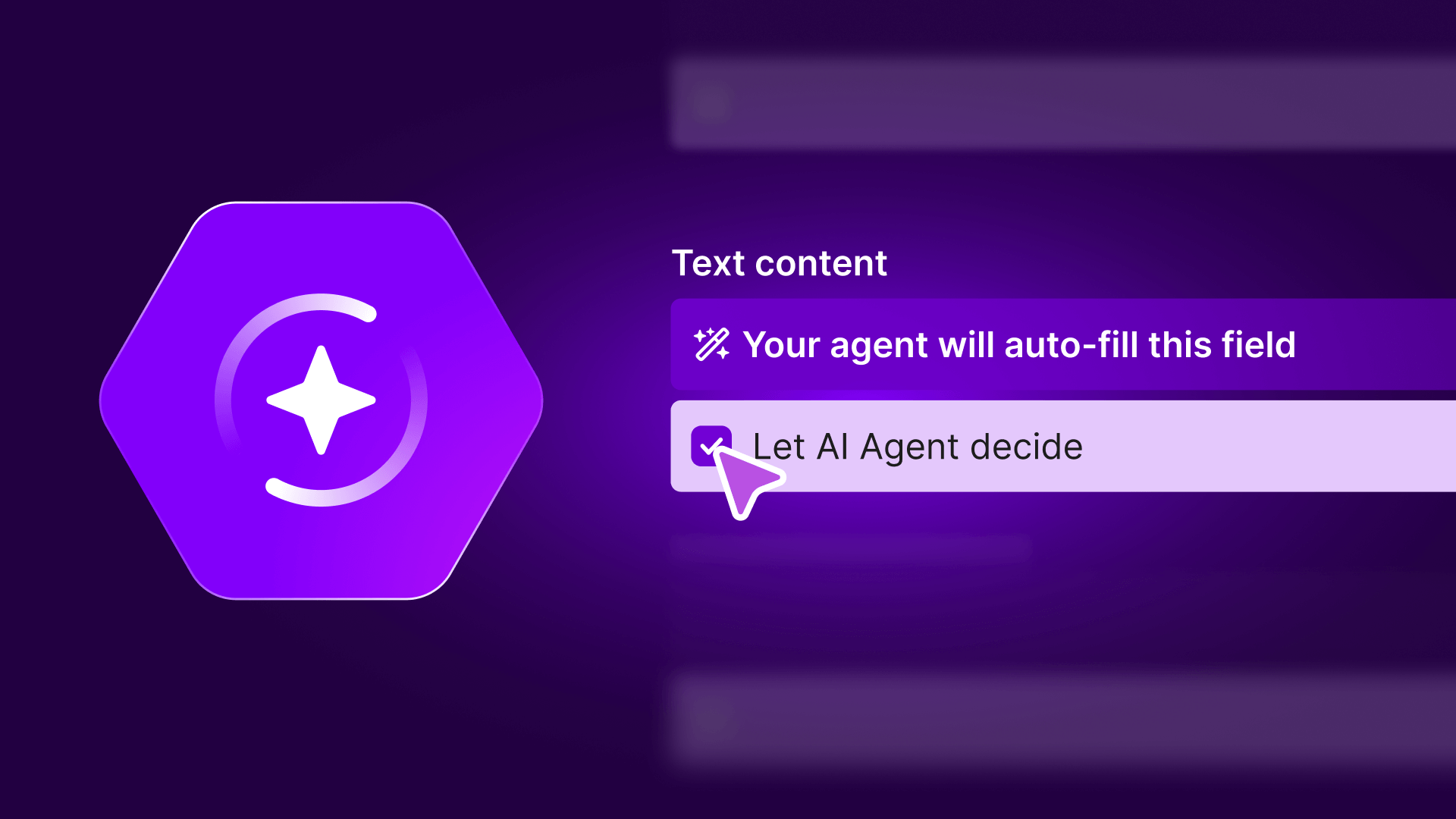

One of the big questions facing businesses nowadays is not so much “can AI do this?” - it’s “should AI do this?” Most business leaders aren’t trying to adopt AI for its own sake. They’re trying to improve a variety of processes - from handling more work without growing headcount to reducing manual decision-making bottlenecks or improving speed and consistency without increasing risk. This week, we launched the revamped Make AI Agents. We believe they’re a major step change as they’re built, run, and debugged inside the same canvas as your scenarios. This means that you can create agents that interpret input, choose the right tools, and adapt within your workflows. And now, every decision is visible, reviewable, and controllable right on the canvas. This next generation of Make AI Agents capitalizes on the unique visual approach that Make is known best for. This means that it’s easier to set up and configure your agent and the tools and knowledge it uses, and it's easier to see what an agent did. Further, the new "reasoning" view enables you to see how the agent reasoned through various steps to take. In addition to that focus on visualization, we've also extended the agents’ capabilities to include multi-modal support, the ability to provide files directly to the agent, and for the agent to produce files. Our new approach has also allowed us to incorporate one of the most important pieces of feedback - we can now share pre-built AI agents and allow users to share their valuable use cases with each other for inspiration. To help with this, we’re also introducing a new Library of Agents that gives you ready-made AI agent examples built for real workflows, not demos. Each agent shows how to combine AI reasoning, tools, and guardrails in a transparent, shareable way, helping teams move faster without starting from a blank canvas.
The role of AI agents
With this new launch, it’s a good time for us to focus on the role of AI agents as a whole. Of course, we believe they have enormous benefits for modern businesses - but only when used in the right situations.
This guide will explain:
- What AI agents are good at
- What they’re not good at
- How to choose between automation, AI, and agents
- Why the strongest systems combine deterministic + agentic automation
The automation spectrum
To determine what type of automation is right for your business, it’s important to understand a concept that we call “the automation spectrum”.
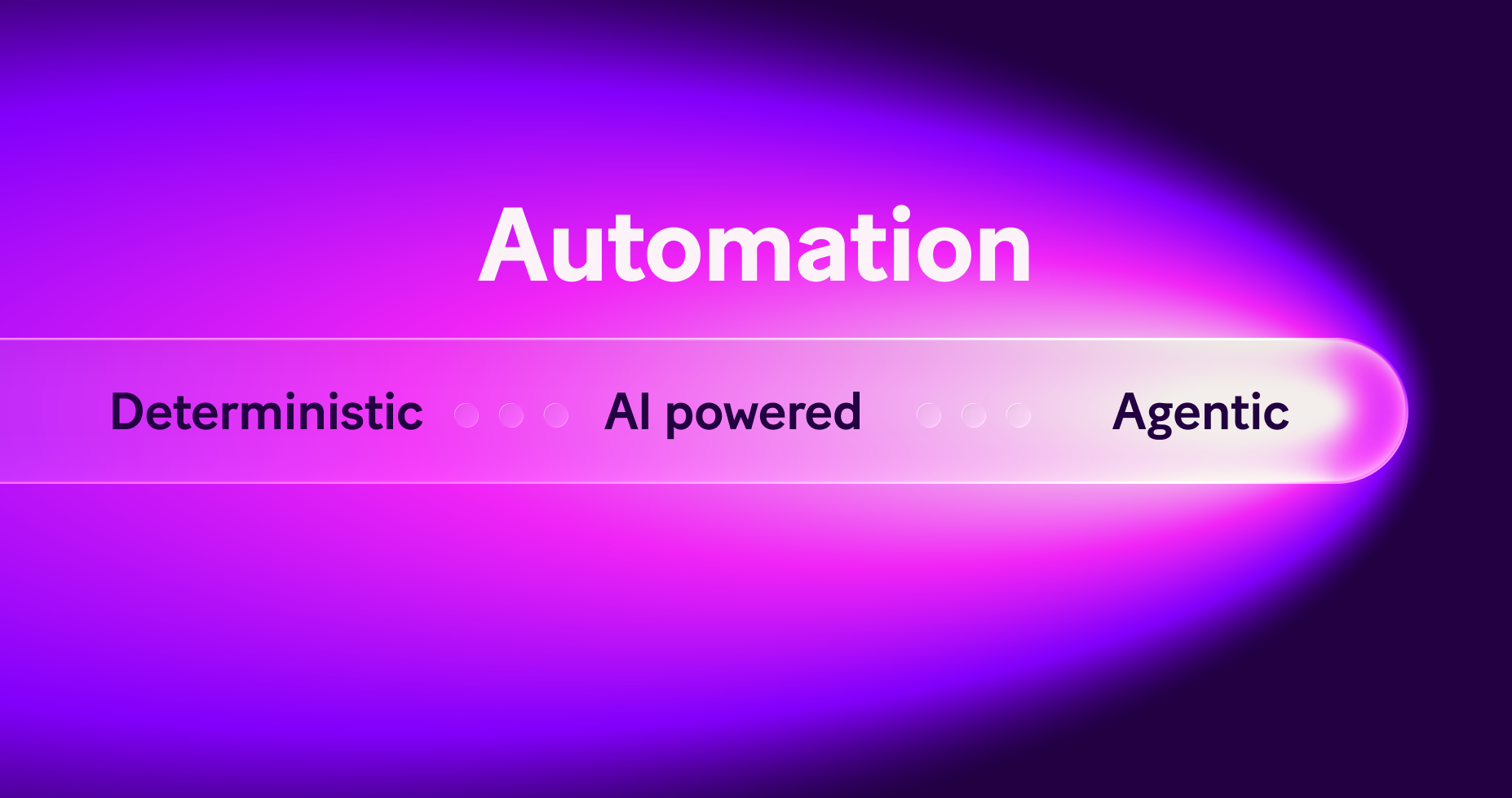
The automation spectrum is made up of three types of automation:
1) Deterministic automationThis type of automation is most easily summarised by the simple command “if X happens, do Y”. This is automation that follows fixed rules, has predictable inputs, is fast and reliable, and is best for repeatable processes. 2) AI-powered automationThis is automation where AI supports an individual step, but doesn’t decide the flow. This automation is still rule-driven and is best used for summarising, extracting, and classifying. 3) Agentic automationPut simply, this is when AI decides what to do next. This is automation that handles ambiguity, chooses actions based on context, and adapts when inputs change. The most effective systems combine all three.
What AI agents do and don’t do
AI agents are best when inputs are unstructured (emails, documents, messages); rules change frequently; mapping every possible path is unrealistic; and decisions require judgment, not just steps. In practice, AI agents can interpret messy inputs, decide the right next action, call the correct system or workflow, and adapt without breaking the process. It’s vital to remember that they don’t replace automation - they decide how automation should run.
AI agents are not the right tool when rules are fixed and stable; inputs are clean and structured; speed and consistency matter more than judgment. If you’re looking to carry out tasks like sending notifications, updating records, or billing scheduled jobs, classic automation is faster, cheaper, and easier to maintain. This is why we’re always keen to point out that using AI where it’s not needed decreases efficiency.
When to use agents vs automation (a simple rule)
Use AI agents when:
- The task requires thinking
- Inputs vary widely
- Decisions depend on context
- Logic becomes hard to maintain
Don’t use AI agents when:
- The task just needs doing
- Rules are predictable
- Outcomes must be consistent every time
Why “deterministic + agentic” works best
The strongest systems don’t choose between rules or AI. They combine both.
How this works in practice:
- AI handles interpretation and judgment
- Deterministic automation enforces rules, limits, and controls
- Humans stay in the loop where needed
This approach delivers:
- Flexibility without chaos
- Adaptation without loss of control
- Innovation without increasing operational risk
What does this mean for businesses?
When used correctly, AI agents help businesses scale operations without adding headcount, reduce manual review and handoffs, handle more variation without breaking processes, and move faster while staying in control. But the real value comes from using agents selectively, not everywhere. We believe it’s vital for business leaders to understand that AI agents are not a replacement for automation. They’re a decision layer on top of it.
In our experience, the businesses seeing results use automation for what’s predictable, use AI where judgment is needed, and crucially combine both in one system. This is how AI moves from experimentation to real business impact.
Industry AI agent examples: Where AI agents create real value
Different industries face different types of complexity. However, the key question is always the same: Where does judgment slow the business down?
Below are some examples of how organisations in core verticals apply deterministic + agentic automation effectively.
SaaS & software platforms
Common challenge:High volumes of inbound requests with unclear intent — support, sales, billing, technical issues — all mixed together.
Where agents help:
- Interpreting inbound messages from users
- Understanding intent and urgency
- Deciding the correct next action
Example use cases:
- Classifying inbound support tickets and routing them correctly
- Qualifying inbound leads based on usage signals and context
- Summarising account history before customer calls
What stays deterministic:
- Provisioning customers
- Invoicing processes
- Triggering notifications or SLAs
Result: Faster response times without losing control over customer workflows.
Digital services & agencies
Common challenge:
Each client behaves differently, but internal processes must remain consistent.
Where agents help:
- Reviewing incoming briefs, requests, or emails
- Deciding which workflow or team should handle them
- Adapting logic based on client context
Example use cases:
- Qualifying and routing new client requests
- Preparing pre-call summaries from scattered information
- Reviewing content or campaign data for issues or risks
What stays deterministic:
- Deliverable creation
- Client reporting
- Billing and approvals
Result: Agencies scale services without duplicating logic or adding overhead.
FinServ & FinTech
Common challenge:High-volume data and documents that require judgment, accuracy, and auditability.
Where agents help:
- Reviewing unstructured documents
- Interpreting customer communications
- Deciding next steps based on rules and context
Example use cases:
- Triage of customer inquiries across compliance, support, and onboarding
- Document intake and classification (KYC, applications, claims)
- Lead or application scoring with defined thresholds
What stays deterministic:
- Data storage
- Compliance checks
- Approvals and record updates
Result: Faster processing with clear oversight and reduced operational risk.
Logistics & supply chain
Common challenge:Constant change, exceptions, and incomplete information.
Where agents help:
- Interpreting emails, shipment updates, and alerts
- Deciding which process should run next
- Flagging issues that need human attention
Example use cases:
- Classifying delivery issues and exceptions
- Routing supplier communications
- Preparing daily operational summaries
What stays deterministic:
- Inventory updates
- Notifications
- System synchronisation
Result: Better responsiveness without brittle rule-based systems.
Professional services
Common challenge:High-value work buried under admin and document handling.
Where agents help:
- Reviewing and summarising documents
- Organising case or client information
- Deciding when to escalate to humans
Example use cases:
- Intake and triage of new cases or requests
- Document processing and summarisation
- Preparing briefs from historical records
What stays deterministic:
- Case creation
- Scheduling
- Filing and archiving
Result: More time spent on client work, less on administration.
A repeating pattern
Across all industries, the winning approach is consistent: Agents handle interpretation and judgment; automation handles execution and control; and humans stay focused on exceptions and value.
This is how businesses adopt AI without increasing risk — and turn complexity into an advantage.
Explore the next generation of Make AI Agents today.
Related blogs
Tool and strategies modern teams need to help their companies grow.
AI
Make AI Agents: Trust through transparency
Why we rebuilt Make AI Agents inside the scenario builder - and how to use them properly.

Vitek Linhart
February 11, 2026

Inside Make
Announcing the next generation of Make AI Agents
Find out about the next generation of Make AI Agents, designed to help you automate complex work with clarity and trust.
Vitek Linhart
February 11, 2026
AI
Get a tailored AI automation strategy with Make AI Playbook
Discover how to move your organization from scattered AI experiments to a structured implementation strategy with a free maturity assessment, personalized roadmap, and actionable frameworks that deliver 3-5x higher ROI.

Natalia Mrazova
January 20, 2026