Mar 12, 2026 | 8 minutes
Low-code automation: How it works
Learn what low-code automation is, how it works, and how to put it to work across your most important workflows.

Manual work between tools creates friction across every team — and the answer isn't always more developers or longer backlogs.
Low-code automation is the middle ground: a visual way to build and connect business processes without writing code from scratch.
Forrester predicts the low-code market will reach around $30 billion by 2028, with a high-growth scenario pushing it toward $50 billion — driven by business operators who need to move fast without engineering support.
With it, you can automate an entire client onboarding sequence, a reporting workflow, or an intake triage system.
This guide shows you how, from the core concepts to a full working scenario built end-to-end.
What is low-code automation?
Low-code automation lets you connect apps, move data, and run business logic through a visual interface — without writing code from scratch.
You map fields, set conditions, and define triggers using pre-built components.
When something happens in one tool, a chain of actions follows across your other systems.
It sits between manual work and full custom development. You get more control than a simple no-code tool, without the overhead of an engineering project.
Most business operators can build and maintain their own scenarios once they understand how data flows from one step to the next.
No-code vs low-code at a glance
No-code tools handle narrow, repeatable tasks well.
Low-code automation platforms tend to go further – when your workflow needs routers, iterators, and a reliable data model across multiple tools, low-code gives you the structure to build it and the visibility to maintain it.
| No-code | Low-code |
Best for | Simple, linear tasks | Complex, branching logic |
Data modeling | Limited | Full schema control |
Error handling | Basic | Native, configurable |
Scalability | Task level | Scenario and org level |
Technical skill needed | Minimal | Moderate |
Blend both where it makes sense – no-code for speed on simple tasks, low-code when the logic reflects how your business actually runs.
Benefits of low-code automation
The gains from low-code automation aren't just operational – they compound. Fewer hand-offs mean fewer errors.
A clear data model means faster onboarding for new team members. Scenarios that mirror your business rules mean less rework when those rules change.
Benefit | What it replaces | Business impact |
Low code, not no code | Fully manual developer builds | Minimal coding needed — any team member can debug, adapt, and maintain automations |
Faster outcomes | Manual hand-offs and retyping | Less time lost between tools |
Fewer errors | Ad-hoc data entry and copy-paste | Higher data integrity across systems |
Flexibility | Rigid, single-use automations | Adapt rules, teams, and regions on one platform |
Better ROI | One-off integrations that don't scale | Low-code solutions that grow with demand |
Accelerated delivery | Slow development cycles | Rapid app development with governance built in |
Key features of low-code automation platforms
There are a number of low-code automation platforms on the market, each with its own strengths, limitations, and ideal use cases.
Finding the right fit depends on the complexity of your workflows, your team's technical level, and how much flexibility you need as you scale.
To help you evaluate your options, we'll take a closer look at Make's core capabilities — what it can handle, how it approaches real business logic, and where it fits within the broader low-code automation landscape.
Visual canvas with full scenario visibility
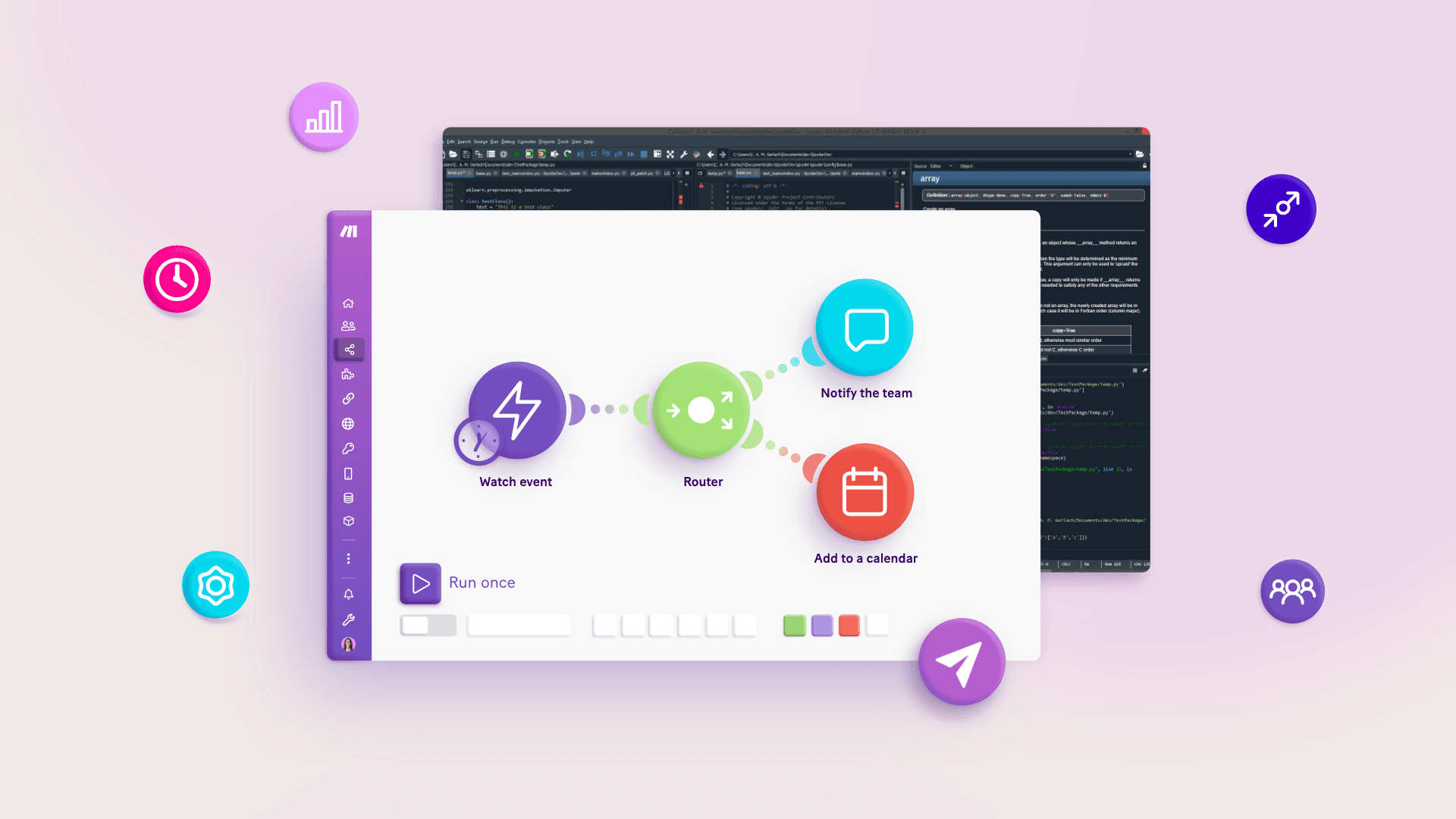
Most low-code automation platforms show you a list. Make is a platform that takes a slightly different approach. Make shows you a map. Let's explain that a bit more.
Make's Scenario Builder displays your entire process as a connected diagram — so when something breaks, you can trace it across every branch and step at a glance.
That visibility makes handoffs, debugging, and audits faster for everyone on the team.
See parallel paths at a glance
Trace issues back through every step visually
Name routes and modules to reflect your business logic
Here's a full breakdown of what that looks like in practice: No-code automation: a complete guide.
Easy to view module data
After a test run, Make shows exactly what data enters and exits each step.
You can open any module, see what it received and what it passed on, and pinpoint where something changed —
Confirm what each step is sending and receiving
Catch data mismatches before they reach your other tools
Build scenarios you can actually maintain without developer support
For more on working with data transforms: Custom functions in Make: best practices.
Native support for complex logic
Real business processes aren't linear.
Make handles branching, conditional routing, and error handling natively under one roof — so your scenarios can reflect how your business actually runs.
Route by deal size, client type, or region
Iterate over line items to create tasks or subfolders
Catch and log failures before they reach your customers
Low-code automation examples
The same core pattern applies across your most time-sensitive workflows — here are three you can build today.
Lead to project handoff
Closing a deal shouldn't mean a week of setup. Here's how a lead-to-project handoff can be automated with low-code tools.
When a deal is closed in your CRM, a low-code automation workflow kicks in immediately and handles everything that follows — so your team can focus on delivery, not administration.
Trigger: HubSpot deal moves to Closed won.
Route: Branch by product line.
Provision: Create a Notion workspace, Drive structure, and assign an internal owner.
Communicate: Post a structured Slack summary with attachments.
Reconcile: Update the deal, add project IDs, and schedule a kickoff task in your PM tool.
Recurring reporting and insights
Manual reporting eats hours every month and still produces inconsistent outputs.
Low-code automation removes that bottleneck entirely.
Instead of pulling numbers manually each month, a workflow does the heavy lifting — fetching, transforming, and delivering client-ready reports without anyone touching a spreadsheet.
Trigger: First of the month.
Fetch: Pull metrics from Stripe, GA4, and a data warehouse.
Transform: Iterate and aggregate KPIs, calculate MRR deltas.
AI: Summarize variances and draft client-facing notes.
Deliver: Assemble a formatted email and upload to the client's Notion dashboard.
Intake triage and routing
Every missed or misrouted inquiry has a cost.
Speed and accuracy matter most at the intake stage — a slow response or a wrong assignment can lose a deal before it even starts.
Low-code automation platforms act the moment a form is submitted, so the right person gets the right request with everything they need already in front of them.
Trigger: Form submission.
Classify: Use AI to tag urgency, scope, and vertical.
Route: Send enterprise-tier inquiries to a specific team with SLAs.
Create: Spin up a ticket, schedule a Calendly link, and preload context in the CRM.
Track: Update a pipeline view with timestamps for response tracking.
The underlying moves are the same: normalize data, route intentionally, handle lists, aggregate for clarity, and build reliable fallbacks.
Why pick Make for low-code automation?
Most low-code automation platforms handle simple, linear tasks well.
When your workflows involve branching logic, multiple data sources, and exceptions that need handling, you need a platform built for that complexity.
That's where Make comes in.
Make is a visual automation platform that lets you build, run, and manage complex workflows without writing code. It gives you:
A drag-and-drop Scenario Builder that maps your entire workflow as a connected diagram
Module-level data inspection so you can see exactly what data enters and exits each step
Native support for routers, iterators, aggregators, and error handlers
Multi-model AI orchestration inside a single scenario
Over 3,000 pre-built app connectors
Where most tools stop at triggers and actions, Make gives you the structure to build workflows that mirror how your business actually runs.
Conclusion
Low-code automation gives businesses the structure to run complex workflows without an engineering team.
Build one scenario, get it stable, and the pattern repeats.
The same logic that handles client onboarding scales to reporting, lead handoffs, and intake triage.
Start with Make for free and have your first scenario running in under an hour.
FAQs
1. What is low-code automation and how do I get started? Low-code automation lets you connect apps and run business logic visually. Start with one workflow, one trigger, and real data.
2. What is the most common challenge when building automations? Field mapping mismatches are the most frequent blocker. Inspect your bundle JSON and normalize data before branching to avoid downstream errors.
3. Do you need coding skills to use low-code automation? No. Most scenarios rely on mapping, routing, and pre-built connectors. Custom code is only needed for compact, specific transforms.
4. How do you make low-code automations more reliable over time? Build error handlers into every external call, log exceptions to a single table, and version your scenarios as they grow.
5. What advanced capabilities does low-code automation support? Beyond simple triggers and actions, low-code platforms support branching logic, iterators, aggregators, and AI orchestration — giving operators full control over complex, multi-step workflows.
6. Where is low-code automation heading next? Toward AI-aware scenarios where models handle classification and drafting, with human-in-the-loop steps for decisions that need judgment.