What is no-code automation? Top no-code platforms 2025
In this guide, we’ll break down what no-code automation is, its benefits, and how you can choose the best no-code automation tool for your business.
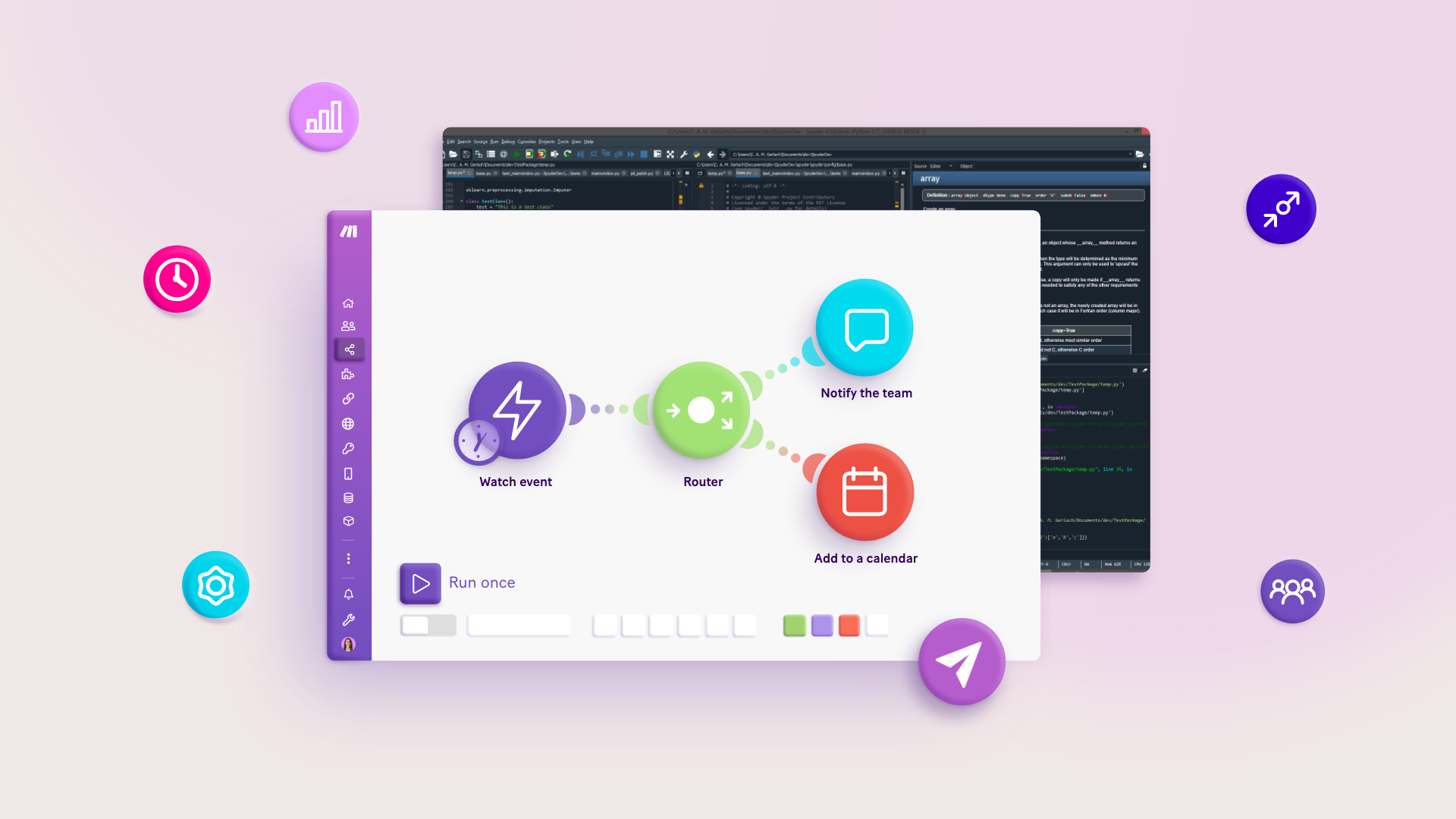

As its name suggests, no-code automation helps you automate your workflows without using code. But how exactly does it work, exactly?
For example, is it as simple as pressing a button and watching your tasks get done for you?
It can be – sometimes.
Setting up no-code automation typically involves some initial work and the right tools.
In this guide, we’ll break down what no-code automation is, its benefits, and how you can choose the best no-code automation tool for your business.
But first, let’s zoom out and set some context on the overarching concept of “no-code.”
What is the meaning of no-code?
No-code is a method of building software applications without the use of programming languages.
Instead of writing code, we can use tools that offer features in a graphical interface for fleshing out our application’s functionality.
Said tools also do all the necessary backend coding for us according to our specifications.
Let’s say we want to create a simple website button.
Before no-code tools existed, we might have had to learn HTML, CSS, and JavaScript code just to materialize the button, design it, and finally set up what happens when we click it.
But with a no-code website builder tool, creating such a button can now be as easy as:
- Dragging a button content block into our web page.
- Adjusting the button’s font and color settings.
- Providing the URL to which the button should redirect users when clicked.
How is no-code different from low-code?
Apart from no-code, there is also a separate “low-code” approach to software development.
The two are close cousins, but low-code involves a level of programming knowledge that isn’t required in no-code development.
For example, a low-code website builder tool might provide the same range of settings as the no-code tool for creating a website button. However, it may also offer an extra setting for accepting custom CSS input.
This way, if the low-code website builder’s button customization settings don’t offer enough functionality for a design we have in mind, we could add a few lines of simple CSS to get our button looking pixel-perfect.
What is no-code vs. vibe coding?
It's also important to distinguish these two terms from another that's become extremely popular over the past year or so: vibe coding. Vibe coding is an AI-assisted method of building software where a person describes their project idea in natural language to an AI, which then generates the app or code. In short, no-code typically uses graphic interfaces to build, while vibe coding uses language to build.
Importantly, though, there is some overlap. Vibe coding, for example, might be the first step in building an app given that it's relatively easy to describe what you envision with the required level of detail; then, once the vibe coding app has built your prototype, you can start fine-tuning with no-code, low-code, or traditional coding approaches.
Vibe coding and no-code tools therefore might even be part of the same overall platform. This, for instance, is the approach Make is taking with its upcoming Maia feature, which will let users describe a scenario that's then built for them in the standard no-code Scenario Builder.
What are some examples of no-code tools?
No-code website builder: WordPress
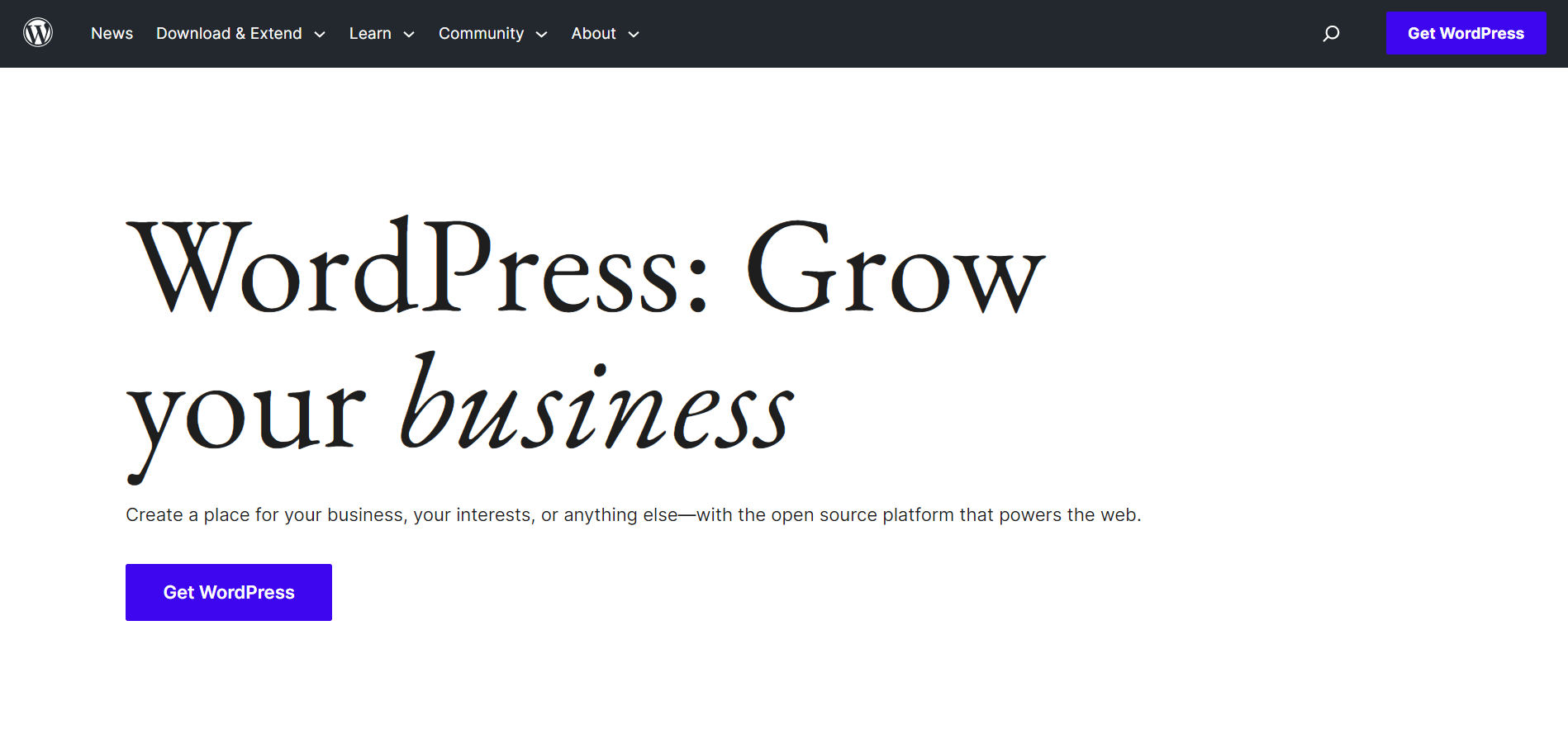
WordPress is a content management system (CMS) that makes building a website as straightforward as installing a website theme, and dragging and dropping content blocks into a page.
It also happens to be one of the earliest and most successful no-code tools ever built, currently powering over 43% of all websites on the Internet.
Key WordPress features
- Countless website themes for designing your website.
- Easy-to-use content publishing system.
- Add multiple users and manage their website backend access.
No-code app builder: Bubble
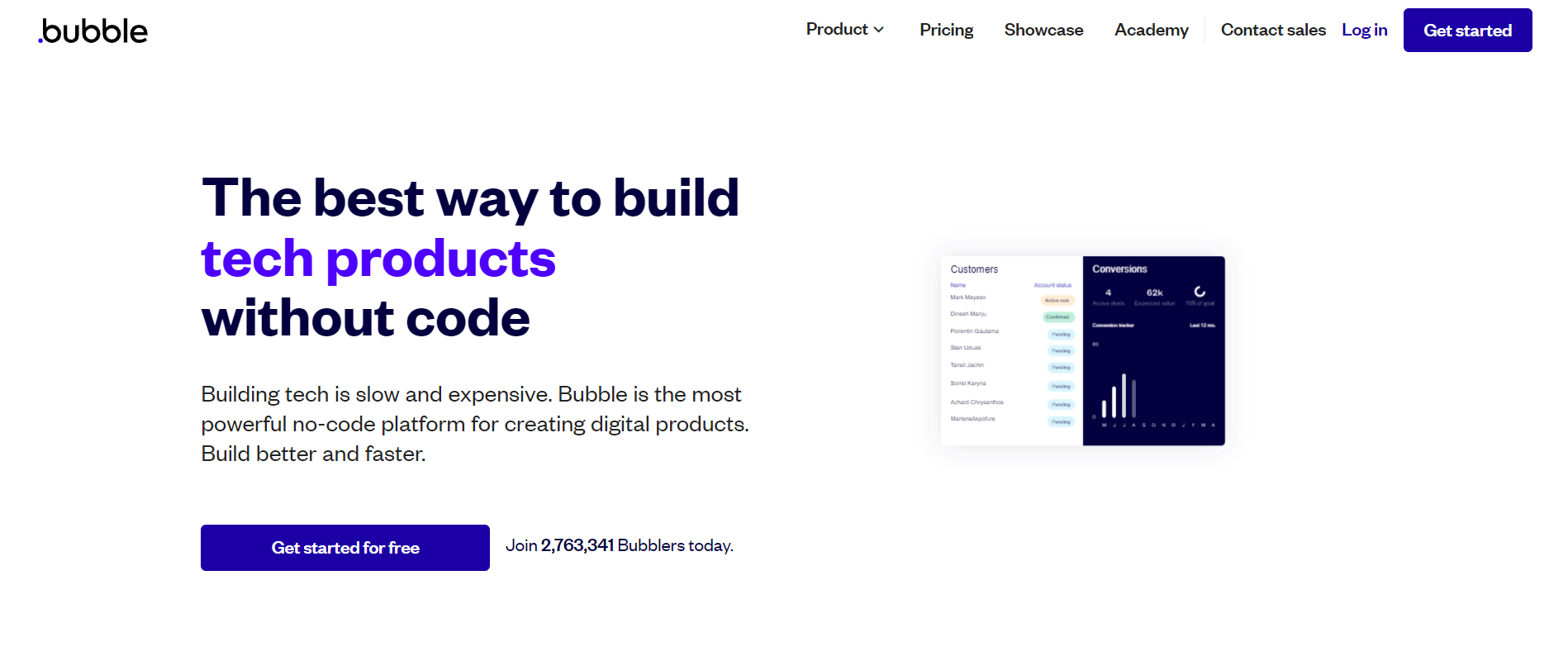
Ever wanted to create an app without code? Currently there are many apps for that, but Bubble was one of the pioneers in the space.
From text and buttons to progress bars and file uploaders, the platform provides plenty of design elements for building out your app - just drag them into the application editor.
This flowchart-style application editor also lets you set up what happens when users click, tap, and swipe your app. You can also add plugins to extend your app’s functionality, such as taking payments with Stripe or tracking your visitor numbers using Google Analytics.
Key Bubble features
- Design your app using a drag-and-drop application editor.
- Set up user flows for buttons, menus, and other interactive app areas.
- Add more app features with plugins.
No-code database builder: Airtable
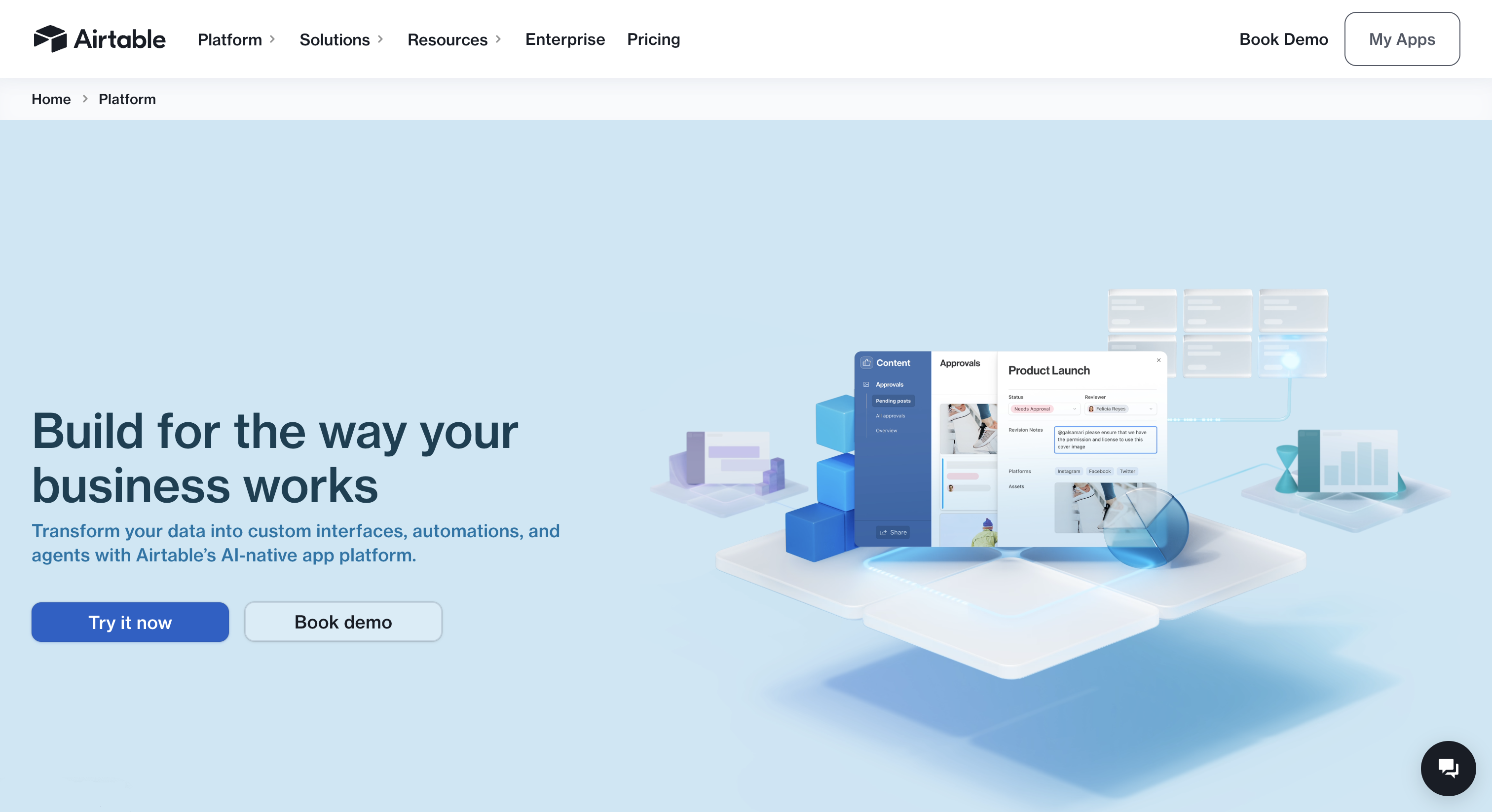
Airtable is a hybrid spreadsheet and database tool for project management and data organization that helps organizations make the most of their data.
Through clean custom interfaces, natural language, and sophisticated search functionality, this no-code platform helps teams collect, share, and integrate large data sets.
Key Airtable features
- Relational database foundation to ensure every team works from the same trusted sources.
- Up to 100M records in a single table.
- Adaptable content and asset library to share assets across teams.
- Visual project management calendars to keep tabs on dates, deliverables, resources, and OKRs.
No-code automation platform: Make
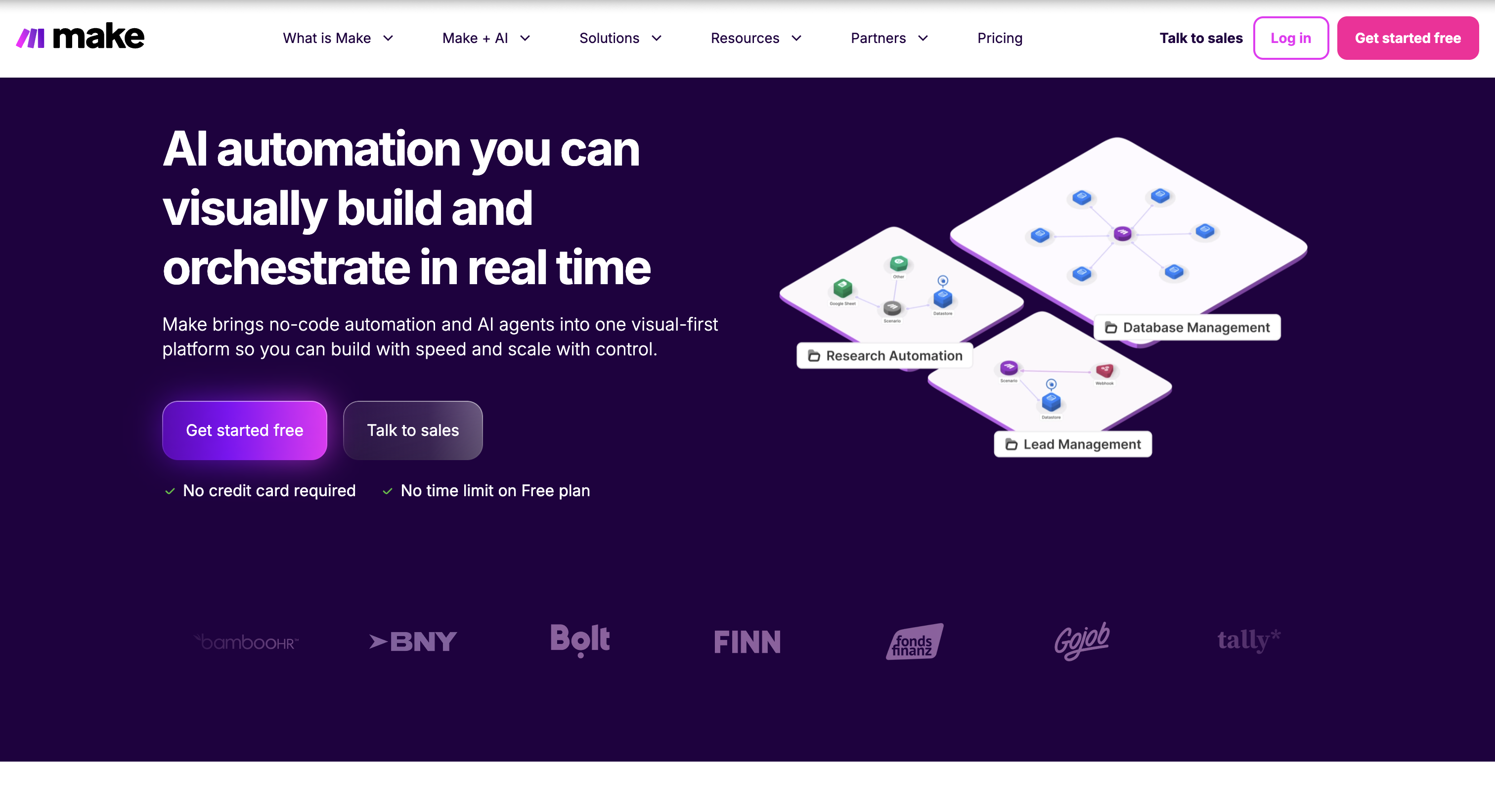
Spend enough time at your desk and you’ll quickly find yourself carrying out certain tedious tasks over and over again.
With Make, such tasks will become a thing of the past as you can automate them away without code, and without effort.
Connect the apps involved in these tasks to Make, and you’ll be able to set up the actions they should take when a trigger event happens.
For example, did you want to automatically email a Xero invoice to multiple people after approving it?
Or automatically back up new photos in Google Photos to your Dropbox account?
Make can get all these done - and more, in one powerful, visual interface where you can automate anything from tasks and workflows to apps and systems.
Key Make features
- Build automated workflows using a visual drag-and-drop interface.
- Integrate more than 1,400 apps.
- One-click deployment of your automations.
- Make Academy's free, structured no-code automation course to get you started building fast.
No-code AI agent builder: Make AI Agents
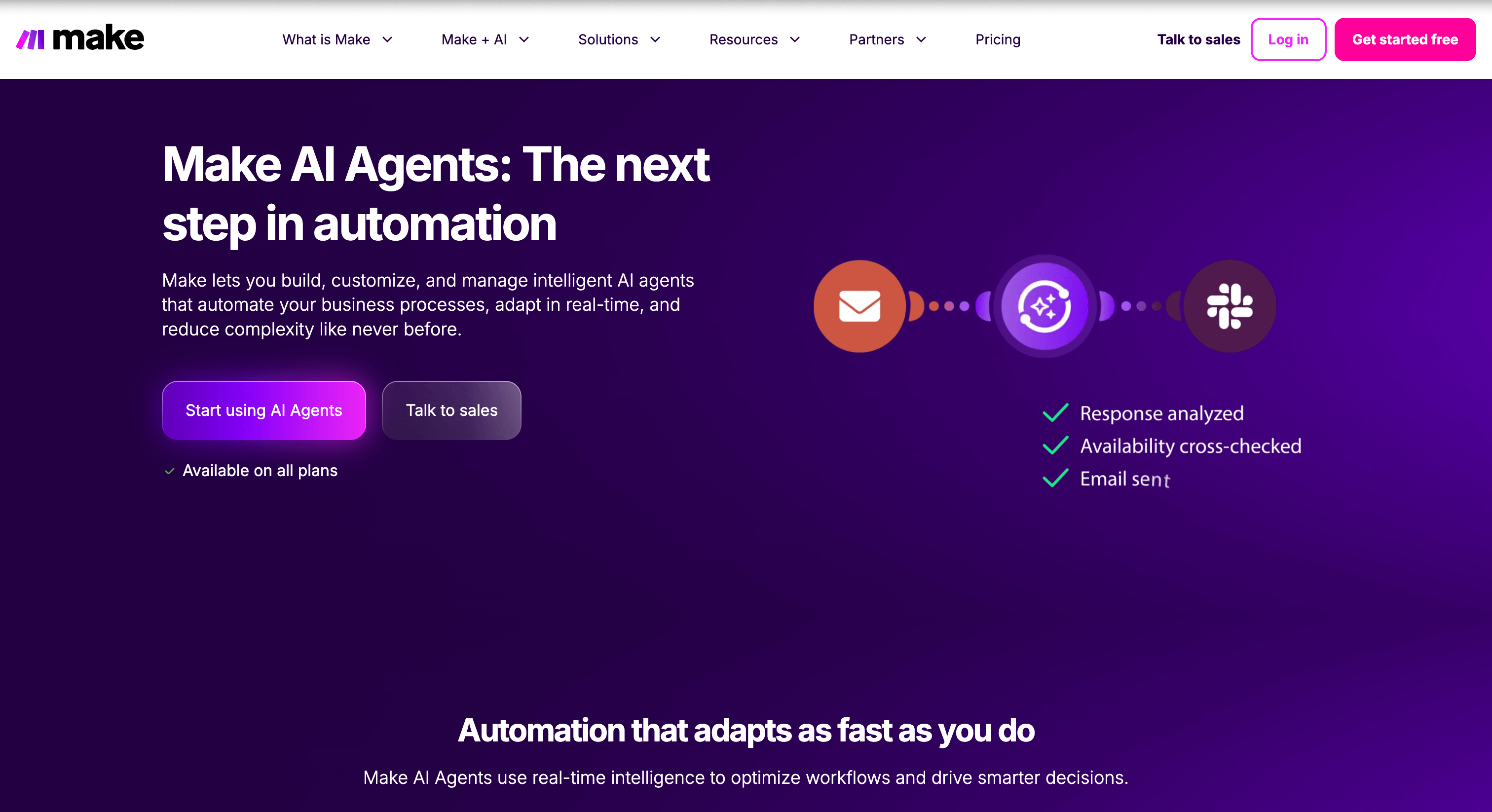
Make AI Agents let you build, customize, and manage intelligent AI agents that automate your business processes, adapt in real-time, and reduce complexity. Just add a Make AI Agent module to your workflow, describe what you want it to do, and map your data bundles as you normally would in Make.
They’re friendly and helpful, integrate with your workflows easily, and can be connected to forms, websites, and other apps. But instead of only accomplishing narrow, predictable tasks, Make AI Agents let you benefit from non-deterministic automation: the ability to deal with complex, uncertain, or evolving situations and adjust to changing conditions. In other words, they can handle a broader range of scenarios independently.
A maximally robust use of Make AI Agents can even achieve agentic automation, or the ability to use tools, make decisions, and act like a multitalented digital employee.
Key Make AI Agents features
- Integration with 3,000+ existing pre-built Make integrations.
- Train your agent easily with your own prompts and data.
- Understand and adjust goals in natural language instead of relying on fixed rules.
- Connect to pre-configured model context protocol (MCP) server to turn your Make scenarios into tools any AI can call.
What is no-code automation?
No-code automation is a little different from the other no-code use cases code shared above.
That’s because here, we aren’t building a standalone software asset - like a website, app, or game - per se.
Rather, we are applying the no-code development approach to have a process automatically done for us.
So in more formal terms, no-code automation is the method of automatically executing a process without human intervention, and without the use of code.
Using no-code automation, you could automate processes such as invoicing, customer testimonial collection, and even contract creation.
What are the benefits of no-code workflow automation?
Get repetitive tasks done on autopilot
If you audit the tasks your team does on a daily basis, you’ll likely find many of them to be mundane and repetitive.
Click this button, followed by that one. Drag this file here and move this card there. Copy and paste this string of text 10 times.
These tasks are important - they keep your operations running smoothly. But having your team execute such tasks manually isn’t the best use of their intellect or energy.
No-code automation can help relieve your teams of such repetitive tasks while ensuring they still get done.
Scale your operations quicker
Even if you have experienced programmers on your team, there are benefits to automating your processes with no-code.
Specifically, with your no-code automation tool doing most - if not all - of the heavy lifting for you, you can ship your automations quicker than coding them from scratch.
Just look at how, for instance, McKinsey reports that developing software using no-code or low-code applications could help cut development time by as much as 90%.
Think of no-code automation as the shortcut for getting the same work done in much less time, so you have more hours in the day to grow your business.
Optimize your workforce
Payroll can take up a significant chunk of a business’s operating expenses - possibly as high as 70% - so it makes sense to optimize how your teams spend their precious time at work.
For one, the no-code nature of no-code automation means your staff can automate their tasks on their own instead of adding such work to your IT team’s plates.
In turn, having automated some of their responsibilities, they’re free to take on others so you don’t have to hire more staff for the job.
As a result, you cultivate an efficient and productive environment in which your teams can make the most of their talents and skills.
Accomplish a wide variety of use cases
No-coding is essentially the most approachable way of building solutions. In other words, teams that aren't in highly technical departments or lines of work can still apply no-code automations and AI to their unique use cases to save them time, money, or stress:
- Marketing: Advertisers in Europe and the US used no-code tools to connect their customer relationship management (CRM) system to Facebook, boosting campaign effectiveness by almost 15%.
- Healthcare: A medical tourism company used no-code workflow automations to save hours of work every week and reach new customers worth $1 million.
- Agriculture: Farmers in Spain are benefitting from a voice-activated invoice generator – no coding required.
- Sales: AI-powered automations help save up to 80% of client onboarding time and almost double net promoter scores.
For users that do work in a development environment, no-code workflow automation platforms are also valuable time-saving devices. What used to be coded manually, for instance, can be created with just a few clicks. This fulfills even technically focused use cases and allows devs to focus on more complex, advanced tasks.
How it works: Types of no-code automation tools
The various no-code automation solutions in the market all help to automate processes, but the way they achieve this objective can differ. So let’s take a look at how some of them work.
Prompt-based
Prompt-based no-code automation tools receive instructions via text inputs (or “prompts”), which they process and perform accordingly.
If you own a modern smartphone, you can likely already access prompt-based no-code automations in your pocket - such as asking your Siri voice assistant to compose and send an email to a contact if you’re an iPhone user.
We like how intuitive prompt-based tools can be to use: just tell them to do something, like how you might talk to a human assistant.
But if you have an especially complicated request, coming up with a great prompt that the tool can understand - and provide you with the best result - can be a challenge.
Example of a prompt-based no-code automation tool: ChatGPT
Here’s a famous prompt-based no-code automation tool you’ve likely heard about - ChatGPT.
Among various use cases, this AI chatbot excels at automating the writing process. For example, it can summarize meeting notes in fewer than 30 seconds:
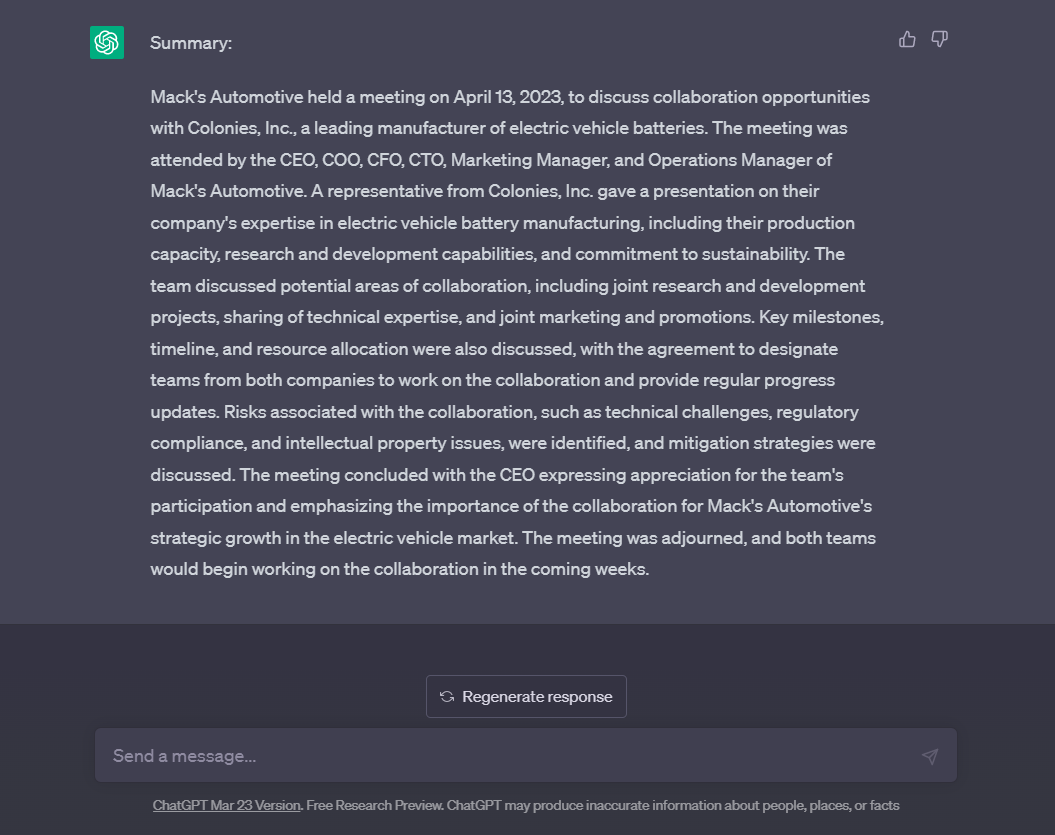
You can also plug ChatGPT into other no-code automation tools to automate entire workflows, such as one for checking business glossary definitions using Slack (and having ChatGPT generate definitions first if they don’t exist).
Text-based
Text-based no-code automation tools use a textual approach to guide users through automating their processes.
For example, the tool may label the start of an automation as “When a new Shopify order has been placed,” and the next action is taken as “Add a new subscriber to Mailchimp.”
Unlike prompt-based automation tools, text-based no-code automation tools allow you to customize your automation’s trigger events and actions. This gives you greater control over how you automate your processes.
However, the text-heavy interface of text-based no-code automation tools can make visualizing the full automation flow difficult, especially for more sophisticated automations with multiple conditional paths.
Example of a text-based no-code automation tool: Zapier
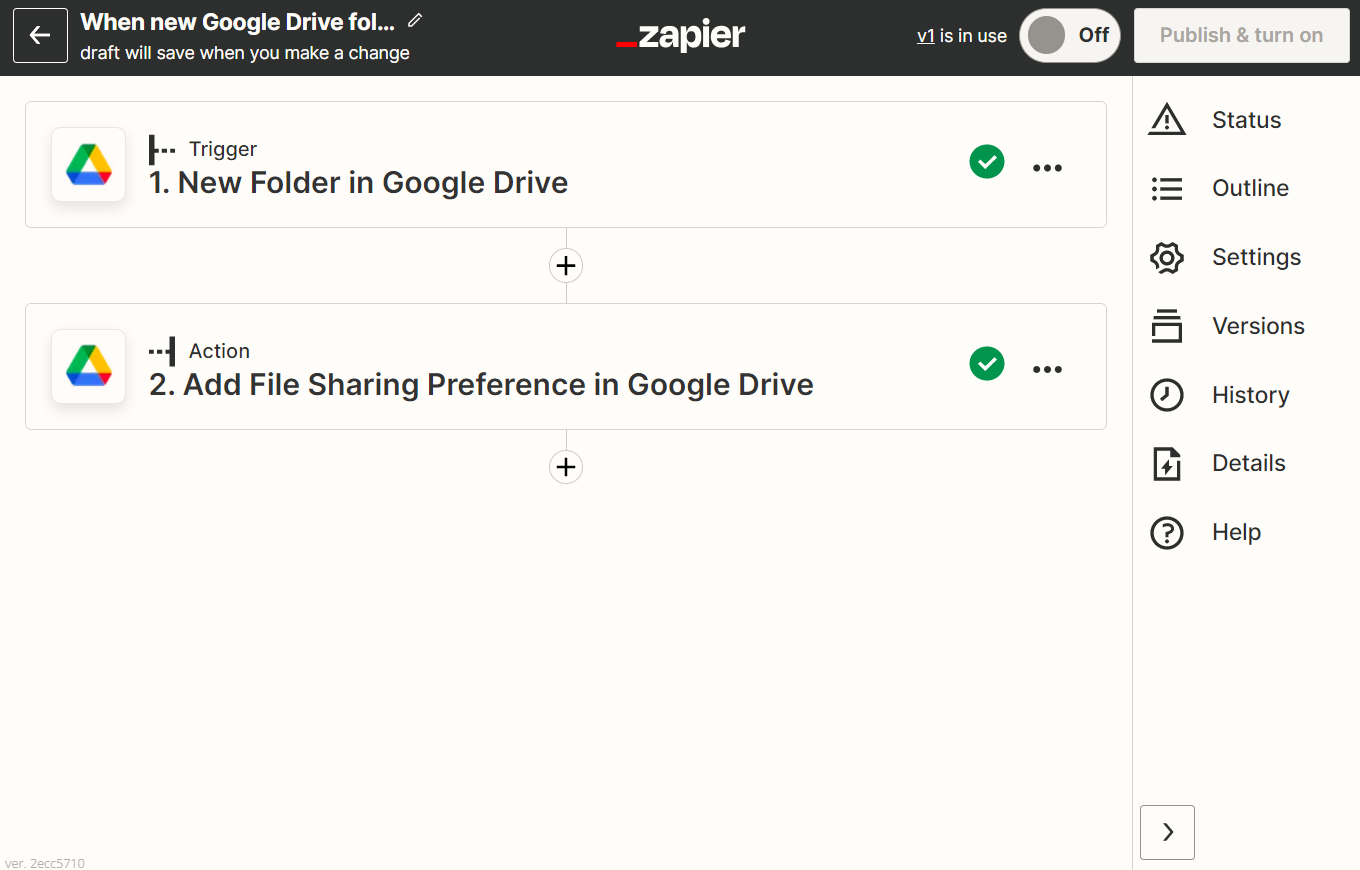
Zapier is an established text-based no-code automation tool that provides many workflow automation triggers and actions.
Pre-built automation templates are available for simple automations. If you upgrade to a higher plan, you can also connect premium apps and add conditional paths to your workflows.
Visual no-code automation
Visual no-code automation tools display your automations in a more visual format that helps you build and understand how they work more easily.
For instance, your automated processes and workflows may be color-coded for clear differentiation. Lines, arrows, and paths connecting the various apps together also show how data will flow through your automation as it is received.
This graphical approach makes the automation-building process simpler, especially if you want to connect many apps or set up conditional routes to accommodate multiple possible scenarios.
Example of a no-code automation tool with a visual interface: Make
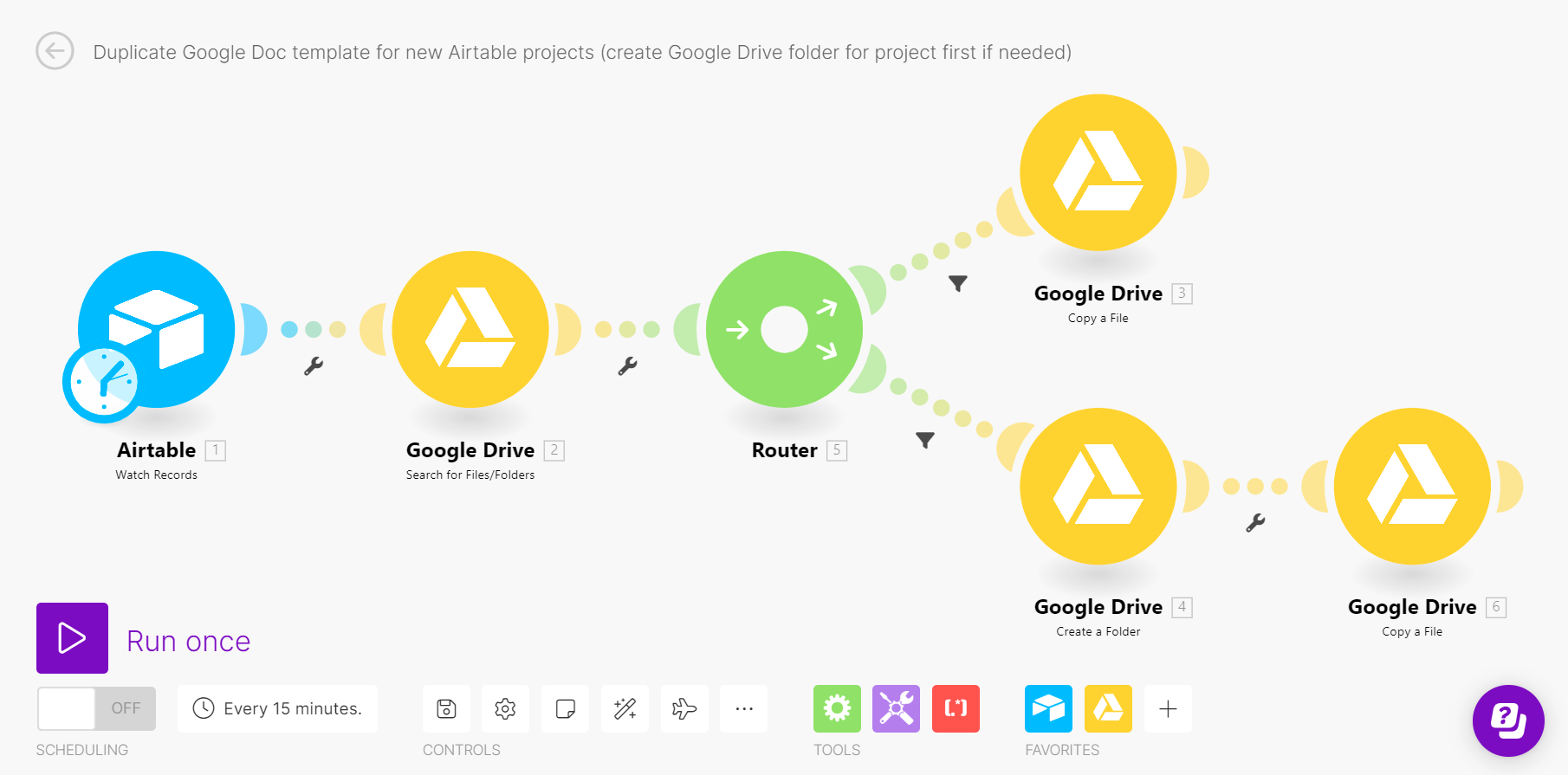
The no-code visual automation builder in Make helps 350,000+ users visualize how their automations play out as they drag and drop app modules into the editor.
Such visualization also extends to the running of the automation itself, where you can watch how data moves through it, and how actions are taken, in real time.
This is especially helpful if a particular path in your automation needs to receive input from a previous path to work.
How to choose a no-code automation tool: 5 aspects to consider
1. Ease of use
With the no-code automation tool taking code out of the picture, it still needs to be simple enough to use on a regular basis.
Using Make’s free plan, you can explore how easy it is to automate workflows in our visual automation builder at no cost.
2. Sophistication of tool
Your chosen tool should be powerful enough to automate your processes exactly how you want to.
Make is especially versatile here, being able to automate a wide range of app actions and handle unlimited routes in a single automation.
3. Uniqueness of features
Different no-code automation tools tend to have different feature sets, with some features being rarer than others.
If you’re a more experienced programmer, you may appreciate how Make can handle parallel webhook processing for any given automation.
You can also take advantage of Make API access to trigger Make automations within your own platform (or automate the start of your Make automations, if you will).
These are features you may not find in other no-code automation tools.
4. Range of available app integrations
How many apps can the no-code automation tool help connect? And more importantly, can it support app actions you use in your processes?
Make integrates with over 3,000 apps. It also offers numerous connectors per app for automating more actions than what some competing platforms can (Make has 2x more API endpoints per app than Zapier, for example).
And even if Make doesn’t support an app you want to use yet, you can still connect it using Make’s HTTP app so long as your app offers API access.
5. Pricing
The no-code automation tool should not only fit your budget, but also offer significant value for its price point.
At $9/month, Make’s Core plan is among the most affordable out there, giving access to the full suite of supported apps and letting you invite your team without charging extra for additional users.
Begin your no-code automation journey with Make
No coding experience needed, no time to manually carry out tasks, and no budget to hire developers: Up until a few years ago, these used to be the most compelling reasons to invest in no-code automation software.
All these reasons still hold true, but platforms like Make are pushing the limits of what’s possible with no-code, and paving the way for businesses to:
- Rapidly scale their AI processes.
- Build and support apps and services with ease.
- Grow faster at a fraction of the cost.
If you have such aspirations for your business and want to dive into the world of no-code automation - while having fun at the same time! - there’s no better way of getting started than signing up for your free Make account here.