Jan 12, 2026 | 4 minutes
Influencer’s guide: Create an AI Agent from scratch in under an hour
Learn how a content creator built three intelligent AI agents in under an hour to automatically handle requests, monitor performance, and generate creative improvements – without writing code or managing complex workflows.
AI agents are the hottest topic in automation right now – and for good reason.
These assistants aren’t just automating tasks. They’re making intelligent decisions, holding context, and adapting in real time. From operations to content to support, they’re already transforming how teams work, and this is just the beginning.
But here’s what most people don’t realize: you don’t need to be overly technical to build an AI agent.
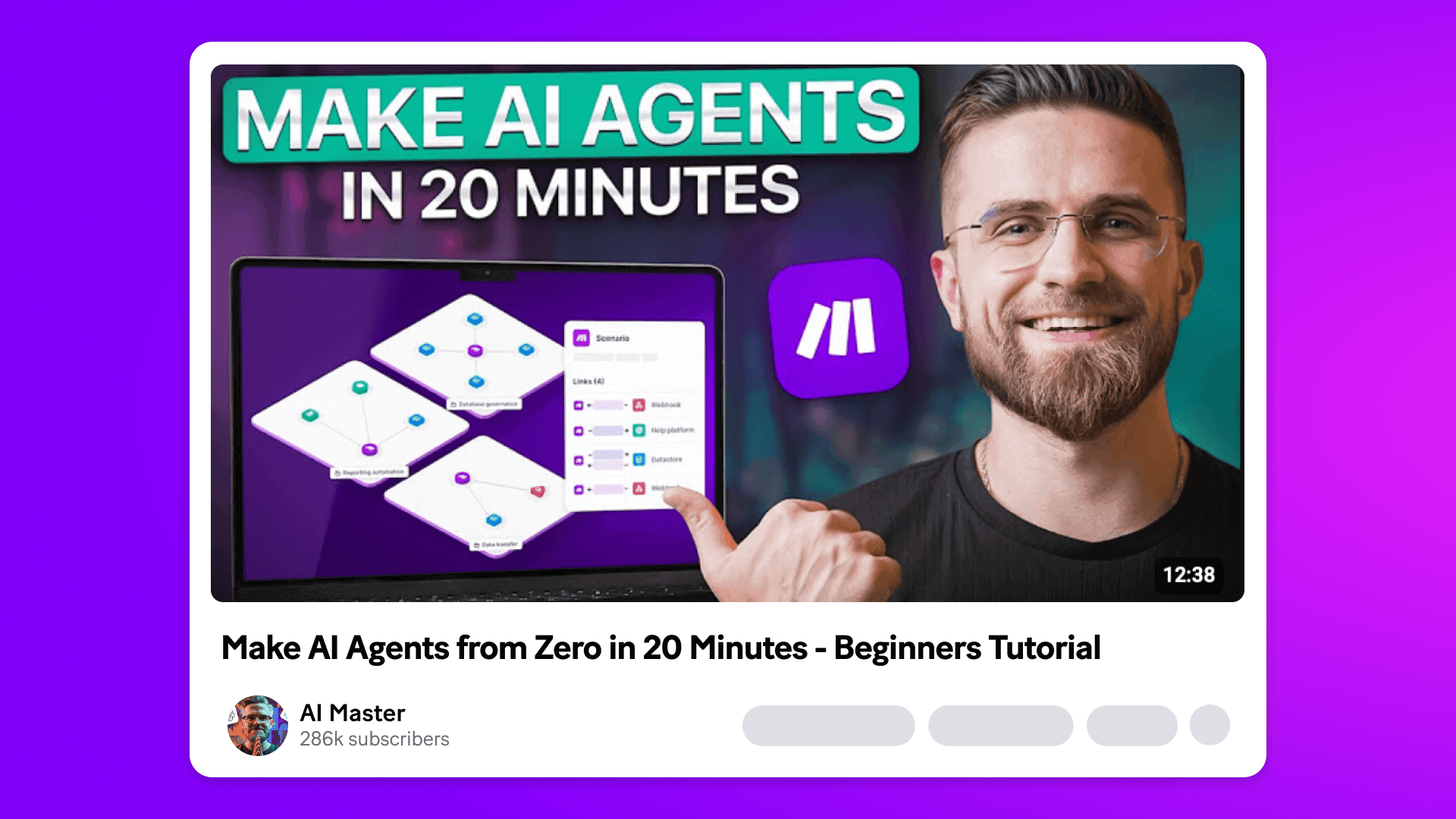
In one of his latest videos, Arthur Winer – the content creator and AI expert behind AI Master – shows exactly how he built a series of working AI agents from scratch using Make in less than one hour.
He did it without using code and without a team of engineers. He used clear logic, smart prompts, and Make’s visual automation platform that makes everything click.
In this guide, we’ll show you why building your own AI agents might be easier (and more useful) than you think.
What is a Make AI Agent?
Make AI agents bring decision-making and adaptability into your Make scenarios.
Instead of mapping out every individual step, you describe your goal in plain language. The agent then figures out how to get it done using any of the 3,000+ apps and tools available on Make.
You can think of them as intelligent teammates inside your automation. They can interpret vague or inconsistent inputs (even if they’re messy or misspelled), trigger the right scenarios, and handle multi-step or back-and-forth requests, without needing rigid rules for every possibility.
How are AI agents different from traditional automation?
Traditional workflow automation is rule-based: you define each step up front, and data flows through that structure every time. It works well for predictable, repeatable tasks. But as complexity grows, scenarios get bulky and harder to maintain.
AI agents are goal-based. You tell the agent what you want to happen, and it figures out how to get there – often by calling other modules or scenarios you’ve already built.
This keeps your scenarios lean and easier to manage. Since the agent handles most of the logic, you don’t need to account for every edge case, and you can trust the system to adapt on its own when things change.
How AI Master built an AI agent system with Make
Arthur built a system of three AI agents that think for themselves, adjust to change, and work together across his content pipeline.
Here’s how he did it.
Step 1: Spotting the pain points
Before jumping into Make, Arthur looked at the biggest problems in his content process at AI Master:
Requests came in by email and had to be handled manually
Metrics were checked by hand several times a day
Creative updates took a lot of time and effort
The system relied on people remembering to do things, which made it easy to miss something. He wanted a setup that could make decisions and keep things moving without constant checking.
“We needed a system that thinks and adapts, not just executes preset rules. That’s where static automation breaks.”
Step 2: Planning the agent roles
Rather than building one big scenario, Arthur split things into three smaller agents, each with a clear job:
Agent 1 handles incoming content requests
Agent 2 watches performance and sends alerts if needed
Agent 3 suggests creative changes when a video underperforms
Each one works on its own but is part of the same connected system inside Make Grid.
Step 3: Building Agent 1 – handle incoming content requests automatically
This agent comes to life when a new email comes in.
It reads the message and pulls out useful details like the client name, the deadline, and how urgent the request is.
If it spots anything urgent, like a tight deadline or keywords like ASAP, it flags it to the team lead. Otherwise, it sends it into the regular flow.
Then it logs the request in Google Sheets and sends the client a confirmation email.
Step 4: Building Agent 2 – monitor performance and flag issues
This agent runs automatically every six hours.
It checks performance data from a shared Google Sheet and compares it to baseline numbers. If views or engagement are down, it sends an alert email with a short list of helpful suggestions.
For example, it might say the thumbnail could be clearer, or the title needs more urgency. These tips are based on patterns the AI has seen before.
This helps the team catch problems early, without waiting for a review meeting.
Step 5: Building Agent 3 – generate strategic creative upgrades on demand
When a video needs improvement, this agent is triggered manually.
It acts like a strategist and pulls the title, description, thumbnail, and performance data, then puts together a full set of creative suggestions. That includes:
Three stronger title options
Three thumbnail ideas with style prompts
Retention tips for the first 30 seconds
A rewritten YouTube-friendly description
Suggested tags
A one-line summary of what’s going wrong
The agent doesn’t publish anything automatically. Instead, it gives the team a clear set of options. They review the suggestions, update the video, and move on.
“What used to take an hour of creative work now takes 30 seconds.”
Step 6: Connecting it all in Make Grid
All three agents are connected inside Make Grid, the visual interface that shows how data moves between parts of the system.
Arthur can see everything at a glance, from inputs to decisions to outputs.
“The entire ecosystem is in one canvas. I can see how data flows from agent one through agent two to agent three. When something breaks or needs adjustment, I know exactly where to look.”
What happened after the build
For Arthur, the biggest win wasn’t just automating more. It was building a system that thinks with him and adapts in real time.
The system now runs live in production. It’s saving time, reducing manual work, and helping his team stay focused on creativity, not maintenance.
“This isn’t automation in the old sense. This is intelligence orchestrating your operations.”
Ready to make the automation revolution happen?