Make vs. n8n: choosing the best tool for automation and AI
Choosing the right workflow automation and AI platform is essential for modern businesses. Make and n8n offer distinct approaches. This comparison highlights their key differences to help you select the best automation tool for your needs.

500,000+ companies have saved millions of hours with Make






Make vs n8n
Features comparison
Make provides a visual-first platform for rapid AI orchestration across all skill levels. While n8n offers deep developer customization, it requires significantly higher technical overhead and maintenance and is focused on supporting developer teams.
Costs
- Charged per credit
- Flexibility based on needs
- Free version without time limit
- Charged per completed workflow
- 14-day free trial only
Pre-built integrations
- 3,500+ app integrations
- Connect unlimited additional APIs
- 2,100+ pre-built apps
- Community nodes are not secured
AI and agentic automation
- Make AI Agents are fast to build and can be shared across teams
- Need to set up and connect RAG database
Model Context Protocol (MCP)
- Pre-configured MCP server integrations
- May need to set up your own
Workflow orchestration
- Visual orchestration of multi-agent systems integral via Make Grid
- Challenging given fixed single-canvas view
User-friendliness
- Visual, drag-and-drop Scenario Builder
- Maia by Make builds scenarios from plain-language prompts
- Basic editor canvas requires coding knowledge
Cloud vs. self-hosted
- Cloud-first at all subscription levels
- Self-hosted on most plans, with some comparatively expensive cloud options
Security, compliance, and reliability
- SOC 3, SOC 2 Type II and ISO 27001 certified
- GDPR compliant
- SOC 2 Type II certified
- GDPR compliant
Support and community
- Professional support on all paid plans
- 24/7 priority support for Enterprise plan
- 45,000+ community members
- Support via email included in Enterprise plan only
Leader in customer satisfaction
Join the satisfied customers who give us top ratings.

Capterra


4.8


4.6

G2
4.7
4.8

Getapp
4.8
4.6

Gartner
4.6
N/A
Pricing comparison
Make’s flexible plans that scale vs n8n’s pricier plans that charge per execution
Make offers flexible, credit-based plans that scale with workflow complexity and delivered value. Plans include: Free; Core; Pro; Teams and Enterprise - and are designed for everyone from those looking to experience Make’s visual-first interface and create their first scenario, through to teams streamlining AI and automation efforts together. n8n offers no free plan, relies on a pricier per-execution model, while its self-hosted options often hide significant infrastructure and maintenance costs.
Free
$0/mo
1,000 credits/mo
—
N/A
14 day trial; no free plan
Core
$9/mo
Starting at 10,000 credits/mo
Starter
$20/mo
2,500 executions/mo
Pro
$16/mo
Starting at 10,000 credits/mo
Pro
$50/mo
10,000 executions/mo
Team
$29/mo
Starting at 10,000 credits/mo
Business
$667/mo
40,000 executions/mo
Enterprise
Custom pricing/mo
Enterprise
Custom pricing/mo
User-friendliness
Make's visual-first platform vs n8n's deeply technical platform


%201.svg)
+2
Make
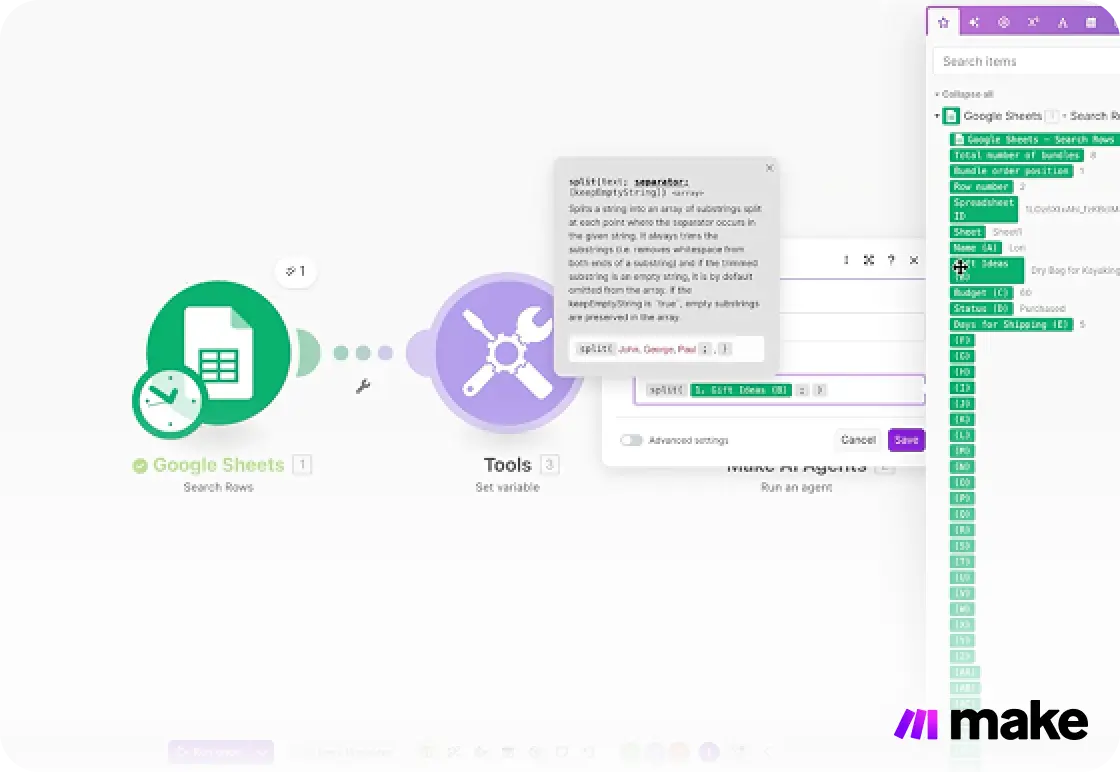
Make foregrounds visual AI automation to empower users across business teams and to save developer teams time. The Make platform's drag-and-drop interface allows users to build automated workflows within the visual Scenario Builder. Immediate visual feedback helps users at all levels understand what their automation is doing.


+2
n8n
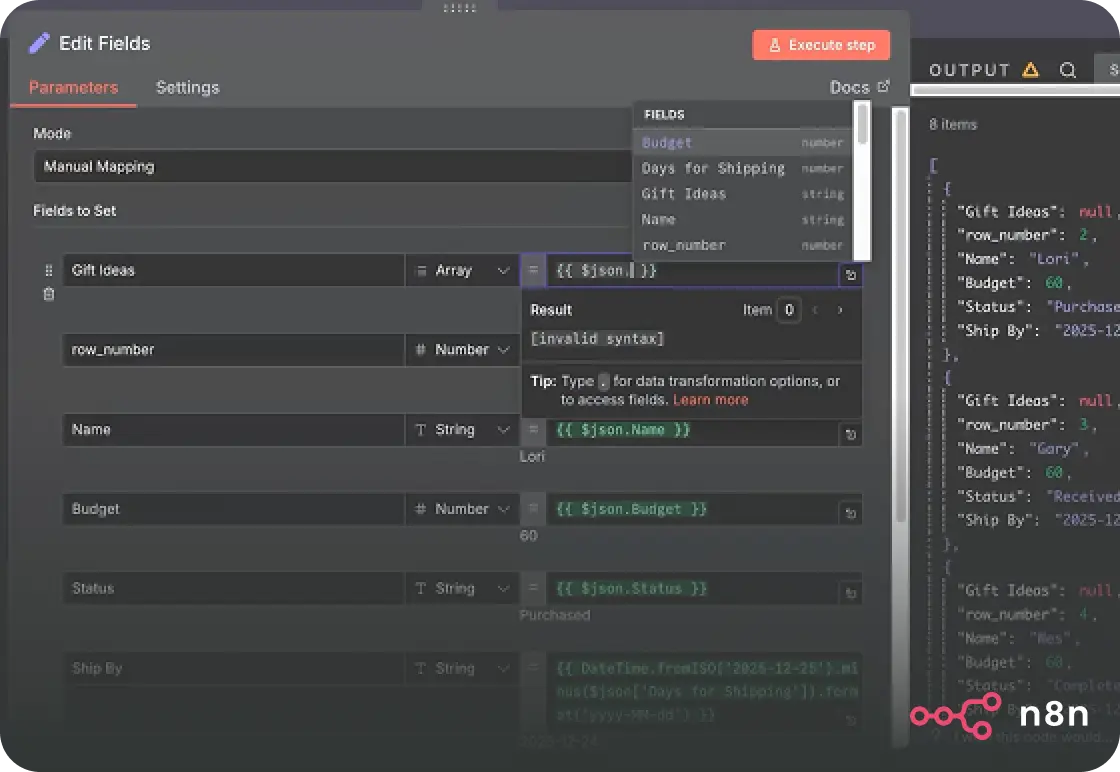
n8n's editor has some visual elements but still needs deep technical literacy to prove useful. As a result, n8n is generally seen as a much more challenging platform to grasp and start getting value from, especially when compared to a visual platform such as Make.
Integrations
Make’s 3,500+ pre-built apps vs n8n’s risky community nodes
+2
Date
·
Duration
Make
3,500+
Make provides 3,500+ company-maintained integrations for trustworthy, streamlined setup of popular and niche apps, plus the ability to use custom APIs and code on paid plans. The sheer volume of pre-built, maintained integrations means fewer development barriers and faster time-to-value.
.avif)
+2
Date
·
Duration
n8n
2,100+
n8n offers 2,100+ pre-built integrations plus, if self-hosted, the option to develop and use community nodes (that aren’t secured and may carry security risks). This is a significantly smaller library of integrations than offered by Make; a consideration for organizations prioritizing breadth and speed.
AI & agentic automation
Visual AI agents vs complex customization
+2
Make
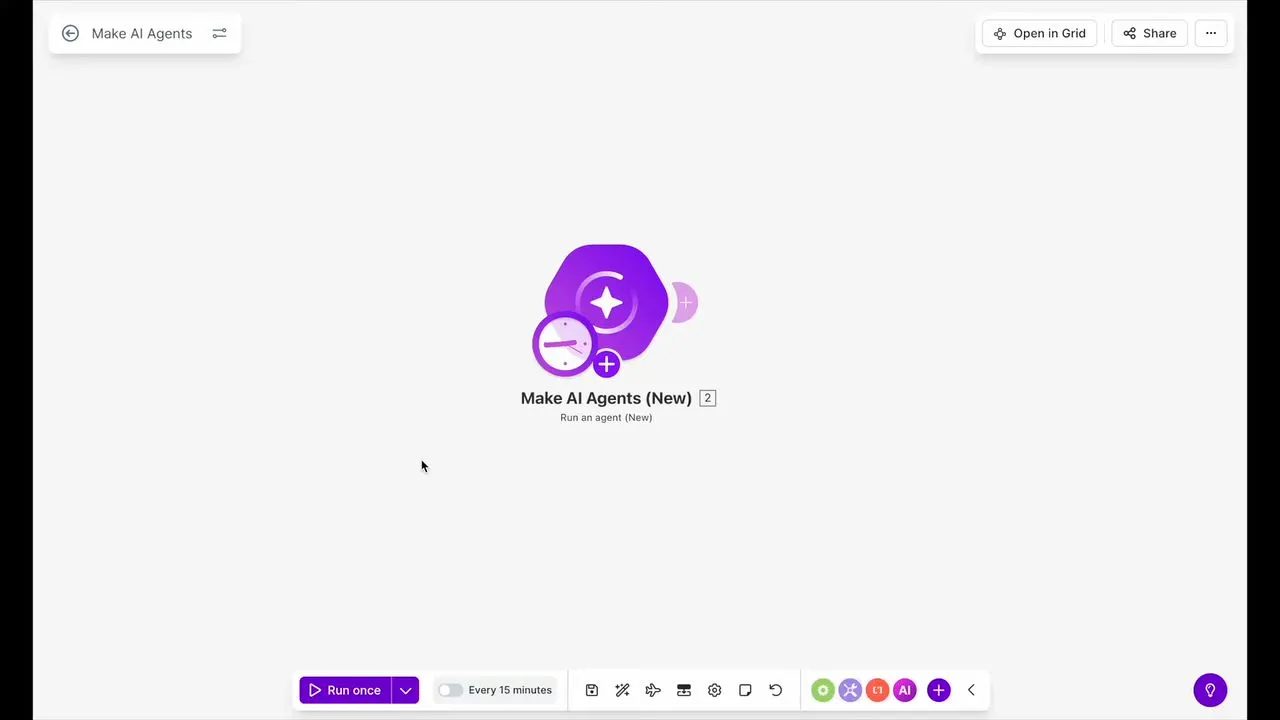
Make AI Agents build directly in the visual Scenario Builder, taking action and orchestrating complex workflows across 3,500+ apps, with every decision logged on the canvas so nothing runs as a black box. With n8n, achieving comparable agentic behavior means writing custom code and manually wiring the orchestration logic yourself.
+2
n8n
n8n's editor has some visual elements but still needs deep technical literacy to prove useful. As a result, n8n is generally seen as a much more challenging platform to grasp and start getting value from, mostly relevant to developer teams and those that are highly technical.
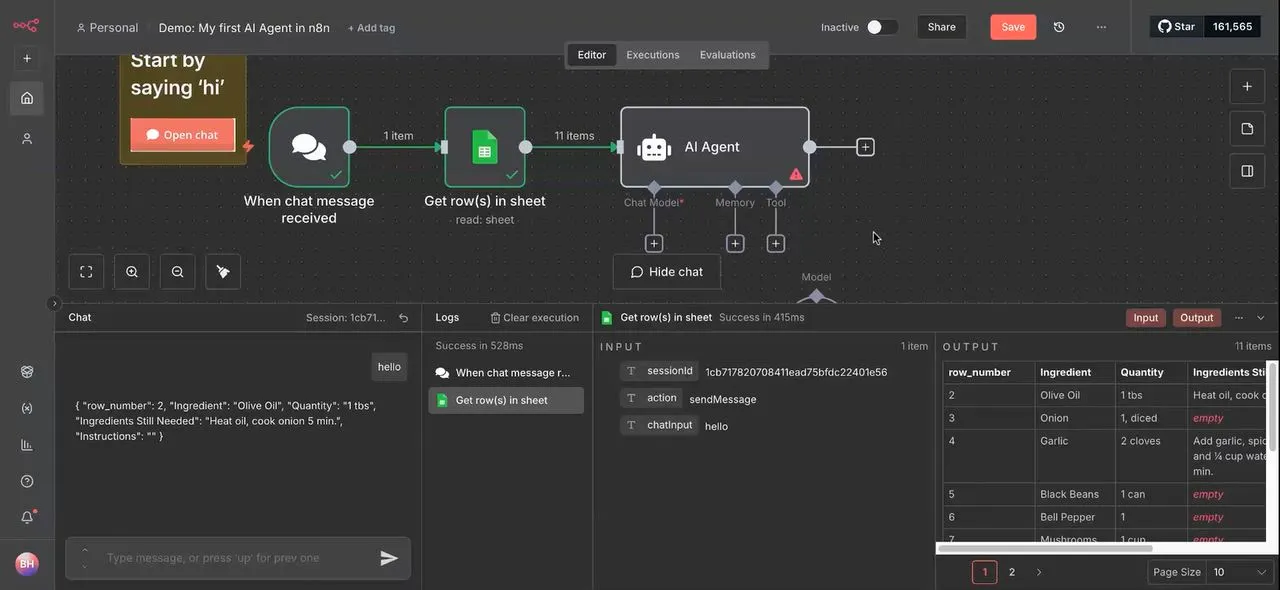
Enterprise exclusive features
The solution for businesses that need advanced capabilities across the business.

Workflow orchestration

Enterprise readiness
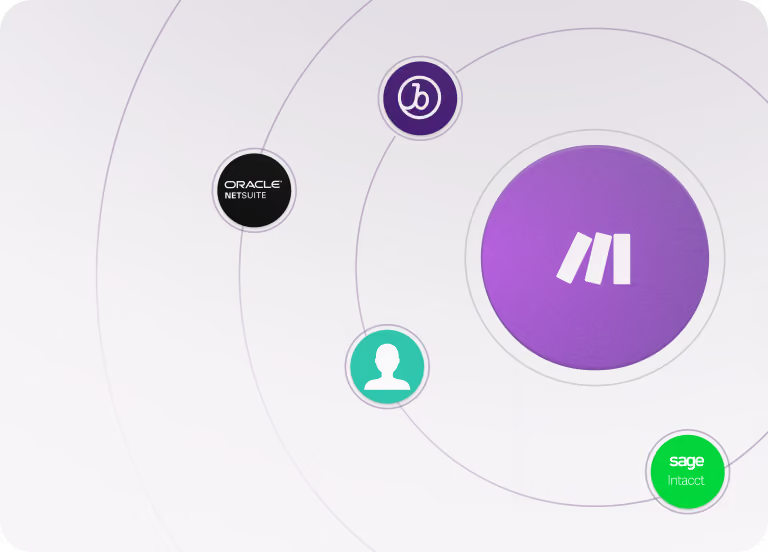
Support and community

Secure cloud vs self-hosted
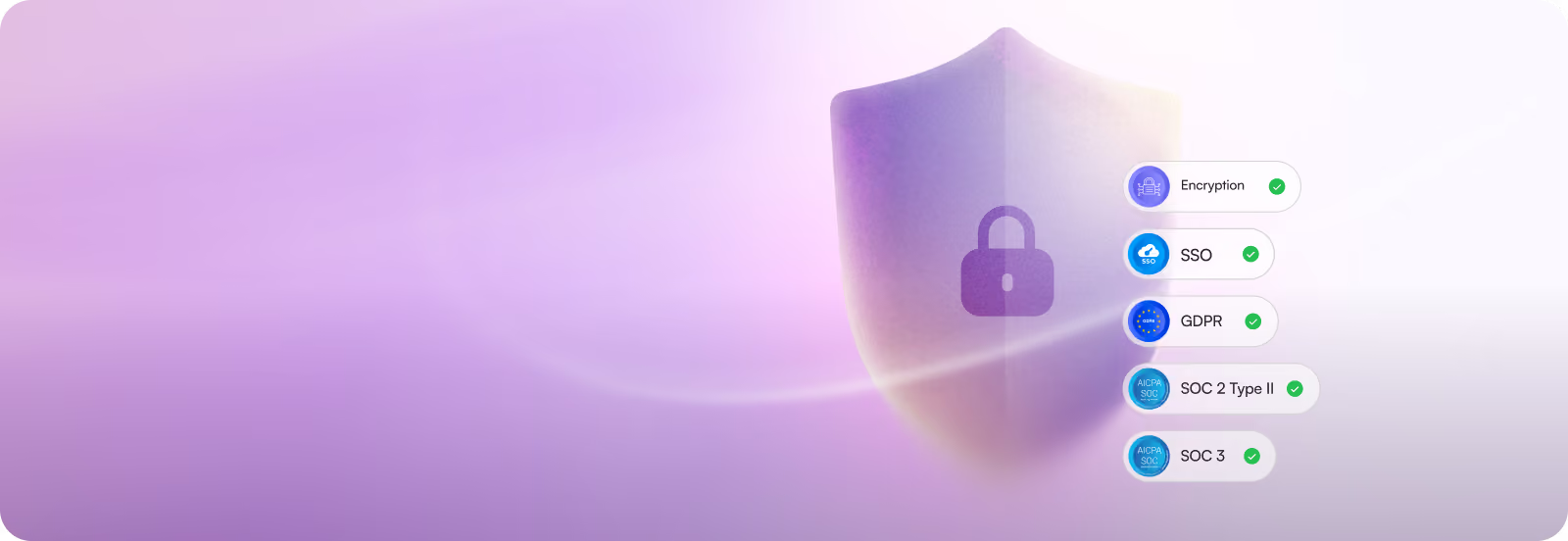
Security, compliance, and reliability
+2
Date
·
Duration
Make
Transparent standards
Make maintains comprehensive security and compliance certifications and documentation, and makes sure these standards are easy to find. The platform helps customers to keep their data secure with built-in GDPR, SOC 3, and SOC 2 Type II compliance, encryption, and single sign-on (SSO).
+2
Date
·
Duration
n8n
In-house variability
n8n's cloud offerings comply with some standards, but self-hosted deployments require expensive in-house security and compliance controls.
Making the choice
When choosing between Make and n8n, it's key to think about who will be using your automation platform - and how much technical support your organization can provide.
For organizations with abundant highly-technical resources, n8n might be an answer. Make, however, provides an approachable platform for organizations that prioritize speed to value and ease of use across wider teams and functions. Its well-supported visual-first core product makes automation accessible to more teams faster, its natural-language AI-building features unlock complex capabilities with ease, and its dedicated visual orchestration features provide observability advantages as complexity grows. In other words, Make balances the ability for wider teams to experiment and build, the power to accelerate with AI, and the opportunities to scale seamlessly.
Today's organizations are expected to leverage automation and AI at every level to produce real results. For them, Make presents the strongest choice: a professional, business-ready solution that scales. Get started and make it happen today.
- Connect 3,000+ native apps across your stack
- Reduce manual work by a factor of 5
- 50% fewer manual processes in under 6 months
- Critical process automation with 24/7 support
.webp)


Support
FAQs
Can’t find the answer you’re looking for? Please chat to our team.
Does n8n offer a completely free plan?
Strictly speaking, there is not a free n8n plan. Self-hosted and cloud plans below Enterprise level can be accessed via free trials for a limited time only.
n8n does offer a free, self-hosted Community Edition that comes with a narrower feature set. This, however, is not a subscription plan in a traditional sense, as there is no ongoing relationship between n8n as the provider and the user: all installation, security measures, updates, and so on must be handled by the user. This is why n8n recommends self-hosting for expert users only; this approach also does not factor in the potentially significant costs of servers and related maintenance.
Make, by comparison, offers a Free plan that is not time-limited. This is an ideal option for users who want to get started running one or two simple automations or those who want to get acquainted with automation and AI platforms at their own pace.
What level of support is included with Make and n8n?
Make employees offer official, professional support to customers on all paid plans. Users can follow a guided customer service flow to file a ticket, to which Make personnel will directly follow up within a short window. Alternatively, the Help Center acts as a hub of documentation, Community posts, Academy materials, and more for customers who prefer self-guided problem-solving.
Make's Enterprise plan includes all of the above as well as 24/7 customer support with two-hour SLAs, dedicated account management, and one-on-one consulting with Make value engineers to help with implementation, optimization, and scaling.
n8n does not offer dedicated customer support to most paid users. Some documentation is provided, but troubleshooting issues are primarily directed to community forums with unpredictable outcomes.
Only n8n's Enterprise and Power users get access to dedicated technical support over and above forums. Support is managed via email, mainly during European business hours and with unclear response-time SLAs; this may present significant problems if users encounter issues with business-critical automations.
How does Make Grid simplify managing an organization's automation landscape?
Make Grid automatically generates a real-time, visual map of an organization's entire automation landscape. "Islands" with colored icons represent workflows and AI Agents in use, while second-order islands group teams' automations all in one place. This bird's-eye view transparently shows changes, dependencies, reused elements, and easy-to-spot error notices even in complex, multi-agent environments. Workflow orchestration isn't an afterthought but an integrated part of Make's visual approach to automation.
n8n does not offer a comparable workflow orchestration feature. Sophisticated AI agents can be deployed, added to, and reused. However, employing replicated tools or outputs across workflows often requires building intricate automations on a single, sprawling canvas, or it means switching between multiple canvases and updating each element accordingly. Clarity and effective troubleshooting with n8n therefore becomes dramatically more complicated as the complexity of tools grows.
Which platform is better for business users starting out with automation?
n8n is specifically targeted to technical teams with developers' mindsets. Therefore, familiarity with technical know-how is taken as granted in order to use the platform effectively. This, combined with limited official customer support, means that beginner users will find using n8n challenging and time-consuming, and answers to their questions may be difficult to find.
On the other hand, Make is created with the goal of onboarding basic users into the world of automation and training them up to be proficient users. This begins with providing a cloud-based, no-code building environment that shows how programs interconnect and how data flows in a visual way. Structured learning materials help users explore advanced features and upskill as needed, eventually enabling the smooth transition to low-code power users who scale up to broad AI-powered automations across their business.
For users just starting out with automation, Make is the clear choice.
Which platform is more cost-effective for high-volume, multi-step workflows?
Make's credit-based pricing charges per step in a workflow (most steps consume one credit), making costs scale with workflow complexity. However, Make rewards efficient workflow design, and its cloud-first approach eliminates infrastructure overhead – Make handles all server costs, maintenance, and uptime. For example, a marketing team running moderate-volume workflows with a handful of steps benefits from Make's pricing. This predictable subscription model often proves more cost-effective, especially when total cost of ownership is considered.
n8n charges per workflow execution regardless of steps count, making it potentially preferable for applications such as complex data processing performed frequently. However, hidden costs accumulate quickly, especially in self-hosted configurations: server infrastructure, monitoring systems, security patches, backups, and DevOps personnel. In this case, an organization running many thousands of executions monthly might pay nothing in licensing fees but easily spend thousands on infrastructure and engineering time.
Cost-effectiveness depends on your specific goals and configuration, but Make's inclusive model typically delivers better value for more use cases across different teams.