May 19, 2026 | 6 minutes
AI agents vs ChatGPT: what's the difference in 2026?
Most teams use ChatGPT. Few use AI agents. Here is the difference and how to start automating with Make.
You paste a transcribed sales call into ChatGPT and ask for a qualification summary. The output is sharp. Now open your CRM, find the right contact record, paste the notes in, switch to Slack, tag the account executive, and draft a follow-up email.
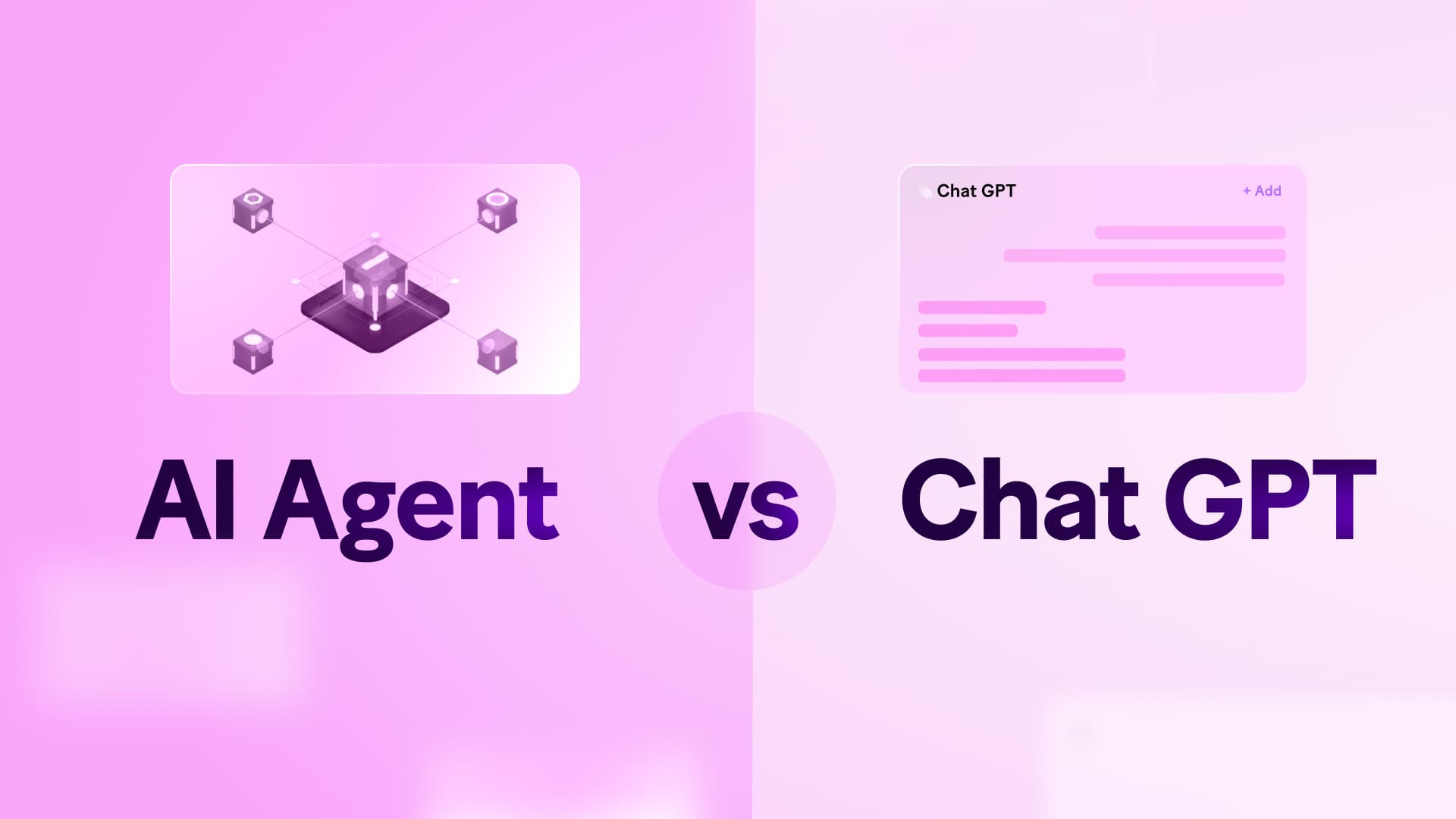
That gap between getting an answer and completing a task is exactly where the difference between AI agents vs ChatGPT matters. The AI handled the reasoning. The rest of the work still needed a human to move it forward.
It is not a niche problem. According to OpenAI, ChatGPT now has 900 million weekly active users, and most of them are still acting as the bridge between what the AI produces and what their business systems actually need.
What is the difference between AI agents vs ChatGPT
ChatGPT is a conversational AI interface built for on-demand tasks: drafting, summarizing, brainstorming, and analysis.
You prompt it, it responds, and the output stays in the chat window until someone moves it somewhere useful.
AI agents connect that same reasoning directly to your business systems. They read inputs from live environments, apply decision logic, and run operations across connected apps without a human acting as the handoff at every step.
The difference is not intelligence. It is what happens after the answer.
| Chat-based AI (ChatGPT) | AI agents |
Primary function | Generates text and analysis | Executes multi-system operations |
Trigger | Manual human prompt | Automated system events |
System access | Isolated or limited connectors | Deep integration with APIs and databases |
Outcome | Information for a human to use | A completed business process |
Throughout this article, "AI agents" refers to the broader category of autonomous, system-integrated tools.
Make AI Agents is used specifically when referring to Make's native agent product.
Most businesses start their journey with AI with chat interfaces because setup effort is low. As AI use grows, the coordination overhead accumulates: teams manually copy, format, and route generated outputs to their destination, consistently, at scale.
That is the bottleneck AI agents are built to remove.
Why ChatGPT alone doesn't scale for business operations
Most teams reach for ChatGPT first because it delivers immediate value with no setup: paste in a brief, get a draft; paste in a transcript, get a summary.
That speed is real, and it is where chat-based AI excels.
The limitation appears when that output needs to go somewhere. A support ticket still needs to be classified and logged. A qualified lead still needs to be added to the CRM and assigned to a rep.
A generated report still needs to be sent, filed, and tracked. At that point, a human picks up where the AI left off.
The contrast between AI agents vs ChatGPT is structural, not just a matter of capability:
The ChatGPT process: human reads trigger, human prompts AI, AI generates text, human updates CRM, human notifies team
The AI agent process: system trigger fires, agent evaluates context, agent updates CRM, agent notifies team
OpenAI has added agentic features to ChatGPT, including Workspace Agents for Business and Enterprise plans, which can run scheduled tasks and connect to tools like Slack and Google Drive.
For reasoning-heavy knowledge work, these close the gap meaningfully.
Where purpose-built platforms like Make pull ahead is in cross-system integration depth, visual auditability of every decision, and the ability to combine across 3,000+ apps in a single scenario.
For companies with recurring, multi-system processes, the difference determines whether your AI investment removes bottlenecks or just shifts them from reasoning to manual distribution.
What happens when an AI agent gets it wrong in production?
Deploying AI into live business processes raises a question that capability alone cannot answer: how do you know what the AI actually did, and why?
When an agent misroutes a ticket, assigns a lead incorrectly, or triggers the wrong notification, you need to trace what happened immediately. Without that, fixing the problem means guessing.
The most common causes:
API format changes: upstream systems alter their data structure, breaking field mappings
Prompt drift: prompts need adjustment as upstream data or context shifts
Timeout errors: downstream systems fail to respond within configured time windows
Edge cases: inputs arrive outside your scenario's defined logic constraints
Make AI Agents address this with the Reasoning Panel: a real-time view built into the canvas that shows every step the agent evaluated, which tools it called, and why it took each path.
You see the exact module and bundle that caused the issue, fix it, and move on. That visibility is what separates AI you can run in production from AI you can only demo.
When do you need an AI agent instead of standard automation?
Deterministic automation is rule-based: if X happens, do Y. It is reliable, fast, and the right choice for structured, predictable tasks like syncing records, triggering notifications, or enforcing data formats.
The moment inputs become unstructured, ambiguous, or context-dependent, fixed logic starts to break down. AI agents add judgment where rules run out.
In Make, you can combine both in a single scenario: an AI module evaluates unstructured input and makes a decision, then deterministic modules execute the result with precision and consistency.
Automation type | Best used for | Limitation |
Deterministic | Syncing records, triggering notifications, rigid formatting | Fails with unstructured or ambiguous inputs |
Agentic | Classifying text, summarizing context, fuzzy matching | Output varies unless tightly scoped |
Combined | Routing support tickets, qualifying leads | Higher initial design effort, but adaptable |
AI agents are the right choice when your process needs to:
Fire automatically from a system trigger, not a manual prompt
Route data between multiple apps or databases
Complete downstream actions such as updating records, sending notifications, and enforcing business rules
Scale reliably across teams without a human acting as the handoff
In practice: instead of building a decision tree for every support inquiry, an AI module in your Make scenario evaluates the ticket language and classifies the request.
A deterministic module then updates the CRM and notifies the right team.
For a side-by-side walkthrough of how this works in Make, see .
How do you build AI agents in Make?
Make AI Agents are built directly inside the Scenario Builder: the same canvas where you build all your scenarios.
There is no separate tool to learn, no context switching between builders. AI reasoning and deterministic automation live and run together in one place.
The build process follows five steps:
Plan your agent. Define what the agent does, what tools and knowledge it needs, and what triggers it. A clear scope before you build saves significant rework later.
Define the trigger. Add a trigger module to your scenario: an inbound support ticket, a new CRM lead, a form submission, or a scheduled event. This is the event that fires your agent automatically.
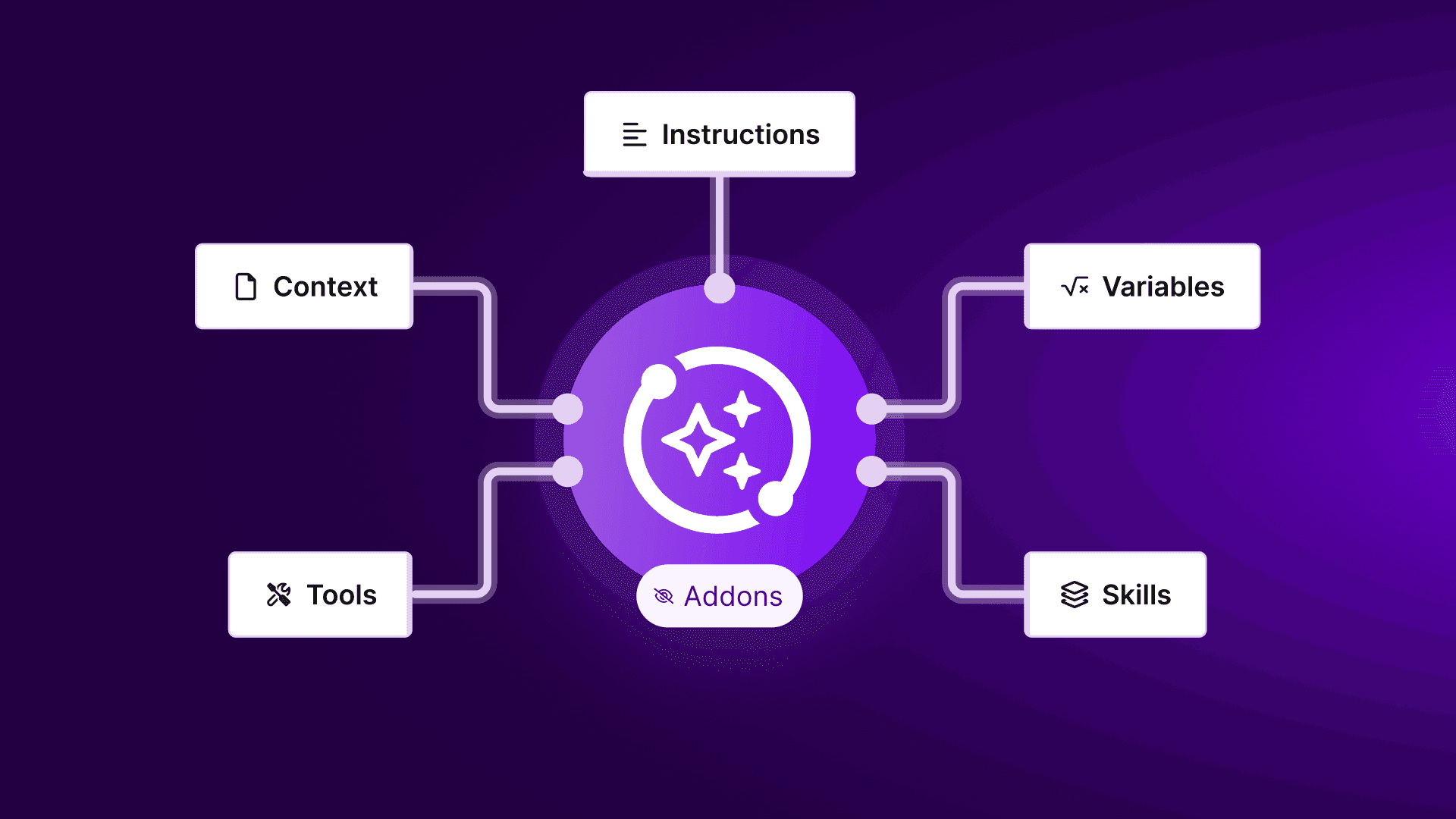
Configure the agent. Set the system prompt to define the agent's purpose and constraints. This is the instruction set the agent works from across every run.
Add tools and knowledge. Attach scenarios as tools: each tool is a scenario the agent can run to take action, whether that is pulling data, updating a record, or sending a notification. Write clear tool names and descriptions; the agent reads these to decide which tool to use. Add knowledge files to give the agent additional context for more accurate outputs.
Test and refine. Use the Reasoning Panel to trace every decision the agent made, which tools it called, and why. Expect to iterate your prompts and tool descriptions several times before the agent handles real-world variation consistently.
Key Make features for agent-based scenarios:
Scenario Builder: design, run, and manage every scenario visually, with parallel routes, custom filter logic, and full transparency
Reasoning Panel: full traceability on every agent action, showing exactly what each module evaluated and why
3,000+ app integrations: connect your AI agents directly to email, CRM, support, document storage, and more
Agent workflow memory: maintain context and state across scenario runs so agents act on prior history, not just the current input
Template and example library: browse for pre-configured scenario blueprints
For a step-by-step walkthrough, see in Make's help center.
AI agents vs ChatGPT: which is right for your business?
Neither is objectively better. The right choice depends entirely on what your process requires.
ChatGPT is the stronger option when the task is exploratory, one-off, or creative: drafting a proposal, researching a topic, analyzing a document, thinking through a problem.
The conversational interface is the point. You iterate, refine, and judge the output yourself before acting on it.
AI agents are the stronger option when the task is recurring, multi-system, and needs to run without a human in the loop.
Qualifying leads, routing support tickets, syncing records, sending notifications: these are processes that happen the same way dozens or hundreds of times.
Building an agent once means the work runs reliably every time without anyone prompting it.
Use these criteria to decide:
Repetition and frequency: recurring processes with predictable inputs are where AI agents deliver the most value
System interaction: if the task touches more than one app, an agent handles the handoffs; ChatGPT does not
Audit and compliance: Make scenarios produce a traceable run history; a chat window does not
Risk tolerance: agents in Make support fallback routes and error notifications when reasoning fails; you define the guardrails
Most organizations end up using both. ChatGPT handles the thinking; AI agents handle the doing. The question is not which to choose but which to use for which kind of work.
For a deeper look at how AI agents compare to chat-based tools more broadly, see our explainer on AI agent vs chatbots.
How do you scale AI agents in Make as complexity grows?
The patterns that work for a single agent running one process break down quickly when you add volume, more connected apps, and multiple teams.
Scaling requires deliberate design from the start, not retrofitting later.
The highest-impact steps:
Modularize your scenarios. Build one scenario per task rather than one large scenario for everything. Modular scenarios are easier to debug, reuse across agents, and update without breaking unrelated logic.
Add conditional logic and fallback routes. Use filter modules and router modules to handle edge cases before they cause failures. Define what happens when an API times out, a field is empty, or an output falls outside expected parameters.
Run actions in parallel. Where steps are independent, for example sending a Slack alert and updating a CRM record simultaneously, run them in parallel rather than in sequence. This reduces total scenario run time as volume grows.
Scope your AI modules deliberately. Use faster, lower-cost models for simple classification tasks and more capable models for nuanced summarization or multi-step reasoning. Mixing models by task reduces both cost and latency without sacrificing output quality.
Review run data regularly. Make's scenario history and Reasoning Panel logs give you the data to spot where agents are making consistent errors, where prompts need tightening, and where logic needs updating as upstream systems change.
Scaling AI agents is not a one-time build: it is an ongoing process of narrowing scope, tightening prompts, and handling the edge cases that only appear at volume.
For a deeper look at how to coordinate multiple agents and systems as complexity grows, see .
Start building AI agents in Make
The AI agents vs ChatGPT question comes down to one thing: what happens after the answer.
ChatGPT helps your team think faster. AI agents handle what comes next: updating records, routing data, notifying teams, and running the same process reliably at scale without anyone acting as the relay.
Make's visual-first approach to AI and automation keeps every agent transparent and auditable. If you are not sure where to start, Make's Library of Agents has ready-made agents built for real business processes you can deploy and adapt immediately.
Browse our step-by-step how-to guides to go deeper on this topic or sign up to Make for free and start building your first AI agent today.
FAQs
1. Are AI agents better than ChatGPT?
Neither is universally better: they solve different problems. ChatGPT excels at on-demand tasks where a human judges the output before acting. AI agents handle recurring, multi-system processes that run automatically without a human in the loop. For drafting or research, ChatGPT is faster. For qualifying leads, routing tickets, or syncing records at scale, AI agents complete the work without anyone prompting them.
2. Can I use ChatGPT as an AI agent?
Yes, to a degree. OpenAI has added agent mode for Pro, Plus, and Team users, and Workspace Agents for Business and Enterprise plans. These allow ChatGPT to browse the web, run code, and connect to tools like Slack and Google Drive. For complex, recurring business processes requiring deep integration across your full tech stack, purpose-built platforms like Make provide greater integration depth, visual auditability, and deterministic automation logic across 3,000+ apps.
3. Who are the Big 4 AI agents?
There is no single agreed-upon definition. Some use it to mean the leading AI model providers: OpenAI, Google, Anthropic, and Meta. Others use it to describe PwC, Deloitte, EY, and KPMG, each of which has launched enterprise AI agent platforms. In business automation, the more relevant question is which platform orchestrates agents across your existing systems reliably and at scale.
4. Why is ChatGPT not an AI agent?
In its default form, ChatGPT responds to prompts and produces text, but does not take autonomous action in external systems. Every output requires a human to decide what to do with it. An AI agent receives a trigger, evaluates context, selects tools, and executes actions across connected systems without human relay. ChatGPT has introduced agentic features, but its core architecture remains prompt-driven rather than system-integrated.
5. How is Make different from ChatGPT for business automation?
ChatGPT generates outputs you act on manually. Make connects AI reasoning directly to the apps your business runs on: CRM, support tools, databases, communication platforms, and more. You build a scenario once, define the trigger and logic, and Make runs the process automatically every time. Every decision is visible in the Reasoning Panel, every run is logged, and every route is auditable. It is the difference between AI that assists and AI that executes.
6. Do I need technical skills to build AI agents in Make?
No. Make AI Agents are built visually in the Scenario Builder using a drag-and-drop canvas. You define the trigger, configure the agent's instructions in plain language, attach tools as scenarios, and test using the in-canvas chat. Most teams build and run their first agent without writing a single line of code. For more complex multi-system processes, Make's how-to guides and Library of Agents provide ready-made starting points.
Ready to make the automation revolution happen?