Mar 20, 2026 | 10 minutes
What is human in the loop (HITL) in AI?
A practical guide to adding human checkpoints in your automated workflows — without slowing your team down.
Your automated workflows are running perfectly with little human intervention — this is often great, but it can also be a problem.
When every step executes without pause, the costly exceptions slip straight through: wrong discounts, risky contracts, off-brand AI copy.
In fact, now include human-in-the-loop processes to catch AI hallucinations — and for good reason.
This is where human in the loop (HITL) processes help.
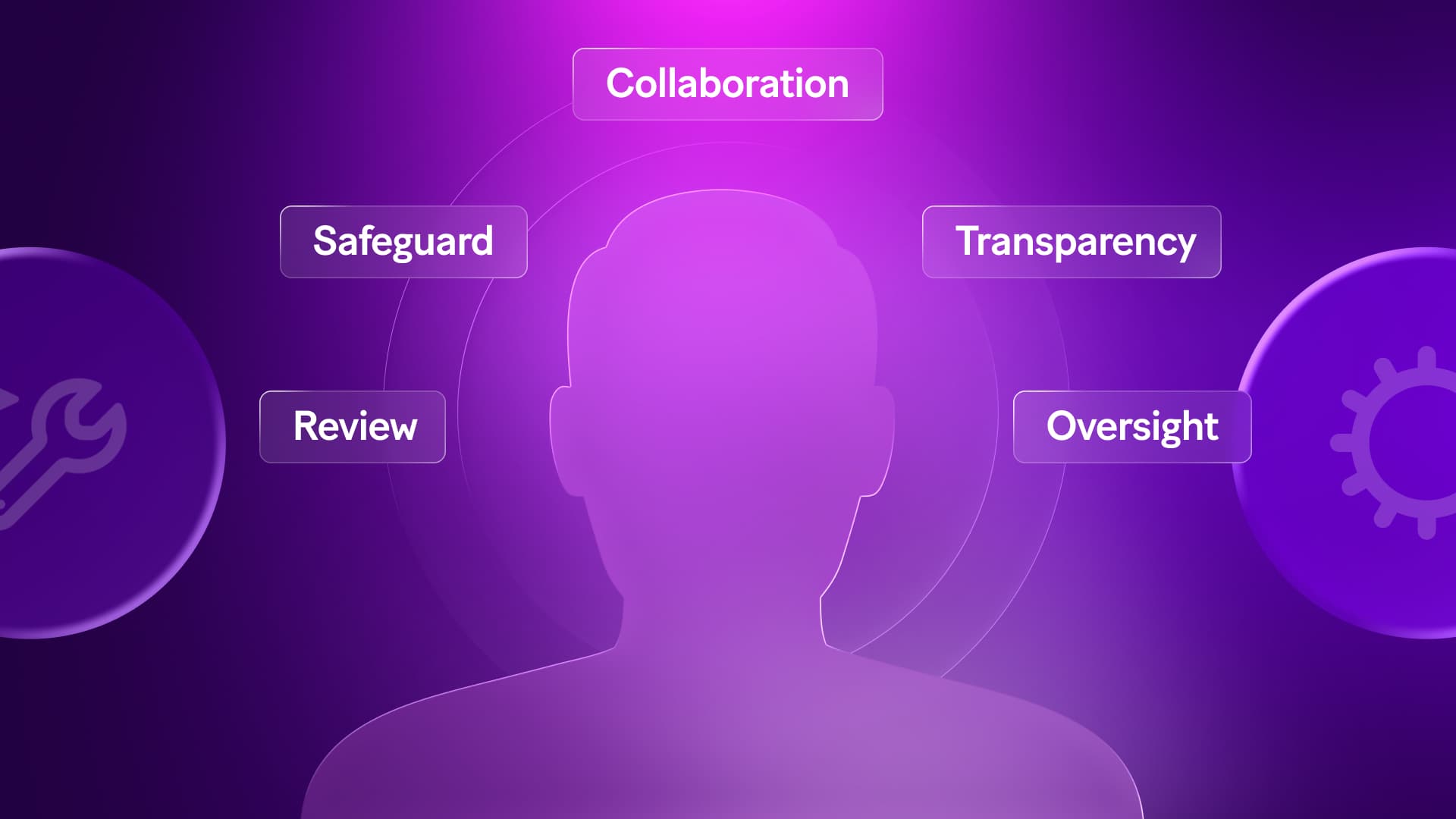
Human in the loop (HITL) is the deliberate checkpoint that lets your team catch what automations might miss.
For growing teams, getting this right is the difference between scaling fast and cleaning up expensive mistakes.
Here's how to build it properly.
The real meaning of human in the loop (HITL)
Human in the loop (HITL) is an approach that integrates human input, oversight, or intervention into automated workflows to improve accuracy, safety, and reliability.
By combining human judgment with automation, it handles edge cases, reduces errors, and ensures the right person is attached to high-stakes decisions.
In practice, HITL is a deliberate design decision. It means identifying the exact moments in an where a human needs to step in, make a call, and hand control back to the machine.
Not everywhere. Not as a safety blanket. Just at the specific points where automation hits its limits.
For a team of 10 to 200 people, those moments are predictable. The average invoice processes fine on its own. The outlier — wrong discount, strategic account, legal grey area — needs a person.
The goal is to encode that difference into your scenario so the routine flies through and the exceptions get the attention they deserve.
| Fully Automated | Human in the Loop | Fully Manual |
Speed | Fastest | Fast for routine, measured for exceptions | Slowest |
Error risk | High on edge cases | Low — humans catch what automation misses | Depends on the person |
Accountability | Hard to audit | Clear decision trail | Inconsistent |
Best for | Repetitive, low-stakes tasks | High-impact or ambiguous decisions | One-off, complex judgments |
Scales with a team? | Yes | Yes | No |
The sweet spot for a growing team is the middle column. Fast where it should be fast. Human where it actually matters.
Benefits of implementing HITL in workflows
Adding a checkpoint sounds like it slows things down. In practice, the opposite is true.
The right HITL setup catches the expensive exceptions early, before they become refunds, legal reviews, or angry clients.
Improved accuracy and reliability
Automation is only as good as the rules it runs on. HITL fills the gaps where rules break down.
Even well-trained models hit edge cases they were never built for.
When that happens without a checkpoint, bad data flows downstream — into contracts, billing records, CRM entries — and the damage compounds quietly until someone notices.
By the time it surfaces, the fix costs three times more than the original mistake.
Catches edge cases that fall outside your defined logic
Prevents bad data from flowing downstream into contracts, billing, or CRM records
Reduces rework by stopping errors at the source, not after the damage is done
Helps identify and reduce bias in AI outputs before it affects decisions or clients
Ethical decision-making and accountability
Some decisions shouldn't be fully automated.
Anything that affects a client relationship, a financial commitment, or a legal obligation needs a person attached to it.
AI models don't understand cultural context, legal grey areas, or the nuance behind a long-term client relationship.
When those factors matter — and in business they often do — a human needs to be in the decision. Not as a bottleneck, but as the final check that protects the firm and the client.
Creates a clear record of who approved what and when
Keeps your team accountable without slowing down the routine work
Supports compliance auditing and legal defensibility when decisions are challenged
Transparency and explainability in AI systems
When something goes wrong, you need to know why. HITL builds that audit trail automatically.
Every decision is logged with context, approver, and timestamp
Makes it easy to spot patterns and improve your thresholds over time
Gives managers and clients visibility without extra reporting work
Practical applications and examples of HITL
HITL isn't a theoretical concept. It shows up in real workflows every day, across industries where a wrong call costs real money.
HITL in high-stakes industries
The higher the cost of a mistake, the more a checkpoint earns its place.
These three industries are where HITL does some of its heaviest lifting.
Healthcare: AI flags anomalies in patient data, but a clinician confirms before any action is taken. The system moves fast; the human catches what the model can't context-check
Finance: Loan approvals, fraud flags, and large transfers pause for human sign-off before execution. One wrong auto-approval can trigger a compliance audit
Law: Contract generation tools draft the language, but a reviewer checks non-standard clauses before anything goes to a client. The automation saves hours; the human protects the firm
Real-world workflow example with HITL checkpoints
Here is how a typical sales workflow looks with HITL built in at the right moment.
HubSpot trigger: Deal moves to contracting stage
Automation route: Standard pricing takes the automated path, exception pricing, and strategic accounts pause
HITL checkpoint: Slack message sent to approver with deal details and two buttons — approve or request changes
If approved: Contract generates via PandaDoc, sends automatically, deal updates in HubSpot
If changes requested: Deal routes back to Sales, scenario stops cleanly until re-triggered
Tools and platforms supporting HITL integration
Not every tool fits every team. Here’s how the main options compare for a 10 to 200-person company, for example.
Tool | Best for | HITL use case |
Slack | Fast yes/no decisions | Approval buttons with instant routing |
Gmail | Async approvals | Dynamic fields with deep links |
Salesforce | CRM-based approval workflows | Flag high-value deals or contracts for human sign-off before progressing |
Microsoft Dynamics 365 | CRM and business operations | Route exception cases from sales or service workflows to a human reviewer |
UiPath | Robotic process automation | Pause automated tasks at decision points and hand off to a human operator |
Microsoft Power Automate | Cross-app workflow automation | Trigger approval requests across Microsoft 365 apps with built-in routing logic |
Braze | Customer engagement and marketing | Review AI-generated campaign content before it sends to a live audience |
Of course, getting HITL right isn't without its hurdles — and knowing the challenges upfront saves you from learning them the hard way.
Challenges and considerations in HITL implementation
HITL adds real value — but only if you implement it with eyes open. Here are the three friction points most growing teams hit.
Scalability and cost implications
Every checkpoint adds a person to the process. That's fine for ten exceptions a week. It gets expensive at a hundred.
Start with one high-impact checkpoint and measure decision volume before expanding
Automate the routine, reserve human review for outliers above a clear threshold
Track time-to-decision so you can spot when a checkpoint is costing more than it saves
Balancing automation speed with human oversight
The fastest automation is useless if a bottleneck sits in someone's inbox. Speed and oversight are only in conflict if the checkpoint is poorly designed.
Route to the smallest possible group that can decide quickly
Set SLA reminders and auto-escalation so nothing stalls silently
Privacy, security, and human error concerns
Giving people access to the right data is one thing — making sure they only see what they need is another.
These are the three risks that catch growing teams off guard.
Risk | What it looks like | How to reduce it |
Bottleneck fatigue | The same approver gets every exception and starts rubber-stamping decisions to clear the queue | Distribute reviews across a small group and set volume thresholds that trigger re-routing |
Human error | Wrong approval due to unclear context | Add a policy summary next to every decision |
Audit gaps | No record of who decided what | Log every decision automatically in a Data store |
None of these are deal-breakers — they're just easier to design around upfront than to fix after the fact.
When to use HITL
Blanket rules like "add humans where the stakes are high" aren't operational enough. Before adding a checkpoint, run it through these six questions:
Latency tolerance: How long can this operation wait without risking revenue or compliance?
Ambiguity level: Is the decision deterministic from available data, or does it need human context?
Impact radius: If this goes wrong, how many people or processes are affected?
Rework cost: Would reversing this decision require refunds, amendments, or apologies?
Frequency: Is this a daily occurrence or a rare edge case?
Learning potential: Does capturing this decision improve your system over time?
Building a Human in the Loop workflow in Make
If you're looking for a solution to help with this, Make is built for exactly this kind of work.
Make's visual canvas turns HITL from an idea into something you can actually show a teammate.
You can see where the pause happens, what data gets handed to the reviewer, and how approval versus rejection branches.
That visibility is the difference between "trust us" and "here's how it works."
Core building blocks
Every HITL scenario in Make needs three things to function cleanly.
Trigger: An app trigger fires the scenario — a new deal in HubSpot, a refund request in your ticketing tool
Router: Filters separate the routine automation path from the exception path that needs human review
Decision capture: A webhook, Data store, or OzyApprovals records the response and routes accordingly
Where to add the human step
Context switching delays response times; host the review in the reviewer's primary application.
Tool | Best for |
Slack | Fast yes/no decisions |
Gmail | Async approvals with deep links |
Salesforce | CRM-based deal and contract approvals |
ServiceNow | IT and operations teams managing exception queues |
Microsoft Power Automate | Microsoft 365 teams needing built-in approval routing |
Adobe Workfront | Content and creative review workflows |
OzyApprovals | Formal multi-stage sign-off |
This video is a nice introduction to using Make to build a human-in-the-loop step.
Playbooks you can adapt today
Start with one of these three before building anything custom.
Refund approval: Trigger from ticketing tool, auto-approve under $50, route anything above to a Gmail approver linked to a Google Sheets queue
AI outbound review: Draft generated by , posted to Slack with Approve or Revise buttons before anything sends
Data sync conflicts: CRM to ERP conflicts surface in a Notion task with radio buttons — Use CRM, Use ERP, or Custom
Conclusion
So, what is Human in the Loop (HITL)? It's not about slowing automation down — it's about knowing exactly where to pause.
The right checkpoint catches costly mistakes early, keeps your team accountable, and builds the kind of audit trail that makes scaling safe.
Start with one concrete checkpoint, log every decision, and tune your thresholds from there as you scale.
Ready to build your first HITL workflow in Make? The canvas is waiting.
FAQs
1. What is Human in the Loop (HITL) and how does it work? HITL is a deliberate checkpoint where a human reviews an automated decision before the workflow continues. It works by pausing a scenario at a defined point, routing the relevant data to a reviewer via Slack, email, or a form, and then branching the workflow based on their response — approved, rejected, or escalated.
2. How do I get started with HITL in my workflows? Pick one high-impact exception, add a Slack or email notification, capture the decision, and branch from there. Don't start with your most complex process — start with one that has a clear yes/no outcome, like a refund above a set threshold or a contract with non-standard terms. Get that running cleanly before expanding.
3. Does HITL slow my automation down? Only if designed poorly. A well-placed checkpoint adds seconds, not hours, to your workflow. The bottleneck is almost never the technology — it's an inbox nobody checks or a reviewer group that's too large. Fix the routing and set SLA reminders, and most approvals close in under 15 minutes.
4. How do I know where to place a HITL checkpoint? Ask six questions: latency tolerance, ambiguity level, impact radius, rework cost, frequency, and learning potential. If the answer to more than three of those flags a risk — high rework cost, wide impact radius, low frequency — that's your checkpoint. If all six come back low risk, let the automation run without a pause.
5. What is the biggest challenge with scaling HITL? Decision volume. Start with one checkpoint, measure it, then expand only when the first one runs cleanly. The second challenge is bottleneck fatigue — when the same approver handles every exception, quality drops fast. Distribute reviews across a small group and set thresholds that trigger automatic re-routing when volume spikes.
6. Will AI eventually replace the need for HITL? No. As AI takes on more complex tasks, human judgment on high-stakes exceptions becomes more valuable, not less. The more autonomy you give AI agents, the more important it is to have clear checkpoints on decisions that carry financial, legal, or reputational risk. HITL and AI are not in competition — they are designed to work together.
Ready to make the automation revolution happen?