The 7 best AI agents for customer support in 2026
From no-code ticket triage to multi-system resolution workflows, these are the AI agents worth deploying in 2026.
Gartner predicts agentic AI will autonomously resolve 80% of common customer service issues by 2029.
The tools making that possible have moved well beyond FAQ chatbots: today's AI agents classify tickets, query live backend data, execute actions across connected systems, and hand off to humans with full context intact.
This article covers 7 of the best, evaluated against five criteria: resolution depth, action capabilities, channel coverage, pricing model, and deployment speed.
By the end, you will know which platform fits your stack, your ticket volume, and your team's technical capacity.
What is an AI agent for customer support?
A chatbot matches a customer message to a scripted response. An AI agent reads unstructured input, retrieves context from connected systems, applies reasoning, and executes an action.
The distinction matters in 2026 because most vendor marketing conflates the two, and choosing the wrong category means paying for automation that still requires a human to finish the job.
What an AI support agent can do that a chatbot cannot:
- Resolve tickets end-to-end without a human in the loop
- Pull live data from CRMs, billing systems, and order management tools mid-conversation
- Escalate to a human agent with full conversation context when a case exceeds its confidence threshold
- Improve resolution rates over time from real ticket data
If a tool can only deflect, its ceiling is lower than one that can act. That gap drives the rest of this evaluation.
1. Make – best for building visual, cross-stack AI support agents without writing code
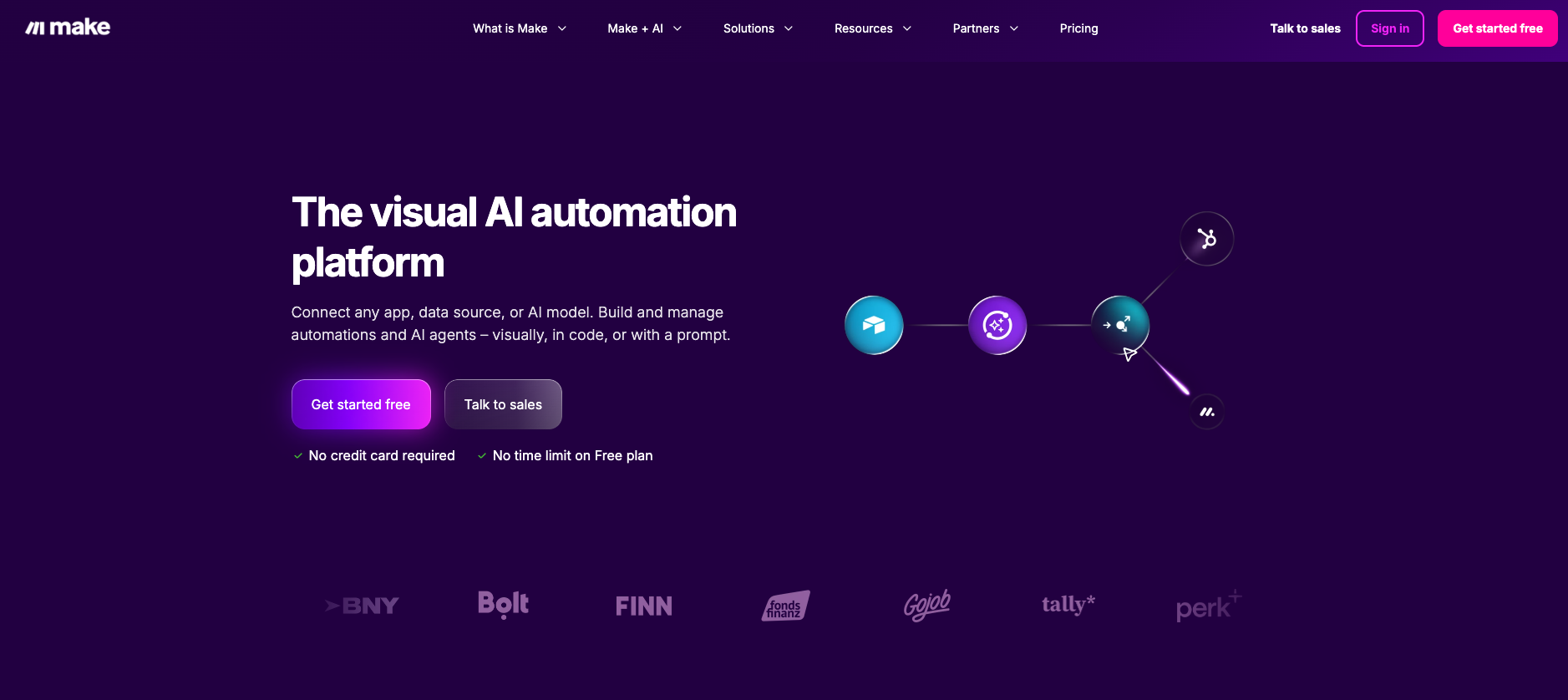
Make is the visual-first automation platform used by businesses to build scenarios connecting apps, routing data, and automating decisions.
Its native Make AI Agents capability, available on all plans as of February 2026, lets operations and CX teams build support agents that read tickets, query live data, and take actions across 3,000+ connected apps with no coding required.
Unlike single-purpose support tools, Make positions the agent inside a broader scenario where ticket resolution triggers downstream processes: CRM updates, Slack alerts, billing actions, and escalation routing, all visible in one place.
Key features
- Make AI Agents module configures agent instructions, a knowledge base, and LLM provider (Anthropic Claude, OpenAI, Gemini, or Make's own AI provider) directly inside the Scenario Builder — see the next-gen AI Agents announcement for what changed in February 2026
- Visual logic means every decision path is auditable: the Router module handles conditional escalation, routing low-confidence tickets to a human queue and closing high-confidence ones automatically
- 3,000+ app connections let the agent read and write across Zendesk, HubSpot, Salesforce, Jira, and any helpdesk with an API
- Reusable agents: build once, deploy across multiple scenarios and teams from a central agent library
- MCP (Model Context Protocol) support lets agents call external tools and data sources mid-conversation
- Switch LLMs without rebuilding the scenario architecture
Pros | Cons |
Full visibility into agent logic via the visual Scenario Builder | Learning curve for teams new to scenario-based automation |
Credit-based pricing scales with actual usage, not seat count | Complex multi-branch scenarios consume more credits than a flat-fee tool |
Any LLM can be swapped in without rebuilding the architecture | Make AI Agents module is in open beta as of early 2026 |
💡 Pro tip: On the Teams plan and above, assign distinct system prompts per agent while sharing a global knowledge base. A billing agent and a technical support agent behave differently without duplicating your documentation or splitting your credit allowance.
Pricing
Plan | Price | Credits/month |
Free | $0 | 1,000 |
Core | $9/month | 10,000 |
Pro | $16/month | 10,000+ |
Teams | $29/month | 10,000+ |
Enterprise | Custom | Custom |
Each module execution costs credits. Make AI Agents included on all plans.
See Make pricing for current details.
2. Intercom Fin – best for per-resolution AI on an existing Intercom helpdesk
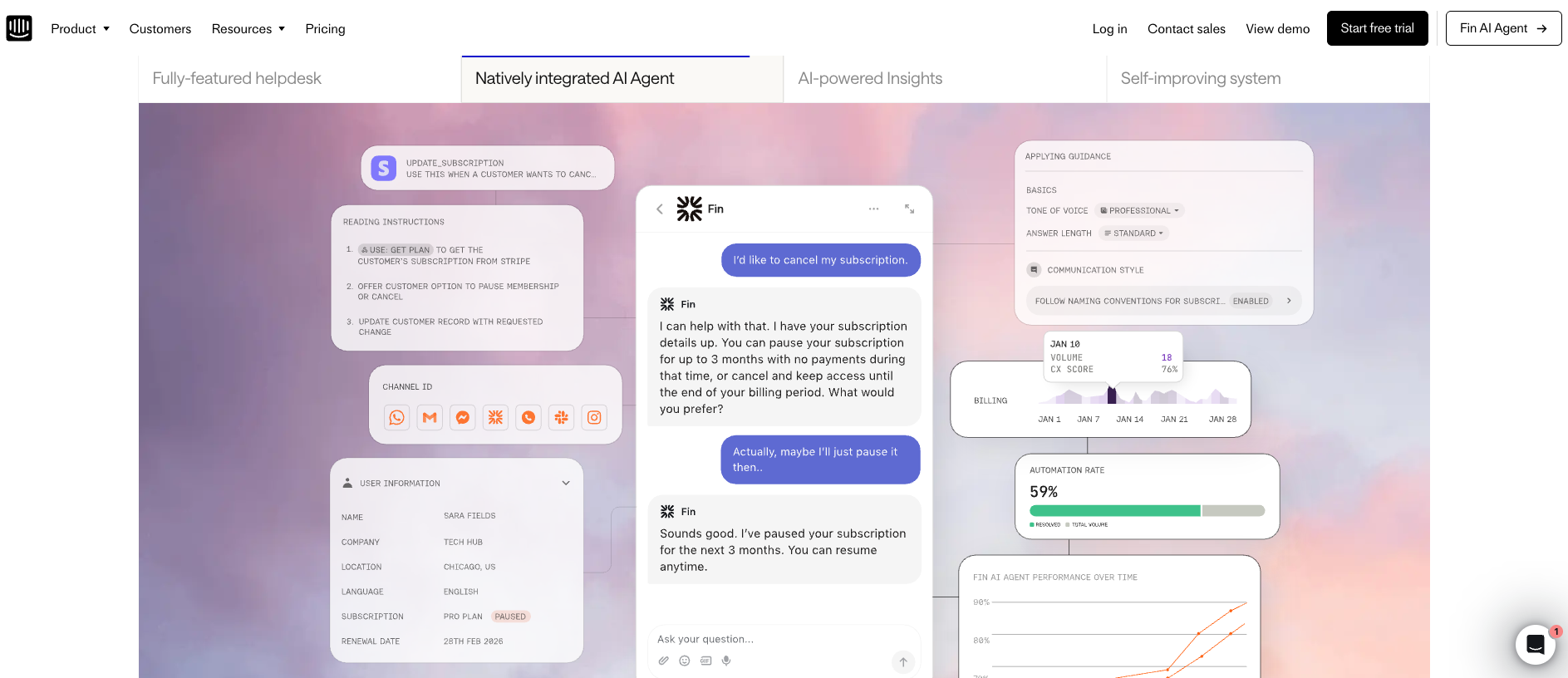
Fin is Intercom's AI agent, built to resolve support conversations end-to-end across chat, email, voice, SMS, and social.
It runs on a proprietary model trained for customer service, pulls live data via Data Connectors, and deploys standalone on Zendesk, Salesforce, and HubSpot without a full Intercom migration.
Key features
- Resolves multi-step workflows (refunds, account updates, troubleshooting) autonomously
- Data Connectors pull real-time account and order data mid-conversation
- Hands off to human agents with full context when confidence is low
- Deploys on third-party helpdesks without an Intercom seat
- Copilot mode assists human agents with suggested replies
Pros | Cons |
Pay only when Fin resolves an outcome | Costs spike at high volume with no monthly cap |
No scripting or predefined flows required | Full feature set requires Intercom seat costs on top |
Standalone deployment in under an hour | Integration depth limited outside Data Connectors |
For teams building cross-stack resolution, see how Make powers an AI support chatbot alongside Fin.
Pricing
Plan | Seat cost | Fin outcome fee |
Essential | $29/seat/month | $0.99/outcome |
Advanced | $85/seat/month | $0.99/outcome |
Expert | $132/seat/month | $0.99/outcome |
Standalone Fin AI Agent | No seat required | $0.99/outcome |
3. Zendesk AI – best for enterprise-scale ticket triage and deflection
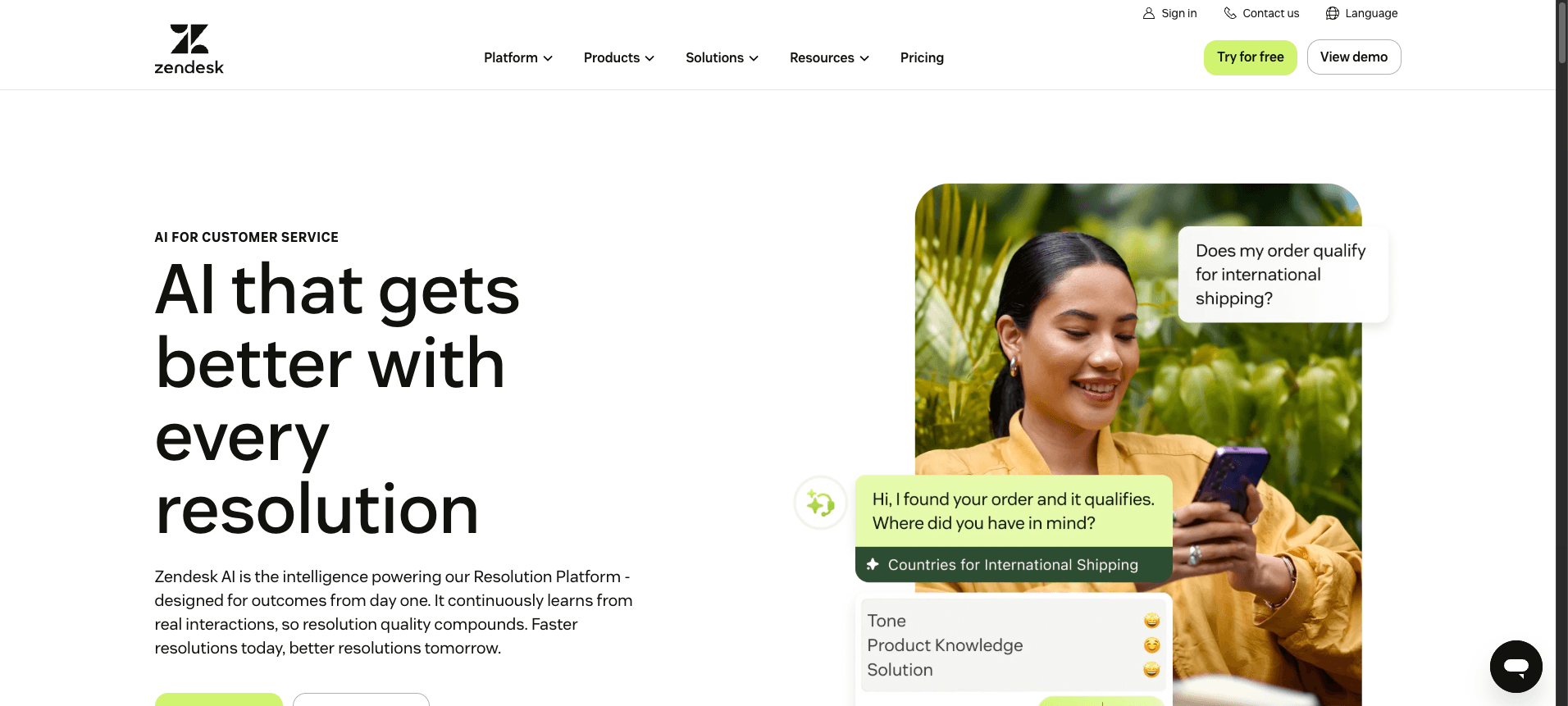
Zendesk AI layers directly on top of Zendesk's ticketing infrastructure.
It auto-classifies incoming tickets by intent and sentiment, routes them to the right queue, and deflects routine questions before they reach an agent, all inside the platform your support team already uses.
Key features
- Auto-classifies and prioritizes tickets by intent and sentiment, no manual triage rules required
- Deflects routine questions by surfacing help center articles before ticket creation
- AI Copilot assists human agents with suggested replies, summaries, and next-step recommendations
- Agents launch in minutes by connecting to an existing knowledge base, no scripted flows required
- Dynamic pricing plan lets enterprise teams shift budget between human seats and AI resolutions
Read how Make handles support triage scenarios when Zendesk AI needs to trigger actions in external systems.
Pros | Cons |
Deepest native integration with Zendesk's ticketing ecosystem | Copilot add-on adds $50/agent/month on top of suite plan |
No conversation design or scripting required | Cannot complete actions in external systems within the same resolution |
Trusted across large enterprise support teams globally | Multi-step cases may hit the 72-hour resolution billing window |
Pricing
Plan | Price |
Support Team | $19/agent/month |
Suite Team | $55/agent/month |
Suite Professional | $115/agent/month |
Suite Enterprise + Copilot | Contact sales |
AI agents included from Suite Team. Copilot bundled into Enterprise tier only.
4. Freshdesk Freddy AI
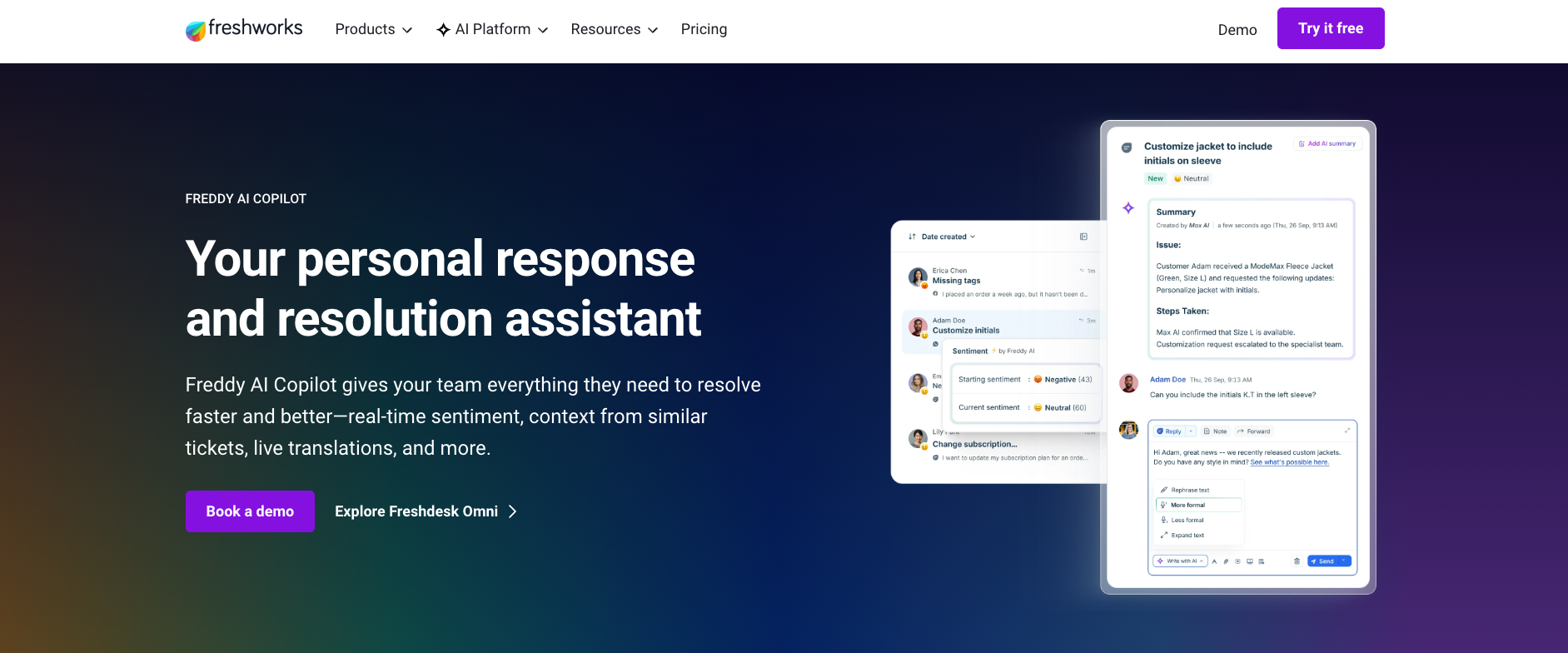
Freddy AI is Freshworks' in-house AI layer built into Freshdesk Omni.
It covers two modes: Freddy AI Copilot assists human agents with suggested replies and ticket summaries, while Freddy AI Agent handles frontline customer conversations and executes actions like order lookups and refunds.
See Make's AI automation guide for triggering Freshdesk scenarios from external systems.
Key features
- Freddy AI Agent handles ticket classification, FAQ resolution, and order lookups across supported channels
- Freddy AI Copilot gives human agents AI-suggested responses, tone adjustments, and ticket summaries
- Native integration across the Freshworks suite: Freshdesk, Freshchat, Freshsales, and Freshcaller
- Multilingual support on Pro and Enterprise plans
- Per-session pricing keeps costs predictable regardless of resolution rate
Pros | Cons |
Tightest integration with the Freshworks product suite | AI Agent limited to Freshchat-supported channels |
Copilot assignable per agent, not forced on the whole team | Sessions expire monthly with no rollover |
Per-session model budget-friendly at lower ticket volumes | Full AI access requires Growth plan or higher |
Pricing
Plan | Price |
Growth | $29/agent/month |
Pro | $79/agent/month |
Enterprise | $119/agent/month |
You get 500 free Freddy AI Agent sessions included on Growth, Pro, and Enterprise plans.
5. Salesforce Agentforce
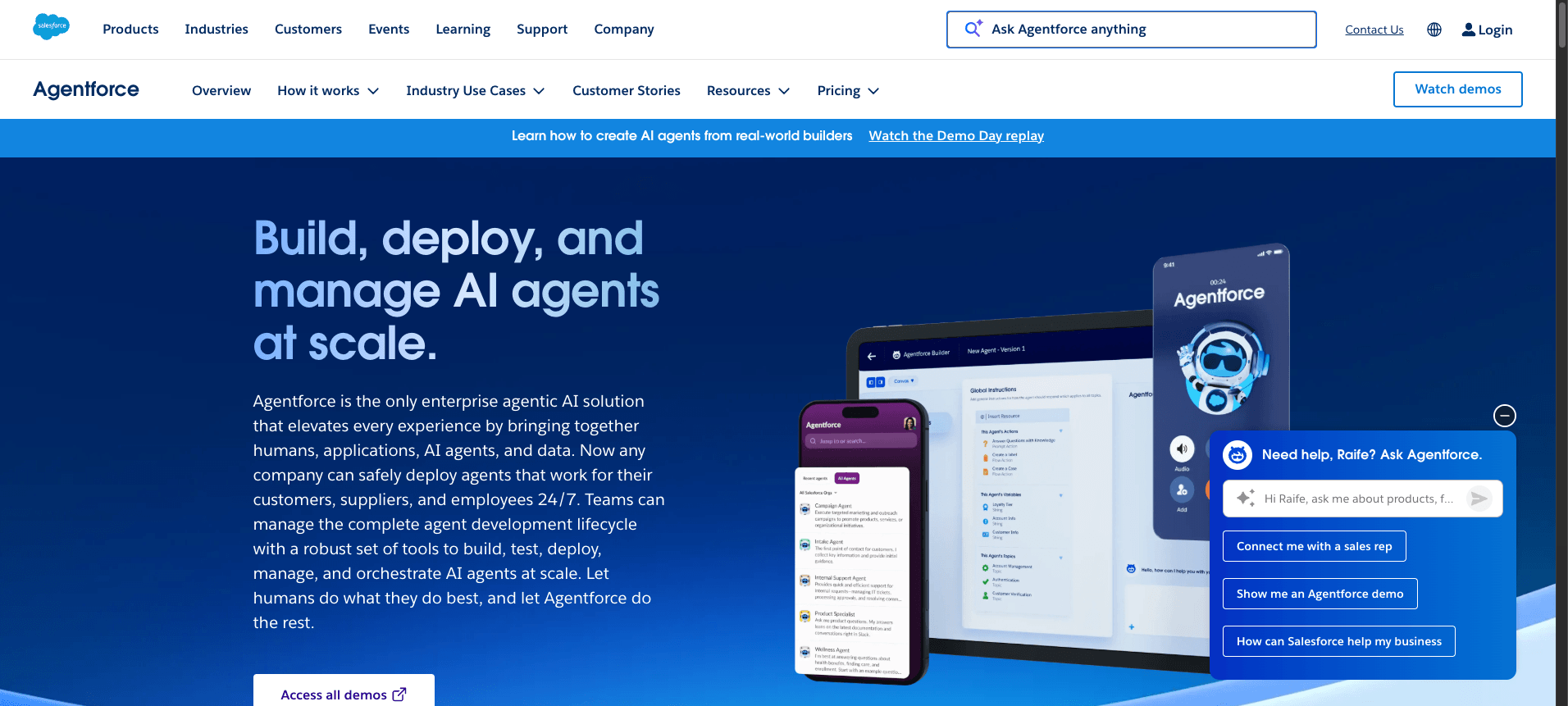
Agentforce runs inside Service Cloud, reading and writing directly to Salesforce Cases, Contacts, and Orders within the same resolution flow.
For teams whose support operation already lives in Salesforce, there is no separate connector setup.
See how Make's LLM agent scenarios extend Agentforce when resolution requires actions outside Salesforce.
Here is what it does well, and where the costs add up.
Key features
- Reads and writes to Cases, Contacts, and Orders within the same resolution flow
- Connects to Data Cloud for enriched customer context mid-interaction
- Agent Operating Procedures define workflows in natural language, not decision trees
- Supports chat, email, voice, SMS, and social natively within Salesforce's omnichannel framework
- Flex Credits pricing aligns cost to actions taken, not conversations started
Pros | Cons |
Deepest integration with Salesforce's full data model | $2.00/conversation charges regardless of resolution outcome |
No connector setup for teams already on Service Cloud | Requires Enterprise Edition and typically Data Cloud |
Natural language procedures reduce implementation complexity | Implementation typically runs 8 to 16 weeks |
Pricing
Option | Price |
Foundations (free) | $0, includes 200k Flex Credits |
Flex Credits | $500/100k credits |
Conversations | $2.00/conversation |
Agentforce add-on | $125/user/month |
Agentforce 1 Editions | From $550/user/month |
6. Tidio Lyro
Lyro is Tidio's AI agent, trained on your FAQ content and help center articles.
It handles common queries across live chat and email with no engineering involvement needed.
For teams whose needs outgrow Lyro's limits, the next section covers more capable platforms.
Key features
- Trains on existing FAQ and help center content with no scripting required
- Handles queries across live chat, email, and a multichannel inbox
- No-code deployment: CX operators configure and launch without engineering
- Escalates to a human agent when queries exceed its knowledge scope
- Flows feature runs rule-based automations alongside Lyro for hybrid handling
Explore Make AI Agents for teams that need Lyro-style simplicity with cross-stack action capabilities.
Pros | Cons |
Lowest entry price on this list | Lyro conversations capped by plan |
Fast no-code deployment | Limited for multi-step workflows or external system actions |
Free plan includes 50 Lyro conversations | Hard 10-agent cap before jumping to Plus ($749/month) |
Pricing
Component | Starting price |
Customer service platform | Free (50 conversations) |
Starter | ~$29/month |
Growth | ~$59/month |
Plus | From $749/month |
Lyro AI Agent (50 conversations) | Free one-time, then from ~$29/month |
Flows (100 visitors) | Free tier available |
Tidio uses a modular pricing model. You pay separately for the customer service platform, Lyro AI Agent conversations, and Flows automation.
Use the calculator on the pricing page to estimate your monthly cost based on conversation volume.
7. Gorgias
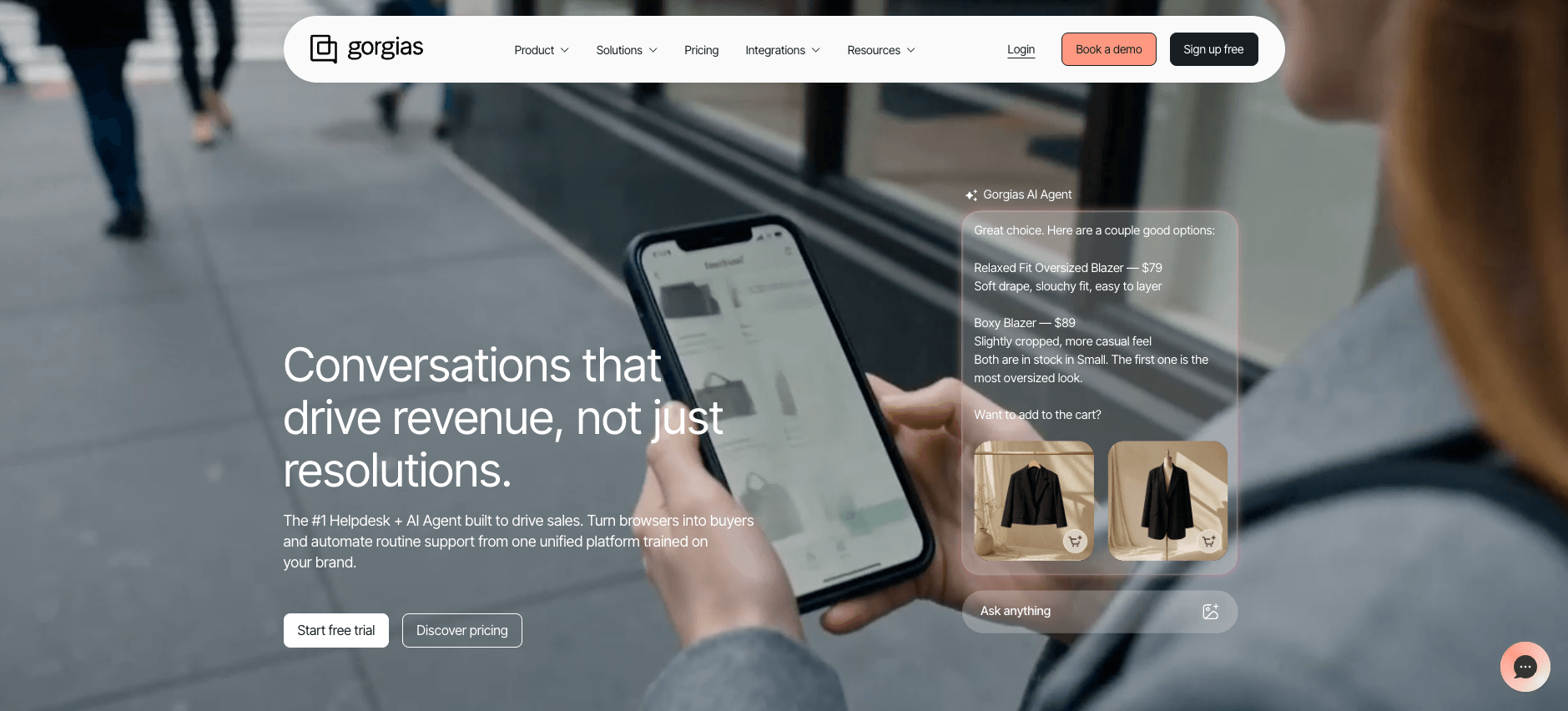
Gorgias is a helpdesk platform built for ecommerce, with an AI Agent trained on your brand voice, store data, and order history.
It automates shipping, returns, and refund queries within chat, email, and social.
For teams beyond ecommerce, other tools on this list cover wider ground.
Manage your broader automation landscape with Make when Gorgias handles the frontline.
Key features
- AI Agent trained on brand knowledge, product data, and Shopify order information
- Automates shipping, returns, and FAQ queries using your brand voice
- Fetches live order data and processes returns directly within the conversation
- Native integrations with Shopify, Magento, BigCommerce, and WooCommerce
Pros | Cons |
Live order data and refund logic in every conversation | Locked to ecommerce platforms |
Brand voice training requires no manual scripting | AI interaction fee stacks on top of helpdesk ticket cost |
Fast deployment for Shopify-native teams | Narrow integration set outside ecommerce |
Pricing
Gorgias prices by monthly ticket volume with unlimited users. AI Agent is charged separately per resolved conversation.
Plan | Price | Tickets/month |
Starter | From $10/month | 50 |
Basic | From $50/month | 300 |
Pro | From $300/month | 2,000 |
Advanced | From $750/month | 5,000 |
Enterprise | Custom | Custom |
AI Agent | $0.90/resolved conversation | Add-on on any plan |
How to choose the right AI agent for your team
Three questions narrow the field before any demo call.
- Start with your stack. If support runs in Salesforce, Agentforce removes integration overhead. If it runs in Freshdesk, Freddy AI is lowest friction. If it spans multiple tools, Make lets you build a scenario that reads a ticket, queries your CRM, and posts a Slack alert in one flow, across 3,000+ apps.
- Decide what resolution means for you. Deflecting a ticket is not the same as closing it. Confirm any tool you shortlist can execute writes in external systems, not just retrieve answers.
- Model the real cost. Per-resolution pricing looks cheap until volume spikes. Make's credit-based model scales with actual usage rather than conversation count.
- Match complexity to your team. Tidio and Gorgias deploy in hours within their vertical. Agentforce runs 8 to 16 weeks. Make sits between: visual enough for ops teams, flexible enough for complex logic.
So which AI agent should you start with?
Purpose-built tools resolve faster inside their vertical. Fin belongs in Intercom stacks. Gorgias belongs to Shopify stores. Agentforce belongs in Salesforce orgs.
For teams that need an agent spanning multiple systems, Make is the starting point.
Build a support scenario in an afternoon, connect it to any app in your stack, and extend it as your needs grow.
Start building with Make for free or explore Make AI Agents to see what's possible.
Frequently asked questions
Q1: What is the difference between an AI agent and a chatbot for customer support?
A chatbot matches messages to scripted intents. An AI support agent reads unstructured input, retrieves context from connected systems, applies reasoning, and takes actions like updating an order or routing a ticket, without a fixed script.
Q2: How much do AI customer support agents cost?
Pricing models vary. Intercom Fin charges $0.99 per resolved outcome. Zendesk AI adds $1.50 to $2.00 per resolution plus a Copilot add-on. Make uses a credit-based model from $9/month, scaling with usage rather than conversation count.
Q3: Can I build my own AI customer support agent without coding?
Yes. Make's visual Scenario Builder lets ops teams configure Make AI Agents with plain-language instructions, a knowledge base, and connections to 3,000+ apps. Tidio Lyro also deploys without engineering, though with a narrower action set.
Q4: Which AI support agent is best for a small ecommerce business?
Tidio Lyro suits small teams needing fast, affordable deployment. Gorgias is stronger for Shopify merchants whose top tickets involve order lookups, returns, and refunds.
Q5: Do AI customer support agents replace human agents?
Not fully. Complex, emotionally sensitive, or compliance-heavy cases still route to humans. Every tool on this list includes configurable escalation paths for exactly those situations.
Related blogs
Tool and strategies modern teams need to help their companies grow.
AI
What Is an Agentic Operating System? 2026 Guide
What an agentic operating system actually is, the six layers it runs on, and where it beats traditional automation platforms.

Raife Dowley
May 22, 2026
AI
AI agents vs ChatGPT: what's the difference in 2026?
Most teams use ChatGPT. Few use AI agents. Here is the difference and how to start automating with Make.
Raife Dowley
May 19, 2026