Jun 10, 2026 | 10 minutes
What is sales automation? A 2026 guide with examples
The operational layer that runs lead routing, follow-ups, and CRM updates, explained for revenue operators and builders who want to ship one.
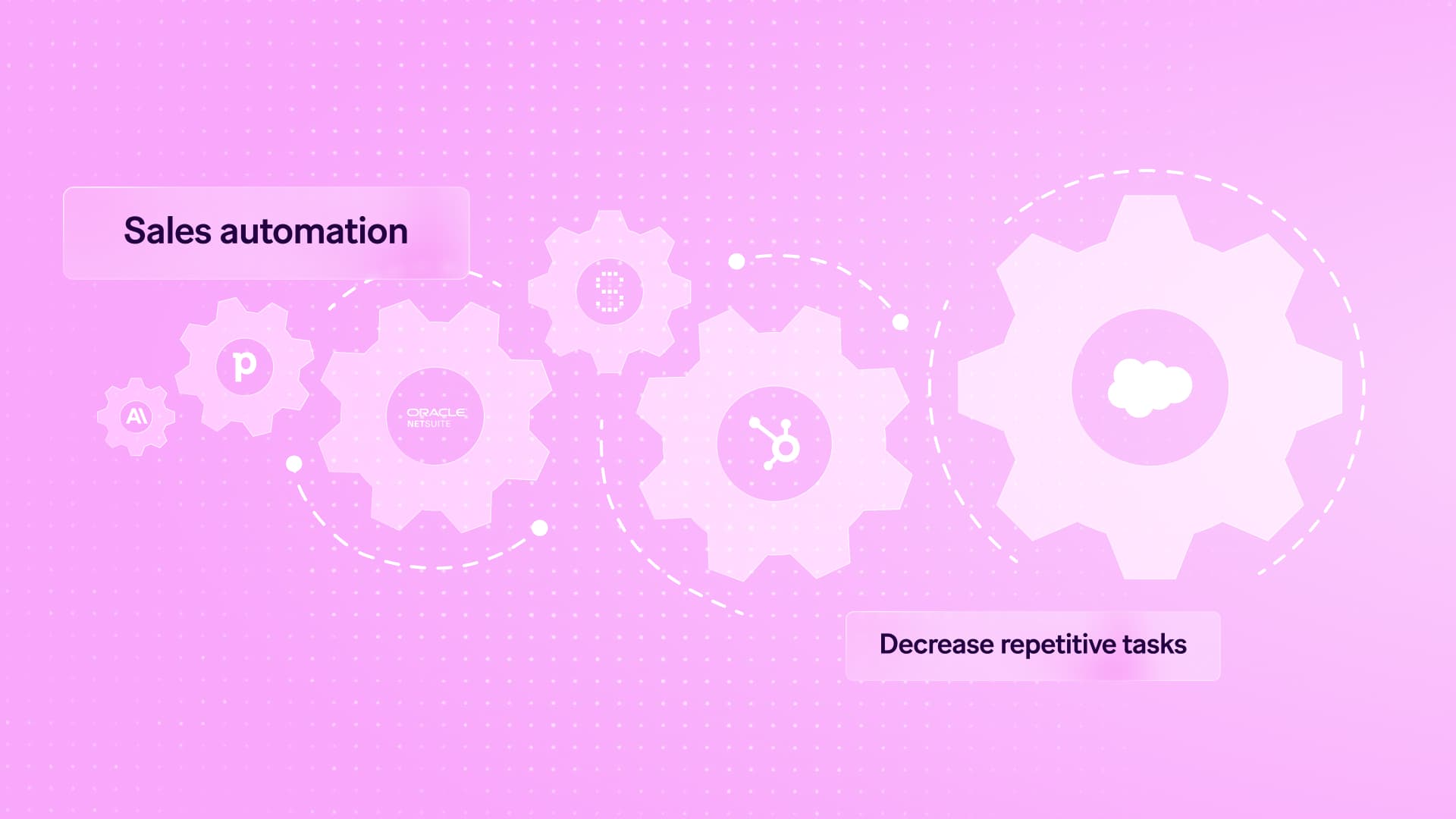
Sales automation is the use of software to handle repeatable revenue tasks like lead routing, follow-up emails, CRM updates, quote generation and pipeline reporting, freeing reps to focus on conversations that close deals.
It matters because 88% of organizations now report regular AI use in at least one business function, up from 78% a year earlier, and sales is where that shift hits quota fastest.
This workflow automation guide frames the foundation.
What is sales automation?
Sales automation is the use of software, workflows, and AI to run repeatable selling tasks (lead capture, enrichment, routing, follow-up, quoting, reporting) without manual effort, so revenue teams spend their time on conversations that close deals.
For mid-market teams scaling beyond pilot projects, sales automation is the operational layer that connects a CRM, an email tool, a data warehouse, and increasingly an AI model into one end-to-end pipeline.
On Make, that layer is built visually inside the Scenario Builder, where each module represents an action in an app and a scenario runs the selling process from trigger to outcome.
Definition and scope
Sales automation covers any task in the sales cycle that can be triggered, routed, or completed by software rather than a rep typing into a system.
Scope typically includes inbound lead handling, outbound sequencing, data enrichment, meeting scheduling, pipeline hygiene, quote generation, contract dispatch, and post-close handoff to customer success.
A Make scenario stitches these together: a Gmail > Watch Emails trigger captures inbound replies, a Router branches by intent, an OpenAI > Create a Chat Completion module classifies the message, and a HubSpot > Create a Deal module updates the pipeline.
The deeper context on how this layer compares to agent-based approaches is covered in our guide.
Manual tasks sales automation replaces
Sales automation removes the repetitive keyboard work that drains seller hours.
Common replacements include copying form submissions into Salesforce, looking up firmographic data on LinkedIn, writing the same first-touch email twenty times a day, assigning leads by territory in a spreadsheet, chasing reps for missing close dates, and exporting weekly pipeline reports.
In Make, a Webhooks > Custom Webhook module ingests the form, a Clearbit > Enrich a Person module appends company data, an OpenAI > Create a Chat Completion module drafts a personalized opener, and a Slack > Create a Message module alerts the assigned rep.
The same logic underpins broader workflows discussed in .
Sales automation vs CRM vs sales engagement
A CRM (Salesforce, HubSpot, Pipedrive) stores the record of truth: accounts, contacts, deals, activities. A sales engagement tool (Outreach, Salesloft, Apollo) executes outbound cadences and dialing.
Sales automation is the connective tissue between them and every other system, the layer that decides what happens, when, and where the data lands.
The CRM is the database. Engagement tools are the megaphone.
Sales automation, run through a Make scenario, is the orchestrator that moves a bundle of data from trigger to outcome across both, plus billing, support, and analytics.
Why does sales automation matter for revenue teams?
Sales automation matters for revenue teams because it removes the manual drag that compounds across every deal stage, freeing reps to focus on conversations that actually move pipeline.
When lead routing, enrichment, follow-ups and CRM hygiene run inside a Make scenario, revenue teams get faster response times, cleaner data, and forecasts that reflect reality instead of guesswork.
The impact shows up in three places: daily operations, pipeline quality, and the people doing the selling.
Operational benefits
Operational benefits can arrive quickly when running automated sales workflows.
A single scenario using HubSpot > Watch Contacts, an enrichment module, and Slack > Create a Message can replace a daily checklist that previously consumed two hours per rep.
Bolt documented this kind of shift in their rollout, where manual outreach work disappeared from the team's calendar.
Lead response cut from hours to seconds via instant routing through a Router.
CRM data quality improves because every operation writes back consistent fields.
Cross-tool sync between Salesforce, Gmail and billing systems removes duplicate entry.
Pipeline and forecasting impact
Pipeline impact is the second reason sales automation matters: when every touch is logged automatically by a scenario, forecasting models see the full picture.
Stage transitions, email replies and meeting outcomes flow into the CRM through Gmail > Watch Emails and Google Calendar > Watch Events, so dashboards reflect actual deal momentum.
Revenue leaders can spot stalled opportunities the same week they stall, not at quarter close.
Teams shaping a broader strategy often start from this to align signals with forecasting cadence.
Rep experience and retention
Rep retention improves when automation absorbs the administrative load that drives burnout.
Sellers consistently cite data entry and follow-up logging as the least rewarding parts of the role; offloading these to a Make scenario with Salesforce > Update a Record and OpenAI > Create a Chat Completion for note summarization gives reps back selling hours.
Quota attainment rises, ramp time shortens for new hires, and tenured reps stay longer because their day looks more like the job they signed up for.
How does sales automation work?
Sales automation works by connecting triggers in your sales stack to logic and actions across CRMs, email, enrichment tools and AI agents, so revenue work moves forward without manual handoffs.
In Make, this happens inside a visual scenario built in the Scenario Builder, where each module represents one step: a watcher, a transformer, a decision point or an action. Data flows between modules as bundles, and every executed step counts as one operation.
The result is a repeatable pipeline that handles lead capture, routing, follow-up and reporting at machine speed.
Core mechanism: triggers, logic, actions
Every sales automation scenario starts with a trigger module that watches for new events.
Common starters include Gmail > Watch Emails, HubSpot > Watch Deals or a webhook receiving form submissions.
From there, logic modules shape the path: a Router splits flows by deal size, a Filter drops out-of-region leads, a Switcher maps statuses, and a Set Variable stores reusable values.
Action modules then write back to the stack, for example Salesforce > Create a Record, Slack > Create a Message or Google Sheets > Search Rows for lookups before writes.
Duplicate your scenario, swap HubSpot > Watch Deals for a manual trigger, and run a single bundle through every route to confirm field mappings before live operations burn.
Pro tip: Test triggers in a sandbox scenario before connecting production apps.
Key components: data, apps, AI agents
The components are data, app connections, and AI agents that reason over both. Data enters as a bundle, typically a JSON object holding the lead, deal or activity.
App connections authenticate Make to the it covers, including Salesforce, HubSpot, Outreach, Apollo and Lusha.
AI agents enter through OpenAI > Create a Chat Completion or Anthropic Claude > Send a Message, classifying intent, drafting replies, summarizing call transcripts or scoring fit.
For unsupported endpoints, HTTP > Make a Request covers any REST API. Patterns like show how enrichment plus AI reasoning produce ready-to-action records.
Data flow across the sales stack
Data flows from system of record to system of action, with Make as the orchestration layer.
A typical flow: a form submission hits a webhook, an enrichment module appends firmographics, an Iterator expands multi-contact payloads, an AI module scores each record, a Router sends qualified leads to the CRM and unqualified ones to a nurture list, and an Aggregator rolls hourly counts into a Slack digest.
Bidirectional patterns like a keep marketing and sales records aligned.
Teams new to the platform can start with the guide to map their own pipeline.
Sales automation examples in practice
Sales automation examples in practice show how revenue teams convert manual rituals into reliable, observable workflows.
The four patterns below cover the highest-leverage areas for mid-market sales operations: routing inbound leads, sequencing outbound follow-up, packaging deals into contracts, and supporting reps with AI agents.
Each example uses Make as the orchestration layer connecting CRM, email, enrichment, and AI services.
Lead routing and enrichment
A lead routing scenario begins with Webhooks > Custom Webhook receiving form submissions from a marketing site.
The next module, Clearbit > Enrich a Person, appends firmographic data, then a Router splits traffic by company size.
Enterprise leads land in Salesforce > Create a Record assigned to a named AE, while SMB leads flow to HubSpot > Create a Contact for self-serve nurture.
A Filter blocks personal email domains, and Slack > Create a Message alerts the territory owner within seconds.
Pro tip: Use scenario filters on the Router to require both an enriched company size and a known industry before creating a Salesforce opportunity, cutting noise from speculative form fills.
Outbound sequencing and follow-up
An outbound follow-up flow uses Google Sheets > Search Rows to read a daily prospect list, then OpenAI > Create a Chat Completion drafts a personalized opener referencing the company's recent funding or product launch.
Gmail > Send an Email delivers the message, while a parallel route writes activity back to Pipedrive > Add an Activity. If a reply arrives, Gmail > Watch Emails triggers an Iterator that classifies intent and pauses the sequence.
The story shows how this pattern scales reliably across global sales teams.
Quote, contract and handoff workflows
When a deal reaches the proposal stage, a scenario triggered by Salesforce > Watch Records assembles pricing inputs, then PandaDoc > Create a Document generates the quote from a template populated by an Aggregator.
After signature, DocuSign > Watch Envelope Status fires a downstream Switcher that updates the opportunity, provisions the customer in Stripe > Create a Customer, and posts a structured handoff note into Slack > Create a Message.
Onboarding receives every commitment without reps rekeying data, and the audit trail lives in one connection log.
AI agent assisted prospecting
An AI agent scenario reads inbound replies through Gmail > Watch Emails, then Anthropic Claude > Send a Message classifies tone, urgency, and next best action.
A Set Variable module stores the verdict, and the agent decides whether to schedule a meeting via Calendly > Create a Single-Use Link or escalate to a human in Microsoft Teams > Send a Message.
For inbox triage patterns, the guide walks through the same building blocks for sales reply management.
Lead routing: webhook capture, enrichment, territory Router, CRM write, Slack alert.
Outbound: AI personalization, send, reply detection, sequence pause.
Quote and handoff: opportunity trigger, document build, signature, billing, onboarding note.
Agent prospecting: reply classification, calendar booking, human escalation path.
How do you rate different sales automation platforms?
Choosing a sales automation platform comes down to seven criteria: integration breadth, workflow flexibility, AI capability, data handling, governance, total cost, and time to value.
The right fit depends on how your revenue team actually sells, what systems hold your customer data, and how much logic lives outside your CRM.
Treat the comparison below as a checklist you can score each shortlisted vendor against, then weight the rows that map to your specific bottlenecks.
Comparison table
Notes on fit for purpose
Trigger-based task copying between two apps suits a lightweight tool; a comparison like shows where each fits.
Multi-step scenarios with branching, AI calls, and data shaping favor a visual platform built for that complexity.
For teams whose needs stop at point-to-point copying, a lightweight tool is a solid baseline.
For teams whose requirements have outgrown it, match the criteria weights to your actual sales motion before deciding, drawing on resources like these to pressure-test your shortlist.
Where should your team start with sales automation?
Start sales automation where the friction is highest and the data is cleanest: lead routing, follow-up cadences, and CRM hygiene. Which workflow loses your reps the most hours each week?
Begin there, build one scenario in Make that captures the trigger, the enrichment step, and the system of record update, then expand outward as confidence grows.
A practical first build pairs HubSpot > Watch Contacts with OpenAI > Create a Chat Completion for lead scoring, then a Router that branches into Slack > Create a Message for hot leads and Gmail > Create a Draft for nurture sequences.
Pick a fit-for-purpose tool, measure cycle time before and after, and iterate. Ready to build your first revenue scenario?
Get started for free today.
Frequently asked questions
Q1: Is sales automation the same as a CRM?
No. A CRM stores customer records and pipeline data. Sales automation is the layer that acts on that data, triggering outreach, updates, and handoffs across tools. In Make, a scenario reads CRM events and orchestrates downstream work through connected module steps.
Q2: Does sales automation replace sales reps?
Sales automation does not replace reps; it removes repetitive admin so reps spend more time selling. Lead routing, data entry, follow-up reminders, and meeting prep get handled by a scenario, while reps focus on discovery, negotiation, and relationship building where human judgment drives revenue.
Q3: How long does sales automation take to set up?
A first working scenario, such as inbound lead enrichment with HubSpot > Watch Contacts feeding Slack > Create a Message, takes a few hours. Broader rollouts covering routing, sequencing, and reporting typically span two to six weeks depending on data quality and integrations.
Q4: What sales tasks should not be automated?
Avoid automating discovery questions, negotiation, complex objection handling, and executive relationship moments. Automate the surrounding work: research briefs through OpenAI > Create a Chat Completion, calendar coordination, CRM logging, and follow-up nudges using a Router for branch logic.
Q5: How does AI change sales automation in 2026?
AI shifts sales automation from rule-based steps toward agentic scenario design. Models draft personalized outreach, score intent, and summarize calls inside the same Scenario Builder flow, so a single operation can both decide and act rather than just move data between systems.
Ready to make the automation revolution happen?